Lucida Tracer
Live Overlay Drawing
Designed for iPhone, iPad
$0.99 · In-app purchases
- Age rating4+
- CategoryEntertainment
- DeveloperJunaid Khan
- LanguagesEnglish
- Size3.7 MB
Links to the official App Store page
Download.org hosts no file of Lucida Tracer. The button opens its official App Store page, published by Junaid Khan. Listing last checked on Nov 12, 2026.
Screenshots

About
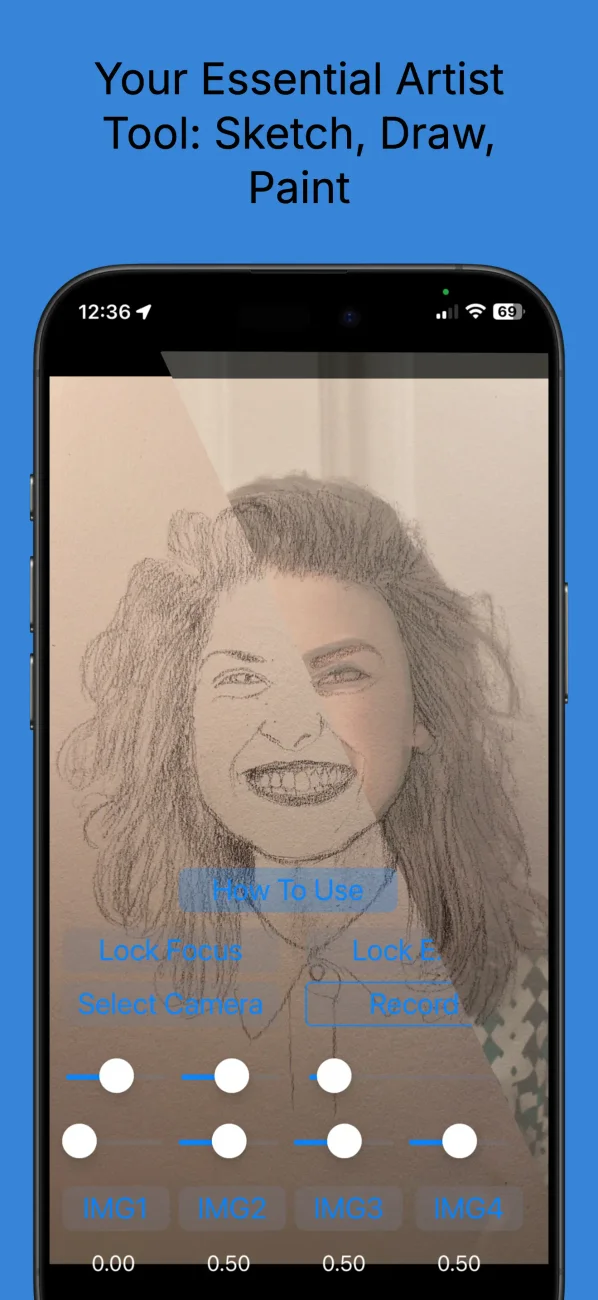
Experience the ultimate drawing aid! Lucida Tracer brings the classic camera lucida technique to your fingertips, empowering you to draw accurately from life or reference photos like never before. You can also record your drawing videos for social media without the overlay image (Record feature is one time in-app purchase). This will give you the power to concentrate on creating amazing drawing videos for your followers.
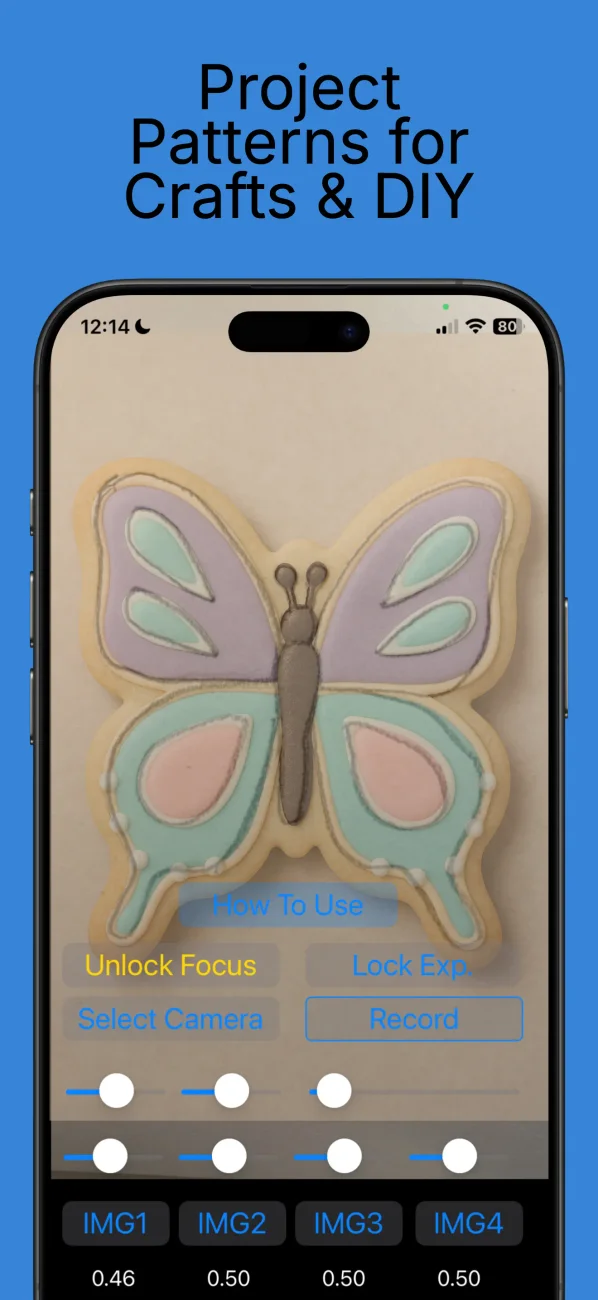
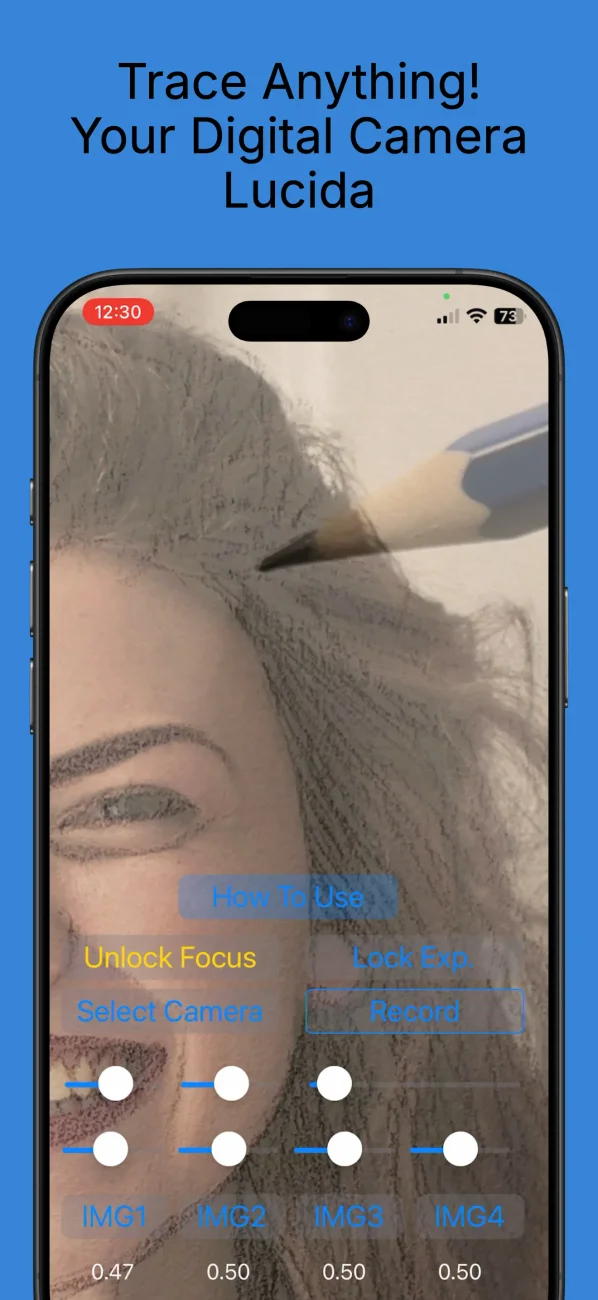
Simply choose an image, and Lucida Tracer overlays it semi-transparently onto your device's live camera feed. Look through your screen at your drawing surface – you'll see both the live view and your reference image combined! This allows for incredibly precise tracing, proportion studies, and perspective work.
Key Features for Artists:
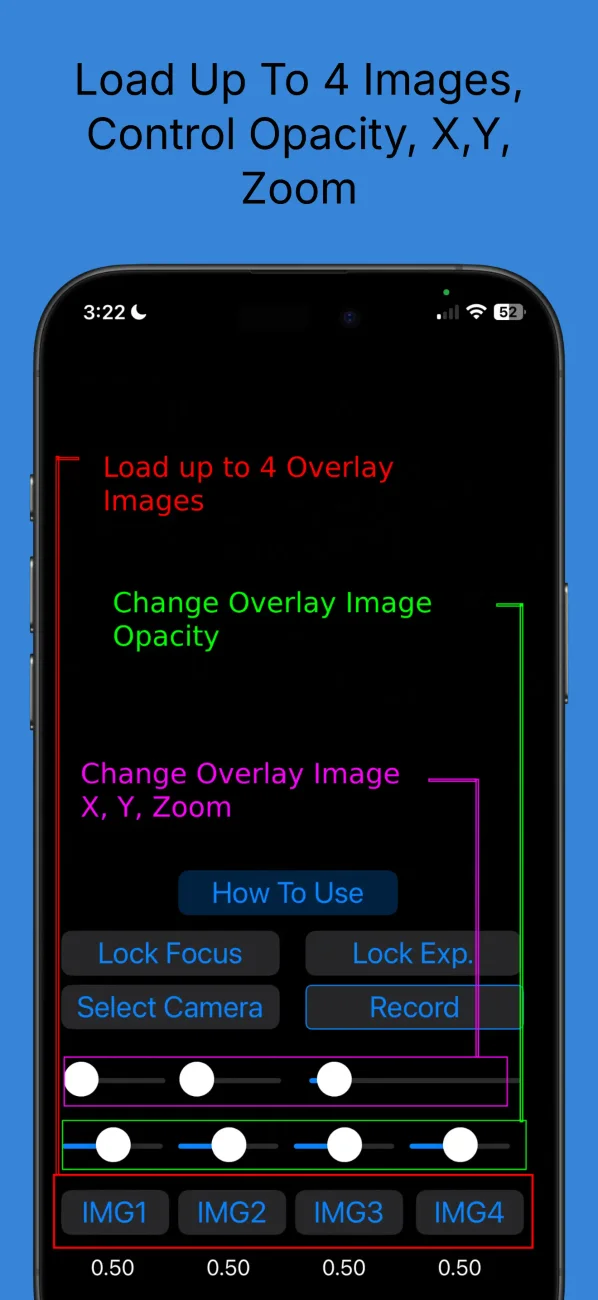
- Real-Time Image Overlay: Project any image from your library onto your camera view.
- Precise Overlay Control: Fine-tune with Opacity, X/Y Position, and Zoom sliders.
- Multi-Image Support: Work with up to 4 reference images at once.
- Distraction-Free Drawing: The overlay is only visible on screen, it's not recorded in your videos.
- High-Quality Video Recording (Unlockable): Record just your drawing surface and hand, creating clean process video, or tutorials. Overlay image is not recorded. (Unlock permanently with a single In-App Purchase).
- Advanced Camera Settings: Lock Focus/Exposure for stable video, switch between device cameras, and choose 16:9 or 9:16 aspect ratios.
- Digital Scene Pan/Zoom: Use a two-finger gesture to pan and zoom the camera view itself, magnifying details without physically moving your device.
- Intuitive Interface: Easy-to-use controls, including a 3-finger tap to hide/show UI elements.
Lucida Tracer is perfect for:
- Portrait artists seeking likeness.
- Students learning perspective and anatomy.
- Illustrators needing accurate underdrawings.
- Hobbyists wanting to improve their sketching skills.
- Bakers Looking to design cookies, and cakes
Stop struggling with proportions and start creating with confidence. Download [App Name] and unlock a new level of drawing accuracy!
What’s new
Version 8.0 · Oct 23, 2025
updated help - Record feature does not record overlay image this allows you to create amazing art drawing videos for social media.
App privacy
What Junaid Khan declares on the App Store about how this app handles data.
-
Data not collected
The developer does not collect any data from this app.
Privacy practices may vary, for example with the features you use or your age.
Information
- Seller
- Junaid Khan
- Category
- Entertainment
- Version
- 8.0
- Updated
- Oct 23, 2025
- Released
- May 7, 2025
- Size
- 3.7 MB
- Requires
- iOS 18.0 or later
- Age rating
- 4+
- Price
- $0.99
- In-app purchases
- Yes
- Languages
- English
- Copyright
- © AlienThink, Inc
You might also like
-
 ThoughtCast Digital MentalismDigial Mentalism for Pros
-
 KIKI.FMKIKI.FM
-
 Voice WhisperVoice Whisper App
-
 Cake Mapping ProCake Mapping Pro APP
-
 Sound Healing For Star SeedsGolden Compass For Star Seeds
-
 Overstreet AccessHelping you with your issues
-
 PetStars - AI Pet PicsEndless pics of your pet!
-
 Hydra by Shameer SalimEntertainment
-
 NPC For HireEntertainment
-
 BrightBuddiesEntertainment