Luck Sword: Forge & Upgrade
Enhance swords, collect relics
Designed for iPhone, iPad, iPod touch
In-app purchases
- Age rating12+
- CategoryCasual
- DeveloperBongwook Bin
- LanguagesGerman+ 13 more
- Size396.9 MB
Links to the official App Store page
Download.org hosts no file of Luck Sword: Forge & Upgrade. The button opens its official App Store page, published by Bongwook Bin. Listing last checked on Nov 25, 2026.
Screenshots


About
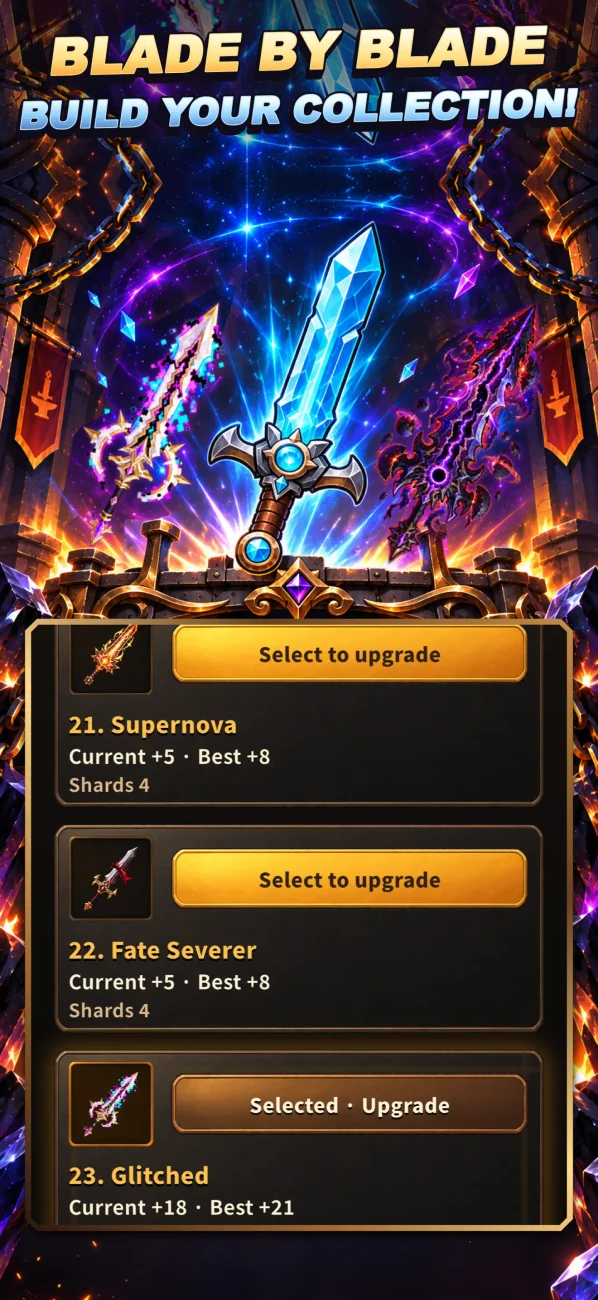
Build your sword collection in Luck Sword. Summon the next blade at the forge, choose a favorite to upgrade, and explore two worlds.
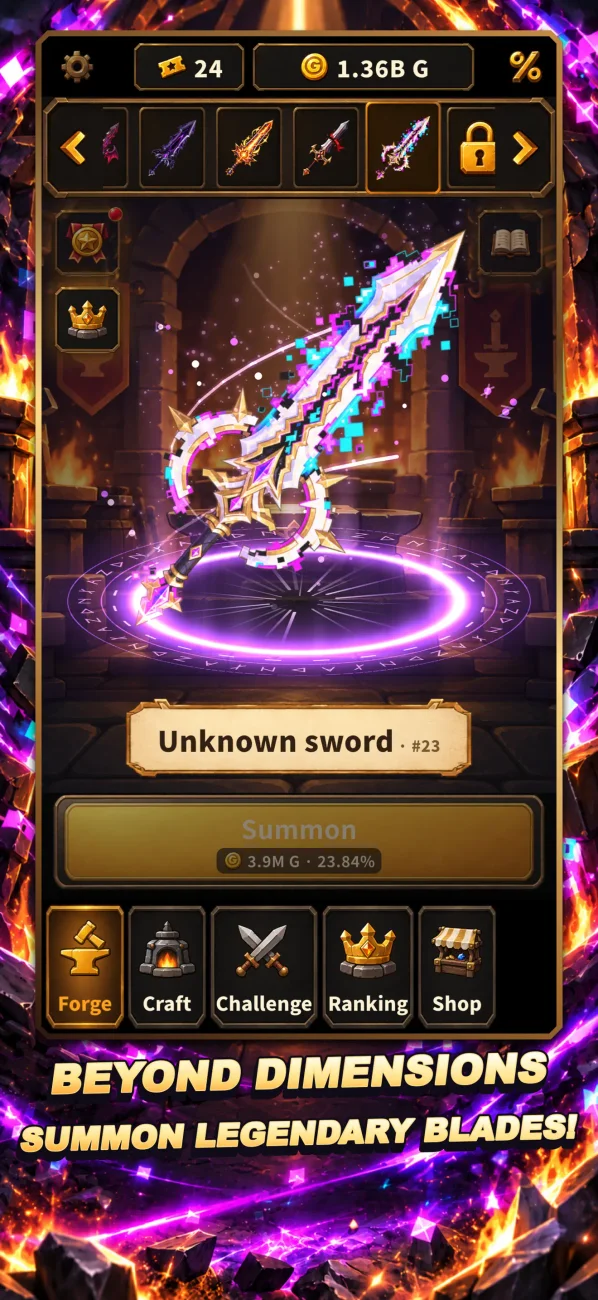
Summon your next sword
Spend gold on a summon attempt and discover new blades.
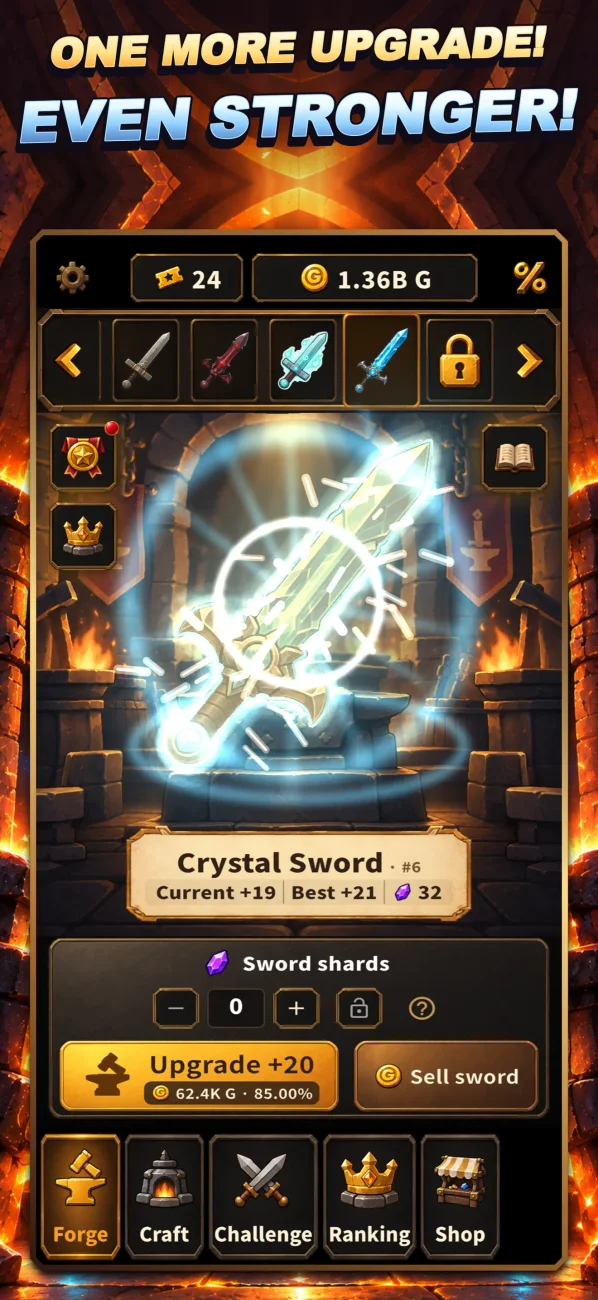
Push your best upgrade
Choose a sword to upgrade and aim for a new personal best.
Manage your swords and shards
Sell your current sword at the forge or lock in the number of sword shards to use for each upgrade.
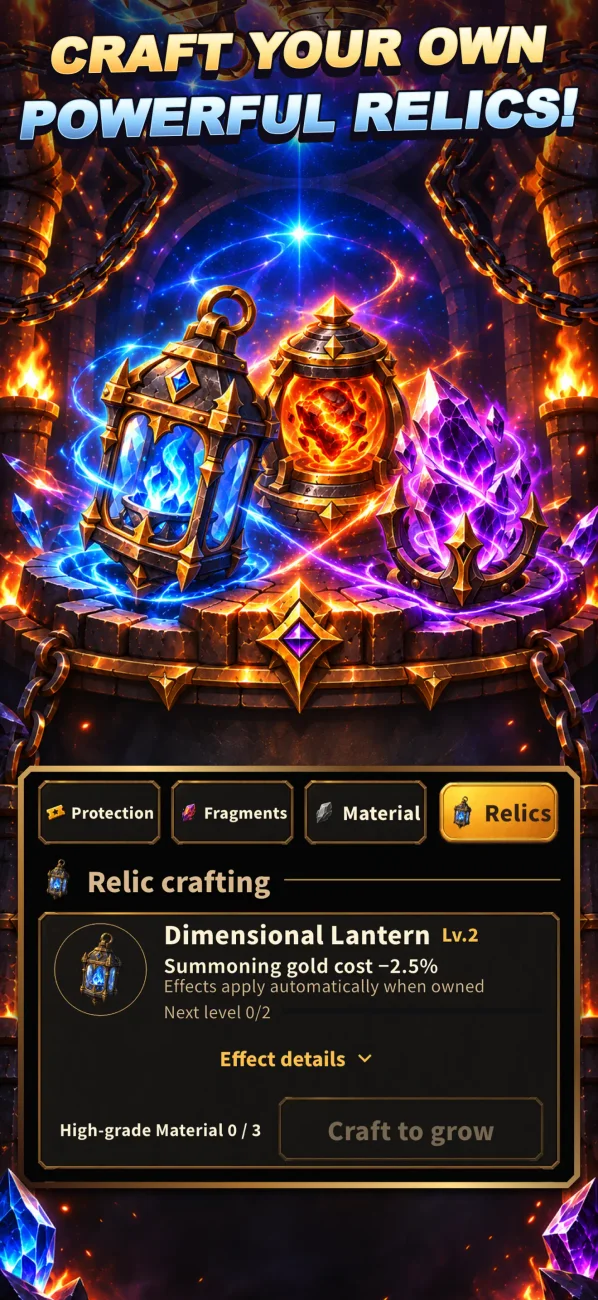
Craft your relics
Gather materials to grow relics and gain their passive effects.
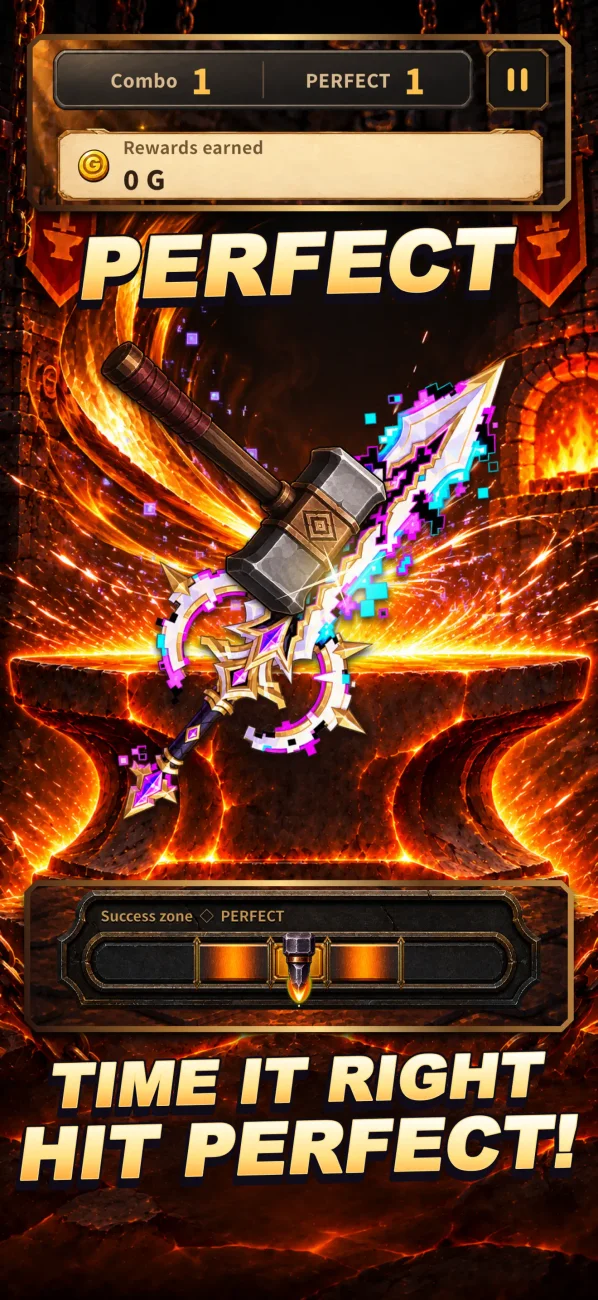
Time your taps. Aim your throws.
Set records in Hammer of Fate and Sword Throw.
Compare three rankings
Check the sword ranking and each challenge’s own leaderboard.
Summoning and upgrading cost gold and have a chance of success. Failed summons still spend gold. A failed upgrade resets the current level to 0 while preserving your best record. You can choose to restore the previous level with a protection ticket or by completing a rewarded ad.
Contains in-app purchases and ads. Starstones can be purchased with real money and exchanged for gold or protection tickets. That gold can also be used to summon swords. Rewarded ads are optional; display ads may also appear in the sword list. Linking an account is required to buy or use Starstones and participate in server rankings.
What’s new
Version 2.0.15 · Nov 24, 2026
Upgrading a sword and restoring it with a protection ticket now feel faster. The forge also makes it easier to see how many shards you’ve selected.
App privacy
What Bongwook Bin declares on the App Store about how this app handles data.
-
Data used to track you
May be used to track you across apps and websites owned by other companies.
- Identifiers
- Usage data
- Diagnostics
-
Data linked to you
May be collected and linked to your identity.
- Purchases
- User content
- Identifiers
- Usage data
- Diagnostics
-
Data not linked to you
May be collected but is not linked to your identity.
- Location
- Diagnostics
Privacy practices may vary, for example with the features you use or your age.
Information
- Seller
- Bongwook Bin
- Category
- Casual
- Version
- 2.0.15
- Updated
- Nov 24, 2026
- Released
- Oct 14, 2026
- Size
- 396.9 MB
- Requires
- iOS 15.0 or later
- Age rating
- 12+
- In-app purchases
- Yes
- Languages
- German, English, French, Hindi, Indonesian, Japanese, Korean, Portuguese, Spanish, Thai, Traditional Chinese, Turkish + 2 more
- Copyright
- © 2026 Flyrunner
You might also like
-
 Stick to Legend: Forge EnhanceLucky Sword Upgrade, Collect
-
 Sword Enchant IdleTap to Forge a Legend
-
 Sword Enhance - Upgrade SimWeapon Forge Game
-
 Last Crown: Weapon Idle RPGSummon, Build & Rule the Arena
-
 Jewels PrincessAwesome Addictive Game
-
 Lucky Survival 50 DaysNo luck, no survival!
-
 강화왕Casual
-
 용사 강화기Casual
-
 DRO : 단련 온라인 RPGRoleplaying
-
 Hero 2048 - Merge DefenseNew type defense game!