LUMA Camera & Presets
RAW + Manual Control + Presets
Designed for iPhone, iPad, iPod touch
Free · In-app purchases
- Age rating4+
- CategoryPhoto & Video
- DeveloperRafal Kopiec
- LanguagesEnglish
- Size23.1 MB
Links to the official App Store page
Download.org hosts no file of LUMA Camera & Presets. The button opens its official App Store page, published by Rafal Kopiec. Listing last checked on Nov 13, 2026.
Screenshots




About
LUMA is a RAW-first iPhone camera and preset studio, designed around one idea: your photo should keep its depth from capture to final export.
At the heart of LUMA is an EDR-aware RAW pipeline. RAW files contain extraordinary latitude, but that latitude is easy to flatten in a standard workflow. LUMA keeps more of the image alive as it moves through processing, preserving cleaner shadow detail, smoother tonal separation, and far-reaching highlights that still feel natural. Bright skies, reflections, low light, and high-contrast scenes have more room to breathe.
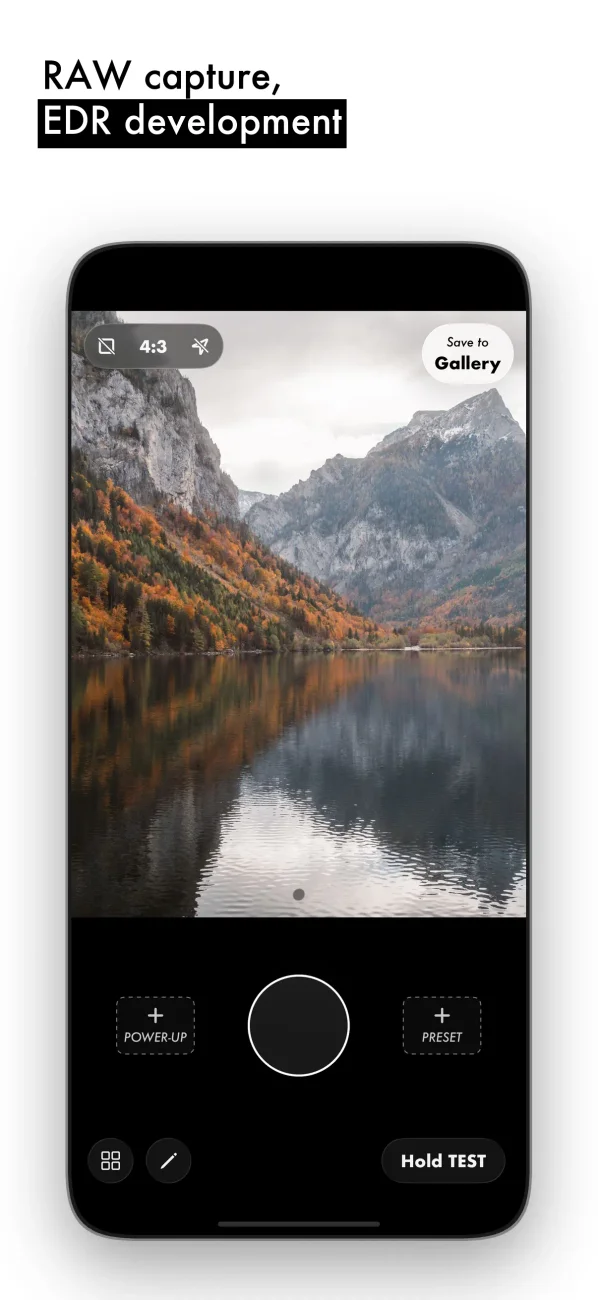
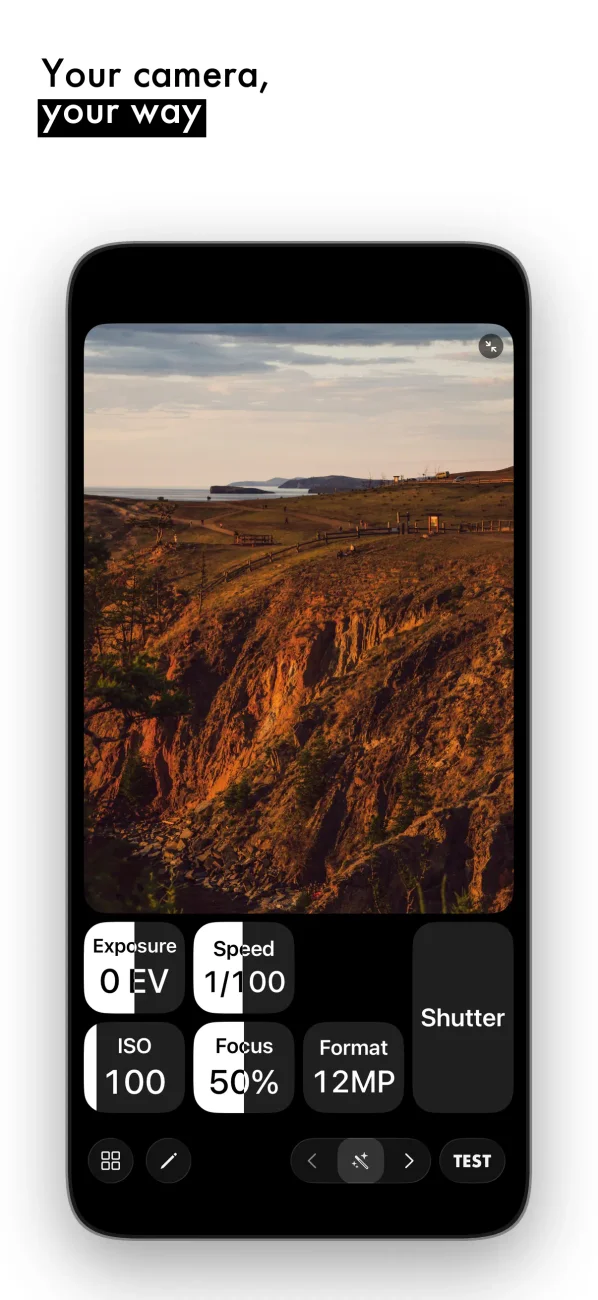
It begins in Camera. Shoot Bayer RAW with automatic or manual exposure. Hold TEST to see the processed photograph in the viewfinder before you take it.
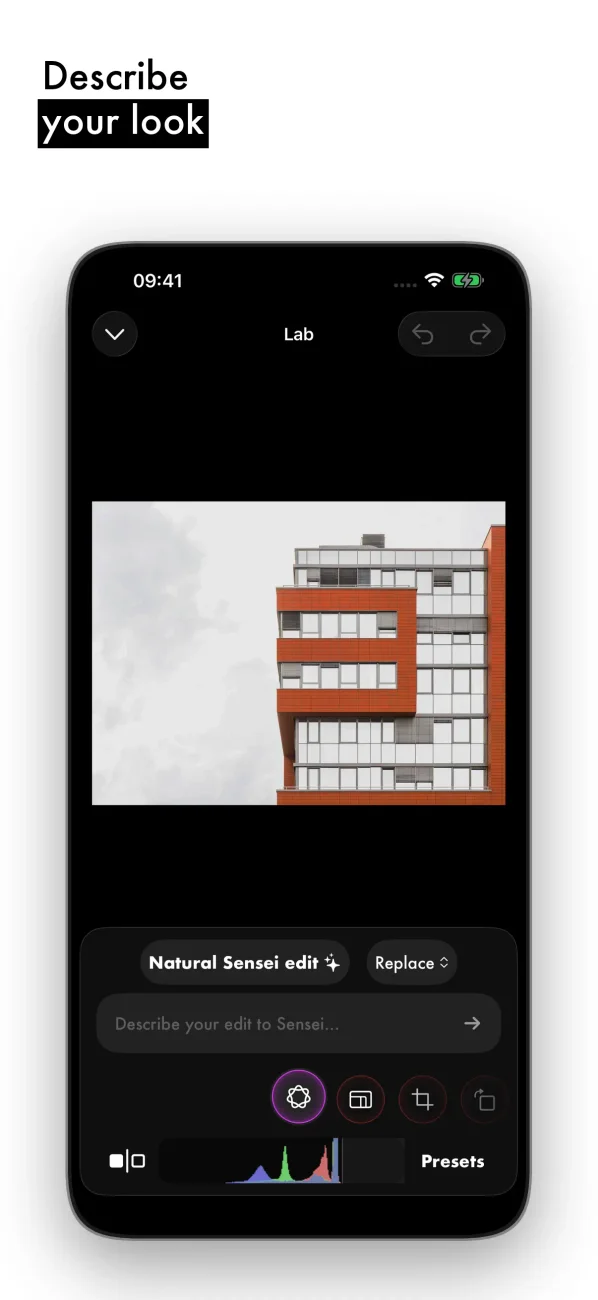
Presets in LUMA are not filters. They are reusable development recipes, built into the RAW pipeline. Apply them while shooting, refine them in Lab, then save your own looks for the next frame. Sensei can shape an adaptive edit for each photo, and on supported devices with Apple Intelligence, you can simply describe the Preset you want.
Lab is a non-destructive RAW editor with a staged imaging pipeline for light, color, texture, and tone. Adjust exposure, EDR, highlights, shadows, contrast, brightness, saturation, warmth, tint, tone curve, color grade, crop, atmosphere, bloom, halation, specular detail, grain, monochrome, and more. Every decision remains editable. Your original RAW remains untouched.
Export with the right finish for each place your photo will live: EDR 10-bit, EDR Safe 10-bit, SDR 8-bit, or original RAW/DNG. Import RAW files from Photos or Files, process multiple images in RAW Batch, save directly to Photos, or use LUMA’s Gallery to choose and develop your best work first.
LUMA is fast to reach when the moment arrives, with support for Lock Screen, Control Center, Action button, and Camera Control where available. The core imaging pipeline runs on device, with no cloud processing required.
LUMA Club is optional, for creators who want more.
Club unlocks 48MP RAW Fusion, 30+ film- and cinema-inspired Presets, location tagging, framed export styles, and early access to new tools. 48MP Fusion blends a burst of RAW frames into one high-resolution image, bringing sharper texture and cleaner detail to all devices, even those without a 48MP sensor or ProRAW.
Some features require Apple Intelligence or LUMA Club membership.
Terms of Use: https://www.apple.com/legal/internet-services/itunes/dev/stdeula/
What’s new
Version 4.12.0 · Oct 26, 2026
Added iPhone Duo support, with adaptive layouts for both inner and outer displays.
Meet Maestro, a new camera layout with key controls in view. Club members can create and save custom layouts.
New Noise Reduction (NR) capture combines RAW frames into cleaner 12MP photos with reduced noise. Available to Club members.
Upgraded RAW processing on iOS 27 for photo development and editing.
Refreshed native controls, smoother Gallery zooming and editing, and improved iPad and landscape layouts.
App privacy
What Rafal Kopiec declares on the App Store about how this app handles data.
-
Data not collected
The developer does not collect any data from this app.
Privacy practices may vary, for example with the features you use or your age.
Information
- Seller
- Rafal Kopiec
- Category
- Photo & Video
- Version
- 4.12.0
- Updated
- Oct 26, 2026
- Released
- Apr 28, 2022
- Size
- 23.1 MB
- Requires
- iOS 15.8 or later
- Age rating
- 4+
- Price
- Free
- In-app purchases
- Yes
- Languages
- English
- Copyright
- © 2026 Rafal Kopiec
You might also like
-
 Panostory Pro: Collage MakerStitch Screenshots, Split Grid
-
 Blur ID - Hide Chat ScreenshotAuto blur face, avatar & text
-
 Photo Editor Express+Filters, Retouch & Backgrounds
-
 Analogue – Film CameraCinematic Photos & Video
-
 LUCH: Photo Effects & FiltersFilm Dust, Light Leaks & Bokeh
-
 Photo Text Search & FinderOCR Recognition & Lens Filter
-
 Mix on Pix - Text on PhotosWatermark, Annotation and more
-
 PicsBeauty: Restore Old PhotosUnblur, Upscale, Enhance, Fix
-
 Filmic Pro Editor - ColoroidCinematic Photo Effects
-
 ProofCamAdd date, GPS to video & photo