
LumaQuote: Lighting Audit
LED retrofit survey, offline
Designed for iPhone, iPad, iPod touch
Free
- Age rating4+
- CategoryBusiness
- DeveloperLumaQuote
- LanguagesEnglish
- Size2.3 MB
Links to the official App Store page
Download.org hosts no file of LumaQuote: Lighting Audit. The button opens its official App Store page, published by LumaQuote. Listing last checked on Nov 23, 2026.
Screenshots
About
LumaQuote Field is the iPad and iPhone app for commercial lighting audits. Walk the building, count every fixture, take photos, and send a complete audit to your LumaQuote dashboard, where it becomes an LED retrofit proposal with savings, rebates and payback.
Built for lighting contractors, electricians, distributors and energy auditors who survey offices, warehouses, schools, retail stores and parking garages.
AUDIT THE WAY YOU WALK THE BUILDING
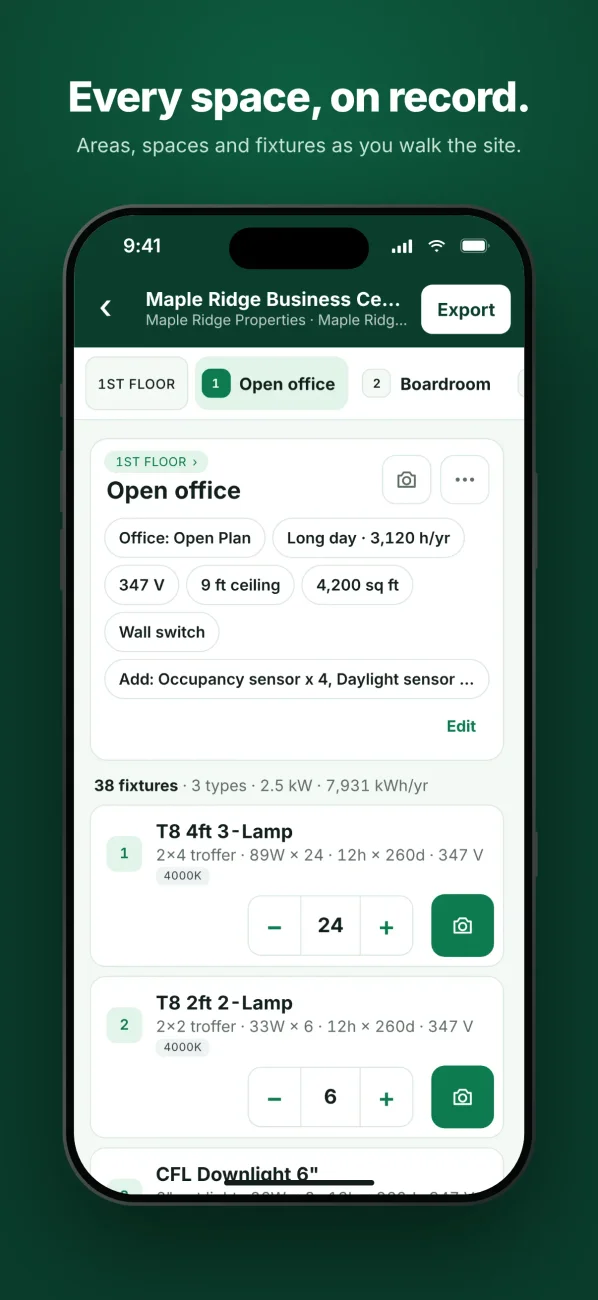
- Organize the site by area and space: floors, then the rooms on each floor
- Count fixtures by type with quick quantity buttons
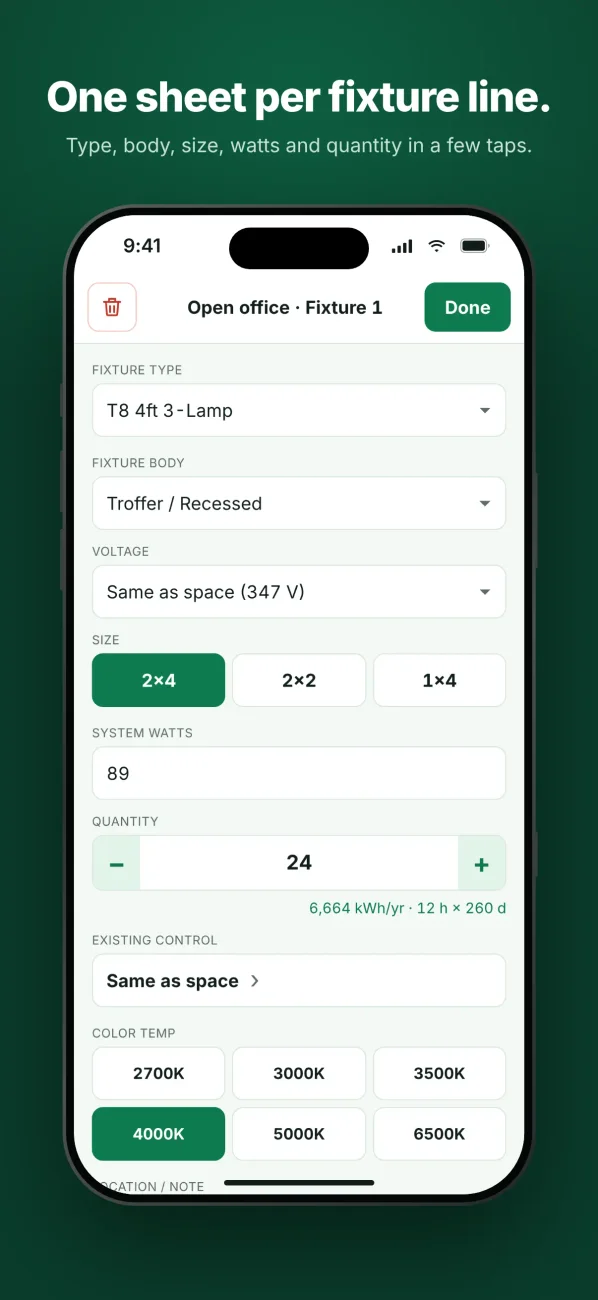
- Record watts, voltage and operating hours for each fixture line
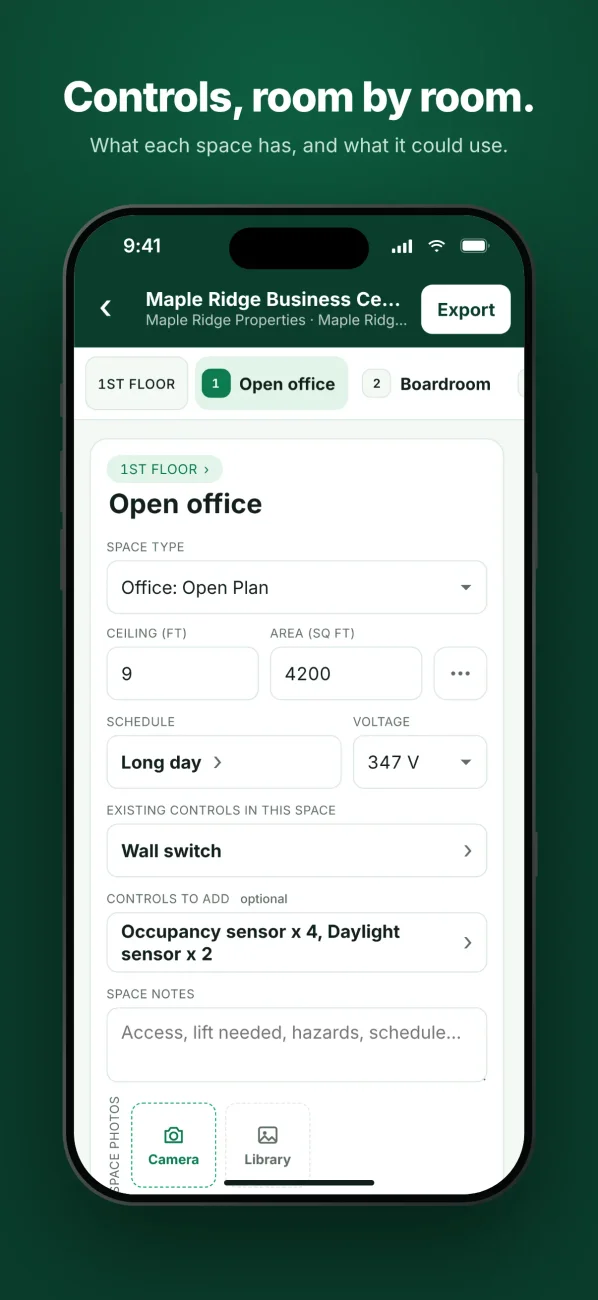
- Set schedules and voltage once per space
- Add floor area, ceiling height and color temperature
- Note the condition of each fixture and anything the installer needs to know
ON IPAD OR IPHONE
- Use the iPad for big sites and the iPhone for quick walk-throughs
- Same audits, same photos, synced to the same LumaQuote account
PHOTOS FILED WHERE THEY BELONG
- Take fixture, nameplate, ballast label and ceiling photos
- Each photo is filed with its space and fixture line, so nobody back at the office has to guess what a fixture was
LIGHTING CONTROLS, WHEN THEY FIT
- Record the controls a space already has, and the ones worth adding, with quantities
- Controls stay separate from the LED replacement, so your proposal shows LED savings on their own
WORKS WITH NO SIGNAL
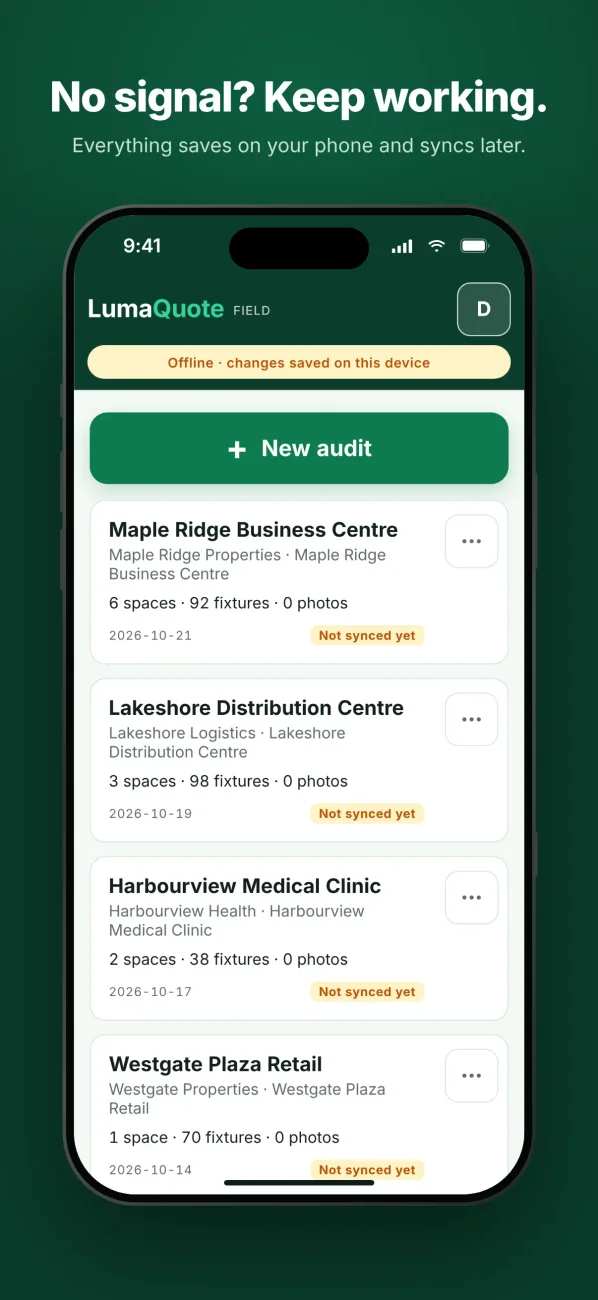
- Every count and photo saves on your device first
- Audit basements, steel warehouses and parking garages with no connection
- The audit uploads on its own when you are back online
FROM SITE WALK TO PROPOSAL THE SAME DAY
- Your audit appears in LumaQuote on the desktop with photos and notes
- Price the LED retrofit, add rebates and installation, and send a PDF or Word proposal
- Export the audit as a spreadsheet, or every photo in folders by space
A LumaQuote account is required. Create one at lumaquote.com.
Questions or feedback: info@lumaenergy.ca
What’s new
Version 1.0.6 · Nov 12, 2026
Faster fixture entry
- Add a fixture in one step. Tap the technology, style, size and lamps, check the watts, set the quantity, and tap Add.
- The button tells you what's missing: the type, the watts or the count.
- Cancel leaves nothing behind. Undo right after Add if you got it wrong.
- "Add again" and the reuse chips fill in the type, so you only type the count.
Less clutter
- Photos come after the fixture is saved. Add one from the message after Add, from the fixture card, or from the fixture screen.
- Color temp, mount height, condition, notes and the other extras sit under More details, closed until you need them.
New
- Measured light level, in foot-candles or lux. It's also in the CSV export.
Sized for every screen
- Tested on iPad mini (both ways), iPad and iPhone, including iPhone SE.
App privacy
What LumaQuote declares on the App Store about how this app handles data.
-
Data linked to you
May be collected and linked to your identity.
- Contact info
- User content
- Identifiers
- Usage data
Privacy practices may vary, for example with the features you use or your age.
Information
- Seller
- Codemasters Agency Inc.
- Category
- Business
- Version
- 1.0.6
- Updated
- Nov 12, 2026
- Released
- Oct 7, 2026
- Size
- 2.3 MB
- Requires
- iOS 15.0 or later
- Age rating
- 4+
- Price
- Free
- Languages
- English
- Copyright
- © 2026 CodeMasters Agency Inc.