- Age rating4+
- CategoryProductivity
- DeveloperAstro HQ
- LanguagesEnglish+ 3 more
- Size60.5 MB
Links to the official App Store page
Download.org hosts no file of Luna Display. The button opens its official App Store page, published by Astro HQ. Listing last checked on Nov 20, 2026.
Screenshots
About
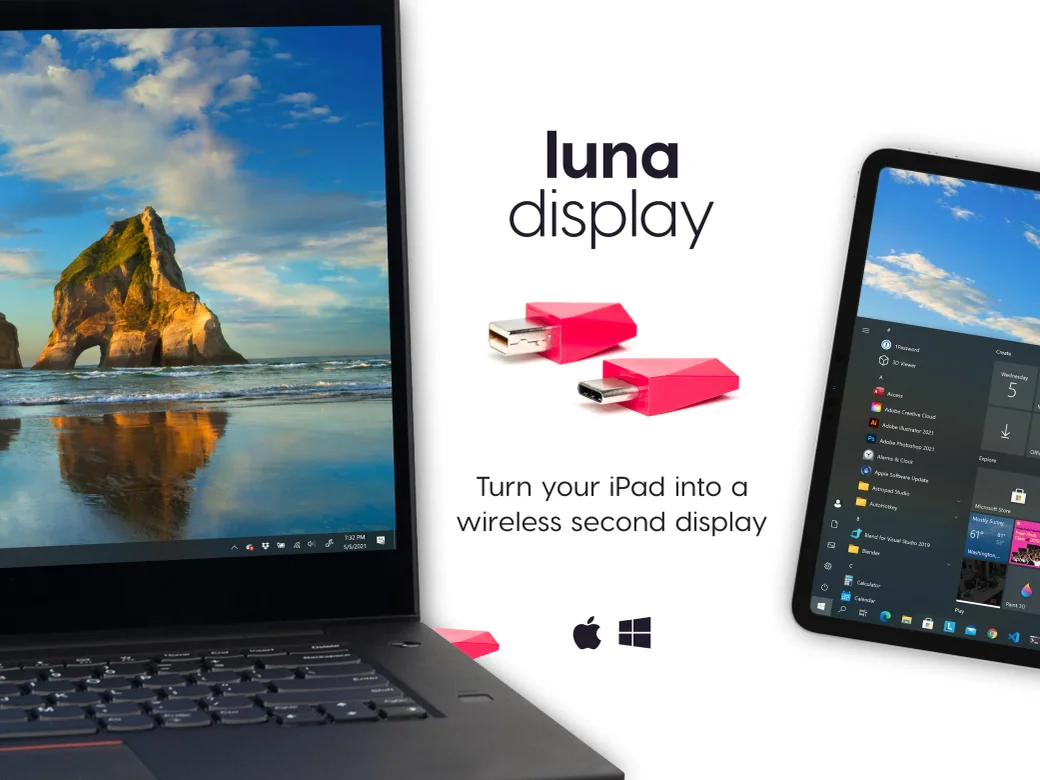
Turn your iPad into a wireless second display for Mac or PC.
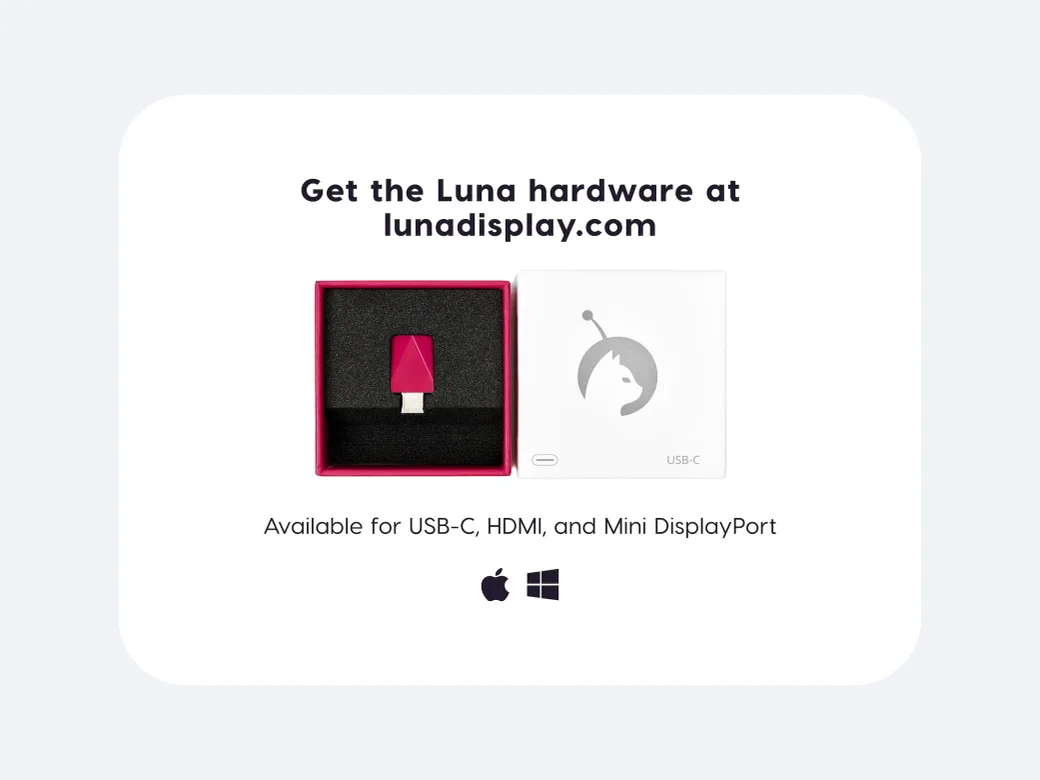
Purchase hardware at www.lunadisplay.com — available for USB-C, HDMI, and Mini DisplayPort.
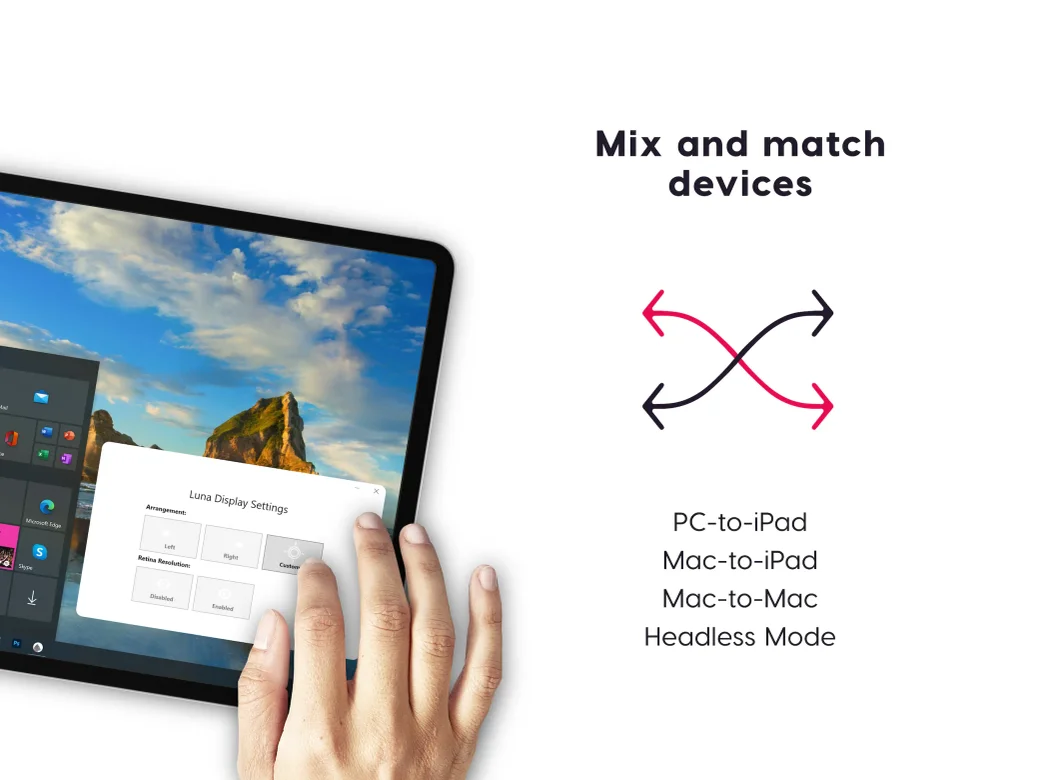
MIX AND MATCH DEVICES
Luna Display seamlessly extends your computer to another screen. Make the most of your devices with Luna Modes:
· PC-to-iPad
· Mac-to-iPad
· Mac-to-Mac
· Headless Mode (for Mac Pro and Mac mini)
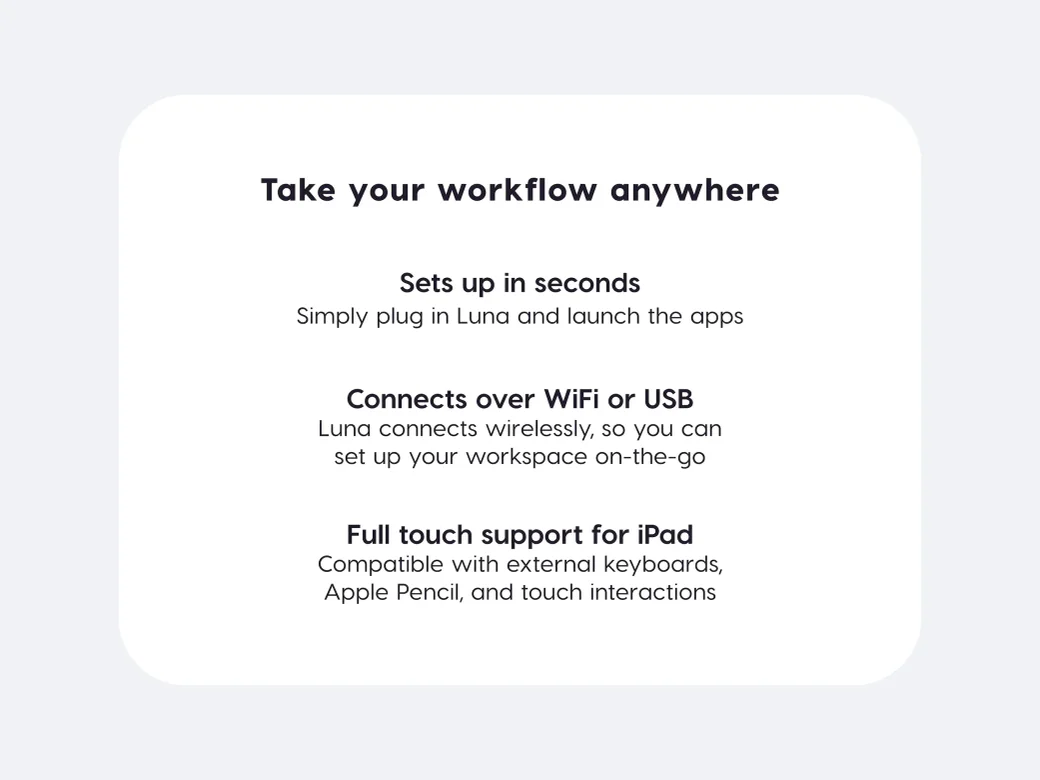
SETS UP IN SECONDS
Simply plug Luna into your computer, launch the Luna apps, and you’re off and running. Hardware is available for purchase at lunadisplay.com.
DESIGNED FOR HEAVY-DUTY WORK
Luna's hardware ensures compatibility with any desktop app, delivering stunning image quality and low latency performance at 16ms. You get all the reliability of a traditional monitor, with the flexibility of your iPad.
CONNECT OVER WIFI OR USB
Luna was designed from the very beginning to work wirelessly. Your devices will automatically connect if they’re on the same WiFi network. And if WiFi isn’t available, you can also connect your devices over USB.
FULL TOUCH SUPPORT AND GESTURES
Luna Display acts as a complete extension to your computer, with full support for:
· External keyboards
· Apple Pencil
· Touch interactions (pinch, pan, zoom, tap)
SYSTEM REQUIREMENTS
· Primary PC: Microsoft Windows 10 64-bit, Build 1809 or later
· Primary Mac: macOS 10.13 (El Capitan) or later
· Secondary iPad: iOS 12.1 or later
· Secondary Mac: macOS 10.13 (El Capitan) or later
FOR ARTISTS: WORKS WITH ASTROPAD
Luna fully integrates with our award-winning drawing software Astropad Studio. Luna extends Astropad Studio to create a fully customizable drawing tablet on your iPad. With Luna, your art is no longer limited by the size of your computer display.
THE POWER OF OUR LIQUID TECHNOLOGY
Using our proprietary LIQUID Technology, Luna Display provides crystal clear image quality, reliable performance, and wireless flexibility.
· Uncompromised image quality
· Lag-free performance at 60 frames per second
· GPU acceleration, so your computer stays fast and optimized
· Hand optimized ARM & x86 assembly to maximize battery life
· Velocity Control, which analyzes network conditions dozens of times per second
PRESS
· “Luna’s visual fidelity is frankly stunning” — TechCrunch
· “Luna will change your travel workflow” — iMore
· “For the first time a wireless solution has impressed us” — Apple Insider
GET IN TOUCH
· Support: support@astropad.com
· Instagram: @astropadco
· Twitter: @astropad
· Facebook: facebook.com/astropadco
What’s new
Version 5.3.9 · Sep 30, 2026
- Misc fixes including some input bugs
App privacy
What Astro HQ declares on the App Store about how this app handles data.
-
Data not linked to you
May be collected but is not linked to your identity.
- Diagnostics
Privacy practices may vary, for example with the features you use or your age.
Information
- Seller
- Astro HQ LLC
- Category
- Productivity
- Version
- 5.3.9
- Updated
- Sep 30, 2026
- Released
- Apr 28, 2018
- Size
- 60.5 MB
- Requires
- iOS 13 or later
- Age rating
- 4+
- Price
- Free
- Languages
- English, Japanese, Simplified Chinese, Traditional Chinese
- Copyright
- © Astropad 2023, All Rights Reserved
You might also like
-
 Duet Air - Remote DesktopThe fastest Remote Desktop
-
 EasyCanvas -Graphic tablet AppDigitizer app for iPad
-
 Duet DisplayBe Twice As Productive
-
 EasyCanvas2025Graphic display app
-
 spacedesk - USB Display for PCPortable Multi Monitor Display
-
 EasyCanvas - SubscriptionDigitizer app for iPad
-
 Tab Display-Expand Your TabletAs Second Display&Video Player
-
 Lok BoardDesktop Experience for iPad
-
 NoMachineRemote desktop for everybody
-
 UTM Remote Virtual MachinesRemote desktop for VMs