Luno Reader - RSS Reader
RSS & podcasts, save to Notion
Designed for iPhone, iPad
Free
- Age rating17+
- CategoryNews
- DeveloperYuki Watanabe
- LanguagesEnglish
- Size46.5 MB
Links to the official App Store page
Download.org hosts no file of Luno Reader - RSS Reader. The button opens its official App Store page, published by Yuki Watanabe. Listing last checked on Nov 16, 2026.
Screenshots
About
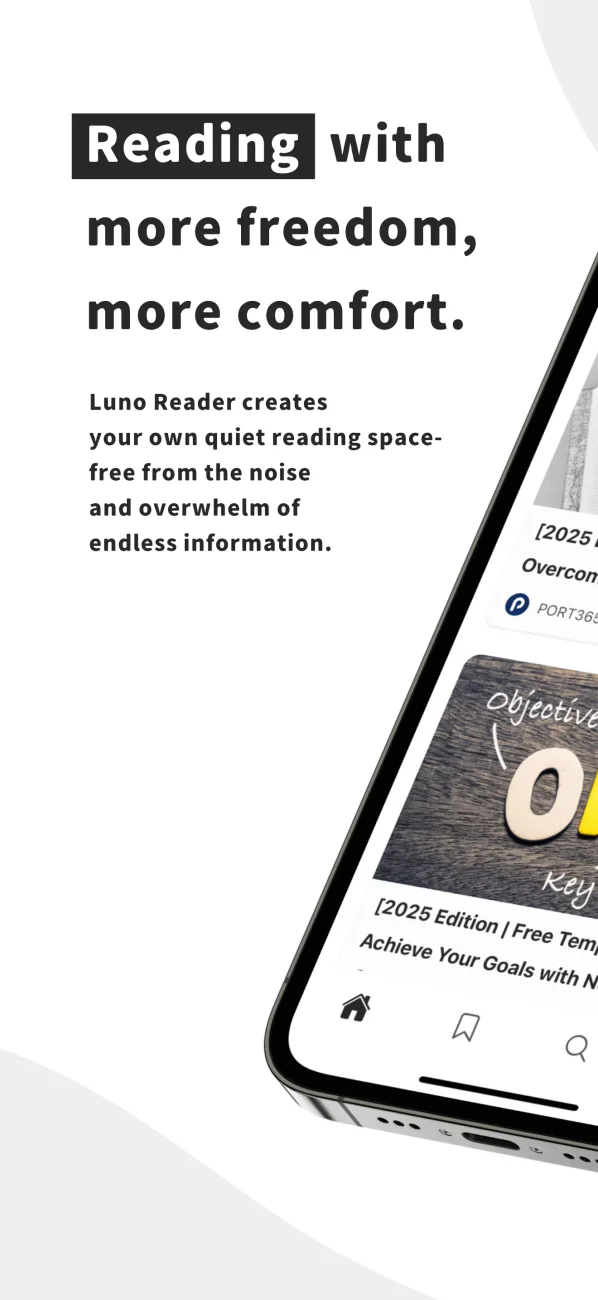
Luno Reader brings your RSS feeds, YouTube channels, and podcasts together in one simple, ad-free reader.
Add your favorite news sites and blogs to see the latest content in a single list. Bookmark anything you like, and it's automatically saved to your Notion database, too.
No ads or algorithmic recommendations get in the way. You only ever see the feeds you chose to follow.
Instead of losing time to an endless social feed, you get quick access to the information you need. Build a calm, comfortable reading space with Luno Reader.
[Highlights]
■ Today
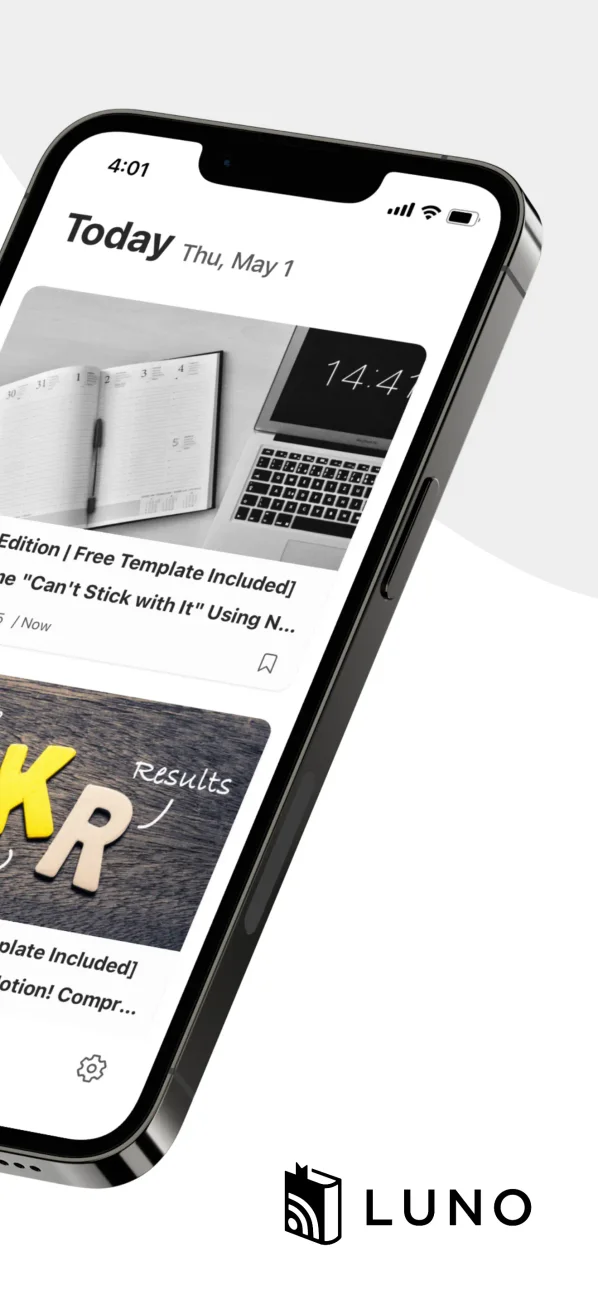
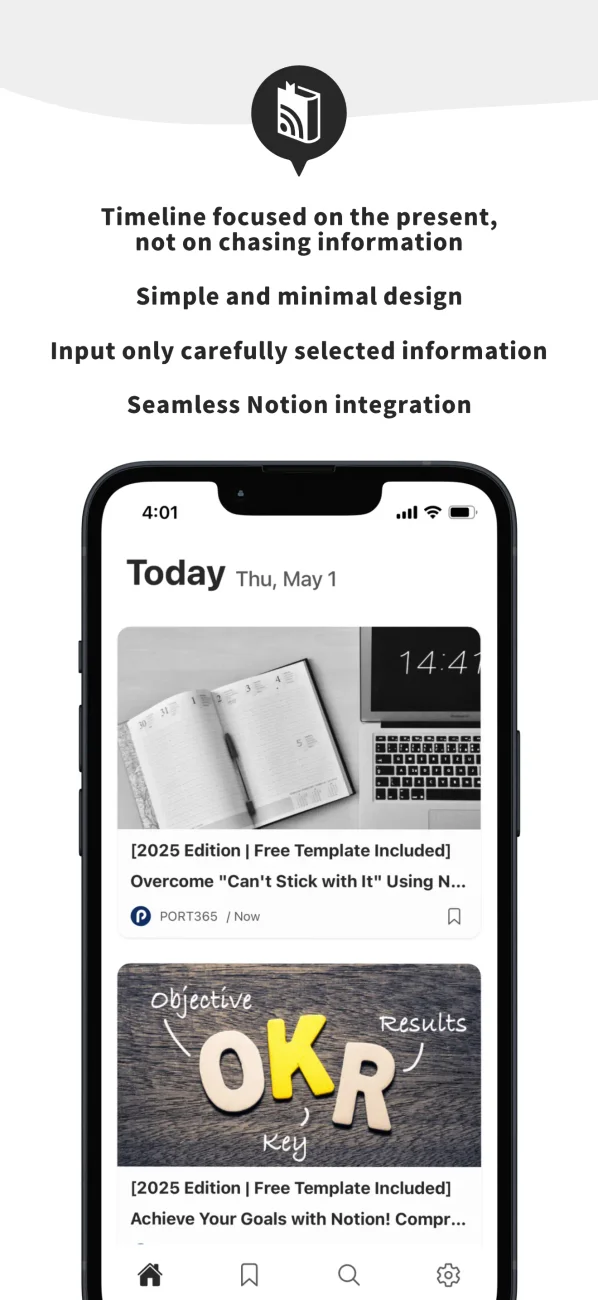
See only the articles published in the last 24 hours, gathered from every feed you follow.
No overwhelming unread counts — just today's fresh reads, so catching up each day stays effortless.
■ Save to Notion
Connect your Notion account and every article you bookmark is saved to a database of your choice, with its title and URL.
Read-it-later, research, and idea capture all come together in Notion.
■ YouTube & Podcasts
Paste a YouTube channel URL to subscribe to new videos as a feed.
Audio and podcast RSS are supported too, so you can follow blogs, videos, and audio in one app.
■ Clean blog rendering
Optimized for popular blog platforms.
Thumbnails and author info are laid out neatly, so everything from technical posts to daily reads is easy to follow.
■ Bookmarks & in-app reader
Bookmark any article with a single tap.
Read it right inside the app's reader — no jumping to a browser. Share what you've read to other apps with ease.
■ Dark mode & English/Japanese
Automatically switches between light and dark mode to match your device settings.
Easy on the eyes at night. Available in both English and Japanese.
■ No ads, no recommendations
There are no ads in the app, and no algorithmic recommendations.
Only the feeds you added, shown in the order they were published.
[Getting started]
1. Paste the URL of a site, blog, or YouTube channel to subscribe
2. Check today's new articles in Today
3. Bookmark the articles you want to read
4. Connect Notion to save articles automatically
[Made for people who]
• Want a simple, easy-to-use RSS reader
• Prefer gathering information calmly, without ads or recommendations
• Want to save and organize articles in Notion
• Want to follow note, Zenn, YouTube, and podcasts all in one place
What’s new
Version 1.4.0 · Aug 25, 2026
- Bookmarked articles can now be saved to Notion with their full text in the page body
- Refined the UI
- Various bug fixes and improvements
App privacy
What Yuki Watanabe declares on the App Store about how this app handles data.
-
Data not linked to you
May be collected but is not linked to your identity.
- Identifiers
- Usage data
- Diagnostics
Privacy practices may vary, for example with the features you use or your age.
Information
- Seller
- Yuki Watanabe
- Category
- News
- Version
- 1.4.0
- Updated
- Aug 25, 2026
- Released
- Jun 27, 2025
- Size
- 46.5 MB
- Requires
- iOS 16.4 or later
- Age rating
- 17+
- Price
- Free
- Languages
- English
- Copyright
- © 2026 Luno Studio
You might also like
-
 Hubly ReaderYour news, made simple
-
 Aruvi RSSRSS done right
-
 Feedable - Simple RSS ReaderNews
-
 MyRssFeedA Minimalist RSS Reader
-
 Flowist: RSS ReaderNews Feeds, Blogs & Articles
-
 Saturn: RSS ReaderNews, Blog & Feed Reader
-
 FeedDeck RSSRSS Reader with AI Summaries
-
 Simplio RSS ReaderFollow News & Blogs Easily
-
 Heaps ReaderSwipe through your RSS feeds!