Lutter: Color Grading & LUTs
Cinematic Photo & Video Editor
Designed for iPhone, iPad
Free · In-app purchases
- Age rating4+
- CategoryPhoto & Video
- DeveloperCHIH YU LIN
- LanguagesEnglish+ 12 more
- Size90.4 MB
Links to the official App Store page
Download.org hosts no file of Lutter: Color Grading & LUTs. The button opens its official App Store page, published by CHIH YU LIN. Listing last checked on Nov 26, 2026.
Screenshots

About
Lutter brings LUTs, cinematic filters and precise color controls to photo and video editing on iPhone and iPad. Apply a look, then refine the light and color to suit your work.
Build your look
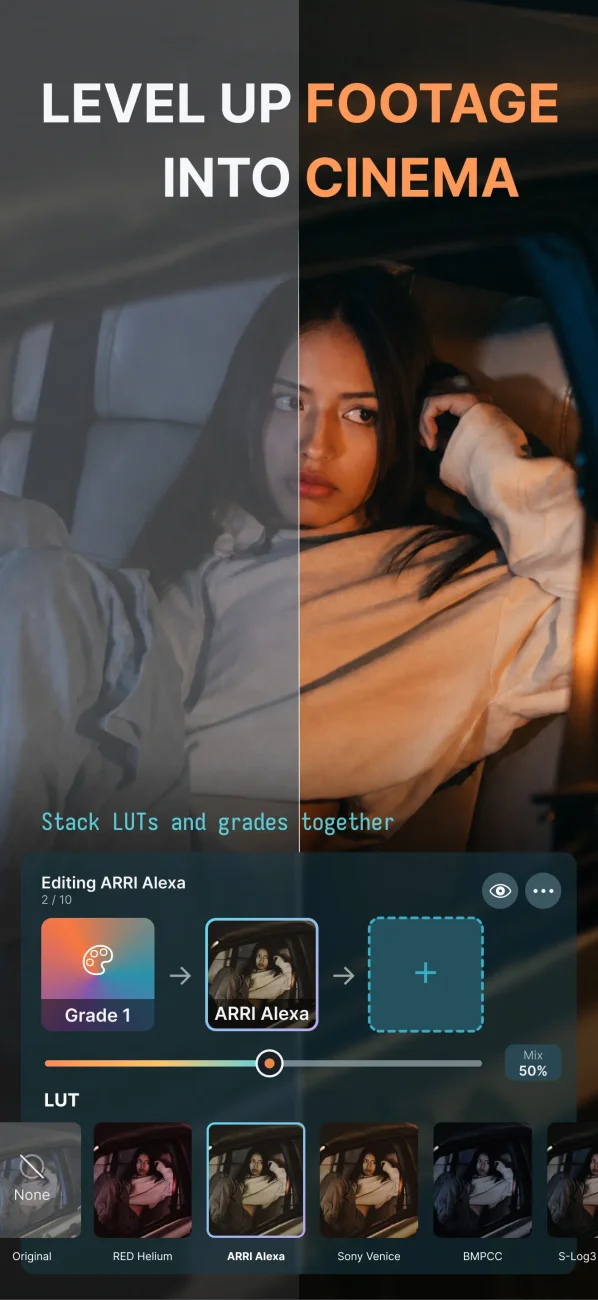
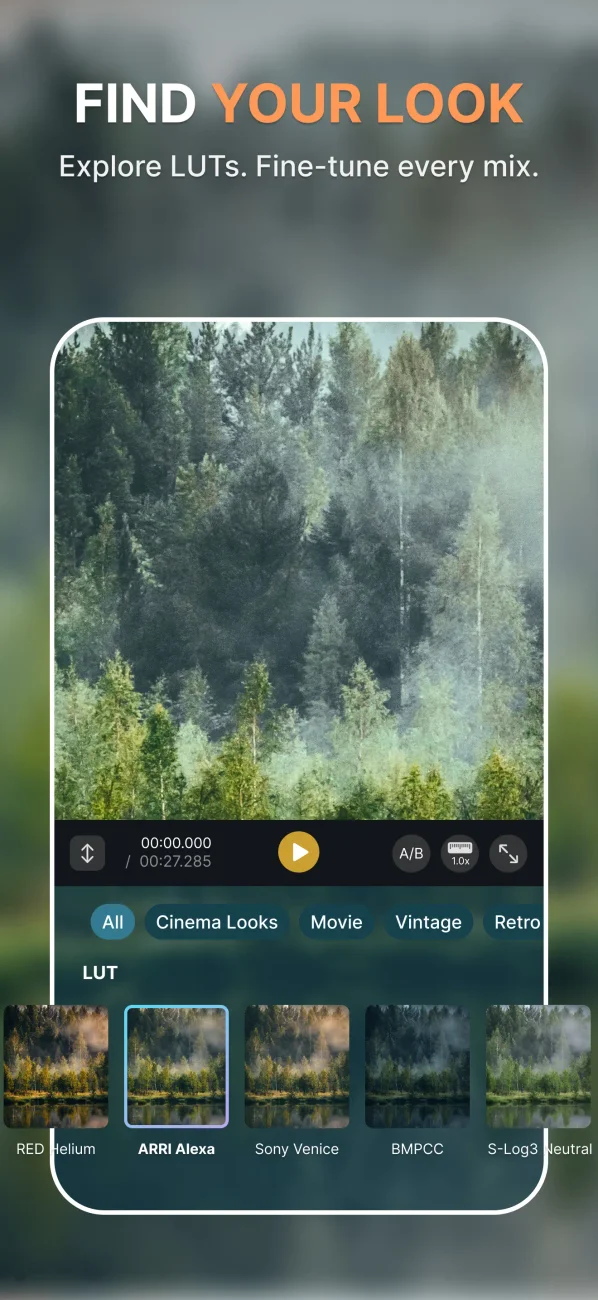
• Apply built-in looks or import your own LUTs.
• Stack LUTs and independent color adjustments. Change their order and strength, or toggle a layer to compare.
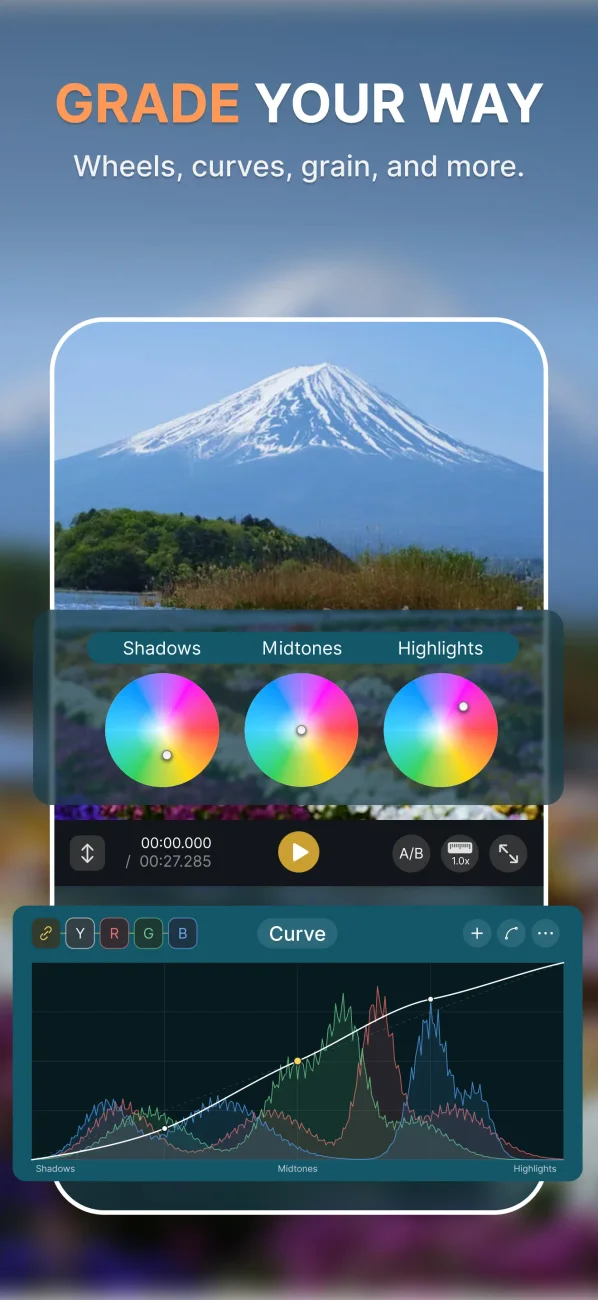
• Refine exposure, contrast, saturation, vibrance, white balance and tint. Shape light with curves and color wheels.
• Add film grain, warm halation and soft bloom for the texture you want.
See each adjustment
• Compare the original and graded image, or work in full screen.
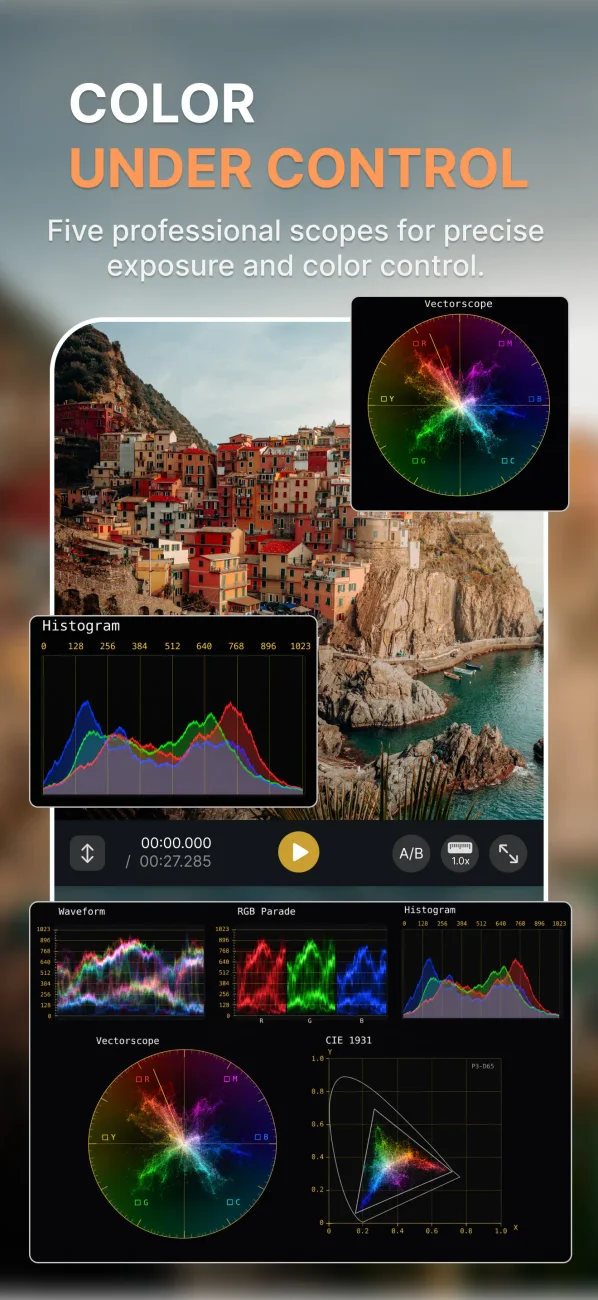
• Check exposure and color with a histogram, waveform, vectorscope and false color.
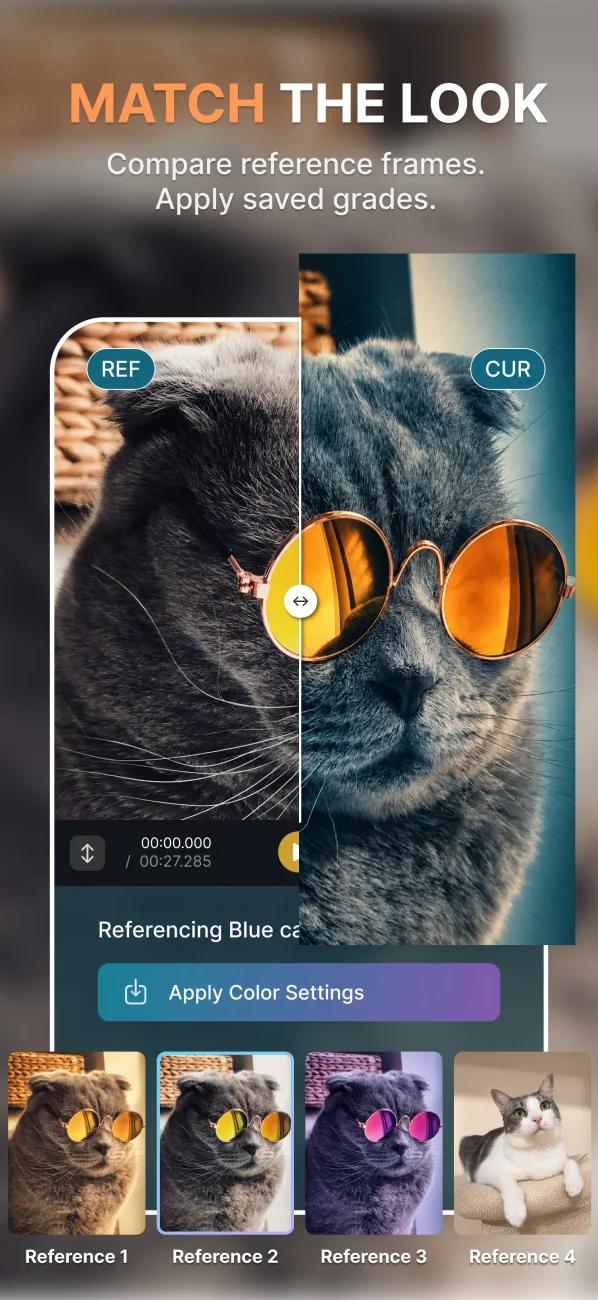
• Save or import reference images to compare while grading. Copy and paste color settings between projects for a consistent look.
Edit and export
• Adjust color and composition in your photos, crop, and save as JPEG, HEIF, PNG or TIFF.
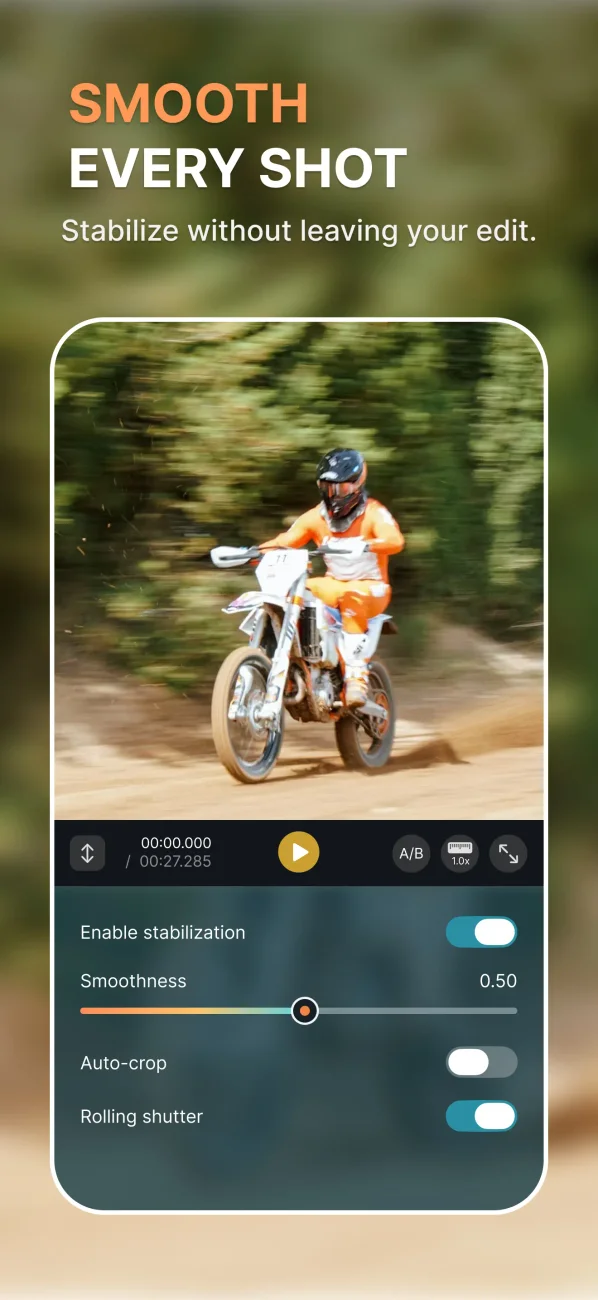
• Trim, crop, rotate and flip video. Reduce handheld shake with stabilization.
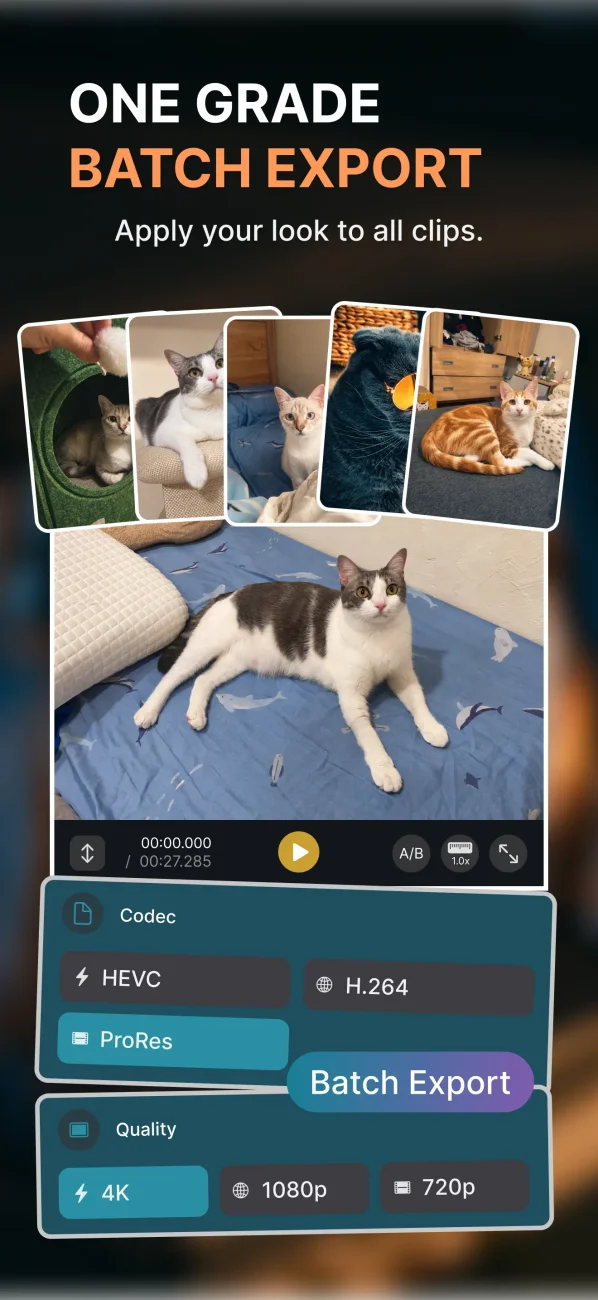
• Export video up to 4K with H.264, HEVC or ProRes 422. Compatible settings support HDR export.
• Export supported color adjustments as a .cube LUT to reuse in other grading tools.
Formats and workspace
Work with SDR and HDR video, Apple Log, Apple Log 2, Sony S-Log3 and supported DJI D-Log/D-Log M profiles. Available editing and export options depend on the source format and device.
The native iPad workspace offers a larger preview and landscape controls, with room for curves, wheels and LUT browsing. Projects save automatically so you can pick up where you left off.
Choose Pro when you need it
Scopes, curves and color wheels remain free. Preview Pro color tools in the editor before purchasing. Pro unlocks advanced color tools, film effects, stabilization and advanced export, without ads. Choose an annual, monthly or weekly subscription, or a lifetime purchase. Eligible annual subscribers get a 7-day free trial.
Your media is processed on your device. No account required and no watermark on export. Usage analytics and crash diagnostics can be disabled in Settings.
Privacy: https://lutter.app/privacy
Terms of Use: https://www.apple.com/legal/internet-services/itunes/dev/stdeula/
What’s new
Version 2.3.9 · Nov 25, 2026
Improved LUT importing and made LUTs easier to use.
App privacy
What CHIH YU LIN declares on the App Store about how this app handles data.
-
Data used to track you
May be used to track you across apps and websites owned by other companies.
- Identifiers
-
Data linked to you
May be collected and linked to your identity.
- Purchases
- Location
- User content
- Identifiers
- Usage data
- Diagnostics
-
Data not linked to you
May be collected but is not linked to your identity.
- Other data
Privacy practices may vary, for example with the features you use or your age.
Information
- Seller
- XupLabs LLC
- Category
- Photo & Video
- Version
- 2.3.9
- Updated
- Nov 25, 2026
- Released
- May 15, 2026
- Size
- 90.4 MB
- Requires
- iOS 17.2 or later
- Age rating
- 4+
- Price
- Free
- In-app purchases
- Yes
- Languages
- English, French, German, Indonesian, Italian, Japanese, Korean, Portuguese, Russian, Simplified Chinese, Spanish, Thai + 1 more
- Copyright
- © 2026 XupLabs LLC
You might also like
-
 LUT Designer: Color GradingVideo Looks & Filters
-
 LogBloom: LUT Video GradingCinematic LUT color grading
-
 LogGradePro log video color grading
-
 Loot: Video Color GradingCinematic LUTs & Film Looks
-
 LUT Labpreview, export, apply LUTs
-
 BlackRAW Studio: Color GradingBRAW, ProRes RAW & LUTs
-
 Filmtone: Film LUT EditorColor Grade, Compare, Export
-
 Color Grading: Video LUTsCinematic Film Looks
-
 Radiant: Film & Digital CameraPro Log Video, 4K, RAW & LUTs
-
 LumKit: LUT & Color GradeCinematic Video Film Look