
- Age rating4+
- CategoryProductivity
- DeveloperSanthosh babu S
- Size8.4 MB
Links to the official App Store page
Download.org hosts no file of Luya Ai. The button opens its official App Store page, published by Santhosh babu S. Listing last checked on Nov 17, 2026.
Screenshots



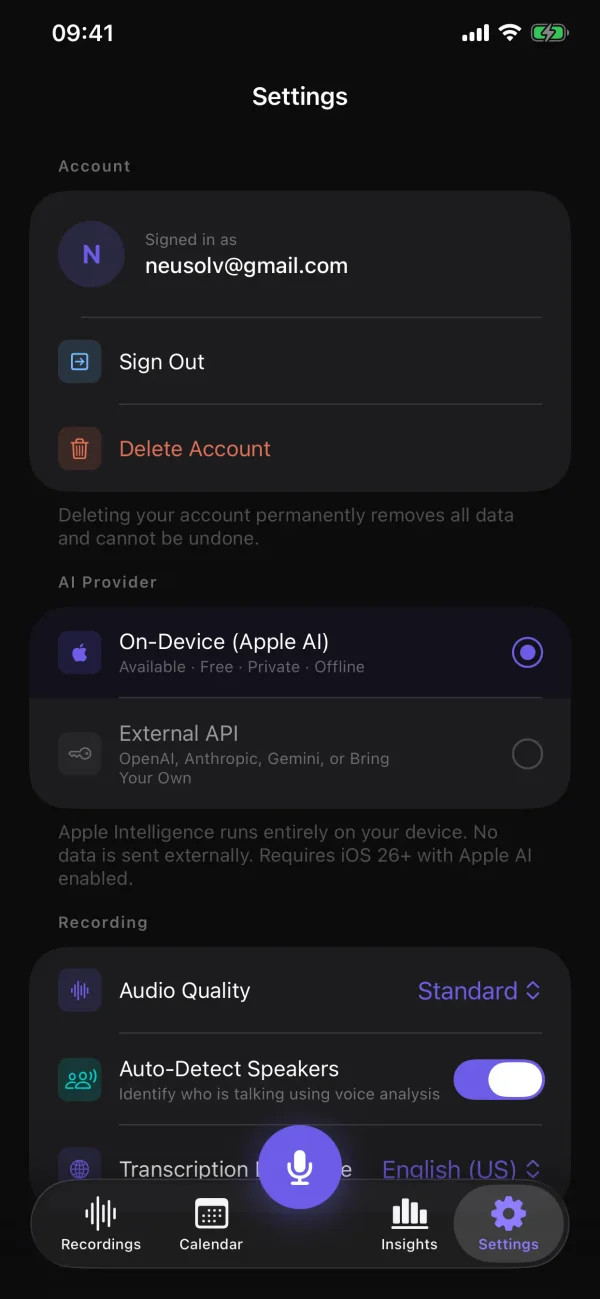
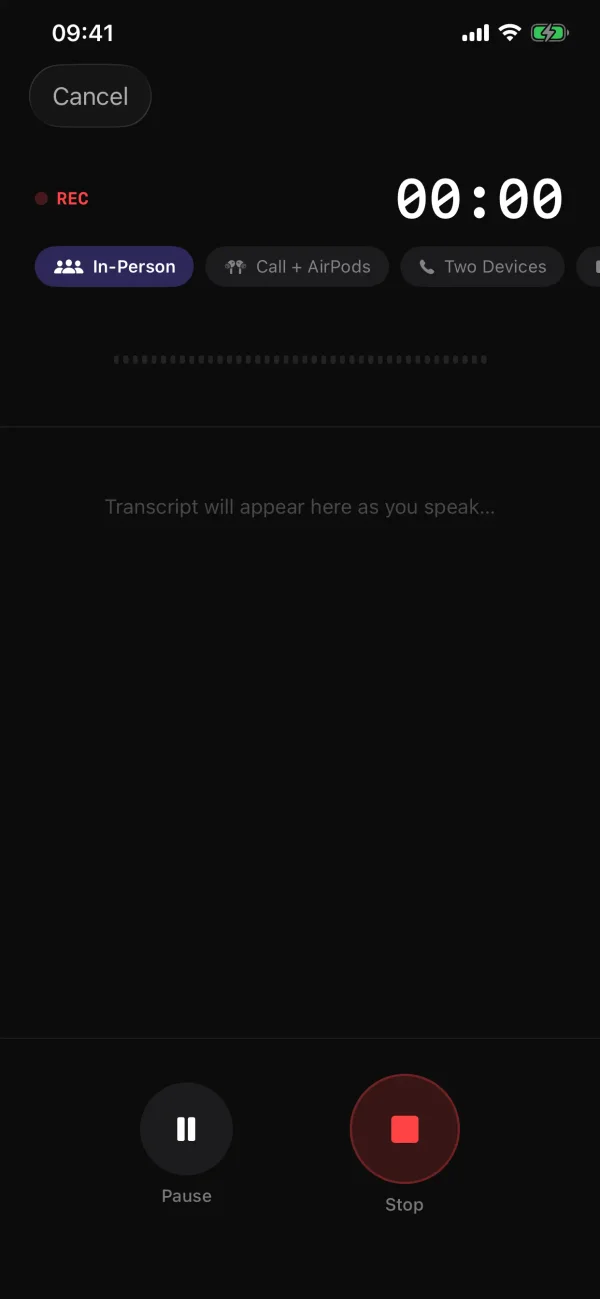
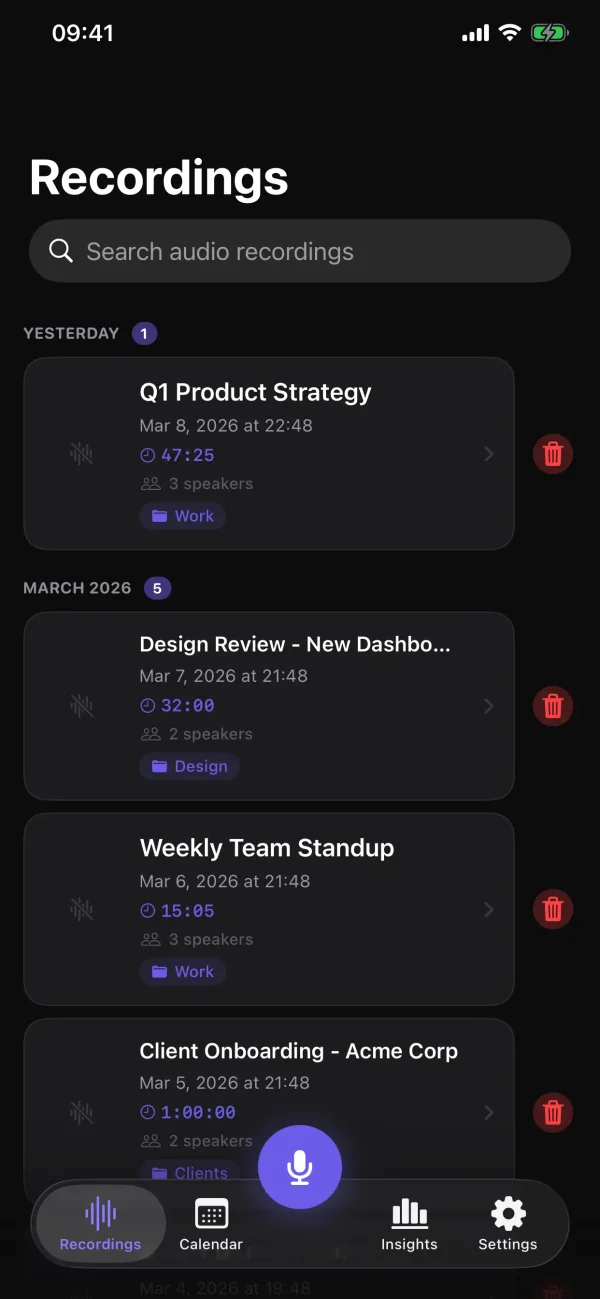
About
Record. Transcribe. Remember.
Luya turns every conversation into searchable, organized notes - automatically. Whether it's a work meeting, lecture, interview, or brainstorming session, just tap record and let Luya handle the rest.
WHY LUYA?
Most meeting apps send your audio to the cloud. Luya is different. Everything - recording, transcription, and speaker identification - happens entirely on your iPhone using Apple's Speech Recognition framework. Your conversations never leave your device unless you choose to share them.
KEY FEATURES
ONE-TAP RECORDING
Start recording instantly with a single tap. A live waveform shows audio levels in real time.
REAL-TIME TRANSCRIPTION
Watch your words appear as you speak. Luya converts speech to text on-device with high accuracy, creating a complete searchable transcript of every conversation.
SPEAKER IDENTIFICATION
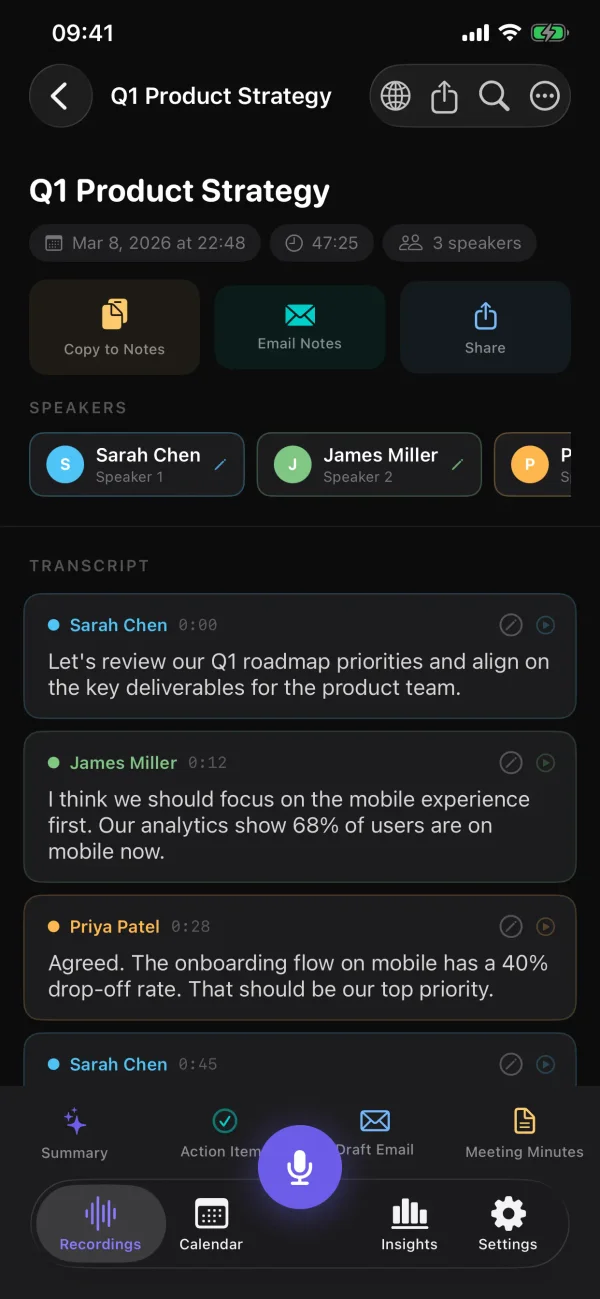
Luya automatically detects and labels different speakers. Rename speakers to see exactly who said what - perfect for meetings with multiple participants.
CALENDAR INTEGRATION
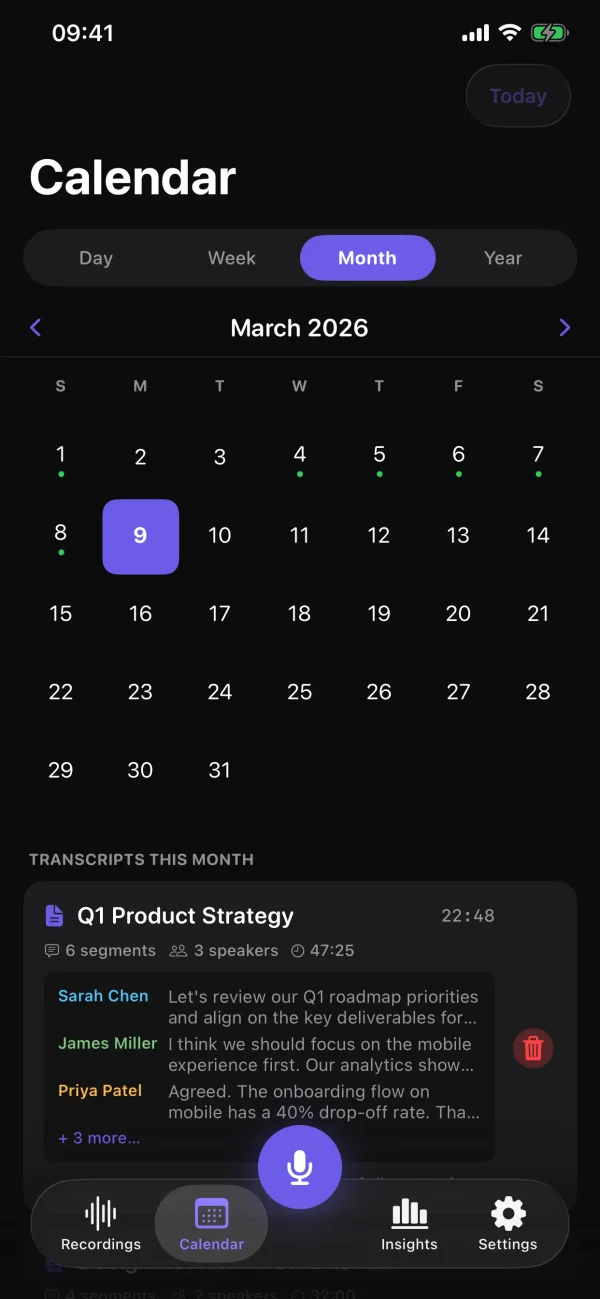
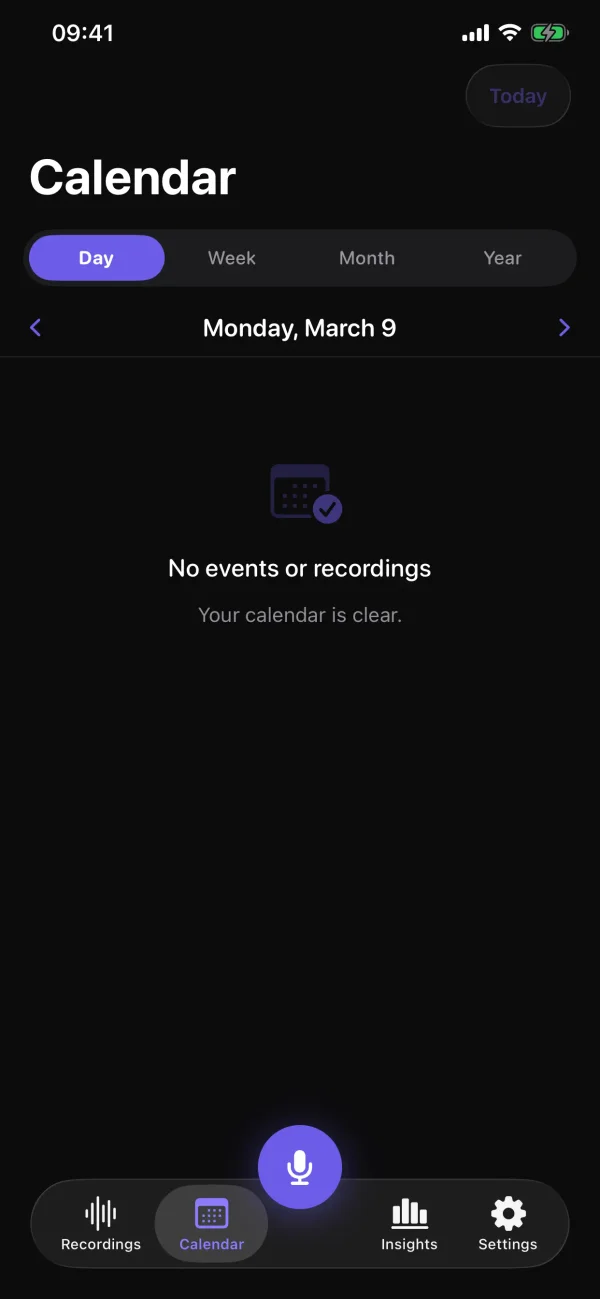
Recordings automatically sync to your calendar with the exact date and time. Luya even suggests meeting titles based on your current calendar event. Browse transcripts by day, week, month, or year.
FULL-TEXT SEARCH
Find any moment from any meeting instantly. Search across all your transcripts by keyword, speaker name, or phrase. Results highlight matches with one-tap navigation.
AI-POWERED INSIGHTS
Get intelligent summaries, action items, draft follow-up emails, and formatted meeting minutes - all generated from your transcript. Supports Apple Intelligence, Anthropic Claude, and Google Gemini.
AUDIO PLAYBACK WITH TRANSCRIPT SYNC
Play back recordings with the transcript highlighted in real time. Tap any line to jump to that moment. Skip forward or backward 15 seconds. The transcript follows along as you listen.
EXPORT AND SHARE
Share meeting notes via email, Messages, AirDrop, or any app. Export transcripts as PDF, plain text, or Markdown. Save directly to Apple Notes or Files.
FOLDERS AND TAGS
Organize recordings into custom folders and add tags. Keep work meetings, personal notes, and lectures neatly separated.
BUILT FOR PRIVACY
- All transcription is performed on-device
- Audio files are stored locally in your app sandbox
- No Luya servers ever see your recordings
- No analytics, no tracking, no ads
- Delete your data anytime from Settings
- AI features only connect externally when you explicitly configure them
PERFECT FOR
- Team meetings and standups
- Client calls and interviews
- Lectures and academic research
- Brainstorming sessions
- Doctor visits and consultations
- Podcasts and content creation
- Any conversation worth remembering
REQUIREMENTS
- iPhone with iOS 17.0 or later
- Microphone and Speech Recognition permissions
- Optional: Calendar access for automatic event linking
Questions or feedback? Contact us at support@luya.info
Privacy policy: https://luya.info/privacy
What’s new
Version 1.8 · Nov 11, 2026
Luya 1.8: Meeting Score, smarter Insights, and more reliable AI
NEW: Meeting Score
- Every recording now gets a score out of 10 in Insights, calculated entirely on your device from what was actually said.
- Tap the score to see why you got it, what was missing, and how to make your next discussion better.
- It looks at participation, decisions, action items, engagement, and clarity. Nothing is invented.
NEW: Redesigned Insights
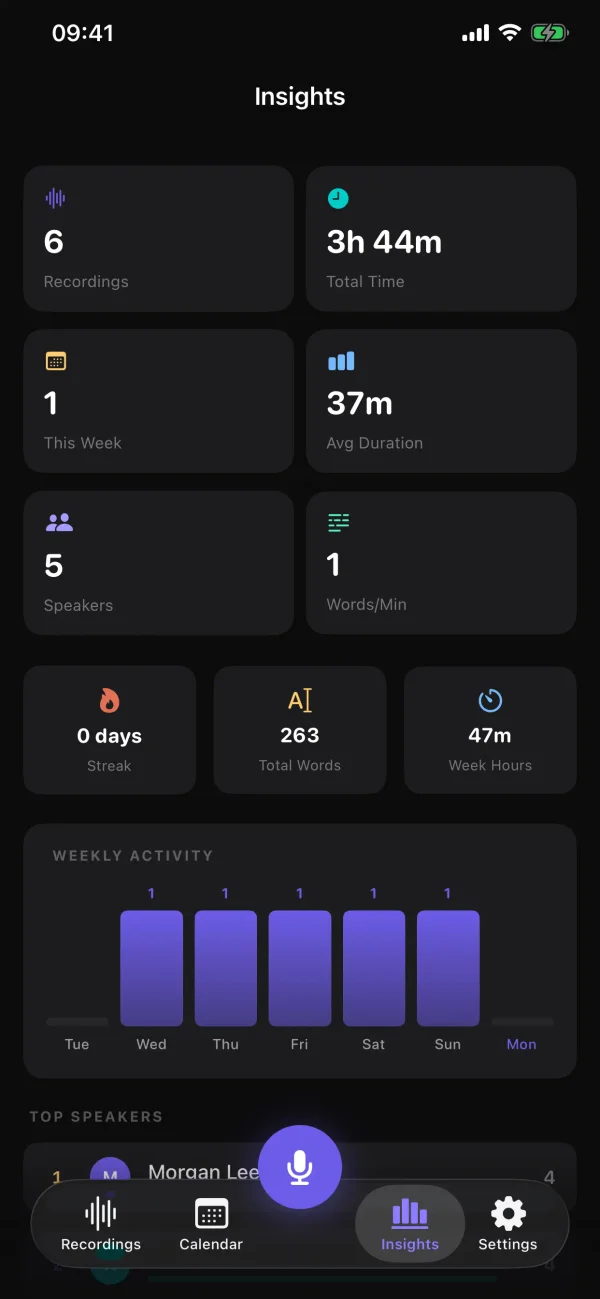
- Clear charts for your activity, talk time balance, and top topics.
- Switch between week, month, quarter, and year views.
- Everything is computed privately on your device, with no waiting.
NEW: Ask Across All Meetings
- Ask a question and get an answer grounded in your own recordings, with the source meetings shown.
- Runs on your device, so your conversations stay private.
NEW: Ask This Meeting
- Chat with any single recording. Ask follow up questions and get answers grounded strictly in that transcript.
IMPROVED: On-device AI by default
- Apple Intelligence is now the default. It is free, private, offline, and has no daily limits, so it never hits a rate limit.
- Prefer the cloud? Built-in Claude is now something you choose in Settings.
IMPROVED: Faithful re-transcription
- Rebuild a complete, accurate transcript from a recording's audio, from start to finish.
IMPROVED: Better summaries
- Summaries now show progress while analyzing, plus the meeting outcome, recommendations for next time, and questions to ask next.
FIXED
- Speaker names are only used when they were actually spoken, so transcripts and summaries never show invented names.
Your meetings, intelligently captured.
App privacy
What Santhosh babu S declares on the App Store about how this app handles data.
-
Data linked to you
May be collected and linked to your identity.
- Contact info
- Identifiers
-
Data not linked to you
May be collected but is not linked to your identity.
- Other data
Privacy practices may vary, for example with the features you use or your age.
Information
- Seller
- Santhosh babu S
- Category
- Productivity
- Version
- 1.8
- Updated
- Nov 11, 2026
- Released
- Mar 13, 2026
- Size
- 8.4 MB
- Requires
- iOS 17.0 or later
- Age rating
- 4+
- Price
- Free
- Copyright
- © 2026 Luya
You might also like
-
 NANOASCANAI Text & Table Scanner
-
 Ai Scan Lite - PDF Scannercrop enhance and clean as pdf
-
 TalkToNote — Voice Notes & AITranscribe Organize Summarize
-
 Contact Archive : Clear GuideTutar Teknoloji
-
 Glazr File Manager ProStorage cleaner & Wi-Fi share
-
 BulkHeadSFTP, S3, SMB & File Manager
-
 sort & find documents: DocSortSmart Document Photos Manager
-
 VoiceStream: AI Voice NotesRecord, transcribe, organize
-
 OnePrompt - AI Prompt BuilderBetter AI prompts, instantly
-
 YapRunVoice Typing That Never Leaves