
- Age rating17+
- CategoryProductivity
- DeveloperMasaki Hattori
- LanguagesJapanese+ 1 more
- Size11.0 MB
Links to the official App Store page
Download.org hosts no file of Lynca. The button opens its official App Store page, published by Masaki Hattori. Listing last checked on Nov 18, 2026.
Screenshots

About
Everything you save, always within reach.
Every day, we come across things we'd like to revisit later; a video to watch, a recipe to try, a place to visit, or an idea worth remembering.
Yet when the moment comes, finding that saved link often becomes a search of its own.
Lynca gives your saved links a place to belong.
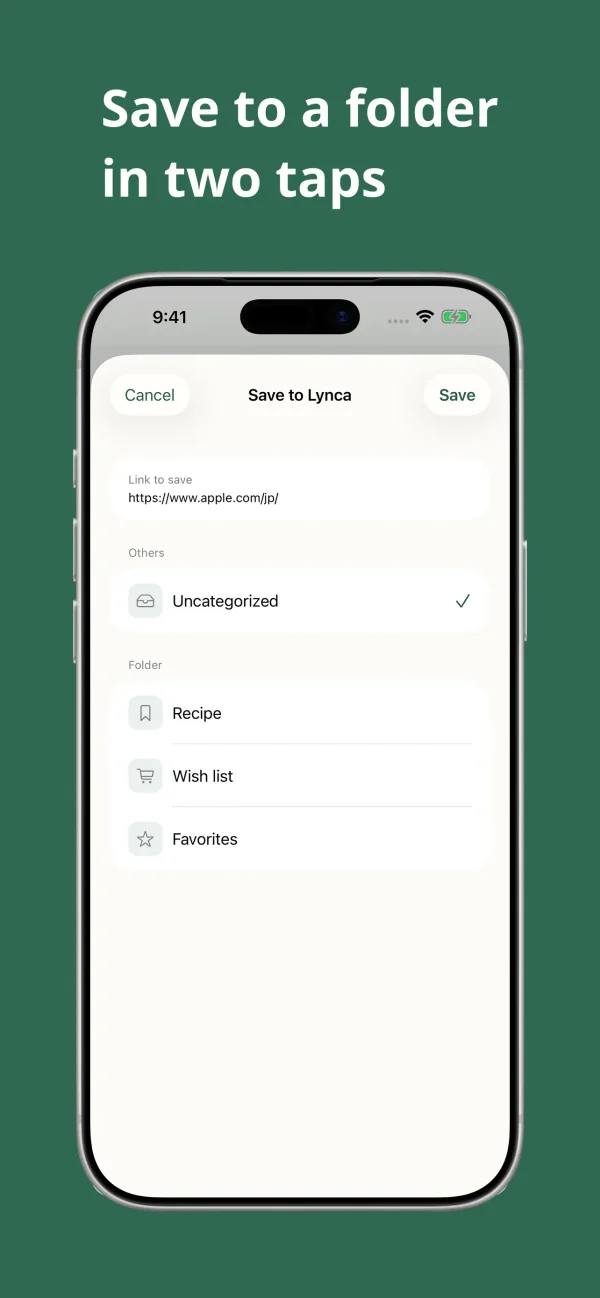
- Save in two taps
Whether you're browsing Safari or scrolling through social media, simply tap the Share button and choose Lynca.
Because Lynca remembers your last destination, saving a new link takes just a couple of taps.
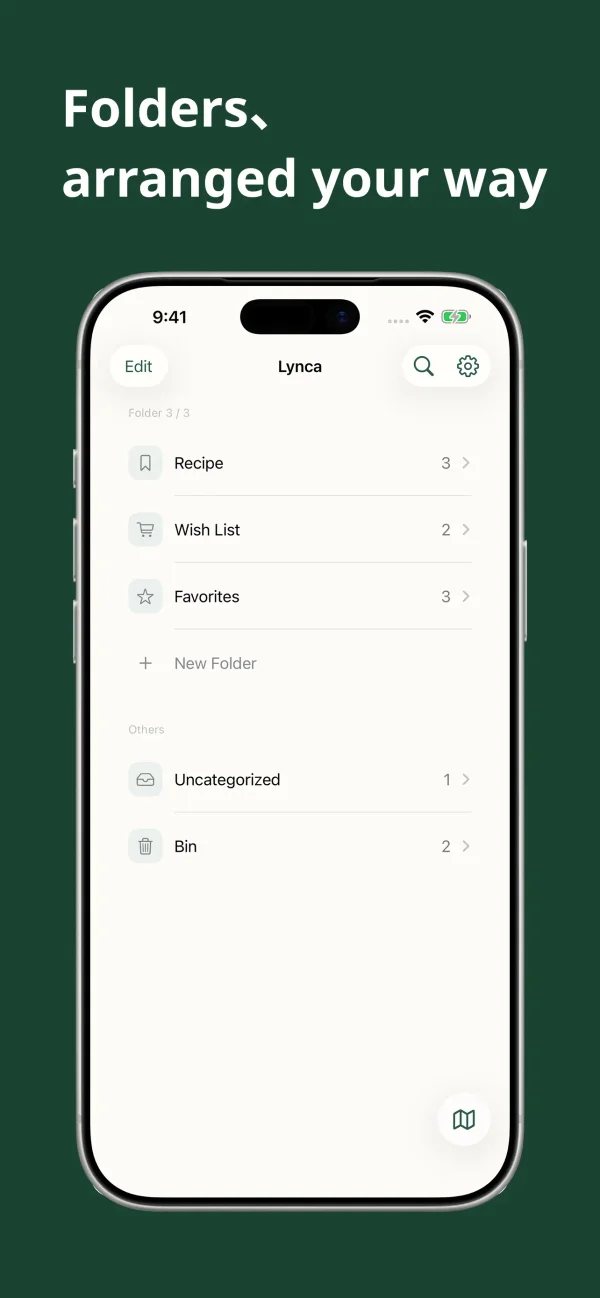
- Organize naturally
Create folders for every part of your life and keep your links exactly where you expect them.
With a 20 thoughtfully designed icons and a clean interface, organizing feels simple and intuitive.
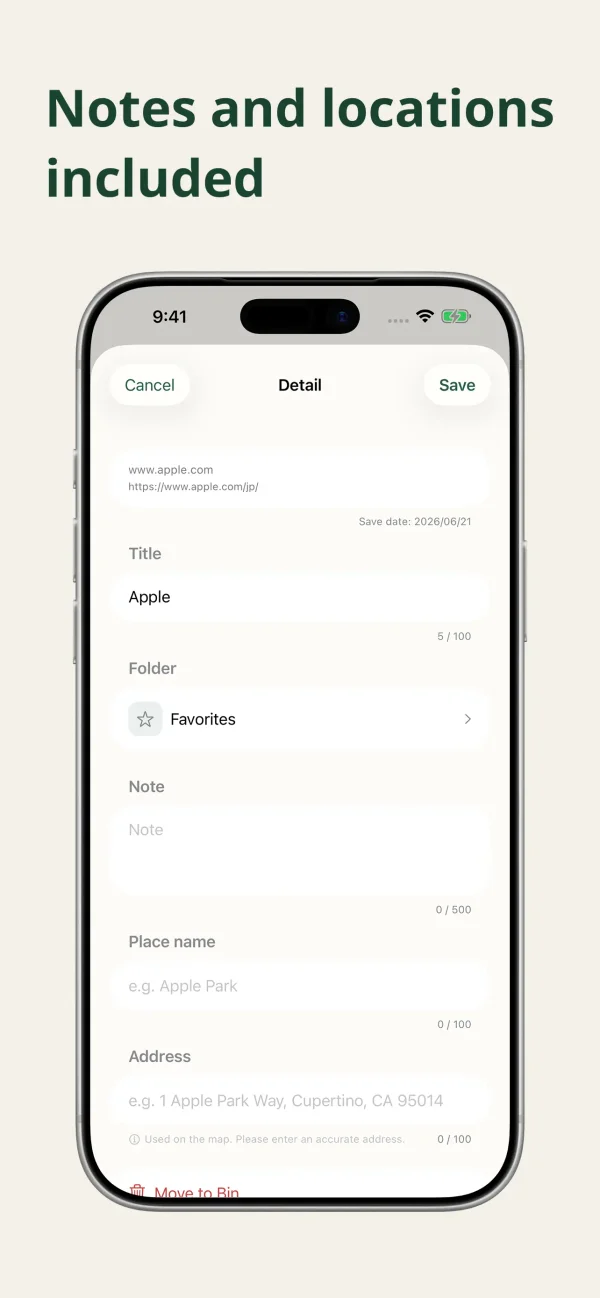
- Remember more than just the link
Add notes and locations to your saved links.
Capture the details that matter so you can remember not only what you saved, but why you saved it.
- Stay in Sync
With iCloud Sync, your links stay up to date across your Apple devices automatically.
Save something on one device and access it from another whenever you need it.
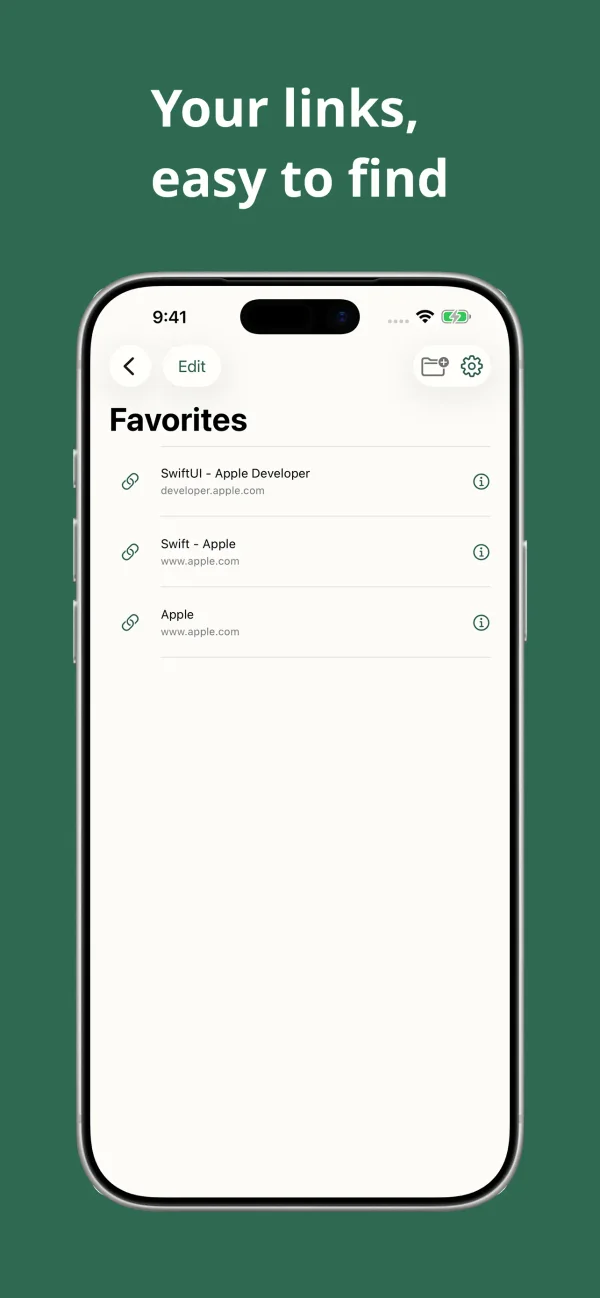
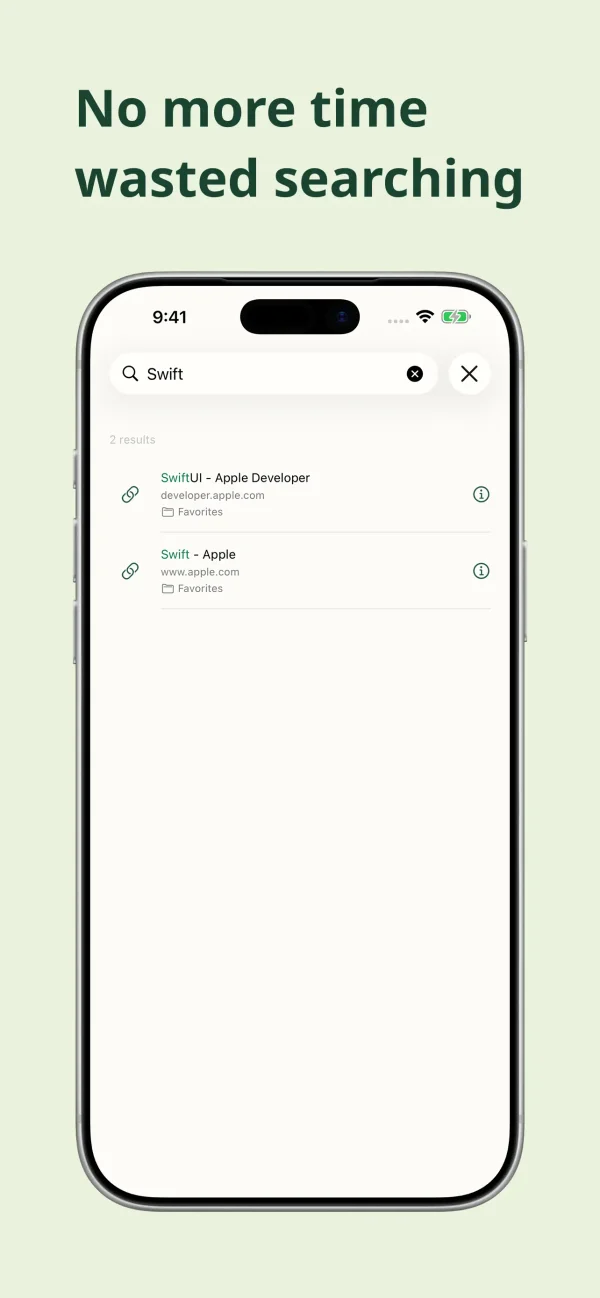
- Find anything instantly
Keyword search helps you locate saved links in seconds, even as your collection grows.
- Private by design
Lynca contains no ads and no tracking.
Your saved links remain yours alone.
Lynca Pro
Unlock advanced organization features with a one-time purchase:
・Unlimited folders
・Create subfolders for deeper organization
・Lock folders with Face ID for additional privacy
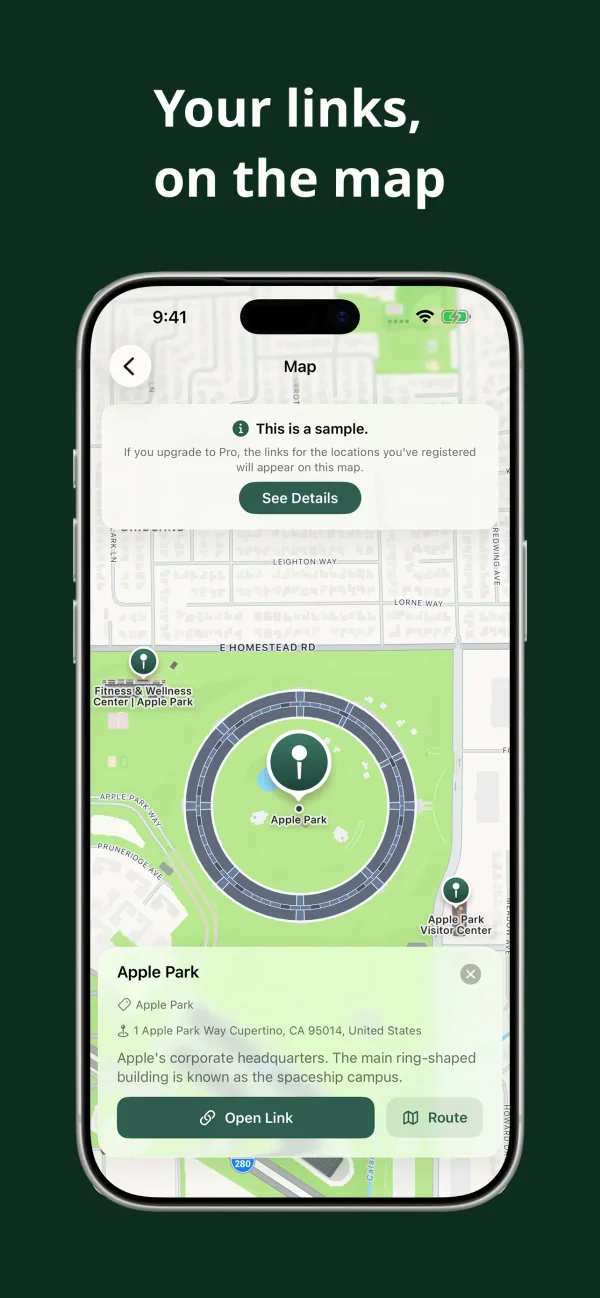
・View registered locations on the map
No subscriptions. No recurring fees.
Just a single purchase and lifetime access.
In a world full of information, Lynca helps you keep only what truly matters.
What’s new
Version 1.2.1 · Jul 23, 2026
Thank you for using Lynca.
What's New
・Updated the Folder settings icon.
・Fixed an issue where URLs could not be saved on Mac.
App privacy
What Masaki Hattori declares on the App Store about how this app handles data.
-
Data not collected
The developer does not collect any data from this app.
Privacy practices may vary, for example with the features you use or your age.
Information
- Seller
- Masaki Hattori
- Category
- Productivity
- Version
- 1.2.1
- Updated
- Jul 23, 2026
- Released
- Jun 30, 2026
- Size
- 11.0 MB
- Requires
- iOS 26.0 or later
- Age rating
- 17+
- In-app purchases
- Yes
- Languages
- Japanese, English
- Copyright
- © 2026 Masaki Hattori
You might also like
-
 Local Memo: Offline NotesOffline notes and folders
-
 なぞってご祝儀袋 - ご祝儀袋の名前や文字をきれいになぞるProductivity
-
 シンプル縦型スケジュール帳Productivity
-
 Simple Pomodoro Timer - DoroNo ads, Super simple timer
-
 Chat memo. Memo app like tweetYour own memo app.
-
 職務経歴書AI - 転職のための職務経歴書作成アプリProductivity
-
 Rimo(リモ) : AI議事録・文字起こしProductivity
-
 パステルカレンダー|ゆるっと予定管理Productivity
-
 ハッピースケジュール シンプルでかわいい、カレンダーProductivity
-
 LooScheLoose Schedule Management Tool