
LyricTap: Auto Sync Lyrics
AI Translate, Karaoke & Video
Designed for iPhone, iPad
Free · In-app purchases
- Age rating4+
- CategoryMusic
- Developer一苇 叶
- LanguagesEnglish+ 2 more
- Size52.8 MB
Links to the official App Store page
Download.org hosts no file of LyricTap: Auto Sync Lyrics. The button opens its official App Store page, published by 一苇 叶. Listing last checked on Nov 25, 2026.
Screenshots

About
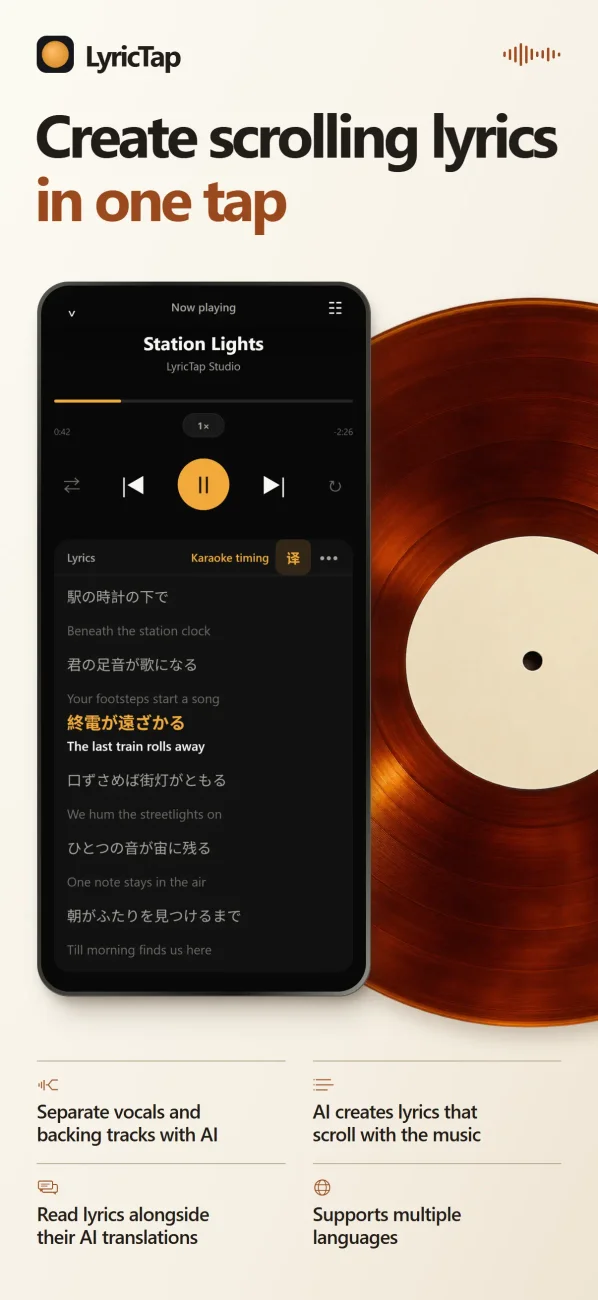
Make your lyrics match the music.
LyricTap helps musicians, cover creators, and anyone making synced lyrics, bilingual subtitles, or lyric videos.
Import your music and lyrics, adjust timing manually, or let AI sync a full song. Translate lyrics into 92 languages, export subtitles, separate vocals and instrumentals, and create lyric videos on iPhone or iPad.
SYNC AND EDIT LYRICS
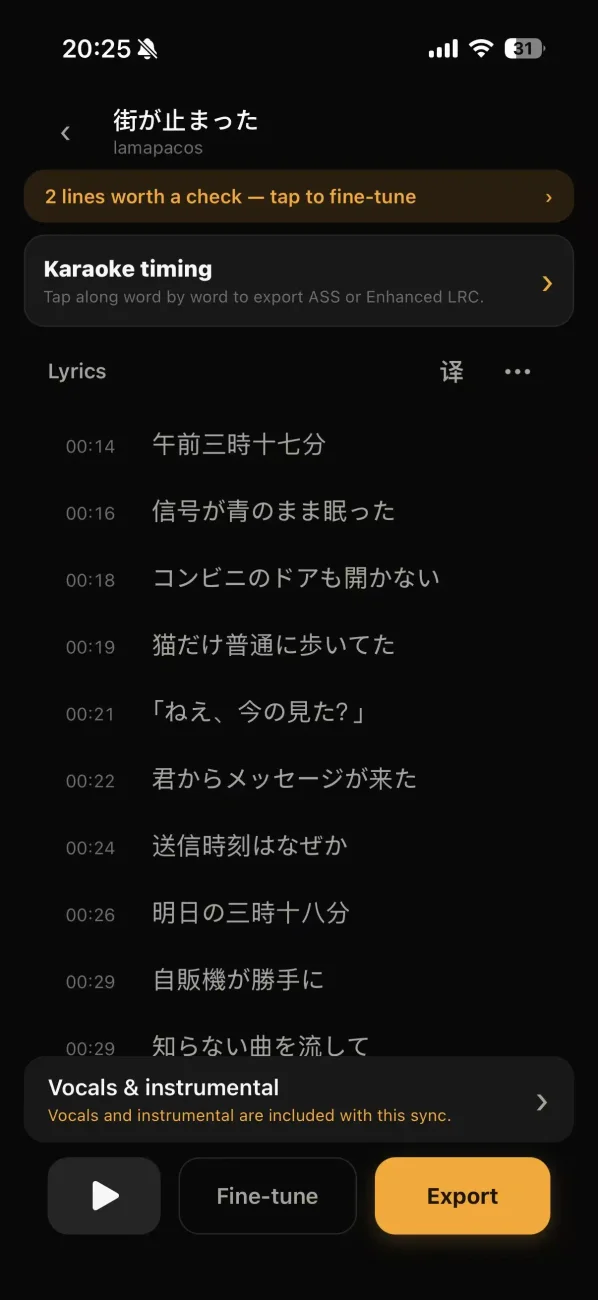
Import music from your device, paste lyrics, or open an existing lyric file. Adjust the start time of each line while listening, then preview your changes in the player.
Manual lyric editing requires no account or AI credits.
AI AUTO-SYNC
AI analyzes your audio and lyrics to generate line-by-line timing, with support for lyrics in 10 languages.
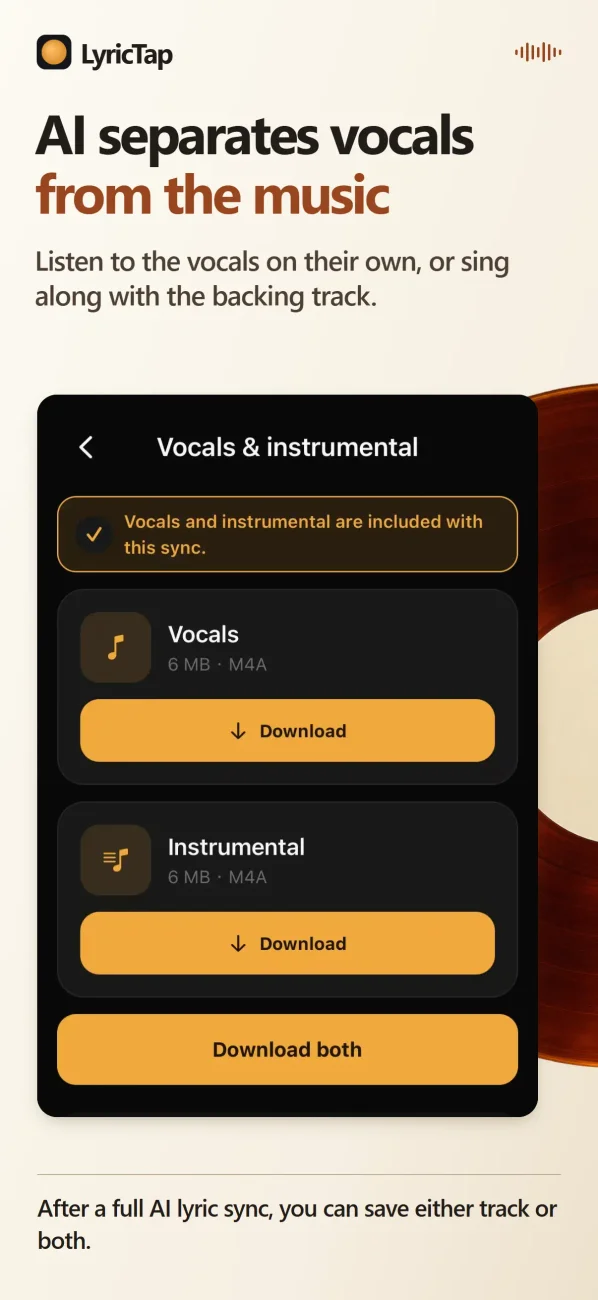
A completed sync also separates your track into:
• Vocals
• Instrumental
One AI credit is charged only after a full sync succeeds. Failed tasks do not use a credit. Save the synced lyrics and separated audio, or create a lyric video from the same result, without using another sync credit.
AI timing may contain errors; review and adjust it as needed.
AI TRANSLATION AND BILINGUAL LYRICS
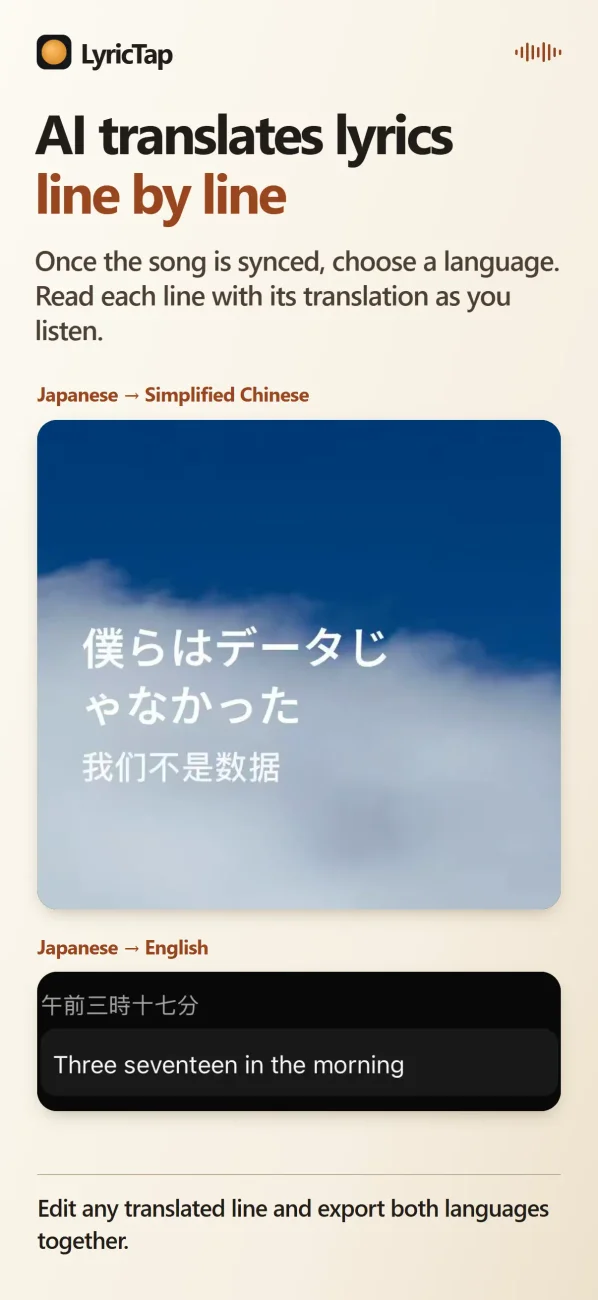
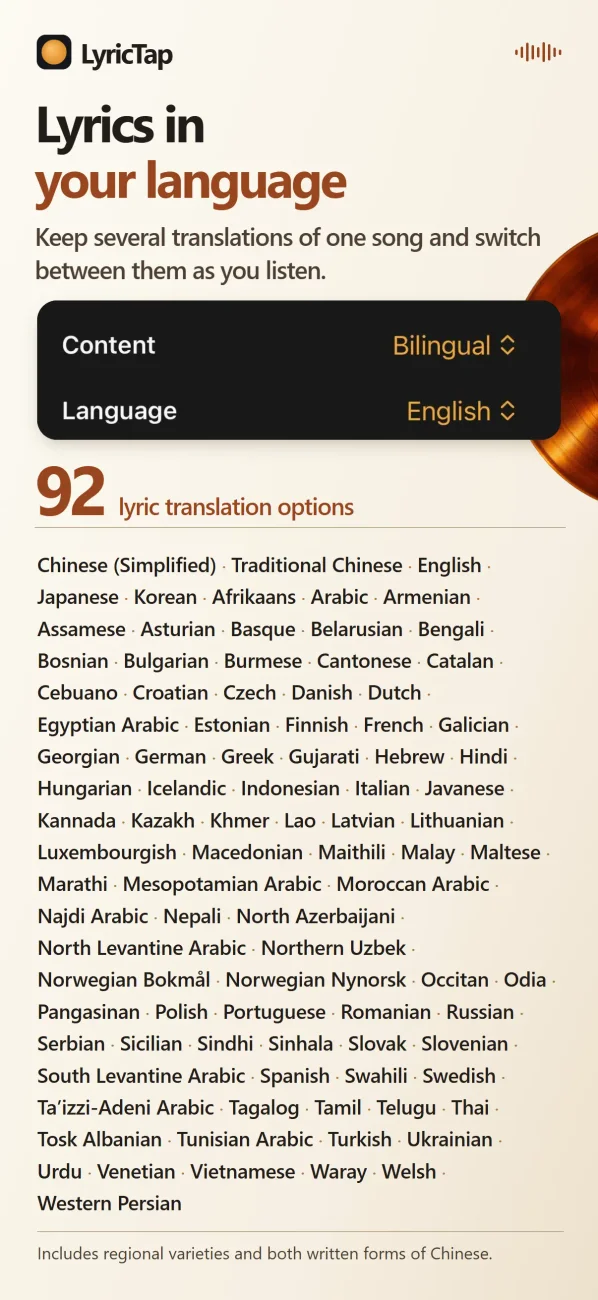
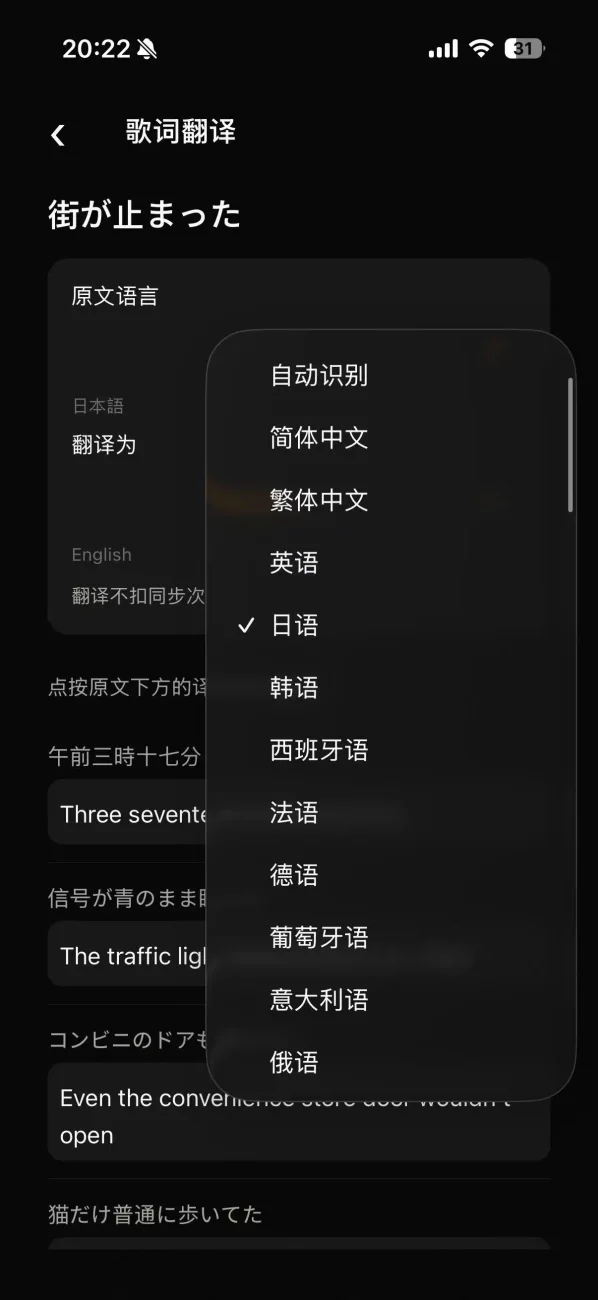
Once your lyrics are synced, translate them into any of 92 target languages.
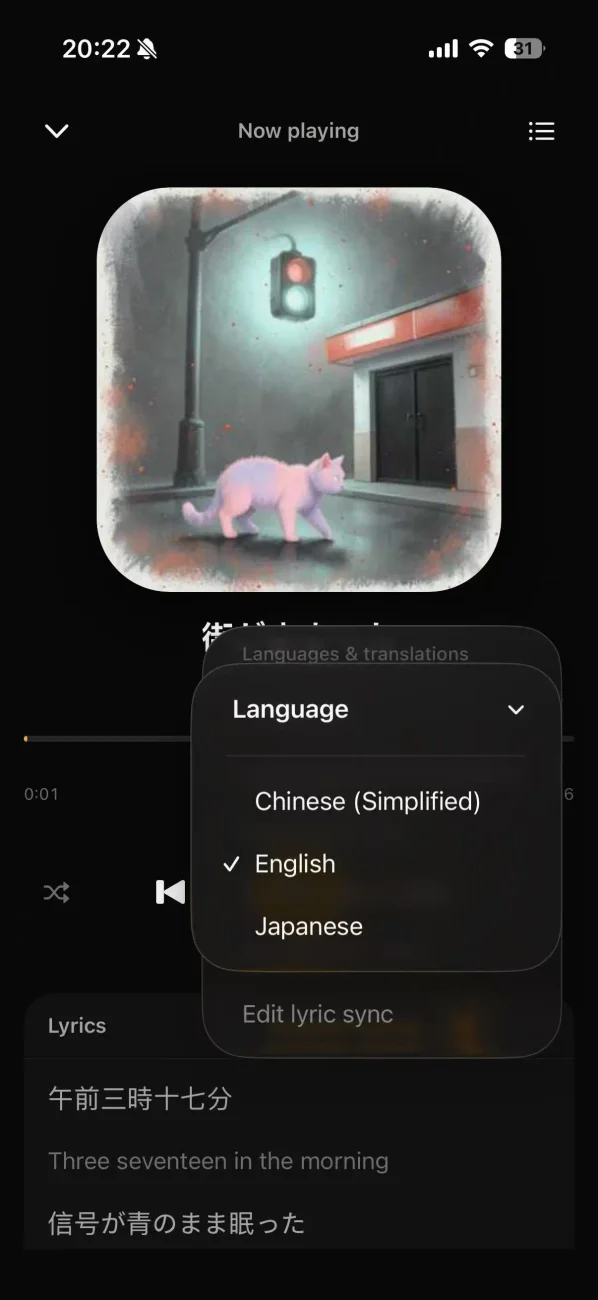
Edit translations line by line, save multiple translations for the same song, and switch between original and bilingual lyrics with one tap during playback.
EXPORT LYRICS AND SUBTITLES
Choose the format that fits your workflow:
• LRC — synced lyrics
• SRT — line-based subtitles
• TXT — plain text, with copy or file saving
• ASS — manually timed karaoke subtitles
• Enhanced LRC — word- or group-timed lyrics
For LRC, SRT, and TXT, export the original lyrics, translation only, or bilingual lyrics. Use exported files in compatible music players, subtitle apps, and video editors.
CREATE KARAOKE TIMING BY HAND
Tap along to the music to time individual words or lyric groups. Adjust their start times and line endings, then export as ASS or Enhanced LRC.
Word- and group-level karaoke timing is manual; AI does not create word-by-word karaoke timing. The in-app player and lyric videos display lyrics by line. Use compatible external software for word-level karaoke effects.
CREATE LYRIC VIDEOS
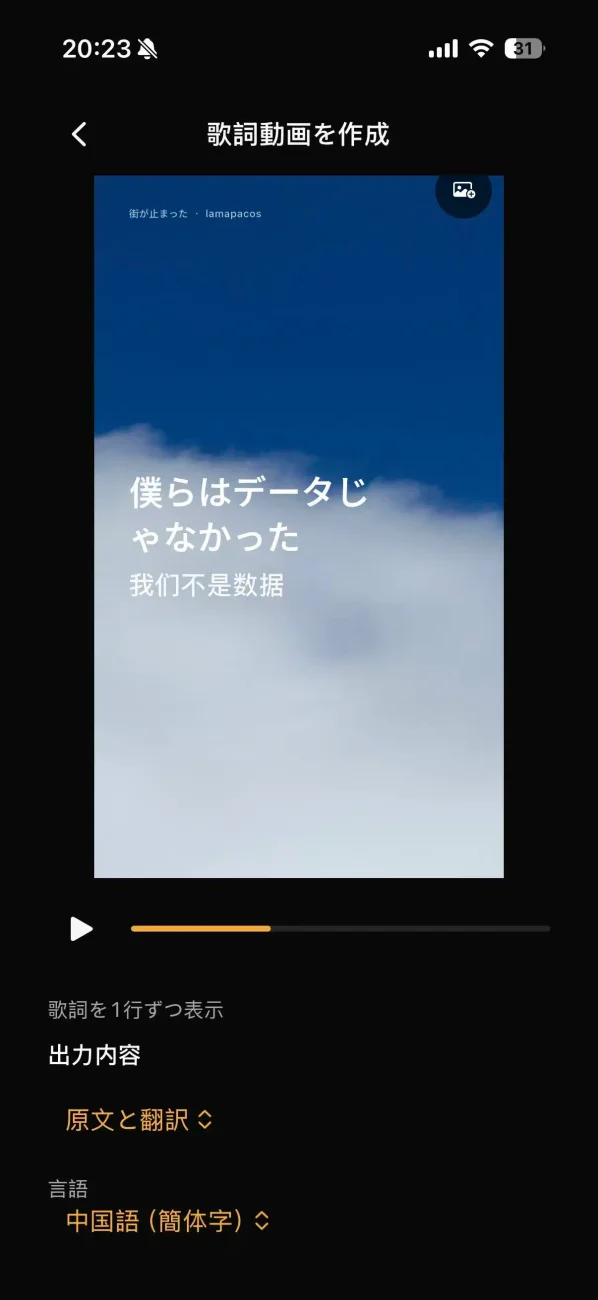
Once a song has completed full AI Auto-Sync, create a video using your own background image.
Choose from 3 lyric styles and 5 aspect ratios:
• 9:16 — vertical
• 16:9 — horizontal
• 1:1 — square
• 4:5 and 3:4 — portrait
Display original lyrics, translations, or both. Customize text color, outline color, and outline thickness independently for the original and translated lyrics.
Preview and export as MP4, save to Photos, or share with other apps. Lyric videos display lyrics line by line, without word-by-word karaoke highlighting.
YOUR MUSIC, YOUR CONTROL
Manual lyric editing and video creation take place on your device.
Audio, lyrics, and language data needed for AI processing are uploaded only when you choose to start an AI task and consent to the upload.
LyricTap does not provide music downloads. Use only music and lyrics you own or have permission to use.
What’s new
Version 1.3.1 · Nov 24, 2026
• Read lyrics in two languages. After a full AI sync, choose from 92 translation options, edit individual lines, and keep several translations of the same song. Show or hide the translation during playback.
• Full-song AI lyric sync now supports 10 song languages.
• Export the original lyrics, a translation, or both to LRC, SRT, TXT, and MP4. You can now save a TXT file as well as copy the text.
• Make square (1:1), 4:5, and 3:4 lyric videos alongside portrait and landscape. Give each language its own text color, outline color, and outline width.
App privacy
What 一苇 叶 declares on the App Store about how this app handles data.
-
Data linked to you
May be collected and linked to your identity.
- Purchases
- User content
- Identifiers
Privacy practices may vary, for example with the features you use or your age.
Information
- Seller
- 一苇 叶
- Category
- Music
- Version
- 1.3.1
- Updated
- Nov 24, 2026
- Released
- Jul 17, 2026
- Size
- 52.8 MB
- Requires
- iOS 16.4 or later
- Age rating
- 4+
- Price
- Free
- In-app purchases
- Yes
- Languages
- English, Japanese, Simplified Chinese
- Copyright
- © 2026 YE YIWEI
You might also like
-
 Otoha AI PlayerSubtitles & AI for your music
-
 Groovy – Local Music PlayerOffline FLAC, EQ & Lyrics
-
 Guppy: Local music playerOffline library, synced lyrics
-
 SirenX - Hi-Res Music PlayerLocal Music & Navidrome
-
 Lyric Video Maker - VizMigoCreate & Sync Lyrics to Music
-
 Karaoke SyncLyric Maker, LRC & Sing Along
-
 Primuse: Self-Hosted MusicNAS, Audiobooks & Radio
-
 Offline Music Player: No AdsPlay MP3 & FLAC Without WiFi
-
 One Player: Offline hifi MusicWatch & Car Hi-Res & Lyrics
-
 Evertag: Music Tag Editorchange & find missing metadata