
- Age rating4+
- CategoryUtilities
- DeveloperWillibald Kraml
- LanguagesEnglish
- Size912.0 KB
Links to the official App Store page
Download.org hosts no file of M32 Config. The button opens its official App Store page, published by Willibald Kraml. Listing last checked on Nov 17, 2026.
Screenshots
About
Morserino-32 Config sets up your Morserino from your iPhone over Bluetooth — no cable, and no computer.
The Morserino-32 is an open-source Morse code (CW) training device for radio amateurs. Everything you would otherwise change by turning the encoder and stepping through menus can be done here instead, on a screen, with a keyboard.
WHAT YOU CAN DO
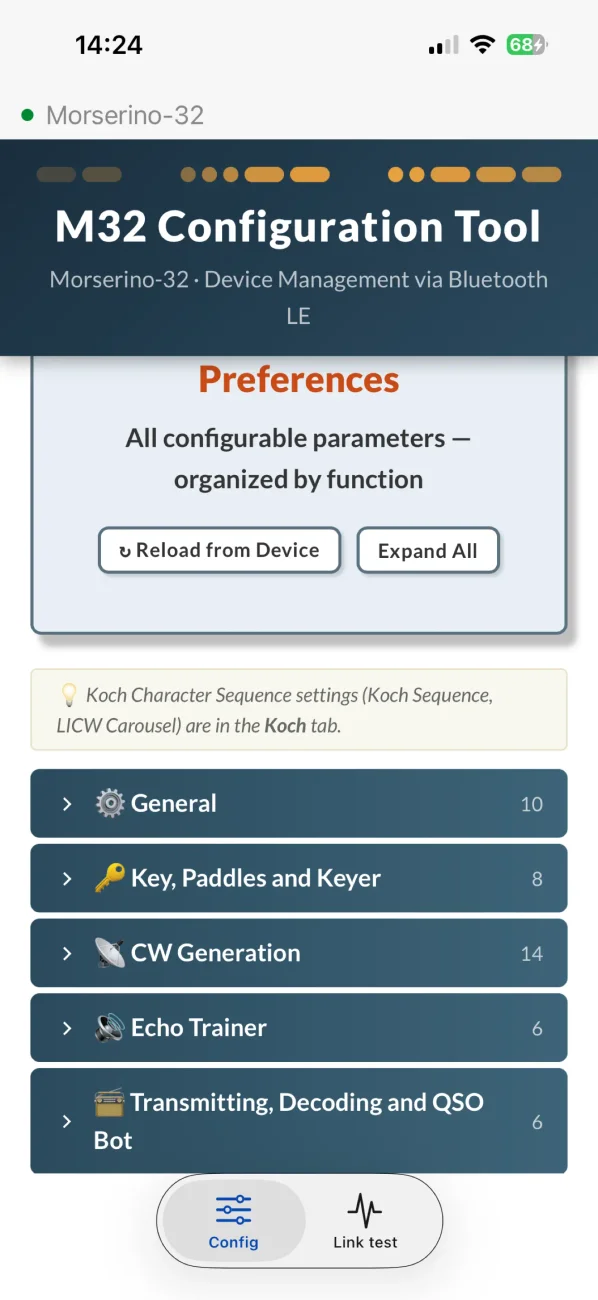
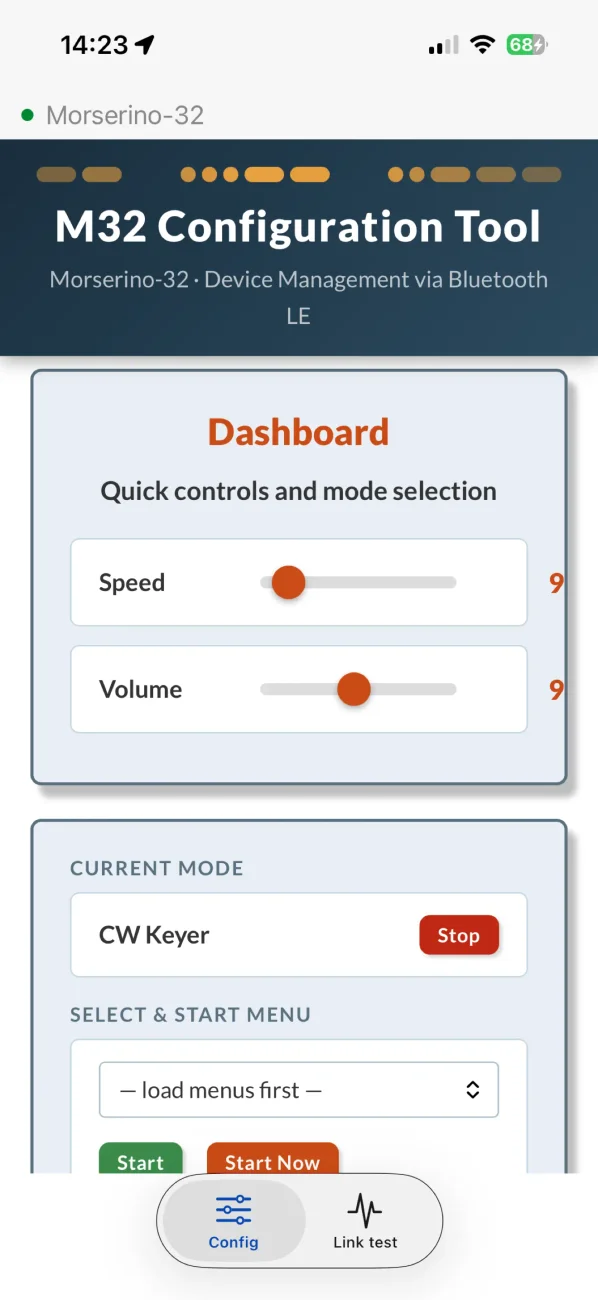
• Read and change every preference — keyer mode, speed, tone, spacing, Koch lesson and the rest
• Store and recall snapshots of complete settings
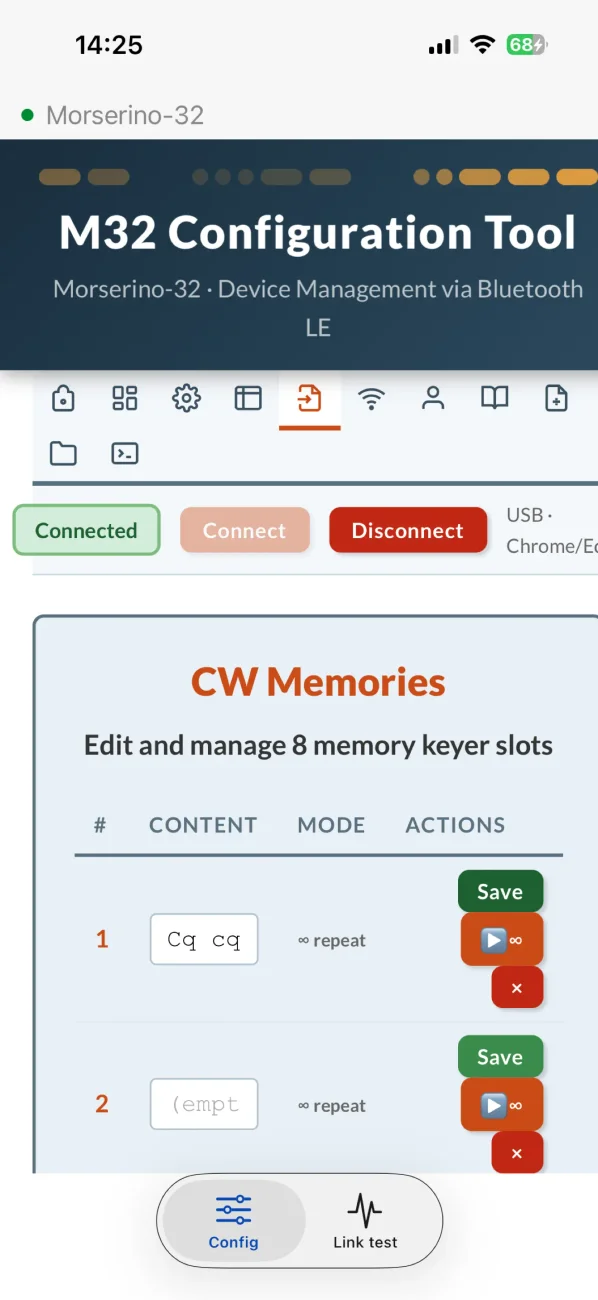
• Edit the CW memories
• Set your call sign and operator name
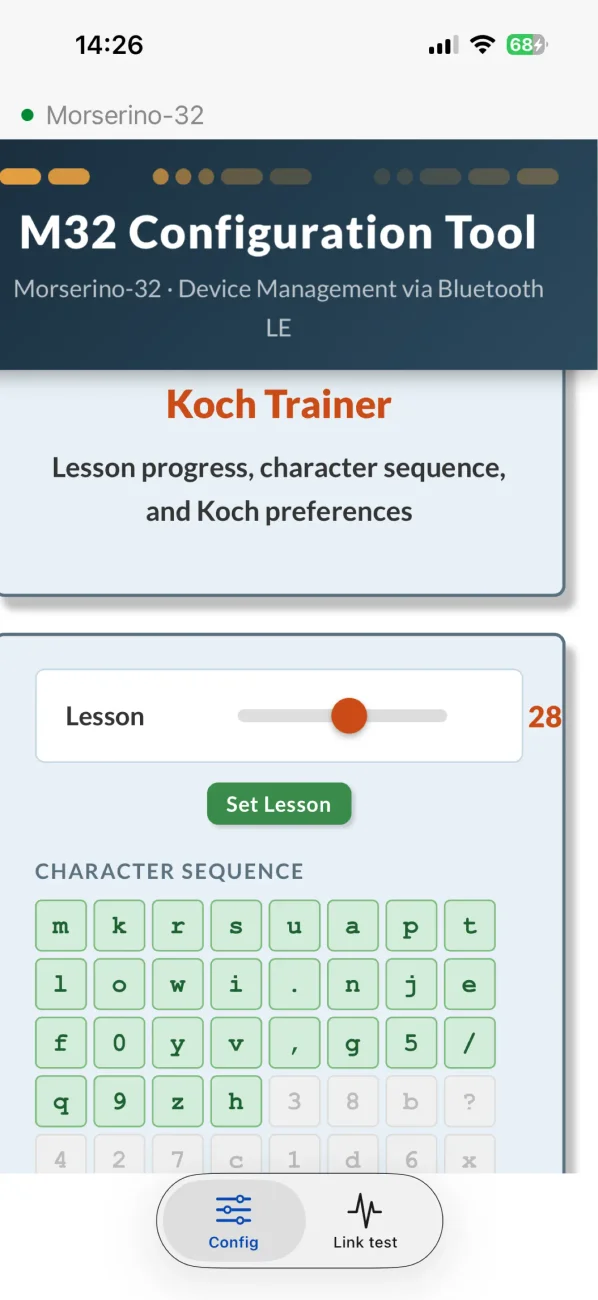
• Manage the Koch character sequence and your practice sets
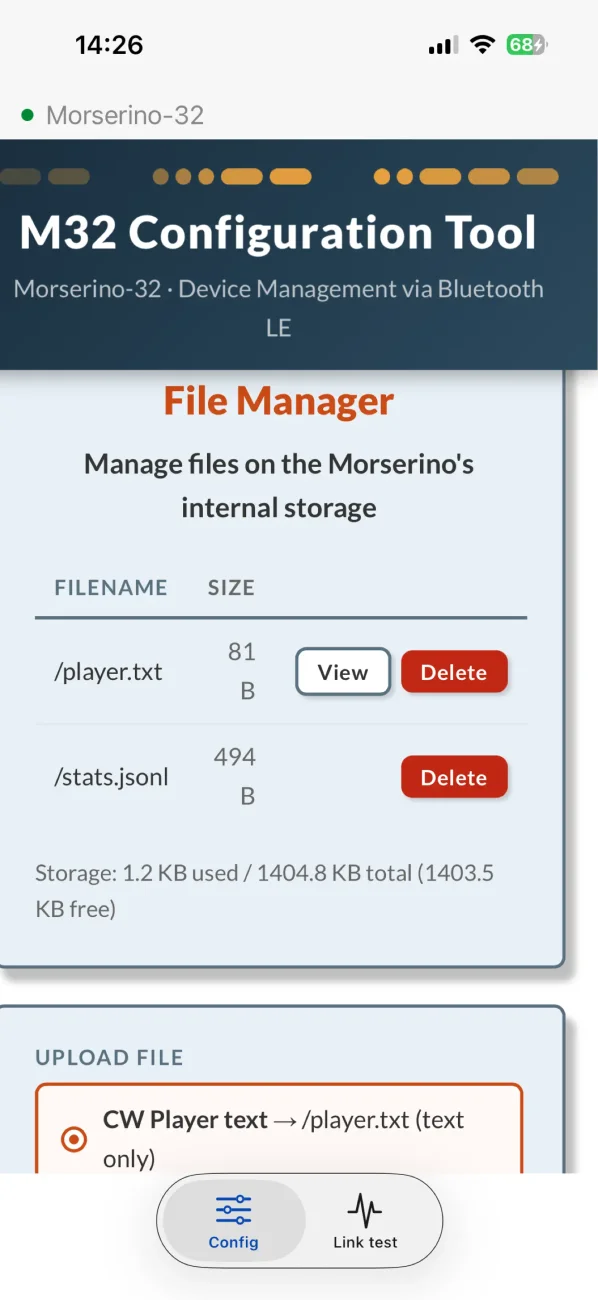
• Combine several text files into one training file and send it across
• Read practice statistics and game scores, on the models that keep them
• Send text to be keyed as CW, and watch what the device decodes
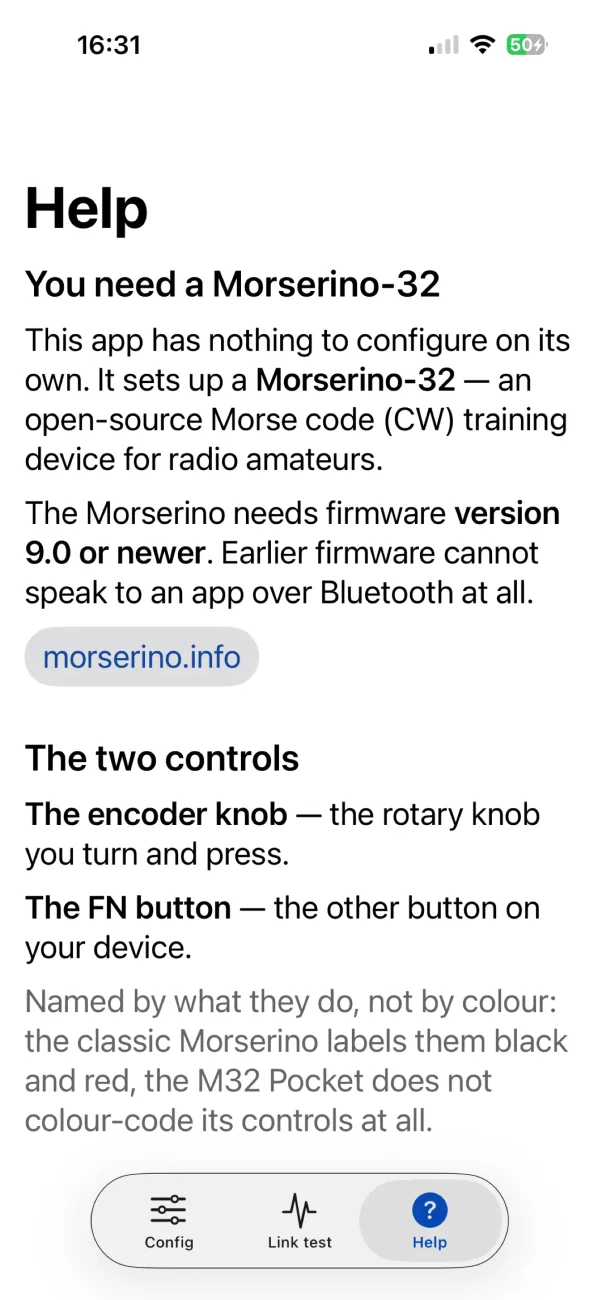
YOU NEED A MORSERINO-32
This is a companion to the hardware and does nothing on its own. You need:
• A Morserino-32 — classic or Pocket — running firmware 9.0 or later
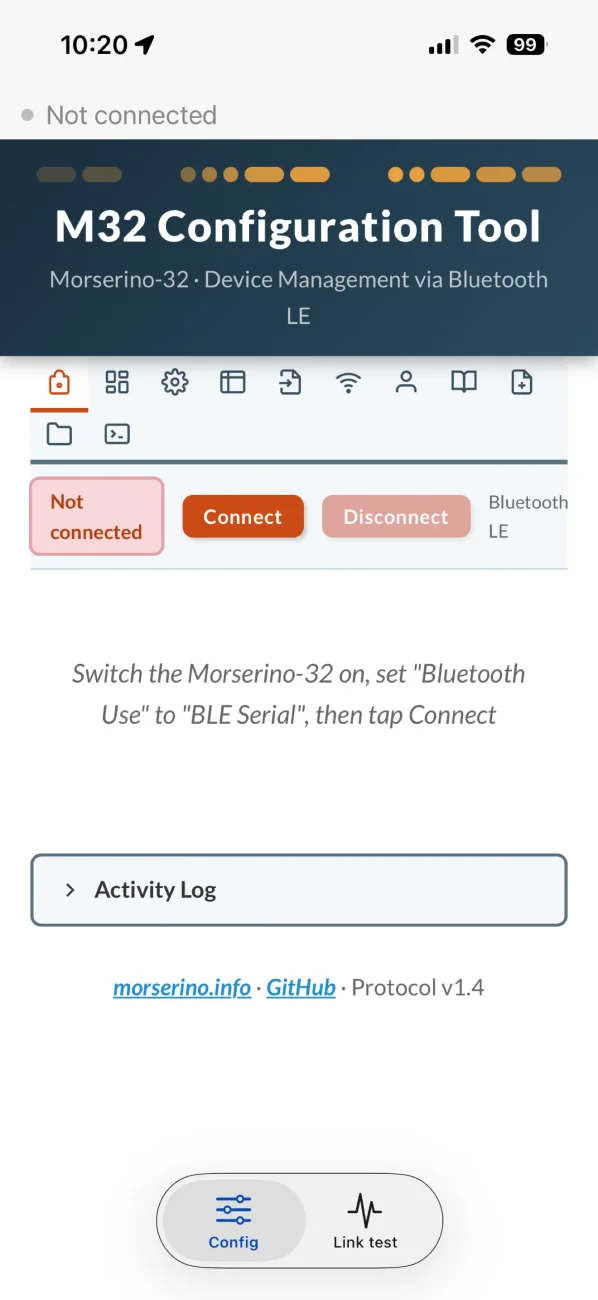
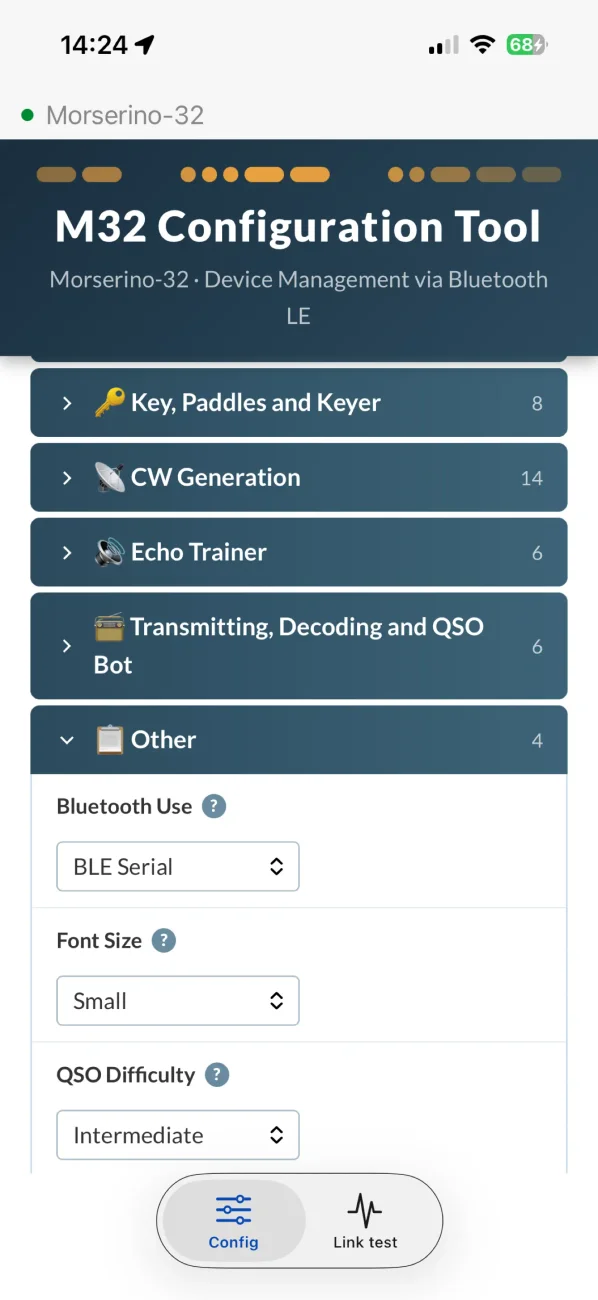
• "Bluetooth Use" set to "BLE Serial" in the device preferences
CONNECTING ASKS THE DEVICE FIRST
Anything within radio range can reach a Bluetooth device, so the Morserino asks you before it hands over control: it shows "Allow connect?" and waits for you to press its FN button. Nothing gets in without you agreeing at the device itself.
No account, no advertising, no data collection.
Firmware, manuals and the desktop version of this tool: morserino.info
What’s new
Version 1.2 · Nov 15, 2026
Snapshot bundles from your CW course
A course can now hand out all its practice presets in a single file. On the Snapshots tab, tap "Import Snapshot Bundle…" and pick the file your course gave you, for example from the Files app. The app checks every preset against your Morserino first and shows any problem before anything is written, then stores each preset in its slot. Your own settings are put back afterwards.
Importing a bundle needs firmware 10.0 beta 3 or later on the Morserino; with older firmware the check stops with "Timeout". The same update also makes the menu list on the Dashboard work over Bluetooth.
Snapshots you can rely on
Storing, recalling and clearing a snapshot now waits for the Morserino's answer, and tells you when something went wrong — for example when a snapshot could not be stored because the device's memory is full. Before, the app reported success either way, and a slow store could make the snapshot list look empty.
With firmware 10.0 beta 3 or later, a snapshot recalled from the app also takes effect at once (a stored colour theme shows immediately) and is kept after the Morserino is switched off.
Know when the connection ends
When the Bluetooth connection ends without you tapping Disconnect, the app now says so and why: the Morserino was switched off or went out of range, "Bluetooth Use" was changed away from "BLE Serial", or a WiFi mode took over the radio.
Help for every preference
Every current preference now comes with its help text, among them Bluetooth Use, USB Keying, Font Size, Tone Softness, Echo Think Time and the rig control settings. A tap on or near the "?" opens it, and a tap anywhere else closes it; before, only an exact hit on the small "?" worked.
Bluetooth Use and USB Keying in the preferences
Both settings now appear under General, on firmware that has them. Keep in mind that this app talks to the Morserino through "BLE Serial": choosing anything else under Bluetooth Use ends the connection, and you set it back on the device itself.
Switching between Morserinos
After disconnecting from one Morserino and connecting to another, the tabs now show the new one. Before, the Snapshots and Preferences tabs could go on showing the first device's snapshots and settings.
Confirmations work
Recalling or clearing a snapshot, a factory reset, deleting a file and the other actions that ask "Are you sure?" did nothing in the app, because the question never appeared. It now appears, and the action runs when you tap OK.
Remote keying pass phrase
On Morserinos with remote keying over the internet (firmware 10.0 beta), the WiFi tab lets you set the pass phrase. The app only ever shows whether one is set, never the phrase itself.
App privacy
What Willibald Kraml declares on the App Store about how this app handles data.
-
Data not collected
The developer does not collect any data from this app.
Privacy practices may vary, for example with the features you use or your age.
Information
- Seller
- Willibald Kraml
- Category
- Utilities
- Version
- 1.2
- Updated
- Nov 15, 2026
- Released
- Sep 28, 2026
- Size
- 912.0 KB
- Requires
- iOS 16.0 or later
- Age rating
- 4+
- Price
- Free
- Languages
- English
- Copyright
- © 2026 Willi Kraml
You might also like
-
 Greyline FT8Field-Ready Digital Ham Radio
-
 Radio MessengerOff-grid messaging over radio
-
 RadioMailOff-grid mail on amateur radio
-
 iFTxMobile FT8 and FT4
-
 AntScopeUtilities
-
 RepeaterPhoneConnect to ham radio repeaters
-
 HAMRS ProA simple, portable logger
-
 HamAlertUtilities
-
 Echo: Global SDR ReceiverSDR Tuner, Shortwave & Scanner
-
 Ola RadioIntelligent Walkie-talkie