M8 Music Tracker
Synth, Sampler, Sequencer
Designed for iPhone, iPad, iPod touch
$29.99
- Age rating4+
- CategoryMusic
- DeveloperDirtywave
- LanguagesEnglish
- Size234.6 MB
Links to the official App Store page
Download.org hosts no file of M8 Music Tracker. The button opens its official App Store page, published by Dirtywave. Listing last checked on Nov 28, 2026.
Screenshots
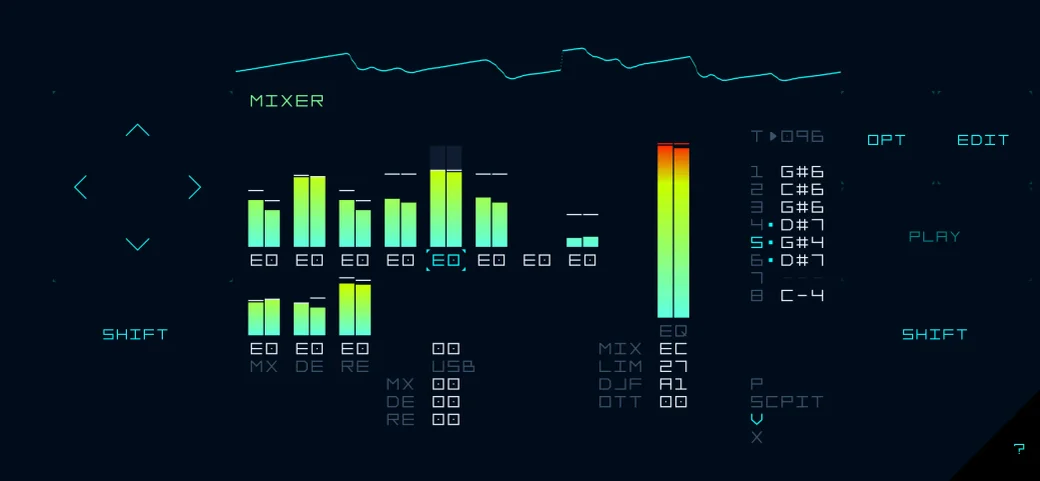
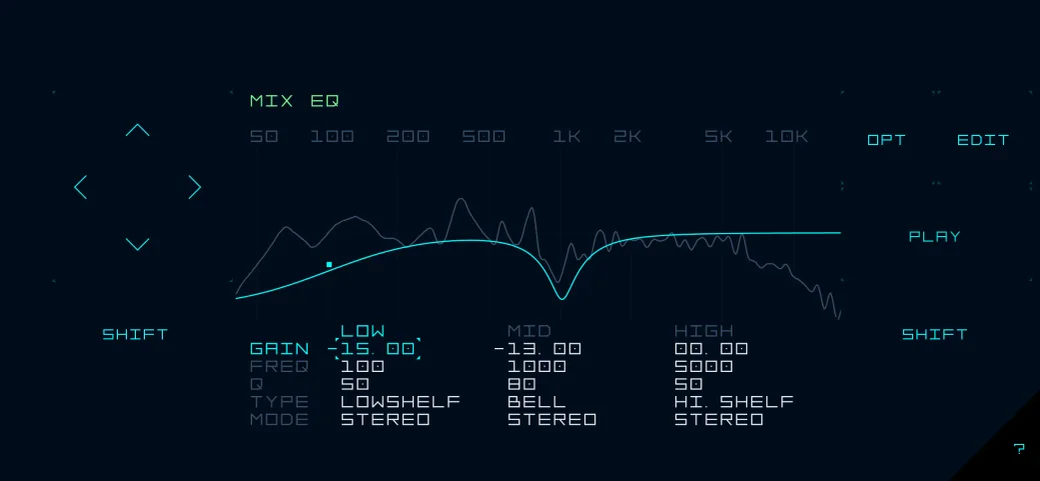
About
M8 tracker is an eight-track music tracker, sequencer, and synthesizer from Dirtywave.
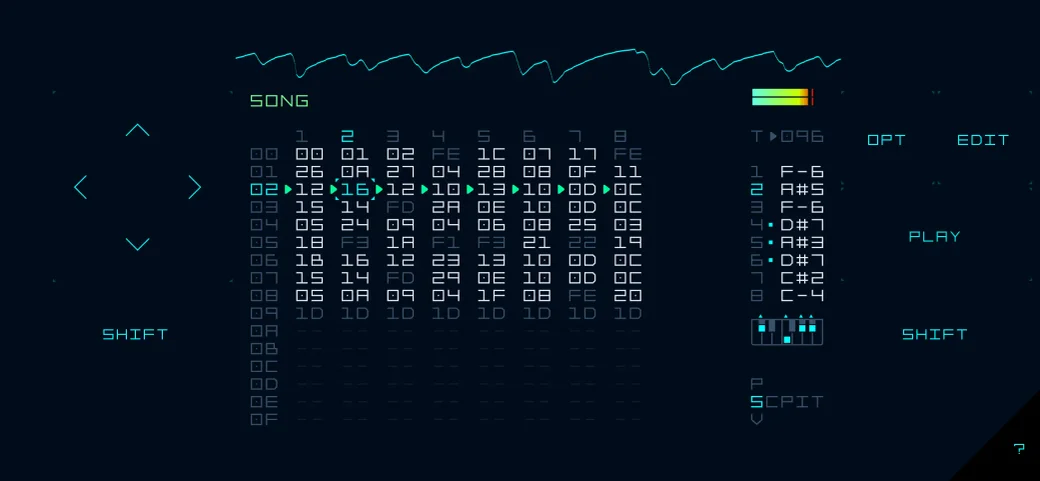
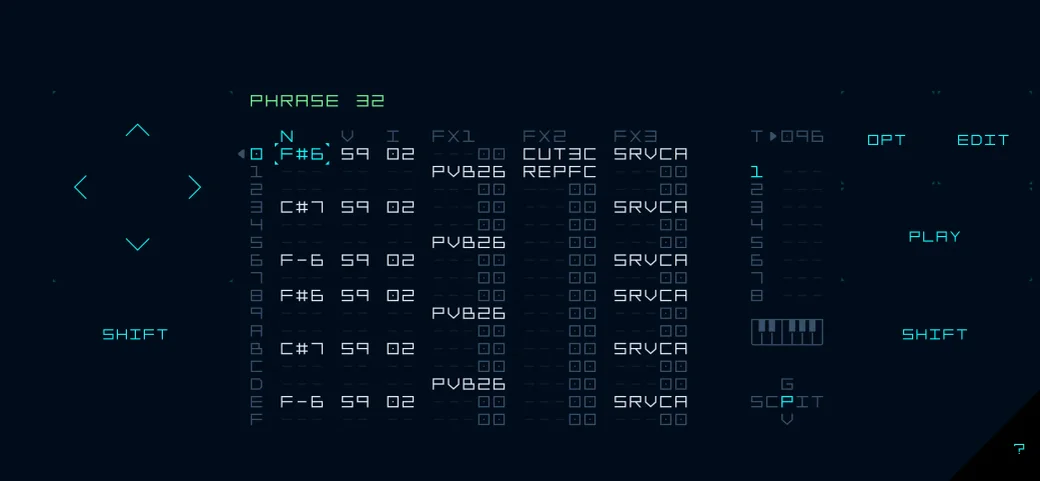
Create and arrange music using a portable tracker workflow. Sequences are built from phrases and chains, which can be arranged independently across eight tracks with sequencing and modulation at each step.
Instruments
• Wavsynth - Chip synth inspired wavetable synth
• Macrosynth - Macro oscillators of over 40 unique synthesis engines
• FMSynth - Four-operator FM synthesis
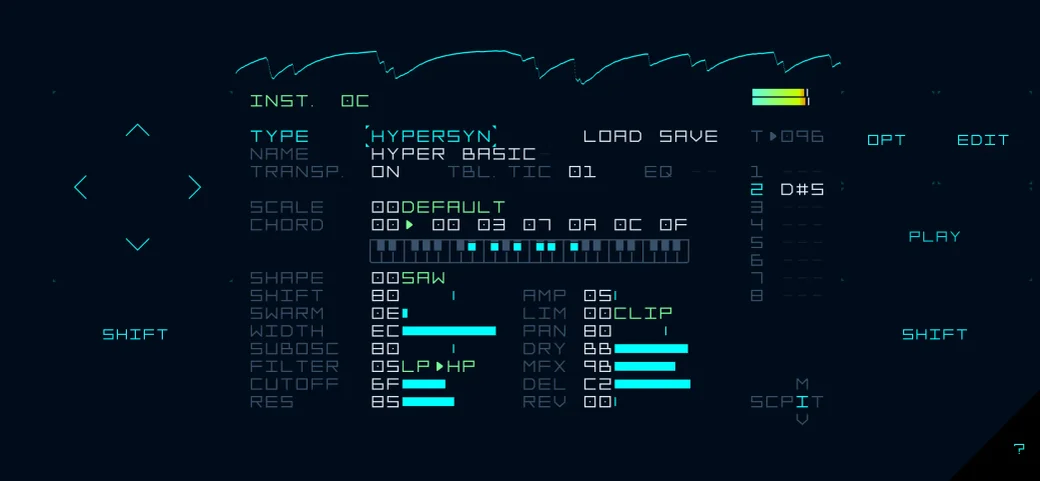
• Hypersynth - Six-note 13 oscillator swarm synth
• Sampler - Sample playback and recording
• MIDI instruments for controlling internal or external gear
• Up to 128 instruments per song
Sequencing
• Eight independent monophonic tracks
• Instrument tables for advanced modulation
• Scales, grooves, probability, and comprehensive effect commands
• Live performance and song-rendering tools
Connectivity
• CoreMIDI input and output
• External computer keyboards and game controllers
• Ableton Link support
• AUv3 plugin version
• Inter-App Audio (IAA) integration
• Launchpad Pro MKIII support
M8 supports portrait and landscape orientations on iPhone and iPad. Projects, instruments, samples, themes, and rendered audio are accessible through the Files app. Built-in contextual help explains every view with shortcuts.
M8 for iOS provides the complete M8 workflow in a portable, touch-enabled interface. Songs and bundles are fully compatible with M8 hardware and can be transferred between devices and shared with other M8 users. Join the Dirtywave Discord community to share music, get help, and discuss M8.
What’s new
Version 1.2.3 · Nov 7, 2026
iOS Updates
- iPhone Duo support
- Fixed audio dropouts when minimizing app
- Fixed sample audio playback issues
- Fixed Track 1’s waveform disappearing after screen rotation
- Fixed Song View remaining in Row Select mode when navigating to Project View
- Fixed rapid sample switching using Edit + Left/Right after saving a new sample
- Fixed USB audio latency caused by rendering and bundling
- Fixed folder selection not being preserved when navigating back
M8 Version 6.6.4
- Fix: Instrument - Moving down after editing the name could change TRANSPOSE
- Fix: Project - editing the SCALE setting above B should wrap back to C
- Fix: Song View - Row-select mode did not exit when navigating to Project View
- Fix: Table - INS commands in FX columns 2 or 3 did not work when the column used TICFF
App privacy
What Dirtywave declares on the App Store about how this app handles data.
-
Data not collected
The developer does not collect any data from this app.
Privacy practices may vary, for example with the features you use or your age.
Information
- Seller
- Dirtywave LLC
- Category
- Music
- Version
- 1.2.3
- Updated
- Nov 7, 2026
- Released
- Sep 9, 2026
- Size
- 234.6 MB
- Requires
- iOS 15.0 or later
- Age rating
- 4+
- Price
- $29.99
- Languages
- English
- Copyright
- © 2026 Dirtywave LLC
You might also like
-
 BattleFXDelay, Reverb, and Maximizer
-
 PunchKitEP-133 K.O II Companion
-
 Condukt: MIDI ControllerSequencer, Keyboard & AUv3
-
 Pro-A5 Synth + AUv3#1 Poly Analog Synthesizer
-
 Battlestation GrooveboxDAW-less EDM Jamming
-
 Super 606 Drums - Drum MachineAnalog Rhythm Synth + AUv3
-
 AD-202Music
-
 DramboModular groovebox, synth & fx
-
 Super J8 Synth + AUv3Analog Vintage Synthesizer
-
 SunVoxMusic