
- Age rating4+
- CategoryTravel
- DeveloperHAN WEI WANG
- LanguagesEnglish+ 4 more
- Size5.4 MB
Links to the official App Store page
Download.org hosts no file of Macau Transport. The button opens its official App Store page, published by HAN WEI WANG. Listing last checked on Nov 12, 2026.
Screenshots



About
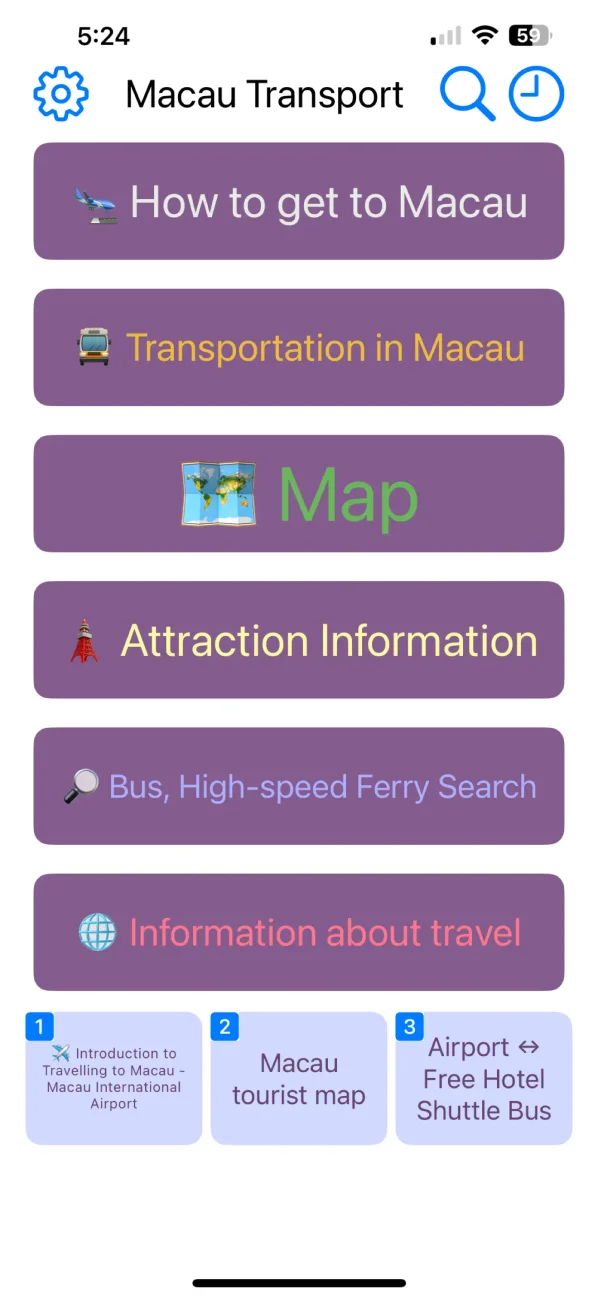
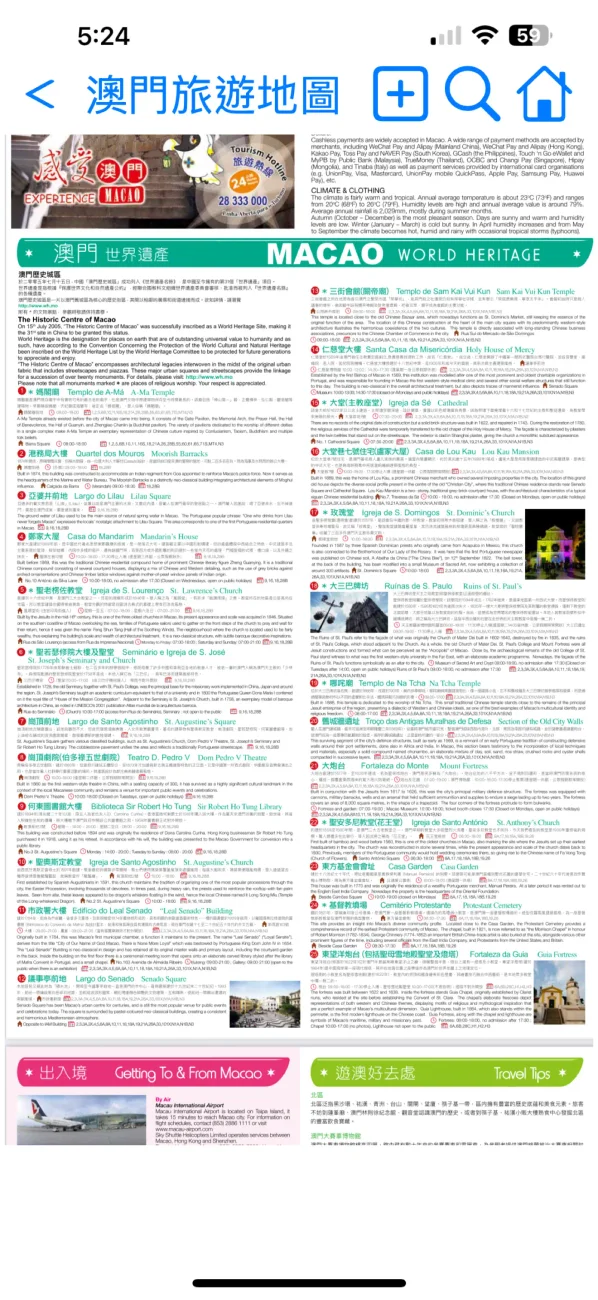
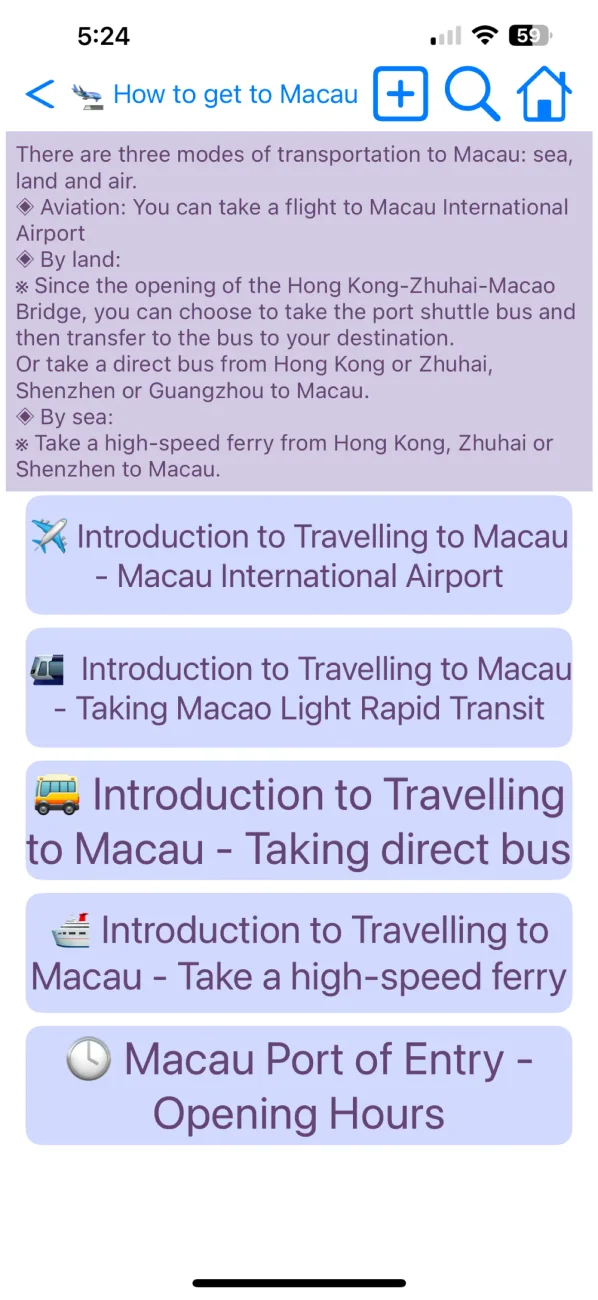
The travel App is designed for self-guided travel in Macau. It offers transportation information and route maps for the Macau region, helping users with transportation options, transfer details, timetables, fares, and applicable transportation coupons. The App aims to simplify transportation in Macau.
To navigate the app, you can press the back button in the upper left corner to return to the previous page, or swipe right from the left edge of the screen for the same purpose. The home button in the upper right corner will take you back to the app's homepage. Click the gear button in the upper left corner to select the display language or to download or update maps. Tapping the text title at the top will display all browsing paths; you can also select a path to return to a previous page. If there is descriptive text on the introduction page, click it to enlarge and click it again to shrink it. While viewing the map, users can use two fingers to zoom in or out. It's advisable to download all maps at the beginning for faster access.
The calendar button at the top of the homepage opens the calendar memo feature. After selecting a date and entering a memo, press the text search button next to the memo to search for relevant travel information automatically based on the memo's content, saving you time! Additionally, when on the Set Travel Date page, click the "Set Travel Date" button, and the system will create a travel memo for you. Once you set the travel date, it will automatically calculate how many days remain before your departure, how many days you have spent on your trip, how many days are left, and how many days remain before you return home. You can also share your travel memo with friends by opening their app, pasting the memo, and clicking the "Set Travel Date" button to complete the process.
Users can click on the settings button in the upper left corner of the homepage or the globe button at the top of the general page to change the display language. Available languages include English, Japanese, Traditional Chinese, Simplified Chinese, and Korean. Please note that switching languages requires re-downloading maps, as the app only retains maps in the currently selected language to save space and reduce network usage. Users can delete maps in other languages and download new ones after changing the app’s language.
The magnifying glass button in the upper right corner opens the search page. Users can enter keywords in English, Japanese, Chinese, or Korean to find relevant introductions, route maps, and other information. Clicking on a search result will take you directly to the desired page.
The clock button in the upper right corner opens the browsing history page, which automatically saves up to 100 records, making it easy to find previously visited pages.
There are three commonly used shortcut buttons at the bottom of the homepage that allow users quick access to frequently used map or traffic information pages. Additionally, a folding shortcut button at the top of the page expands these three shortcuts. Users can press the + button in the upper left corner of the shortcut section to set the current page as a shortcut, or press the - button to restore the shortcuts to their default settings.
If you have any suggestions for improving this app, please send us an email or leave a comment. We will update based on your feedback as soon as possible. If you find this app useful, please consider rating us to encourage continued updates. Thank you for using our program! (Developer's email: hereyouare1981@gmail.com)
What’s new
Version 2.6 · Sep 2, 2025
Add more travel apps options in settings page
App privacy
What HAN WEI WANG declares on the App Store about how this app handles data.
-
Data not collected
The developer does not collect any data from this app.
Privacy practices may vary, for example with the features you use or your age.
Information
- Seller
- HAN WEI WANG
- Category
- Travel
- Version
- 2.6
- Updated
- Sep 2, 2025
- Released
- May 4, 2025
- Size
- 5.4 MB
- Requires
- iOS 16.0 or later
- Age rating
- 4+
- Price
- Free
- Languages
- English, Japanese, Korean, Simplified Chinese, Traditional Chinese
- Copyright
- © Here You Are (Wang Han Wei)
You might also like
-
 Macau Travel Guide Offlinewith City Street and Metro Map
-
 Macau Taxi FareNo Sign-Up, Instant Fare Check
-
 Experience Macao 感受澳門Travel
-
 Pokeguide Bus ETA Transit GuruHong Kong, Macau & Taiwan
-
 Macau TaxiTravel
-
 Hong Kong Travel Guide ..Hong Kong Travel & Metro Guide
-
 Whale's Metro: Subway MapOffline transit, 262 cities
-
 Hong Kong Metro Map & RoutingMap and Route Planner
-
 Explore Hong KongHong Kong MTR map
-
 巴士報站Navigation