
- Age rating4+
- CategoryProductivity
- DeveloperHuy Duong
- LanguagesEnglish
- Size711.0 KB
Links to the official App Store page
Download.org hosts no file of Magic Mousepad. The button opens its official App Store page, published by Huy Duong. Listing last checked on Nov 12, 2026.
Screenshots
About
Features:
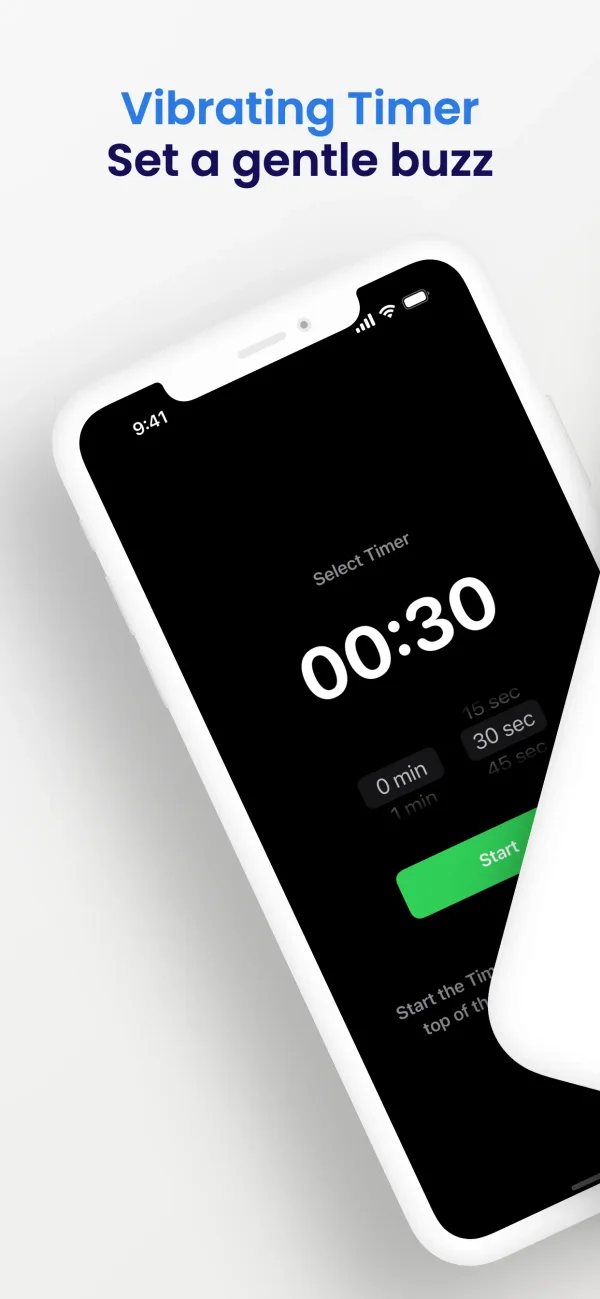
- Vibrating Timer: Stay on track with timed vibrations. Set intervals to get a gentle buzz, keeping you focused and productive.
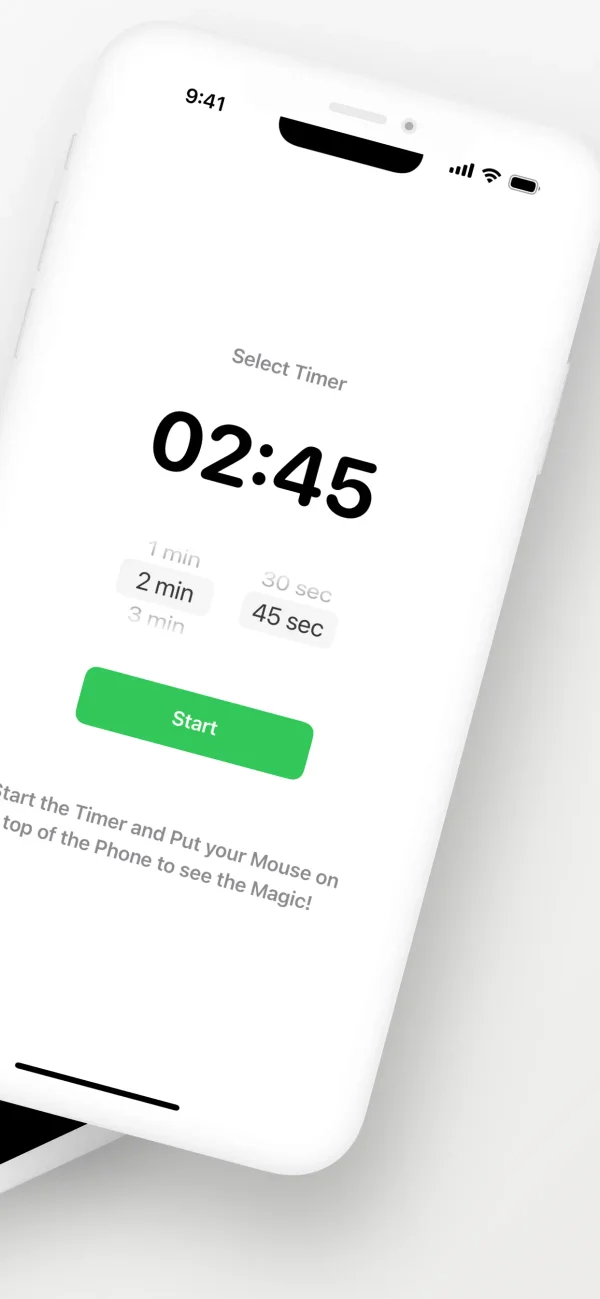
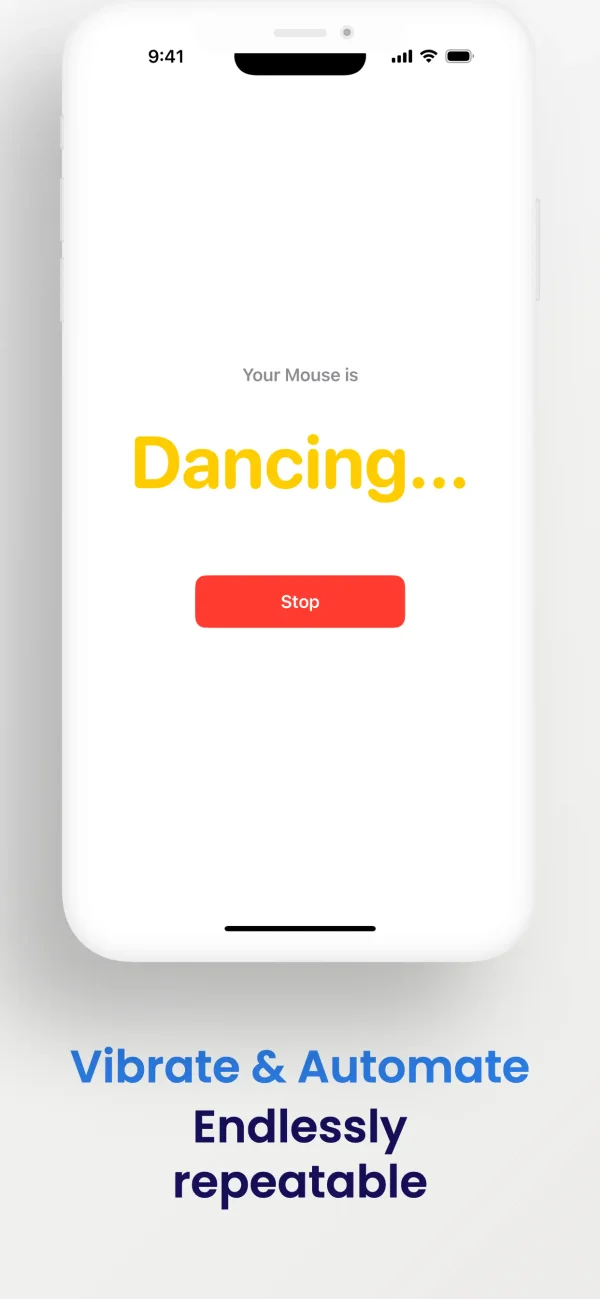
- Mouse Motion Automation: Prevent your computer from going idle by placing your mouse on your phone. The vibration will move the mouse, simulating activity.
- Customizable Intervals: Adjust vibration frequency to suit your needs. Repeat indefinitely or stop whenever you want.
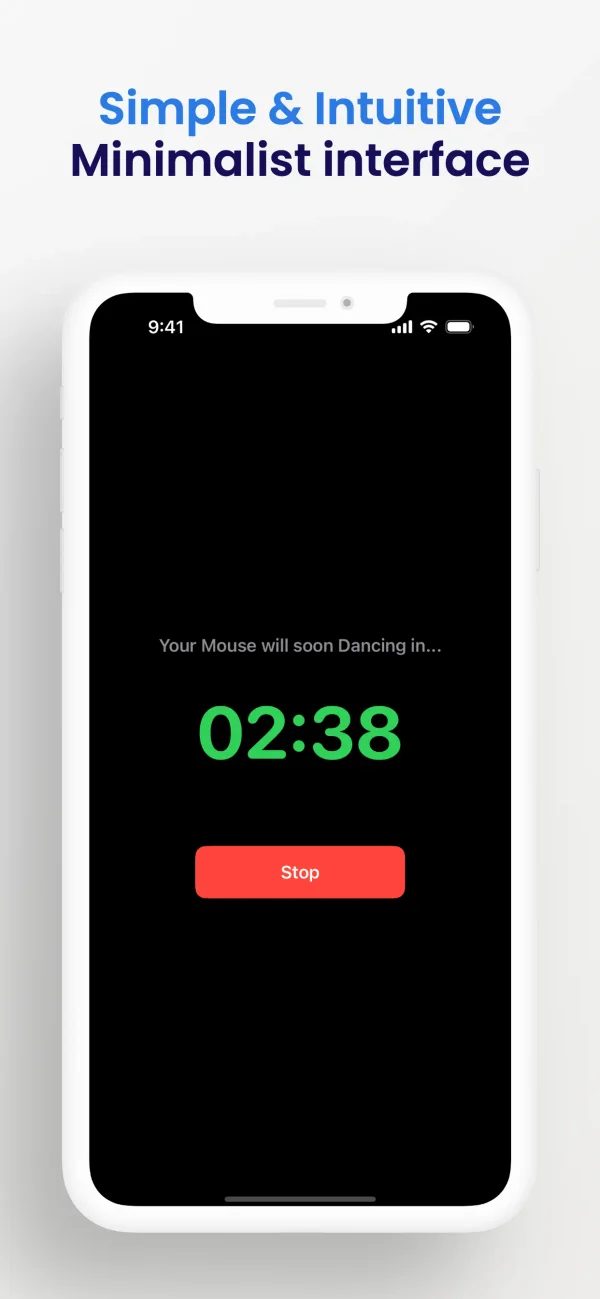
- Simple & Intuitive: Designed for ease of use with a minimalist interface—get started in seconds!
Perfect for:
- Staying productive during long sessions.
- Keeping your computer awake during important tasks.
- Avoid unnecessary screen locks without complicated software.
App privacy
What Huy Duong declares on the App Store about how this app handles data.
-
Data not collected
The developer does not collect any data from this app.
Privacy practices may vary, for example with the features you use or your age.
Information
- Seller
- Huy Duong
- Category
- Productivity
- Version
- 1.0
- Updated
- Nov 19, 2024
- Released
- Nov 19, 2024
- Size
- 711.0 KB
- Requires
- iOS 17.6 or later
- Age rating
- 4+
- Price
- Free
- Languages
- English
- Copyright
- © 2024 Huy Duong
You might also like
-
 Wakoon: Mouse JigglerKeep your computer awake
-
 Mouse Ripple: Auto Mouse MoverKeep your screen active safely
-
 Mouse@WorkProductivity
-
 Mouse Jiggler UndetectableKeeps Your Computer Awake
-
 NextGen LearnersProductivity
-
 Solum — Private, Local AIOn-device chat, no cloud
-
 CrewTapProductivity
-
 TimeGlass Notes - Sticky NotesYour day beautifully organized
-
 To Do List & Task ManagerDaily Planner & Reminders
-
 Csv2ImgCsv Converter to PNG / PDF.