
Magnifier: Zoom Text Reader
Zoom Small Print, Read Aloud
Designed for iPhone
Free · In-app purchases
- Age rating4+
- CategoryUtilities
- DeveloperPhuc Pham
- LanguagesEnglish
- Size5.7 MB
Links to the official App Store page
Download.org hosts no file of Magnifier: Zoom Text Reader. The button opens its official App Store page, published by Phuc Pham. Listing last checked on Nov 12, 2026.
Screenshots

About
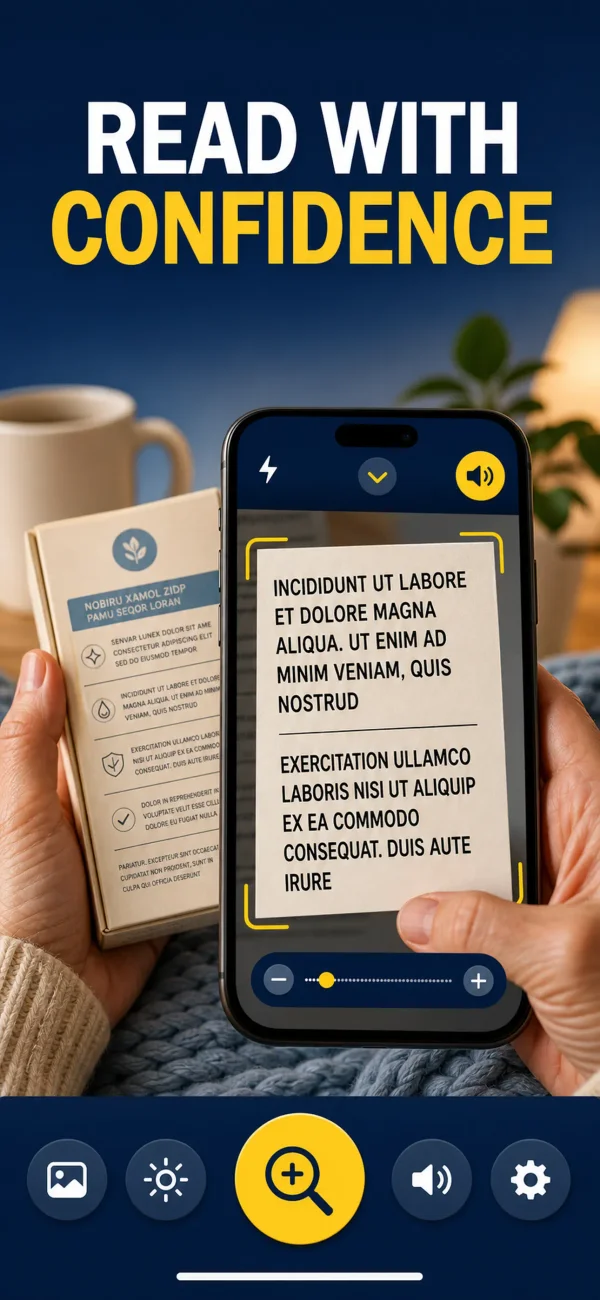
Can't read the small print? Point your iPhone at it and Magnifier makes it big, bright, and easy to see — instantly.
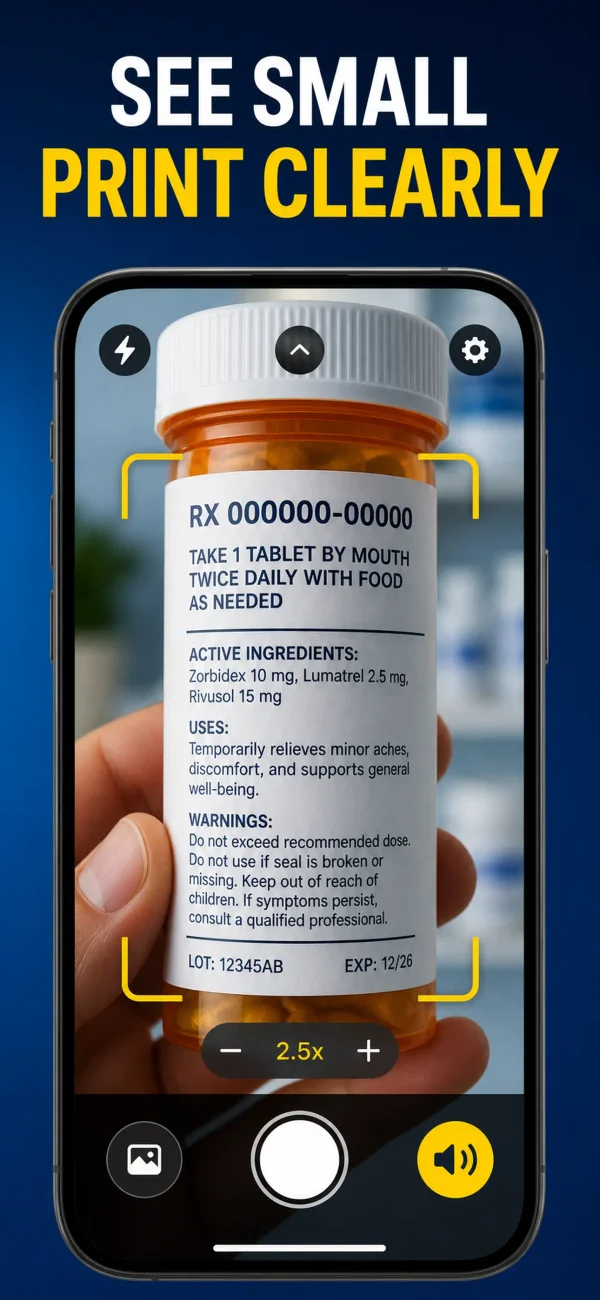
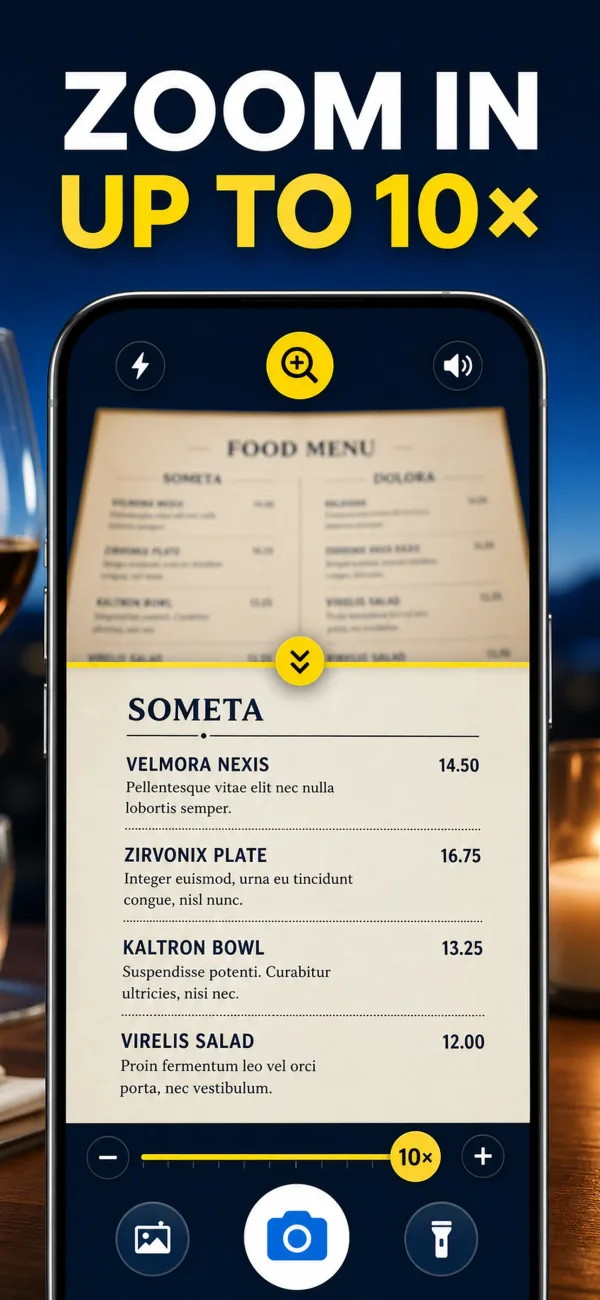
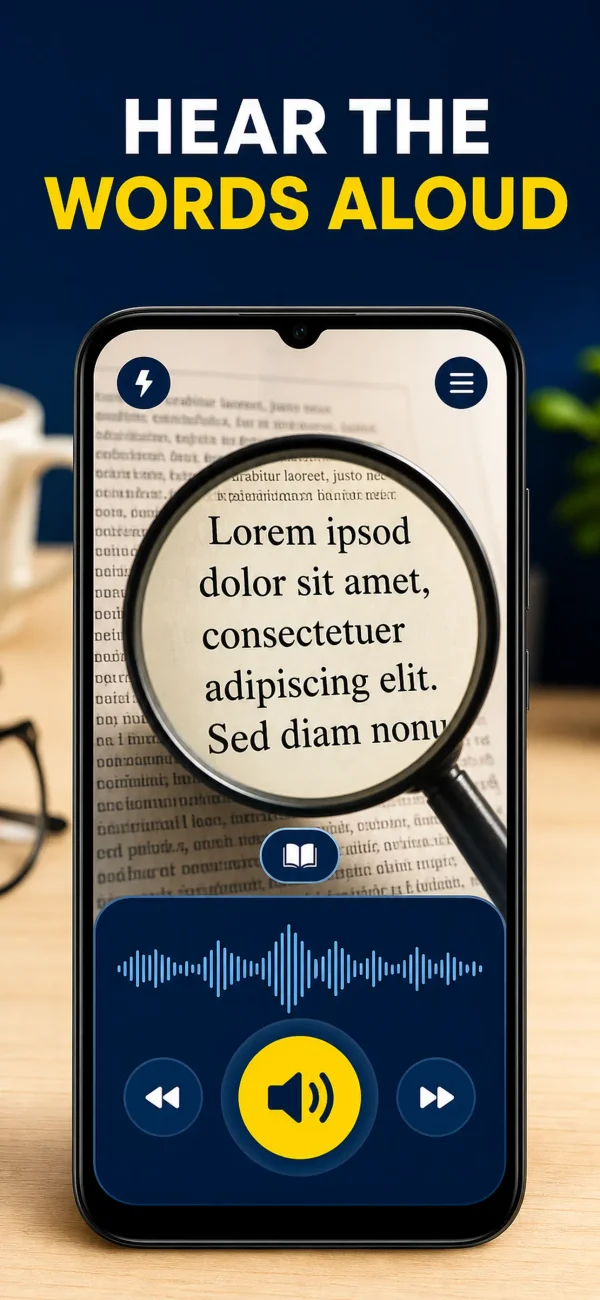
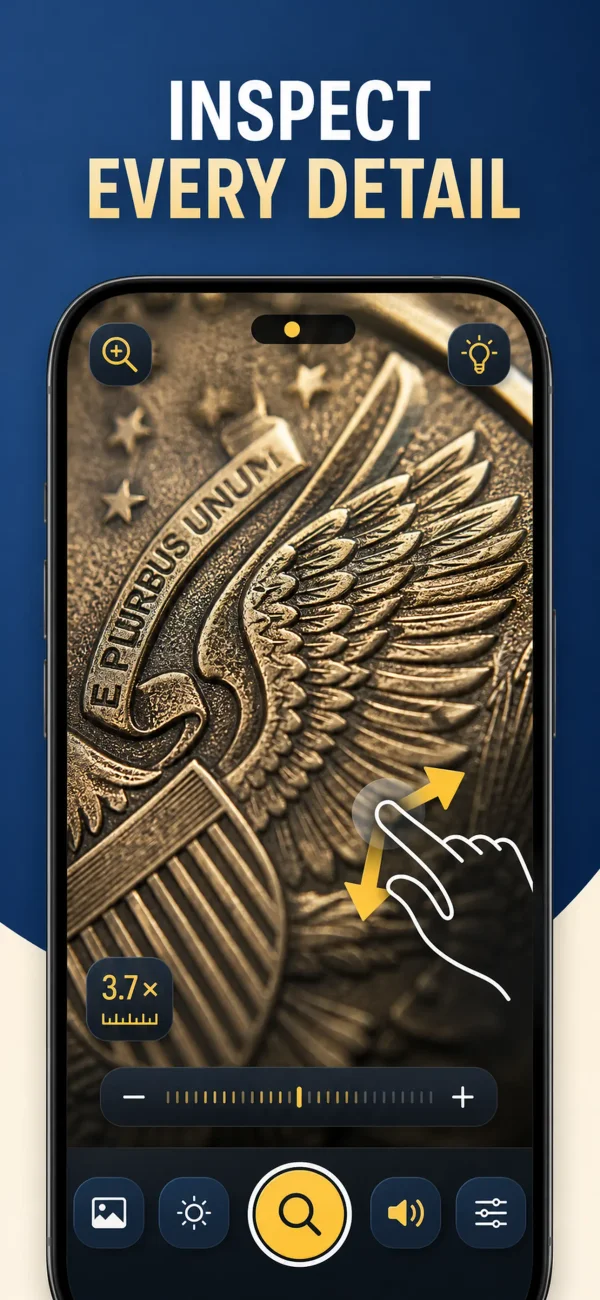
Magnifier turns your camera into a powerful magnifying glass built for real eyes and real moments: the tiny ingredient list, the pill bottle, the restaurant menu in dim light, the fine print on a contract. Zoom in up to 10×, steady the shot, and see every letter clearly. And when your eyes are tired, Magnifier can read the words out loud.
WHAT YOU GET
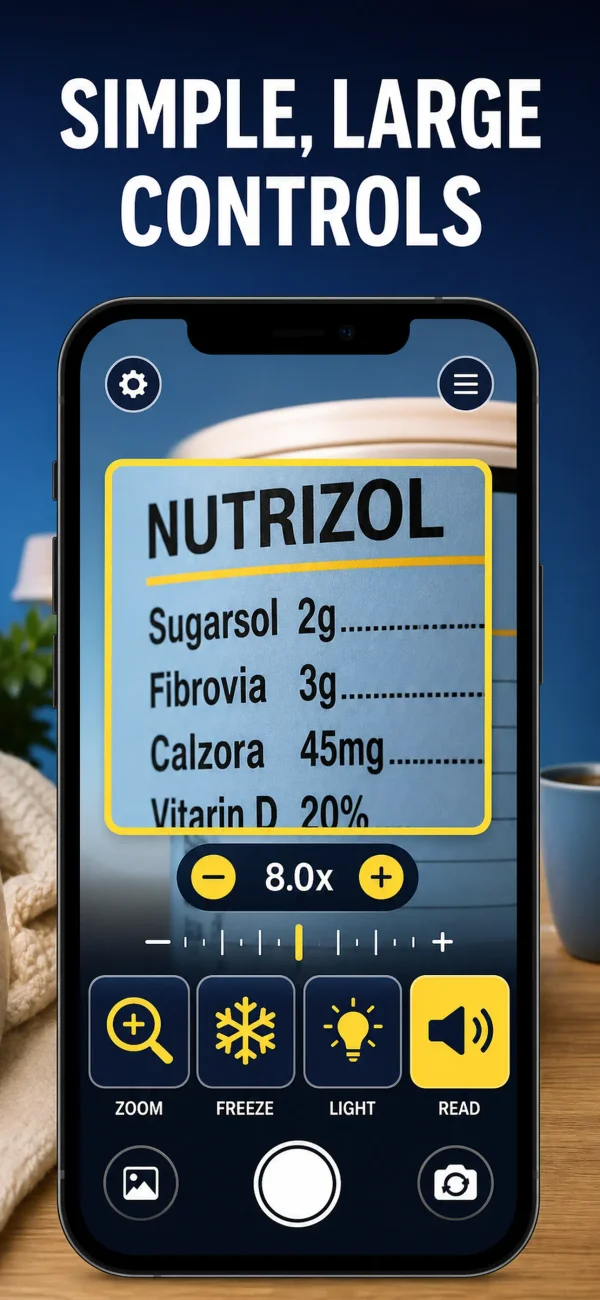
- Zoom in up to 10× on any small text or detail with a crisp, high-resolution view
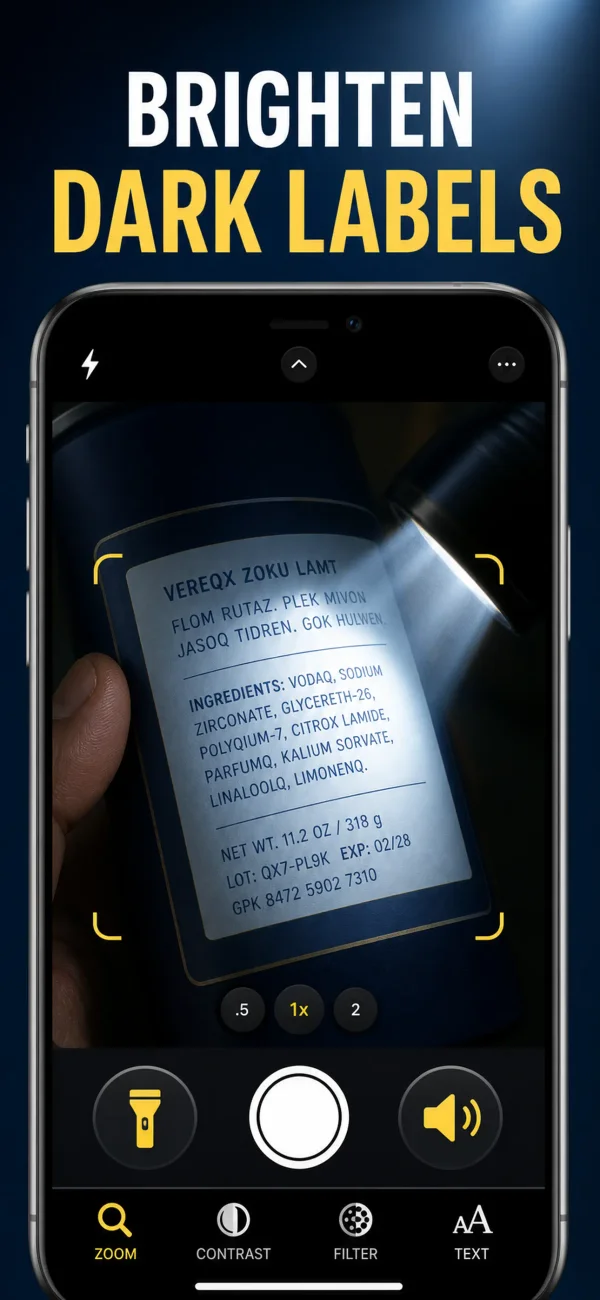
- Turn on the light to brighten dark labels, menus, and packaging in a tap
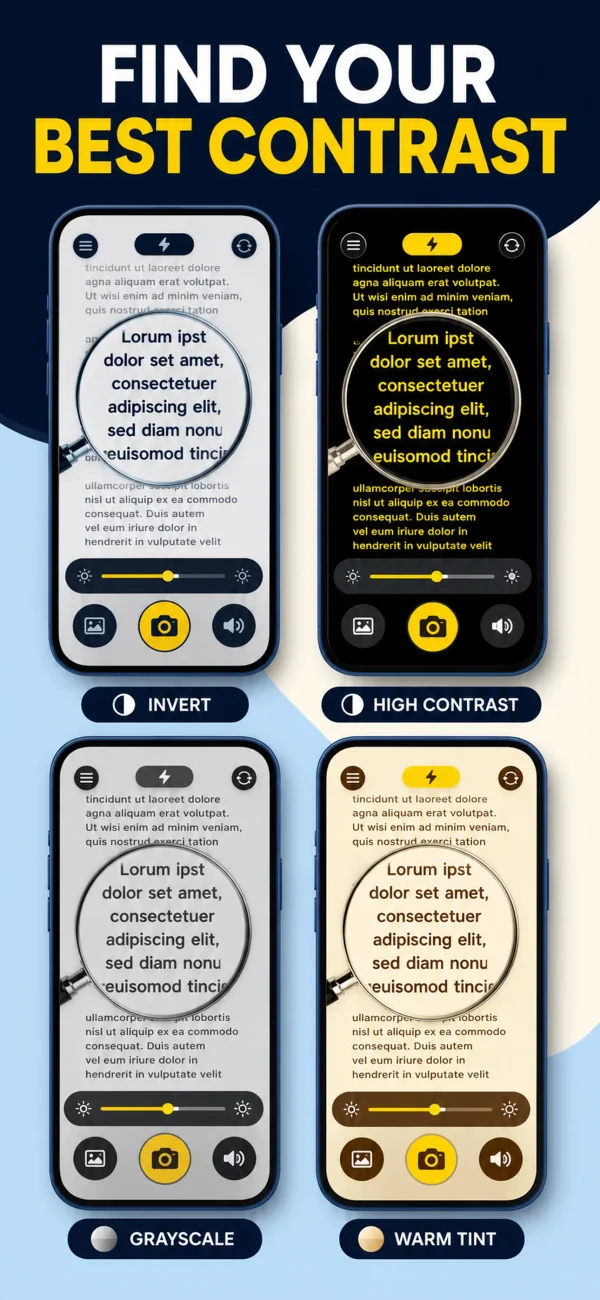
- Low-vision filters — invert, high-contrast, grayscale and warm tint — make faint text pop
- Freeze the frame, then pinch to inspect calmly with no shaky hands or blur
- Read Mode captures a label or menu and reads the text aloud, hands-free
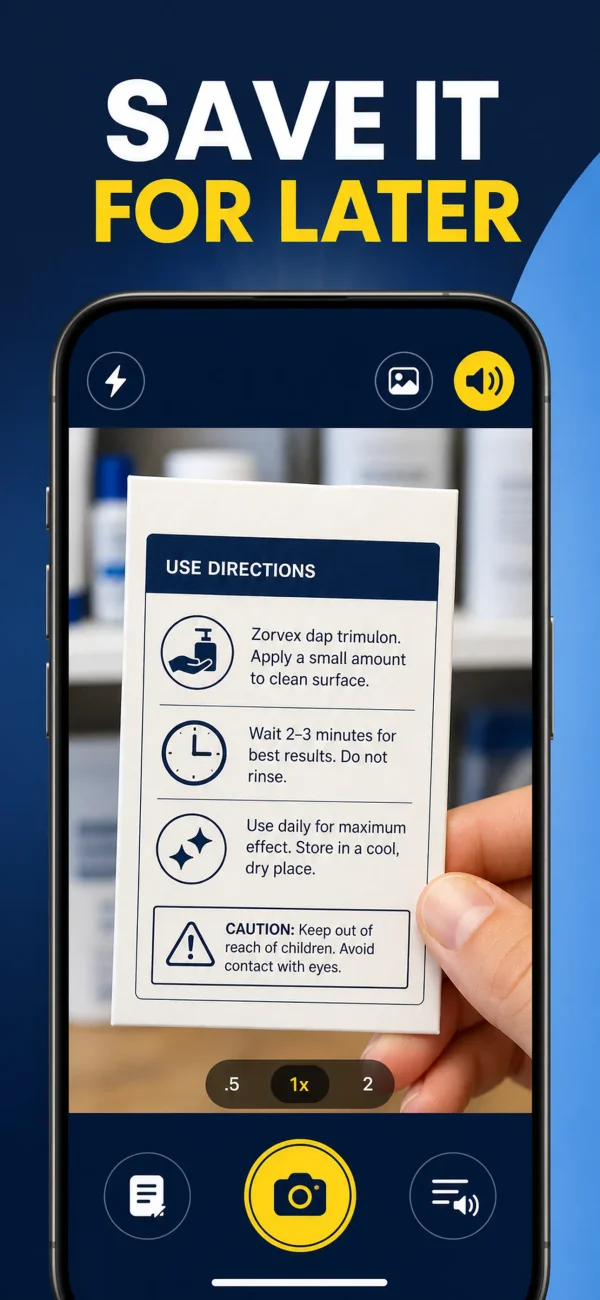
- Save any snapshot to your Library and pull it back up whenever you need it
PERFECT FOR
- Anyone with low vision, presbyopia, or tired eyes
- Seniors reading medicine labels, bills, and letters
- Diners squinting at menus in dim restaurants
- Hobbyists inspecting fine detail, stamps, coins, and stitching
WHY NOT JUST USE THE CAMERA APP?
The camera zoom gets grainy fast, offers no contrast filters, can't freeze and hold a frame, and never reads text aloud. Magnifier is tuned for reading — steady, bright, high-contrast, and voiced when you need it.
PRIVACY
Everything happens on your device. Text recognition and filters run locally with Core Image and Vision — nothing is uploaded, no account, no ads, no tracking.
FULL ACCESS
Magnifier is free to try. A subscription or one-time purchase unlocks every color filter, unlimited saved snapshots, and Read-Mode text-to-speech:
- Weekly
- Yearly
- Lifetime (one-time purchase)
Payment is charged to your Apple ID. Subscriptions renew automatically unless canceled at least 24 hours before the period ends; manage or cancel anytime in Settings.
Point, zoom, and read anything — download Magnifier and see the small things clearly.
Terms of Use (EULA): https://web-levi.web.app/terms
Privacy Policy: https://web-levi.web.app/privacy-policy
Questions? tphuc.work@gmail.com
What’s new
Version 1.1.1 · Aug 17, 2026
Bug fixes and performance improvements.
App privacy
What Phuc Pham declares on the App Store about how this app handles data.
-
Data not collected
The developer does not collect any data from this app.
Privacy practices may vary, for example with the features you use or your age.
Information
- Seller
- Phuc Pham
- Category
- Utilities
- Version
- 1.1.1
- Updated
- Aug 17, 2026
- Released
- Jun 10, 2026
- Size
- 5.7 MB
- Requires
- iOS 17.0 or later
- Age rating
- 4+
- Price
- Free
- In-app purchases
- Yes
- Languages
- English
- Copyright
- © 2026 Phuc Pham
You might also like
-
 Magnifier: Zoom, Light & ReadLow Vision Aid, Loupe, Mirror
-
 Magnifying Glass - MagniClaraMagnifier with Light & Zoom
-
 Magnifier - SLOXMagnifying Glass, Zoom & Light
-
 大字很清楚Utilities
-
 Lenzap - MagnifierEasy magnifier for seniors
-
 Light & Magnifier: LoupeLensZoom camera with flashlight
-
 Magnifier - Magnifying glass +Loupe, Eyesight, Menu reader
-
 BitCtrlUtilities
-
 BigSight - Vision MagnifierVision Aid & Text Magnifier
-
 BleInspector - BLE调试助手Low-power reading writing