
mail.com - email & cloud
Mailbox for storage & mail
Designed for iPhone, iPad
Free · In-app purchases
- Age rating4+
- CategoryProductivity
- Developer1&1 Mail & Media Inc.
- LanguagesEnglish+ 3 more
- Size356.4 MB
Links to the official App Store page
Download.org hosts no file of mail.com - email & cloud. The button opens its official App Store page, published by 1&1 Mail & Media Inc. Listing last checked on Nov 17, 2026.
Screenshots


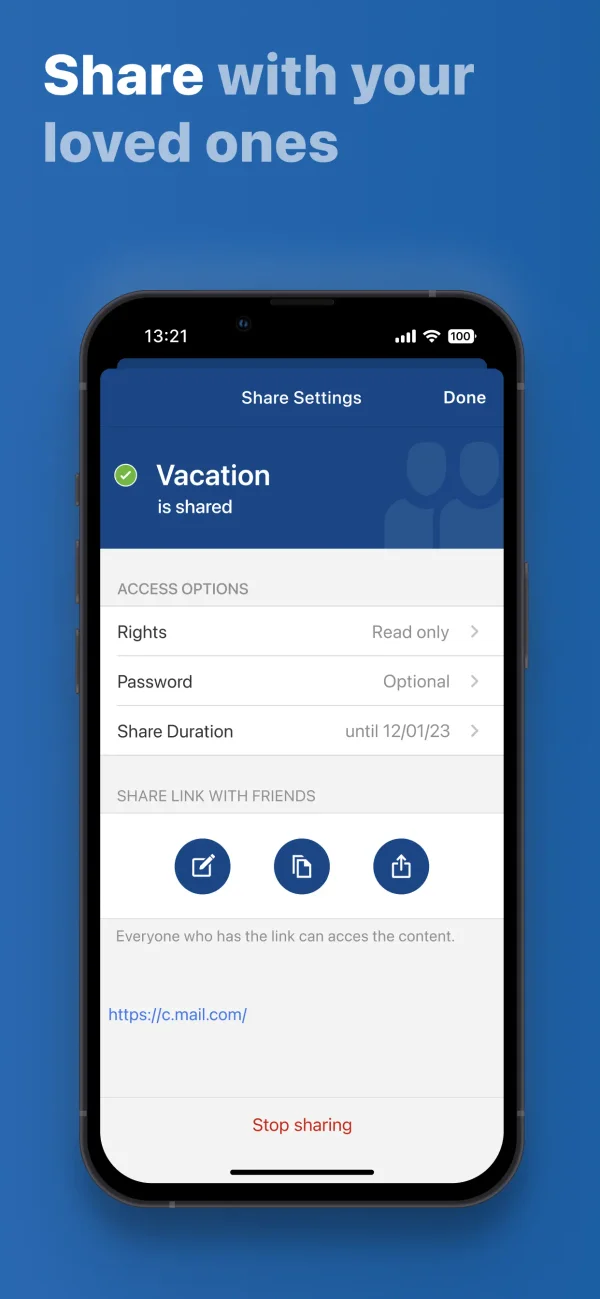
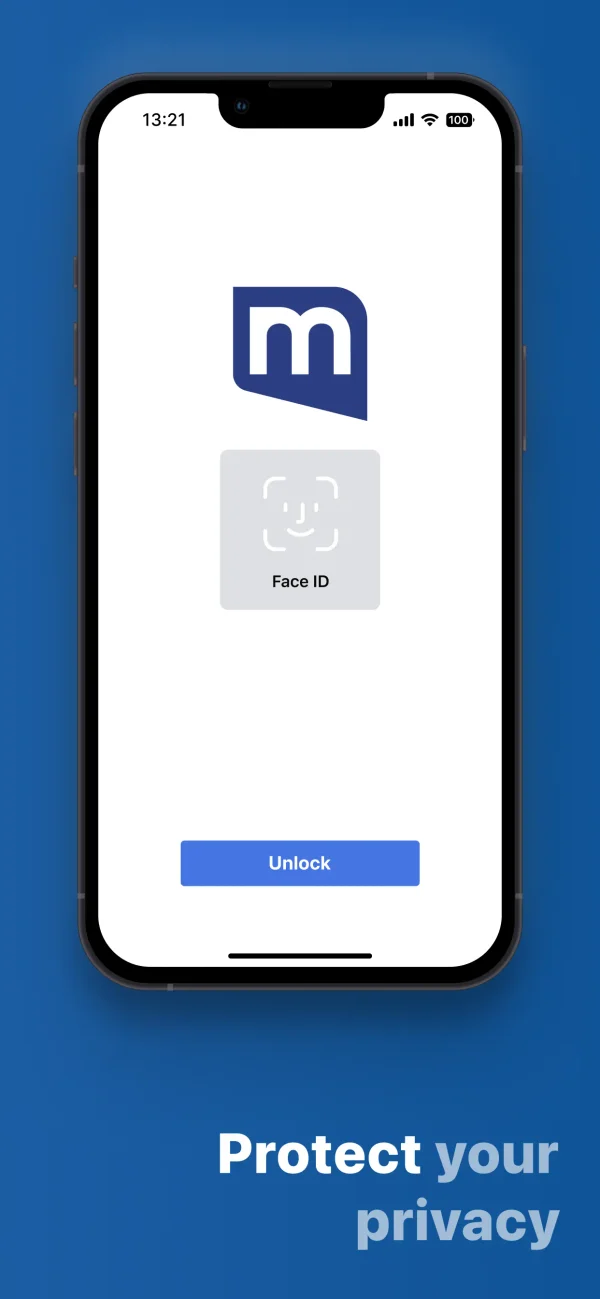
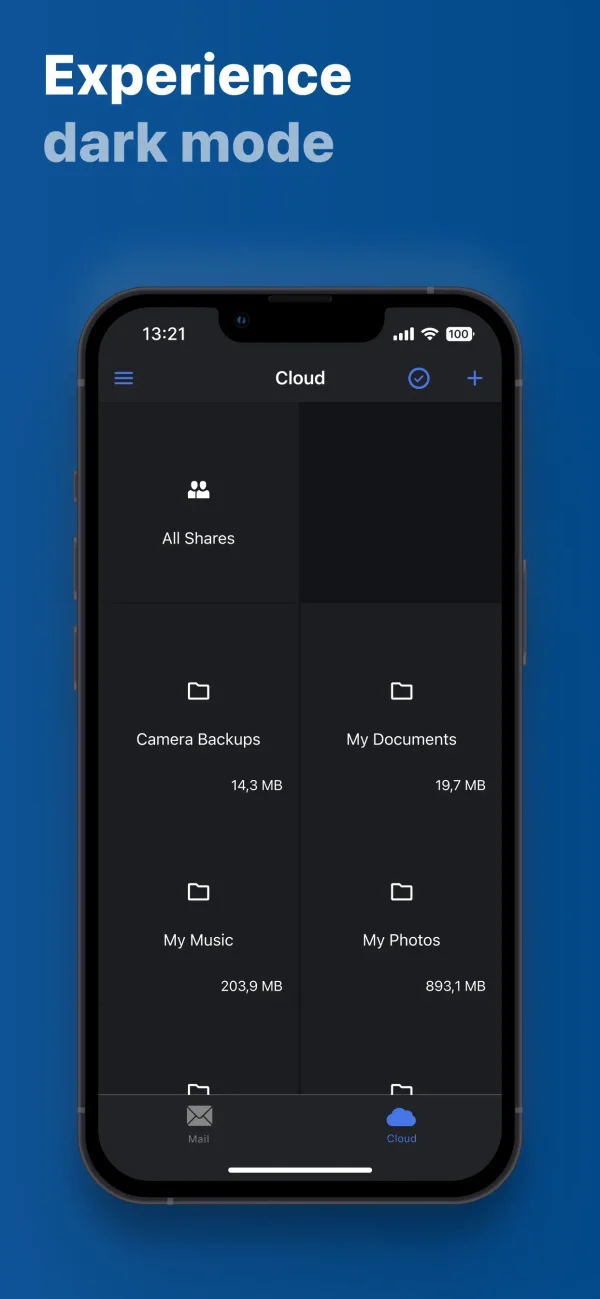
About
The mail.com mail app for iPhone and iPad lets you take your email and cloud wherever you go.
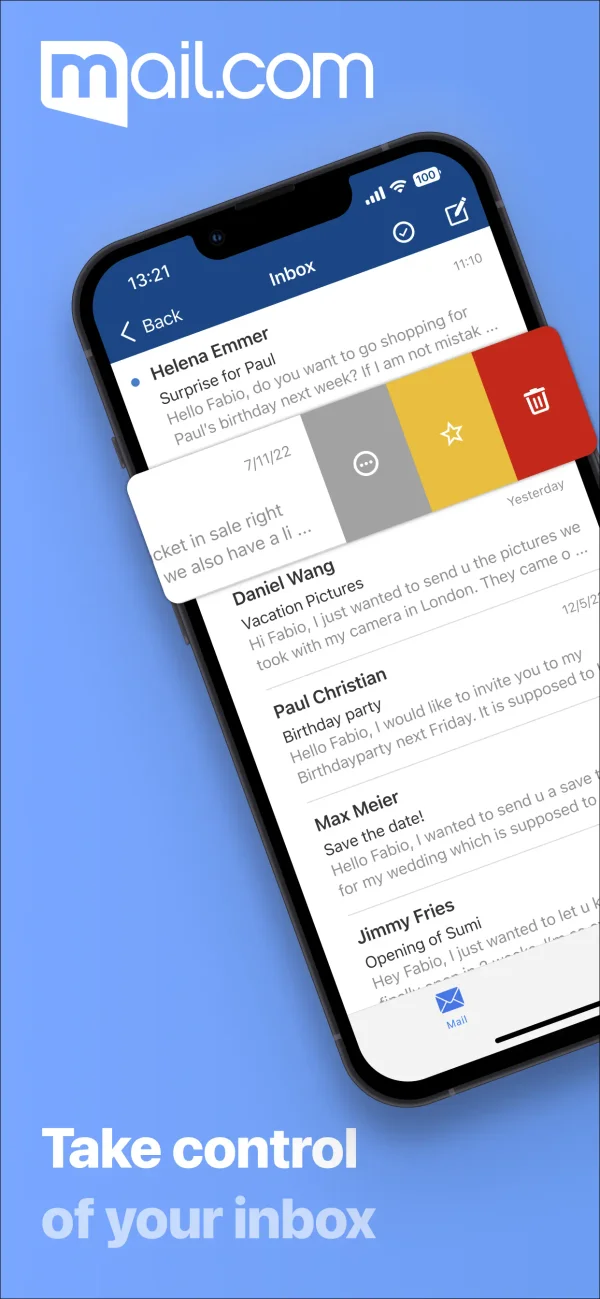
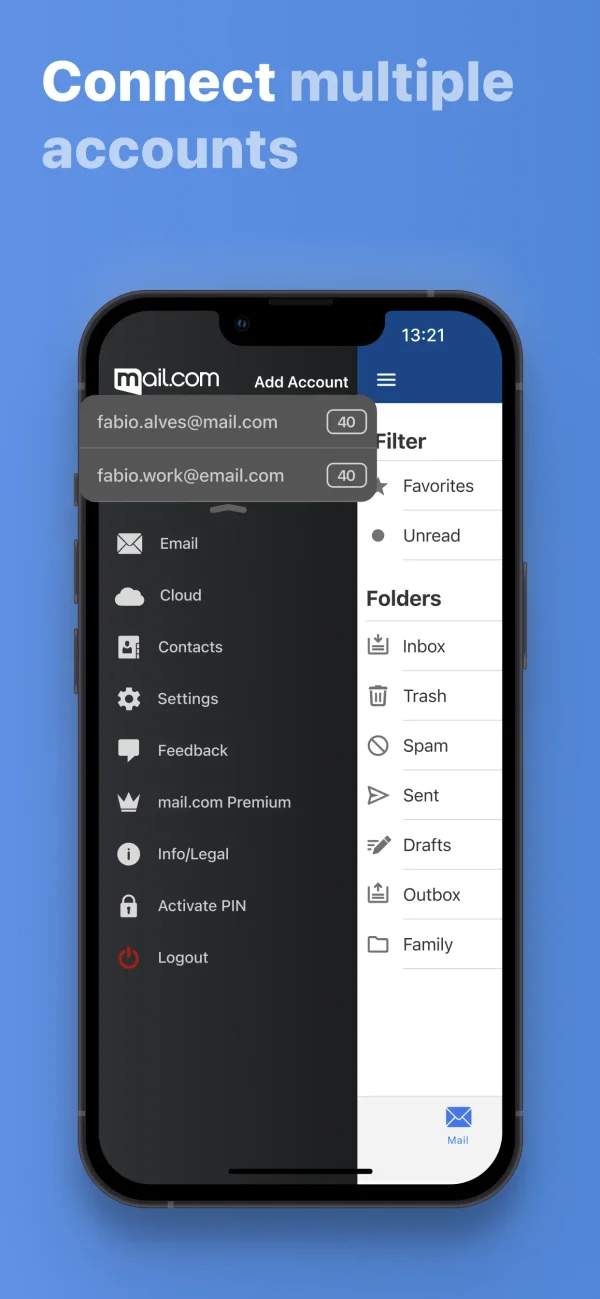
The mail.com mail app brings comprehensive functionality to your mobile device. Perfect for iPhone and iPad users, the email app from mail.com puts a wealth of productivity tools directly into your hand. Check all your email addresses and view your cloud documents from one centralized mailbox – wherever you go. Enable push notifications to ensure you never miss an important message again. Discover the many features of the mail.com email app and get your emails whenever you need them, wherever you are.
What customers are saying:
"Everything you could wish for. Simply open, read, delete, done. No frills or 1000 options to subscribe or play. Thanks"
"Good stuff. The way email should work today!"
"Cool. I have been using this app for such a long time and I would not change."
"Best email account in the world. Thank you"
"Great app! Convenient, easy to navigate"
Reliable and secure e-mail
The mail.com email app is optimized for use with a mail.com email account by 1&1. With an mail.com email account you can select from our 100+ email domains, like @email.com and @usa.com. Ideal for business emails, our mail app lets you set personalized notifications and use many organizational features that our webmail solution provides. This means you can easily access your mail.com contacts and synchronize them with the contacts on your iPhone. The mail.com email client for iOS enabled devices also includes powerful security features to ensure your communications are never compromised.
The email app for iOS is simple to install and intuitive to use. You can even make it the default mail app on your iPhone. This makes managing your mails a breeze – giving you the opportunity to write, reply and organize your mail wherever you go. Syncing your inbox between multiple devices is also possible, allowing you to move seamlessly from your iPhone to your iPad without breaking your concentration.
Cloud storage and emails in one
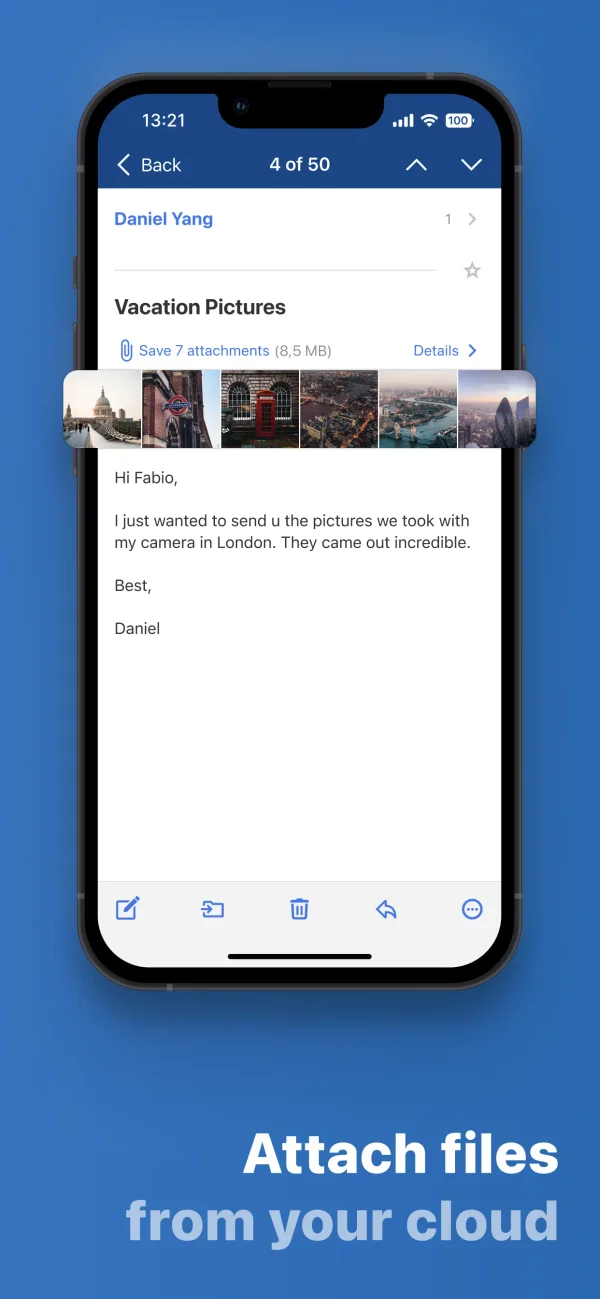
With mail.com freemail you also get 2GB of reliable cloud storage. Store e-mail attachments, photos, documents and more in your mail.com Cloud and your online file manager is right at your fingertips in this combined e-mail and cloud app. The app will automatically sync not only every message in your inbox but all the files in your cloud storage, so you can access them whenever and wherever you are online. Just open the app and get started! You can even activate automatic photo backup from your iPhone or iPad to your mail.com Cloud and keep your precious memories safe in our secure online storage.
All you need to do is sign up for a freemail account from mail.com and download the app to enjoy these gr
eat features:
• iPhone optimized
• Convenient push notifications
• Increased security through PIN or biometric authentication
• Mobile access to your mail.com contacts
• Integrated cloud with automatic photo backups
• Customizable interface
• 100+ email domains available to create email address of your choice
• Sync automatically with mail.com web browser email client
• Set as default mail app on iPhone or iPad
• Convenient folder and file manager in Cloud
100+ email domains
One of the best things about using the mail.com app as your iPhone email app or iPad email app is creating unique email addresses. Customize your email address with our 100+ email domains. In addition to our @mail.com domain, here are just five of the available email domains that we offer:
1 @email.com domain
2 @usa.com domain
3 @post.com domain
4 @techie.com domain
5 @dr.com domain
Feedback welcome!
We’d love to hear what you think and we welcome your feedback and user experiences with the iPhone and iPad app. Contact us today and help us improve your email experience.
Terms & Conditions: https://www.mail.com/company/terms/
What’s new
Version 10.20.1 · Nov 11, 2026
Bug fixes and stability improvements
App privacy
What 1&1 Mail & Media Inc. declares on the App Store about how this app handles data.
-
Data used to track you
May be used to track you across apps and websites owned by other companies.
- Identifiers
- Usage data
-
Data linked to you
May be collected and linked to your identity.
- User content
- Identifiers
- Usage data
-
Data not linked to you
May be collected but is not linked to your identity.
- Diagnostics
Privacy practices may vary, for example with the features you use or your age.
Information
- Seller
- 1&1 Mail & Media Inc.
- Category
- Productivity
- Version
- 10.20.1
- Updated
- Nov 11, 2026
- Released
- Sep 6, 2011
- Size
- 356.4 MB
- Requires
- iOS 18.0 or later
- Age rating
- 4+
- Price
- Free
- In-app purchases
- Yes
- Languages
- English, French, German, Spanish
- Copyright
- © 2025 1&1 Mail & Media Inc.
You might also like
-
 myMail box: email client appE-mail for Gmail, Hotmail, AOL
-
 Email - Edison MailFast, secure & organized inbox
-
 Spark Mail: AI Email AssistantStreamline your email inbox
-
 GMX - Mail & CloudYour account for mail and more
-
 Canary Mail – AI EmailRead Receipts, Unified Inbox
-
 Spike: AI Email & Team ChatTeamspace & mail for business
-
 Email App for Gmailand other mail services
-
 AOL Mail, News, WeatherFast, secure & organized email
-
 Encrypted Email - Proton MailFast, private, secure inbox
-
 Temp Mail - Temporary Mail BoxInbox locks and text reader