
MailSage AI
AI Email Assistant and writer
Designed for iPhone, iPad, iPod touch
In-app purchases
- Age rating12+
- CategoryProductivity
- DeveloperNeha Vaid
- LanguagesEnglish
- Size12.9 MB
Links to the official App Store page
Download.org hosts no file of MailSage AI. The button opens its official App Store page, published by Neha Vaid. Listing last checked on Nov 17, 2026.
Screenshots

About
**MailSage AI – Smart Email Assistant**
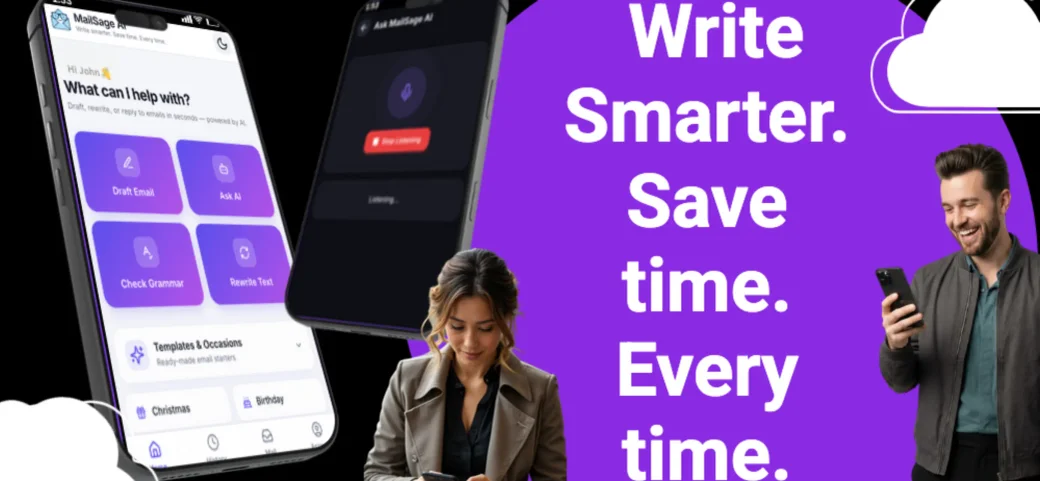
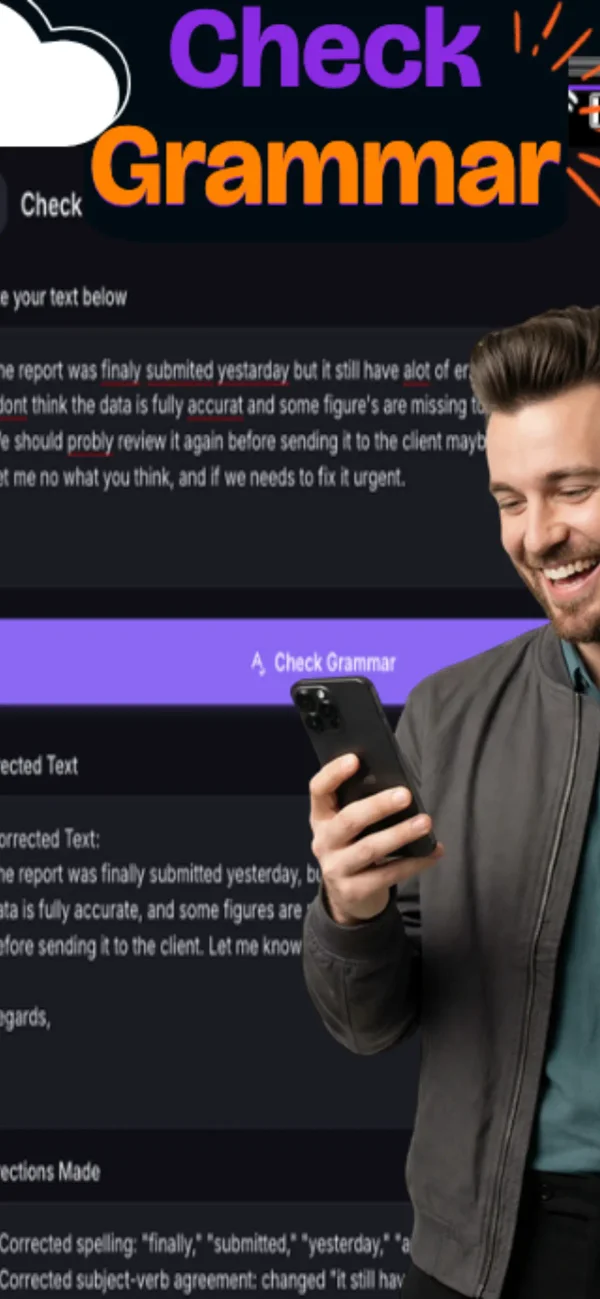
Write emails faster, smarter, and stress-free with MailSage AI.
Generate AI-powered emails and messages, then easily share them via Outlook, Gmail, or other installed apps.
Connect your Outlook inbox to create intelligent replies and send professional emails in seconds.
### Write Emails in Seconds
No more staring at a blank screen.
MailSage AI instantly creates clear, well-written email replies so you can respond quickly and confidently.
### Privacy First
Your privacy matters.
• We don't store your emails or drafts on our servers.
• All processing — drafting, rewriting, and replying — happens locally on your device, keeping your data private and secure.
• No unnecessary data storage
• Secure authentication and connections
### Smart Inbox Integration
Connect your Outlook account and view your recent emails in a clean, simple interface.
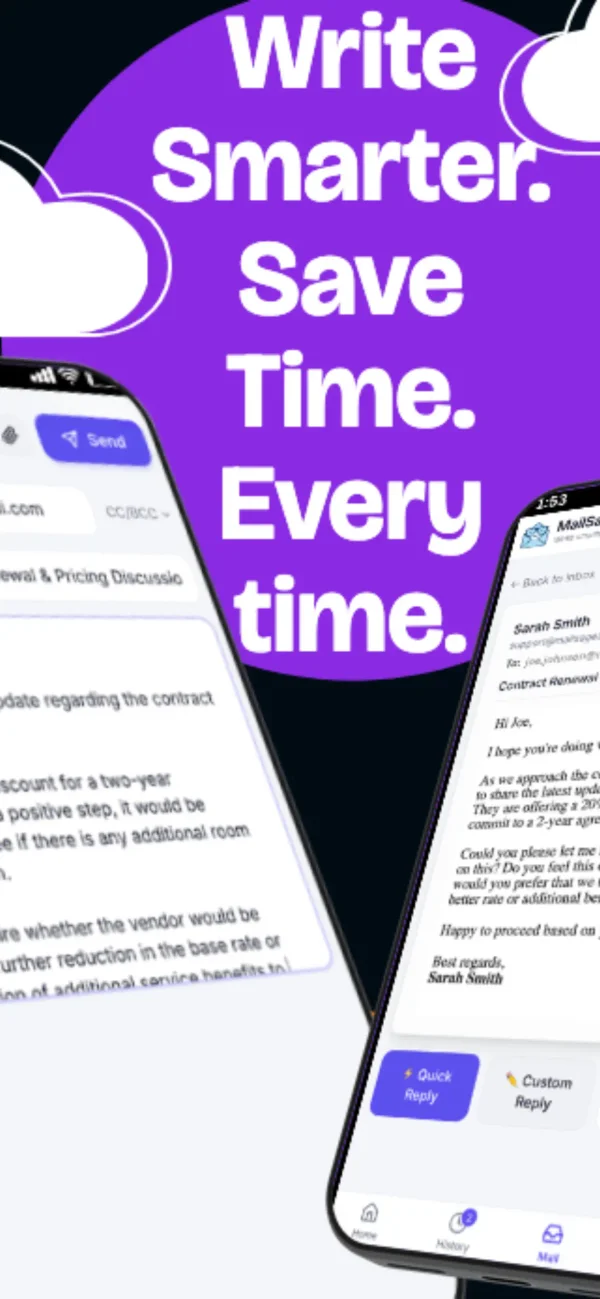
Open any email and generate a reply with just one tap.
### AI-Powered Replies
Choose how you want to respond:
**Quick Reply** – Instantly generate a ready-to-send response
**Custom Reply** – Tell AI what you want to say and get a personalized draft
All replies are fully editable before sending.
### Speak Instead of Typing
Use voice input to create emails effortlessly.
Just speak your thoughts, and MailSage AI turns them into a complete email draft.
### Write Your Way
Customize your communication style:
• Friendly
• Formal/Professional
• Short
MailSage AI adapts to your tone and helps you sound exactly how you want.
### Clean & Modern Experience
Enjoy a smooth, distraction-free interface with:
• Light and Dark mode
• Fast and responsive design
• Simple, intuitive navigation
### Trial Access
Start with a trial access for 7 days and experience the full power of AI email writing.
Upgrade anytime through Apple Subscriptions to continue using MailSage AI.
### Why MailSage AI?
• Write Smarter, Save time, Every time.
• Write better emails effortlessly.
• Respond faster with confidence.
• Use your voice to create emails effortlessly.
• Stay productive on the go.
---
Download MailSage AI and take control of your inbox today.
Privacy Policy: https://app2.mailsageai.com/privacy
Terms of Use (EULA): https://app2.mailsageai.com/termsofservice
App privacy
What Neha Vaid declares on the App Store about how this app handles data.
-
Data linked to you
May be collected and linked to your identity.
- Contact info
- Identifiers
-
Data not linked to you
May be collected but is not linked to your identity.
- User content
- Usage data
- Diagnostics
Privacy practices may vary, for example with the features you use or your age.
Information
- Seller
- Neha Vaid
- Category
- Productivity
- Version
- 1.3
- Updated
- May 27, 2026
- Released
- May 28, 2026
- Size
- 12.9 MB
- Requires
- iOS 15.0 or later
- Age rating
- 12+
- In-app purchases
- Yes
- Languages
- English
- Copyright
- © MailSage Labs
You might also like
-
 OLM Converter & ViewerConvert to MBOX, EML, CSV, PDF
-
 Lumen Mail: AI EmailPrivate IMAP Inbox Secretary
-
 AwayMailProductivity
-
 Scape MailYour AI inbox for Gmail
-
 Orvia Mail: Email ClientVoice Replies in Any Language
-
 Inbox Zero: AI Mail CoachHandle daily emails in seconds
-
 Inbound SuiteProductivity
-
 Airo MailMagically Organized Email
-
 PSMailboxPSMailbox Secure Email
-
 Zirbe — Email as ChatYour inbox, like texting