
MailShot- Group Email
Group Email done right.
Designed for iPhone, iPad
Free · In-app purchases
- Age rating4+
- CategoryProductivity
- DeveloperPeter Johnson
- LanguagesEnglish+ 3 more
- Size10.6 MB
Links to the official App Store page
Download.org hosts no file of MailShot- Group Email. The button opens its official App Store page, published by Peter Johnson. Listing last checked on Nov 12, 2026.
Screenshots

About
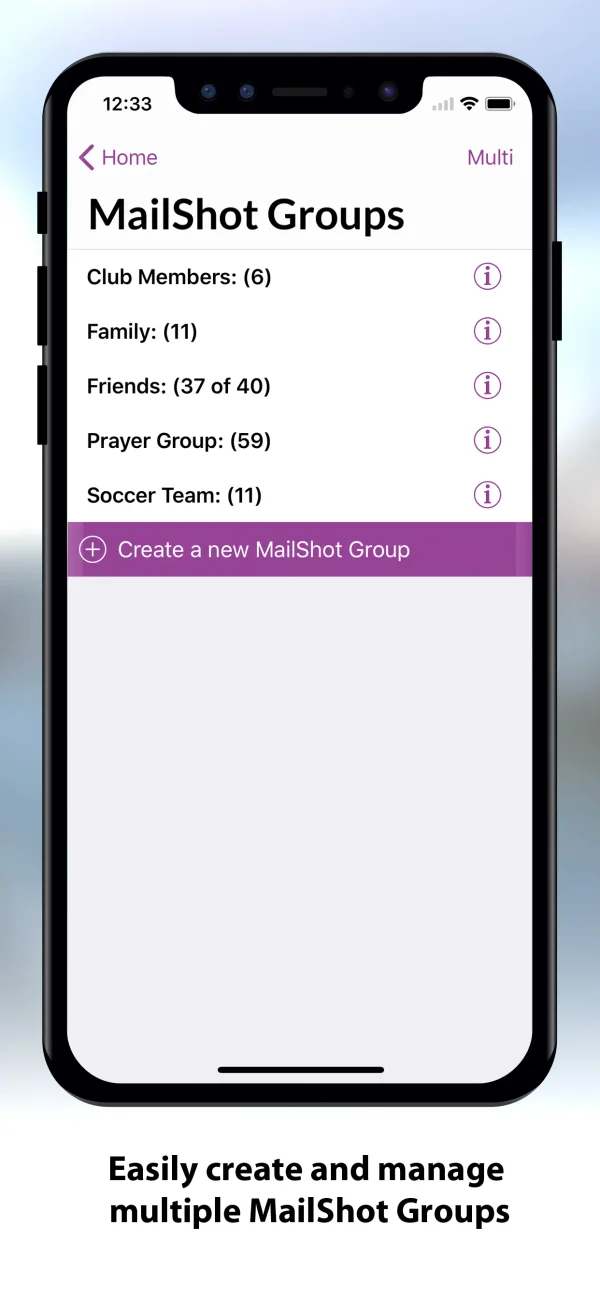
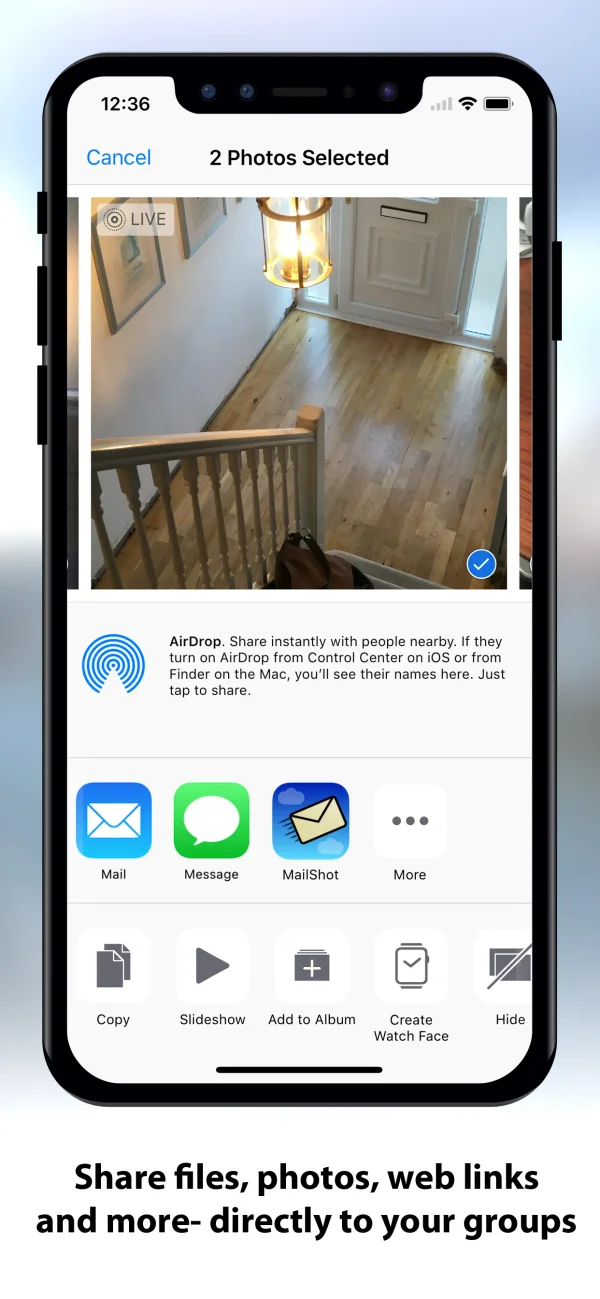
Easily manage and send email to groups from the app, share documents to groups directly from other apps, or forward email to a group.
Try MailShot for free with up to three groups, of up to five people in each. A simple in-app upgrade unlocks the ability to create up to 100 different groups of 100 or more contacts (Limits depend on your email provider.)
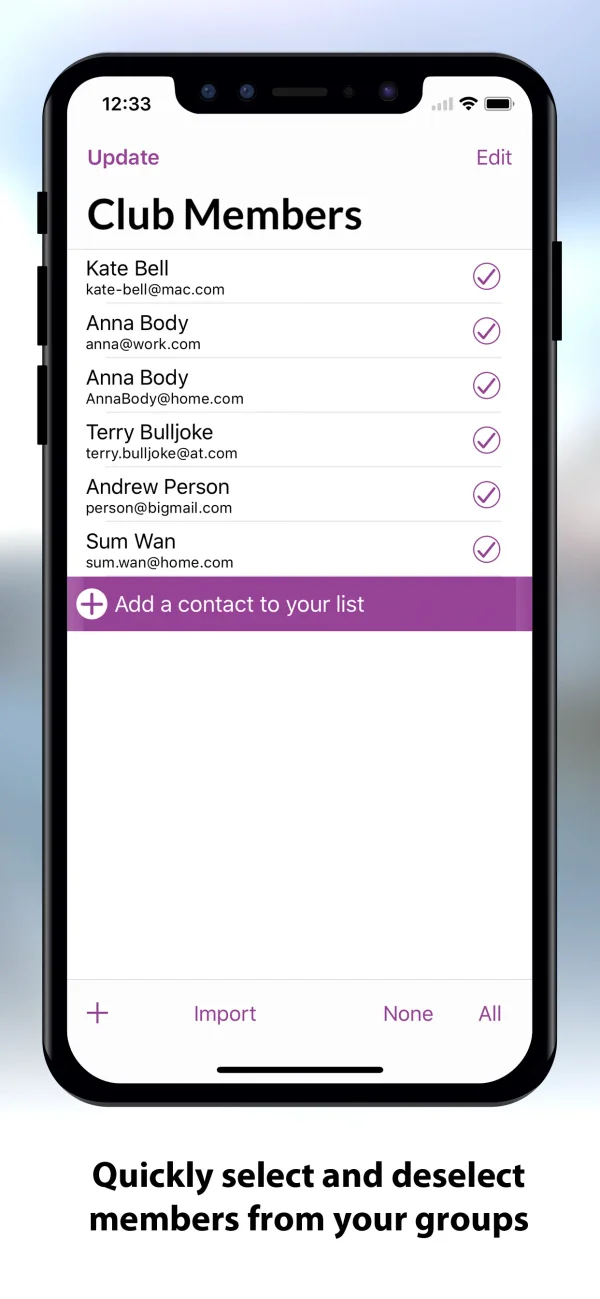
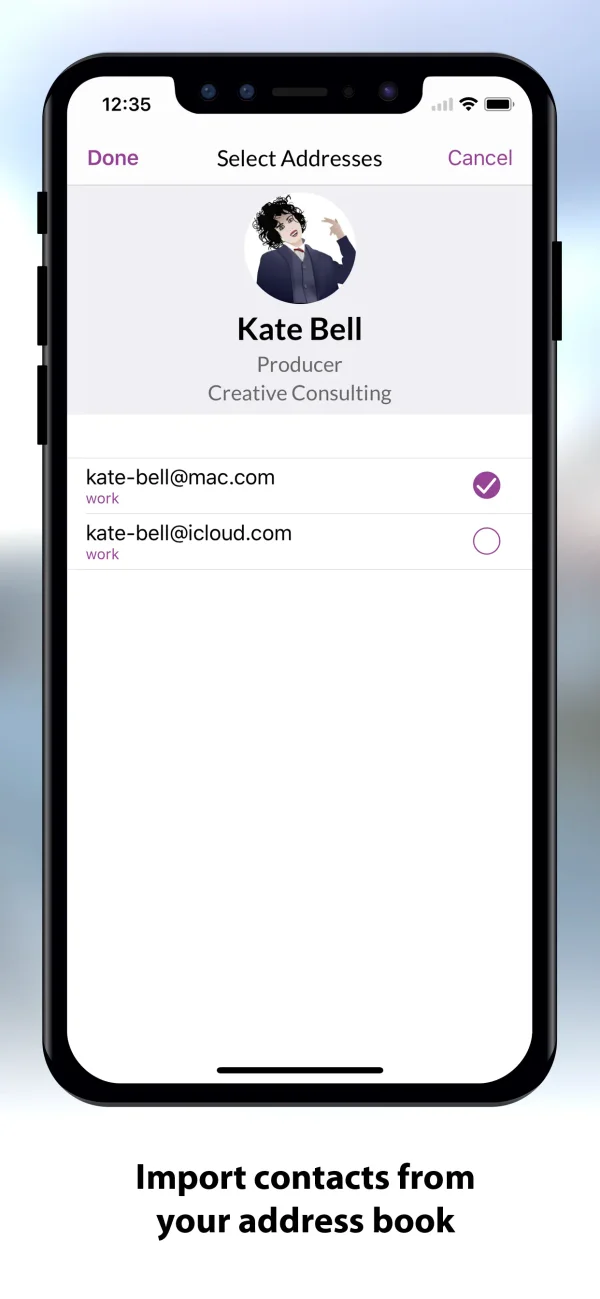
Create groups in many ways: add from Contacts, import an address book group, enter addresses directly, or paste strings of names and addresses.
MailShot creates its own groups, which can do several things which regular address book groups cannot...
• Contacts can use different email addresses for each group. (Add work address to a work-related group, and home address to a sports group etc.)
• Contacts do not need to be present in your address book.
TIPS
• Protect privacy by placing addresses in the Bcc: line.
• To forward an email (with attachments), “Copy to clipboard" then paste to the address line in your Mail app.
SUPPORT
We pride ourselves on our quality of support and are always happy to hear from you. Please use the "Support" button in the app, as it will include useful diagnostic information.
You can also find a full User Guide, support information and tips at http://solubleapps.com/Mailshot-support.
What’s new
Version 11.3 · Oct 17, 2026
New in 11.3
Restored Edit button for contact deletion
New in 11.2
Workaround for Cancel button in iOS26
More robust Email Composer window
Share extension can share many more images.
App privacy
What Peter Johnson declares on the App Store about how this app handles data.
-
Data not collected
The developer does not collect any data from this app.
Privacy practices may vary, for example with the features you use or your age.
Information
- Seller
- Peter Johnson
- Category
- Productivity
- Version
- 11.3
- Updated
- Oct 17, 2026
- Released
- Jan 28, 2011
- Size
- 10.6 MB
- Requires
- iOS 26.0 or later
- Age rating
- 4+
- Price
- Free
- In-app purchases
- Yes
- Languages
- English, French, Simplified Chinese, Spanish
- Copyright
- © 2011-26 Soluble Apps
You might also like
-
 Preside emailReal email for mobile.
-
 Mail Merge: Bulk Email SenderProductivity
-
 Mass Email - Bulk Email SenderEmail marketing made easy
-
 OneMail - Email by NouvelwareFast and Secure email app
-
 Polymail: Email InboxEmail Tracking for Deal Makers
-
 Email Generator: AI Email AppAI writer & multiple inbox
-
 SRT EmailProductivity
-
 Group RCS SMS and EmailSend text with smart templates
-
 AI Email Inbox - MailTime ProEmail as easy as Messaging
-
 All Mail - Email Homeall in one email- mail connect