
Makonome
Not an ordinary metronome app
Designed for iPhone, iPad, Mac
Free · In-app purchases
- Age rating4+
- CategoryMusic
- DeveloperSustainable Development d.o.o.
- LanguagesEnglish
- Size7.2 MB
Links to the official App Store page
Download.org hosts no file of Makonome. The button opens its official App Store page, published by Sustainable Development d.o.o. Listing last checked on Nov 23, 2026.
Screenshots


About
Makonome is a precise, no-nonsense metronome for musicians who practise seriously.
ROCK-SOLID TIMING
• Sample-accurate click powered by AVAudioEngine
• 20 to 400 BPM, with optional half-BPM steps
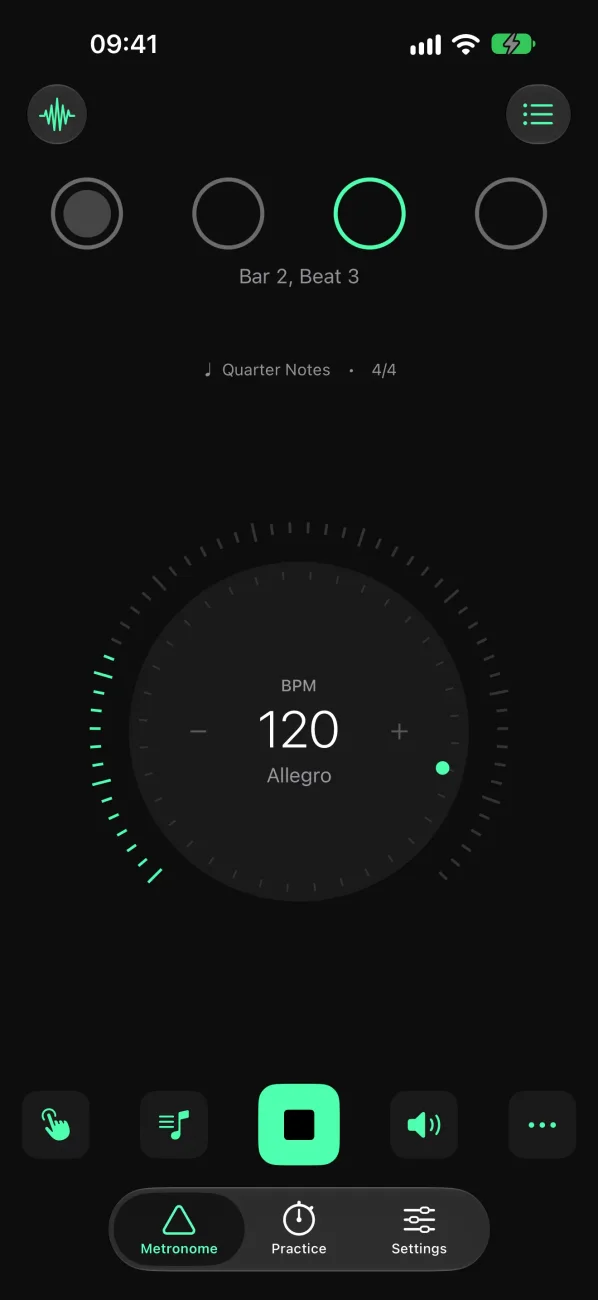
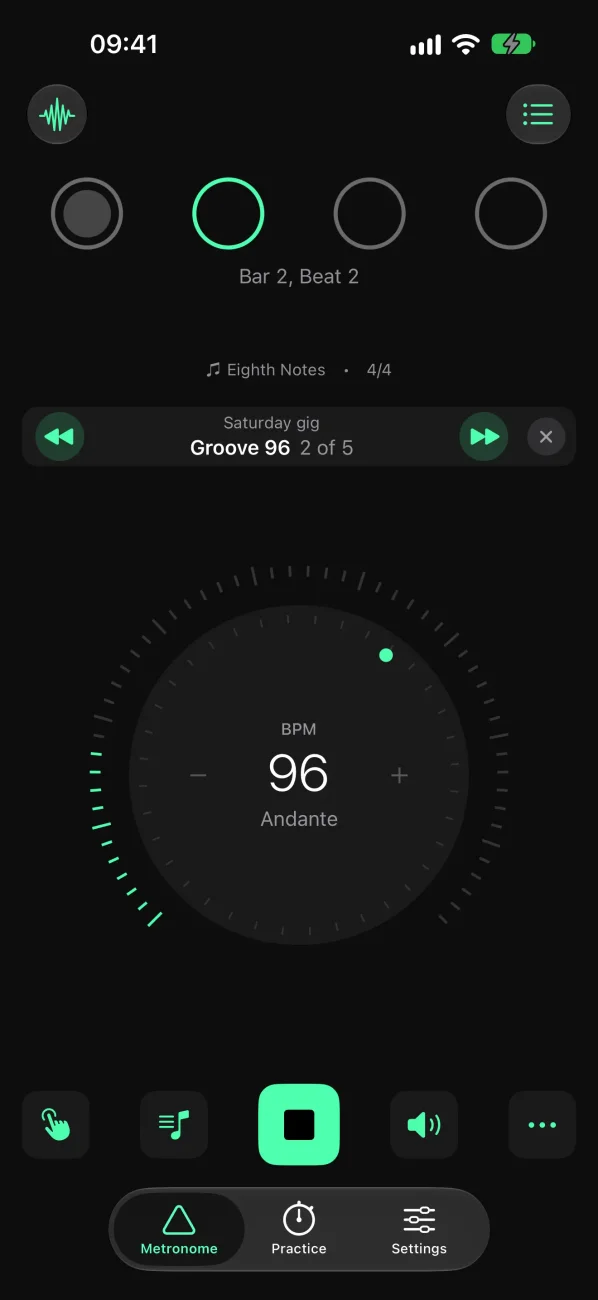
• Circular tempo dial with tempo markings, tap tempo and direct BPM entry
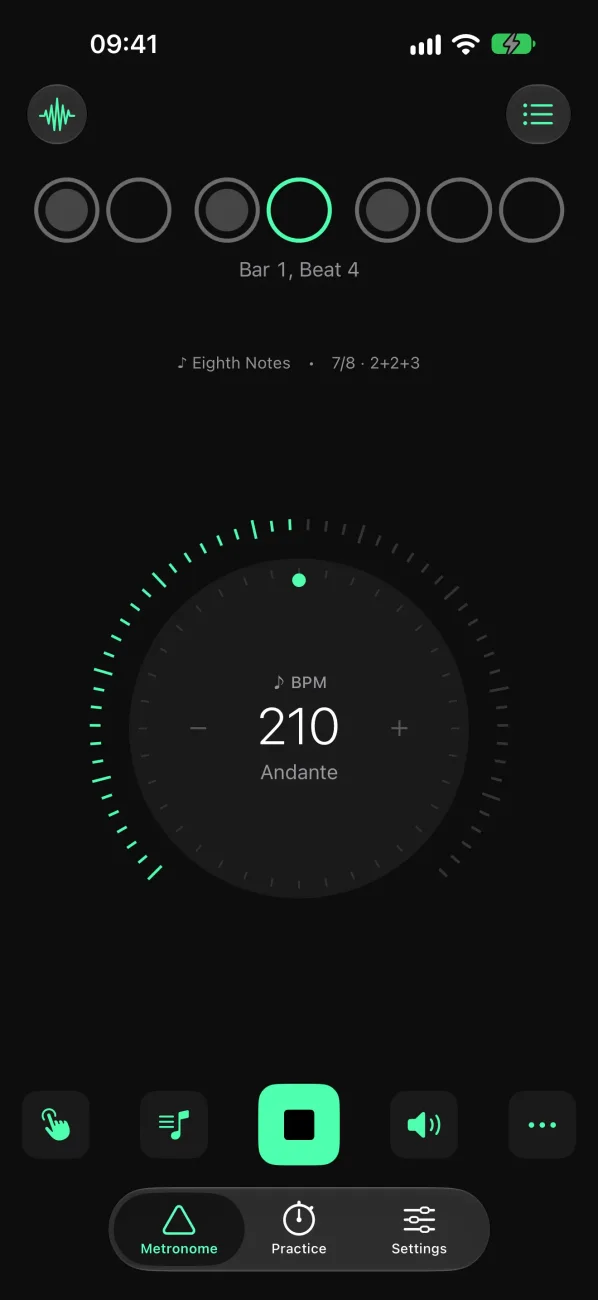
• Any meter from 1 to 16 beats over 2, 4, 8 or 16: 7/8 with accent groups like 2+2+3, 6/8 counted in dotted beats or every eighth
• Subdivisions from eighths and triplets to quintuplets, sextuplets and septuplets, with rests inside the beat for gallops and other patterns
• Accent or mute any beat
• Five sounds, including a voice that counts the beats, plus pitch and volume control
READY TO PLAY
• Count-in of 1, 2 or 4 bars, with a click or a voice count
• Auto stop after a number of bars or a time, with a bar counter
• Screen flash on the beat
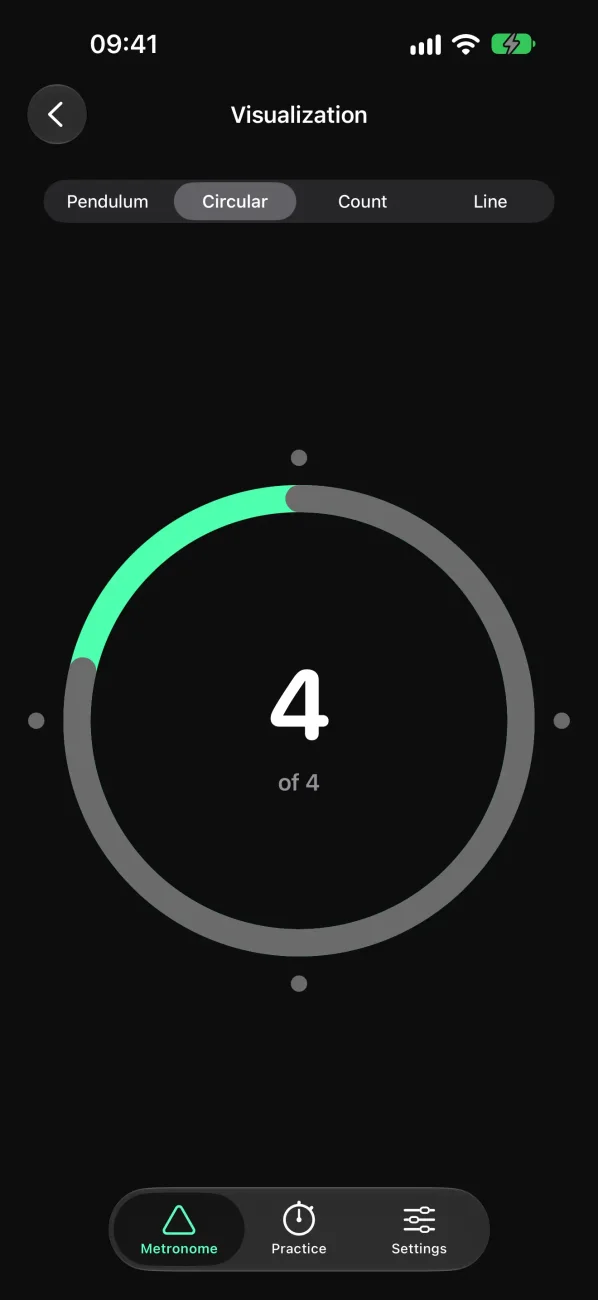
• Pendulum, Circular, Count and Line visualizations that move exactly with the click you hear, at 120 Hz on ProMotion iPhones
BUILD YOUR TIME
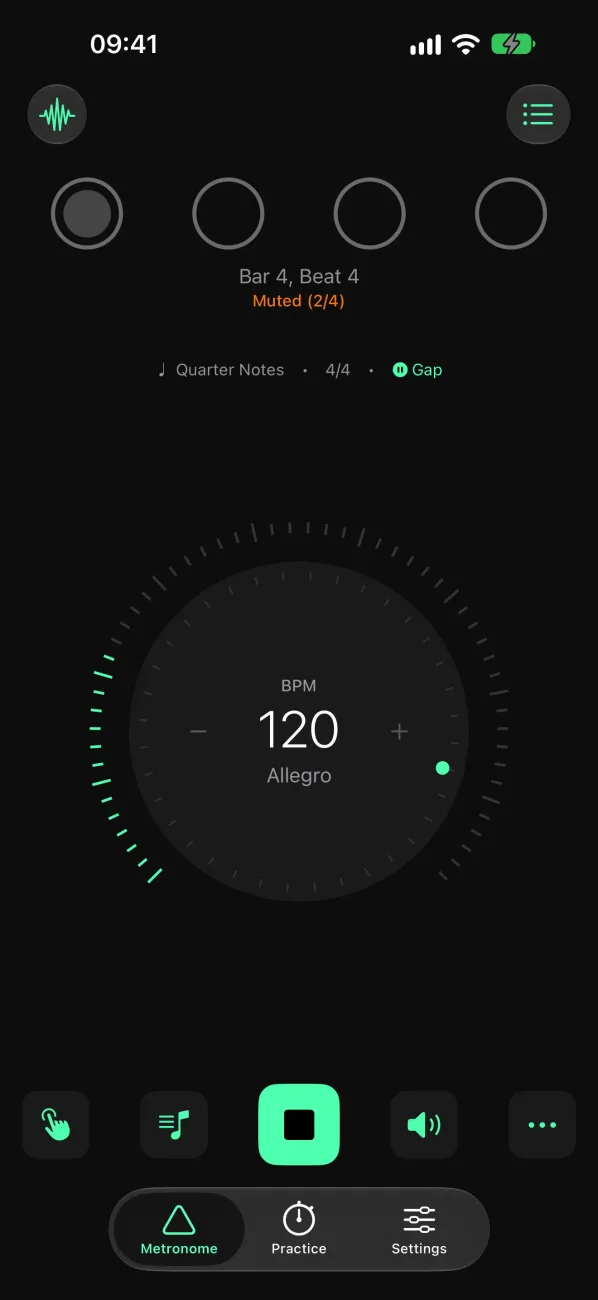
• Gap Trainer mutes the click for a few bars so you keep time on your own, with gaps that can grow each cycle
• Tempo Changer raises the tempo every few bars or seconds, up to a target BPM
ACCURACY TRAINER
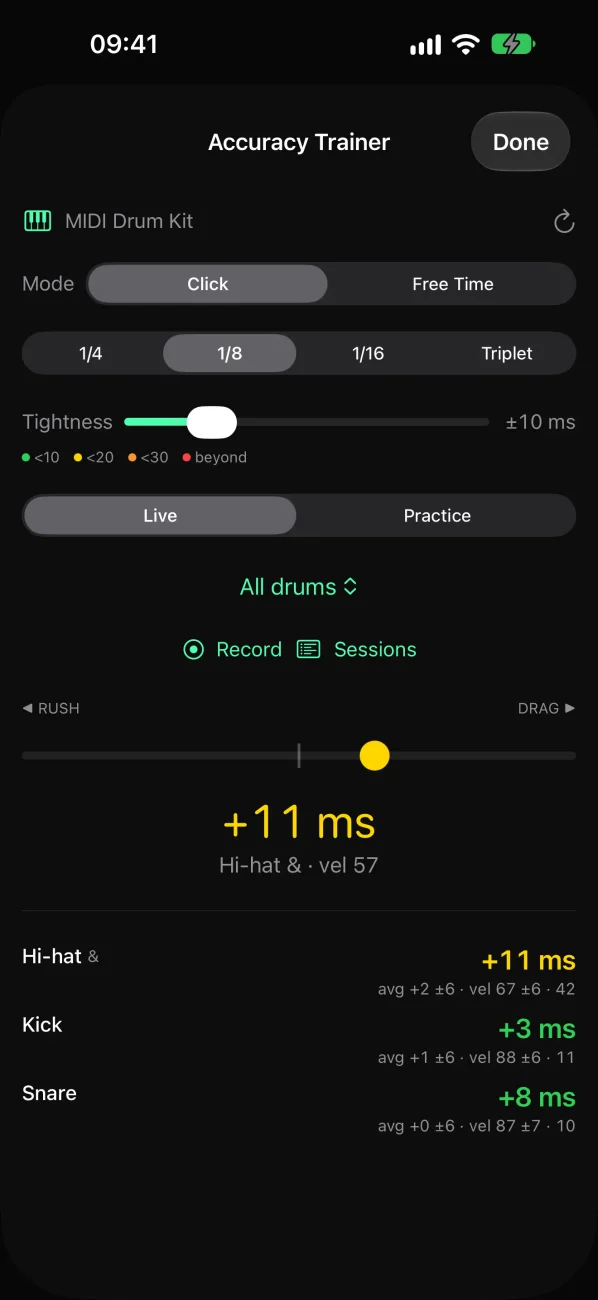
Connect an electronic drum kit over MIDI and see exactly how you play against the click.
• Live ahead/behind needle for every hit, with per-drum timing and velocity
• Histograms and a beat map that show where in the bar you rush or drag
• Practice mode hides the numbers while you play and reveals a short summary every 4 or 8 bars
• Free Time mode: after a count-in the click goes silent and Makonome follows your tempo, showing your drift bar by bar
• Record sessions, look back at them and export them
PRESETS AND COLLECTIONS
• Save tempo, time signature, subdivision and accents as presets, with notes
• Group presets into collections for songs, setlists or routines
• Play a collection hands-free: step to the next preset with the on-screen buttons, a keyboard or a Bluetooth foot pedal
PRACTICE TRACKING
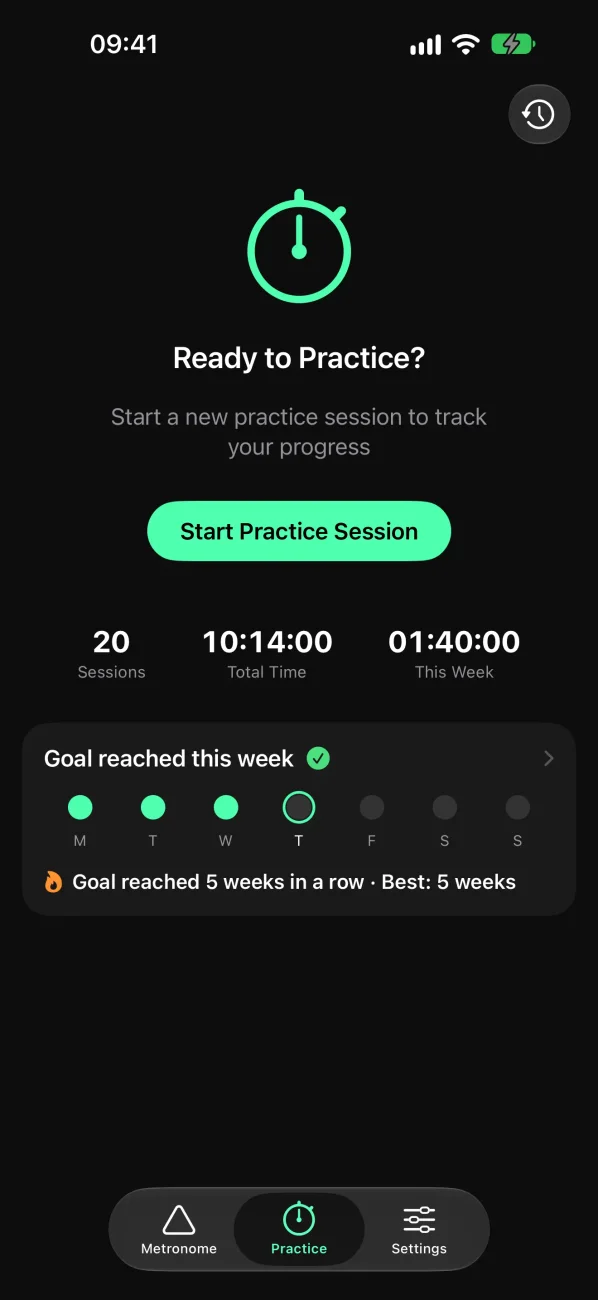
• Named practice sessions with time goals
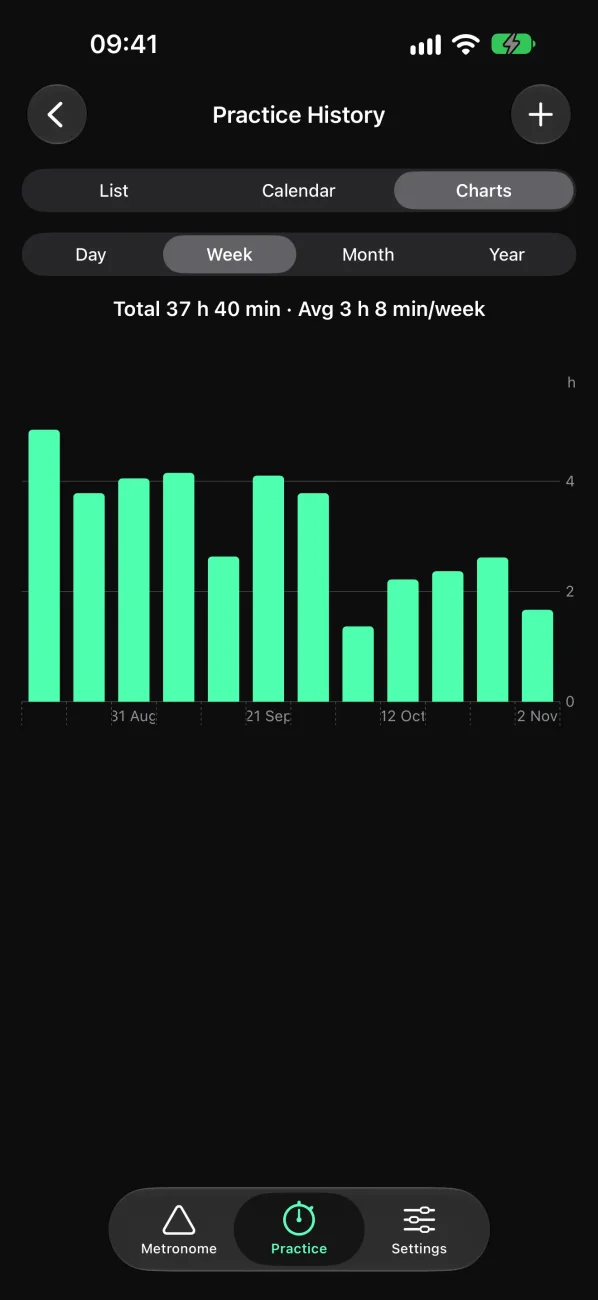
• History with total time, average length, goals met and practice streaks
• Home Screen and Lock Screen widgets for your weekly time and streak
• Daily practice reminders
PLAYS WELL WITH OTHERS
• Ableton Link keeps tempo and start/stop in sync with Ableton Live and other Link apps on your network
• Tempo Detection listens through the microphone and finds the BPM of what's playing
• iCloud backup of your settings, presets and practice history
Makonome is free to download with the core metronome, count-in, auto stop, visualizations, practice history and widgets. Makonome Pro is a one-time purchase that unlocks the Gap Trainer, Tempo Changer, practice sessions, presets and collections, Tempo Detection, the Accuracy Trainer, extra sounds and pitch control. Try everything free for 14 days. Buy once and Pro works on iPhone, iPad and Mac. Tempo Detection and the Accuracy Trainer are turned on in Settings → Experimental.
What’s new
Version 1.4.0 · Nov 18, 2026
Added
• Share presets and collections as Makonome files, and open them on iPhone, iPad, Mac or Android. Open one to see what's in it before you add it. Pro, like presets
• Back up everything to one file: presets, collections, practice history and settings. Restore it on a new device, also to move between iPhone and Android. A restore only adds what's missing: presets, collections and sessions already on the device stay as they are. Settings are restored only if you choose to. Free
• Export your practice history as a spreadsheet (CSV). Free
• Siri, Shortcuts and Spotlight: start and stop the metronome, set the tempo, start a preset or a collection, create a preset, start a practice session, and ask how much you've practiced. Spotlight finds your presets and collections. Collections, creating presets and practice sessions need Pro, as in the app
• Presets remember their sound
• Practice sessions remember the tempo you finished on. It's in the exported history
• Increase Contrast: with the system setting on, the app uses stronger colors
Changed
• Beat 1 is accented unless you change it, on a new time signature and on presets saved without accents
• Naming a practice session is optional. A session without a name shows as "Practice Session"
Fixed
• Turning off Haptic Feedback under Experimental now stops beat haptics
• Rate on App Store opens the App Store's review page
• The practice stats no longer break over two lines at large text sizes
App privacy
What Sustainable Development d.o.o. declares on the App Store about how this app handles data.
-
Data not linked to you
May be collected but is not linked to your identity.
- Identifiers
- Usage data
- Diagnostics
Privacy practices may vary, for example with the features you use or your age.
Information
- Seller
- Sustainable Development d.o.o.
- Category
- Music
- Version
- 1.4.0
- Updated
- Nov 18, 2026
- Released
- Feb 27, 2026
- Size
- 7.2 MB
- Requires
- iOS 18.1 or later
- Age rating
- 4+
- Price
- Free
- In-app purchases
- Yes
- Languages
- English
- Copyright
- © 2026 Sustainable Development d.o.o.
You might also like
-
 Tempoist - Simple MetronomeTap tempo, BPM & click track
-
 StreetSamplerCapture Sounds. Build Beats.
-
 OFFBEAT — Rhythm TrainerSka & jazz rhythm trainer
-
 Jazz Time TrainerMusic
-
 Jazzlore MetronomeClick on 2 and 4. Practice.
-
 PULSE | Haptic MetronomMusic
-
 Jazz Improv Practice & ScalesRandom key, tempo & mood cards
-
 Ghost Beat - Timing TrainerMetronome & Practice Tracker
-
 MetropadMetronome for Ableton Link
-
 C4 Metronome - Pro Beat & BPMBest for Guitar Piano Drum Rap