
Manikin
Fast 3D Posing for artists
Designed for iPhone, iPad, iPod touch
Free · In-app purchases
- Age rating4+
- CategoryUtilities
- DeveloperUNSH VOF
- LanguagesEnglish+ 31 more
- Size225.9 MB
Links to the official App Store page
Download.org hosts no file of Manikin. The button opens its official App Store page, published by UNSH VOF. Listing last checked on Nov 22, 2026.
Screenshots
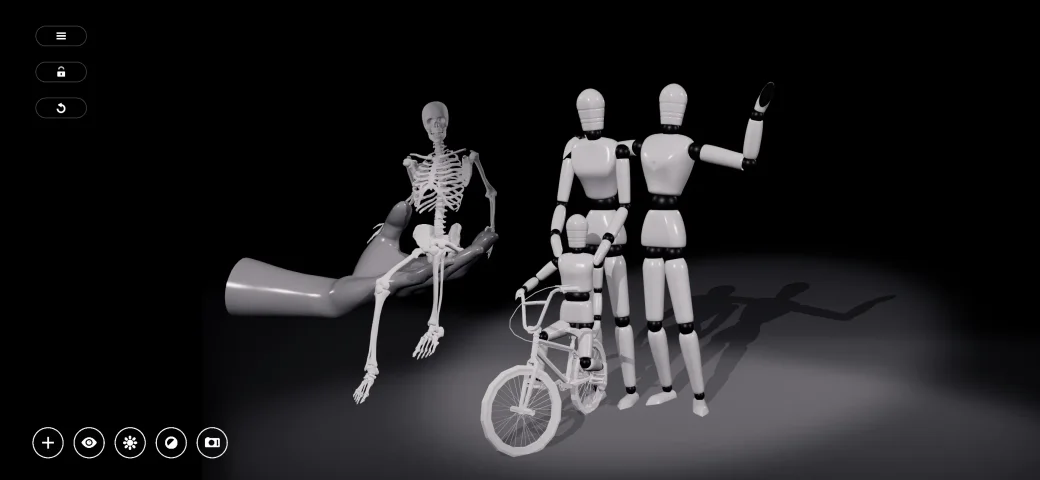
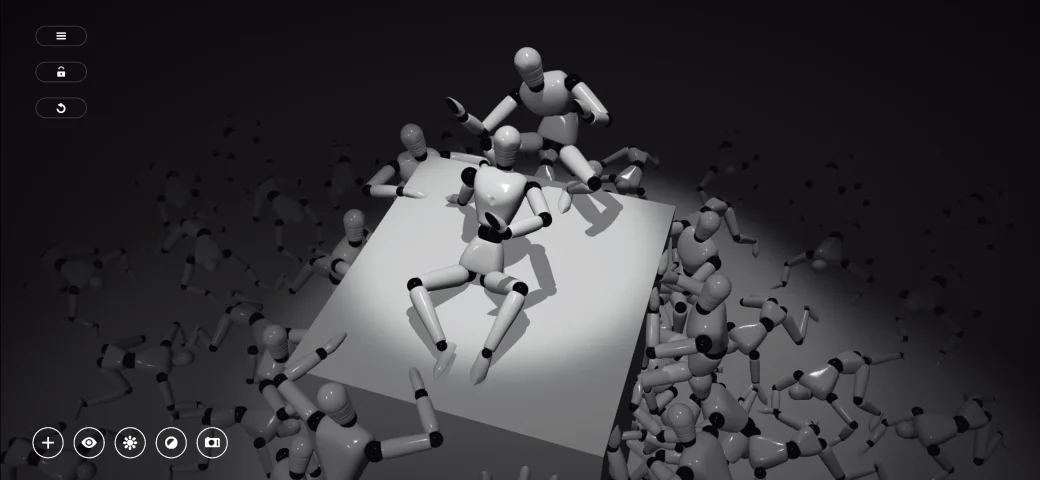

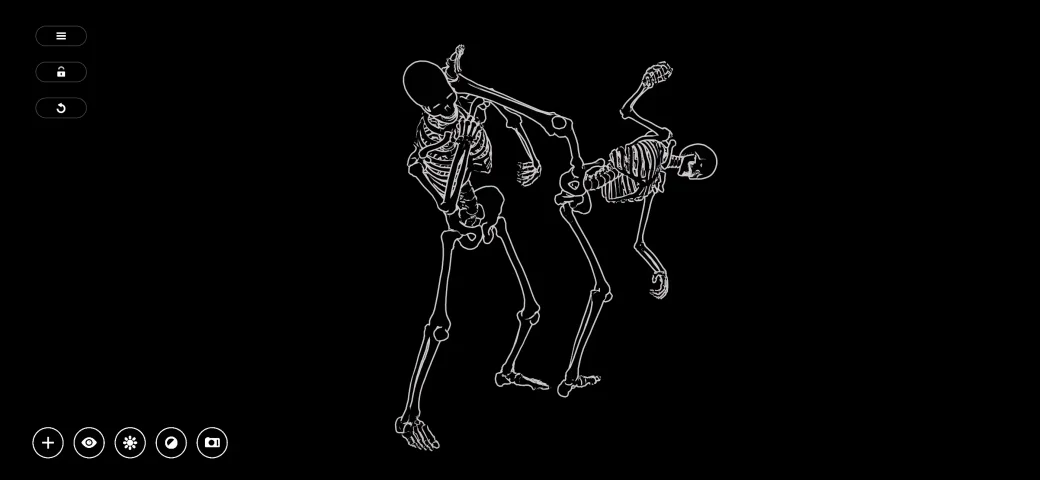
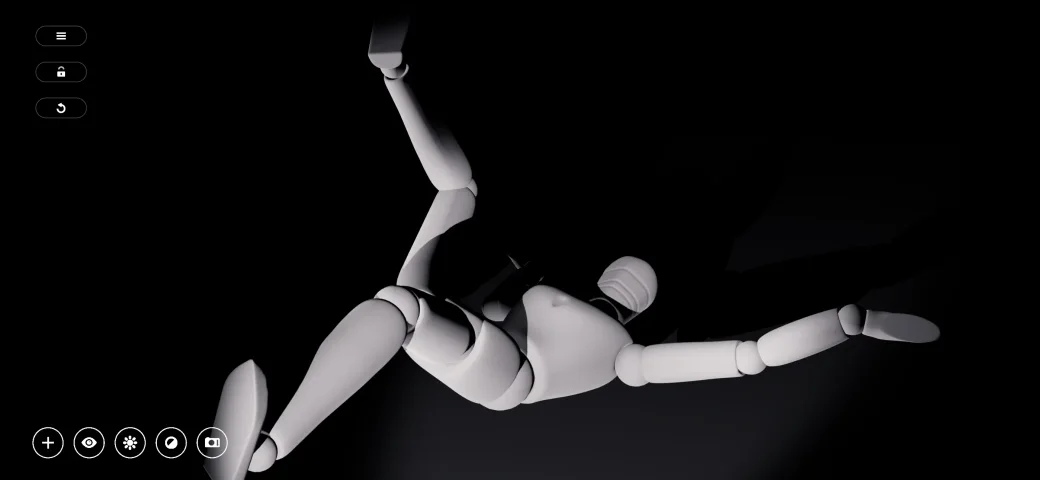
About
Sketch fast with MANIKIN a 3D posing tool containing a collection of models and tools aimed to help professional artists and amateurs alike in drawing anatomically correct figures with respect to light & perspective.
Create scenes with multiple characters or manipulate simple 3D shapes to quickly visualize the outlines of your sketches, generate storyboards with screenshots or frame your comic book illustrations and mangas.
ARTISTS MANNEQUIN
The mannequin was born out of the need for an interactive human anatomy reference to tackle problems like foreshortening, proportion and depth.
We expand upon the wooden mannequin for figure drawing with various 3D models and tools to help you with shape recognition, shading, perspective and stance.
POSE FAST
Moving things in 3D often involves a lot of interaction for even the simplest of goals. This is why we wanted posing to be as intuitive and simple as possible with a bare minimum in menu diving and without losing complexity.
A straightforward and intuitive design keeps all functionality close without drowning you in options.
Our goal is to let you spend more time drawing and less time preparing.
APPLY ANIMATIONS
Even for the most hardened artists it’s not easy to imagine how the body moves. In MANIKIN all animations can be viewed in detail. Use them to get faster to your desired stance or as use them as a figure study for motion.
CAMERA & LIGHT
We also give full control over camera & light. Use 360 mode to work and use "point of view mode" to get the exact camera angle you had in mind.
To ease your shading needs you have up to 4 fully adjustable lights at your disposal to create dynamic drop shadows and realistic depth.
SCREENSHOTS FOR DIGITAL PAINTERS
MANIKIN also features cutout screenshots so you can immediately use them in Photoshop, Coreldraw, Procreate, Paper or whatever digital drawing software you use. No more hassle with editing screenshots.
FEATURES
* View character animations in detail.
* A straightforward and intuitive design.
* Various tools and effects such as outline, cut-out, grid, ...
* Dynamic light with up to 4 fully adjustable lights
* Freelook camera
* Screenshots without background.
* Share your creations on any platform and much more …
What’s new
Version 2.4.7 · Sep 30, 2026
Fixed a new bug in restore purchase, restore should work now.
App privacy
What UNSH VOF declares on the App Store about how this app handles data.
-
Data linked to you
May be collected and linked to your identity.
- Purchases
- Location
- Identifiers
- Usage data
- Diagnostics
- Other data
Privacy practices may vary, for example with the features you use or your age.
Information
- Seller
- UNSH VOF
- Category
- Utilities
- Version
- 2.4.7
- Updated
- Sep 30, 2026
- Released
- Jan 10, 2019
- Size
- 225.9 MB
- Requires
- iOS 15.0 or later
- Age rating
- 4+
- Price
- Free
- In-app purchases
- Yes
- Languages
- English, Arabic, Croatian, Czech, Danish, Dutch, Finnish, French, German, Greek, Hebrew, Hindi + 20 more
- Copyright
- © UNSH VOF 2017
You might also like
-
 Easy Pose -Best Posing AppPosing app for manga/comic art
-
 HandModel3D reference by hand tracking
-
 MODS ADDONS FOR MELONSandbox Playground Add-ons Mod
-
 Font Maker: Cursive KeyboardMake your own custom fonts!
-
 PinoFBTFull-Body Tracking APP for VR
-
 Screen Recorder Pro⋆Record Display & Reaction Cam
-
 Speak • Speech SynthesizerText To Speech
-
 Screen Recorder- Record GameMy phone display recorder app
-
 Tripo AI: 3D Model GeneratorImage & Text to Game Assets
-
 3D Skin Editor for MCPEskin editor for mcpe