Manneung Viewer
PDF, HWP & Office, ad-free
Designed for iPhone, iPad
In-app purchases
- Age rating4+
- CategoryProductivity
- DeveloperYongtae Kim
- LanguagesKorean+ 6 more
- Size51.1 MB
Links to the official App Store page
Download.org hosts no file of Manneung Viewer. The button opens its official App Store page, published by Yongtae Kim. Listing last checked on Nov 12, 2026.
Screenshots
About
Open documents without ads or subscriptions.
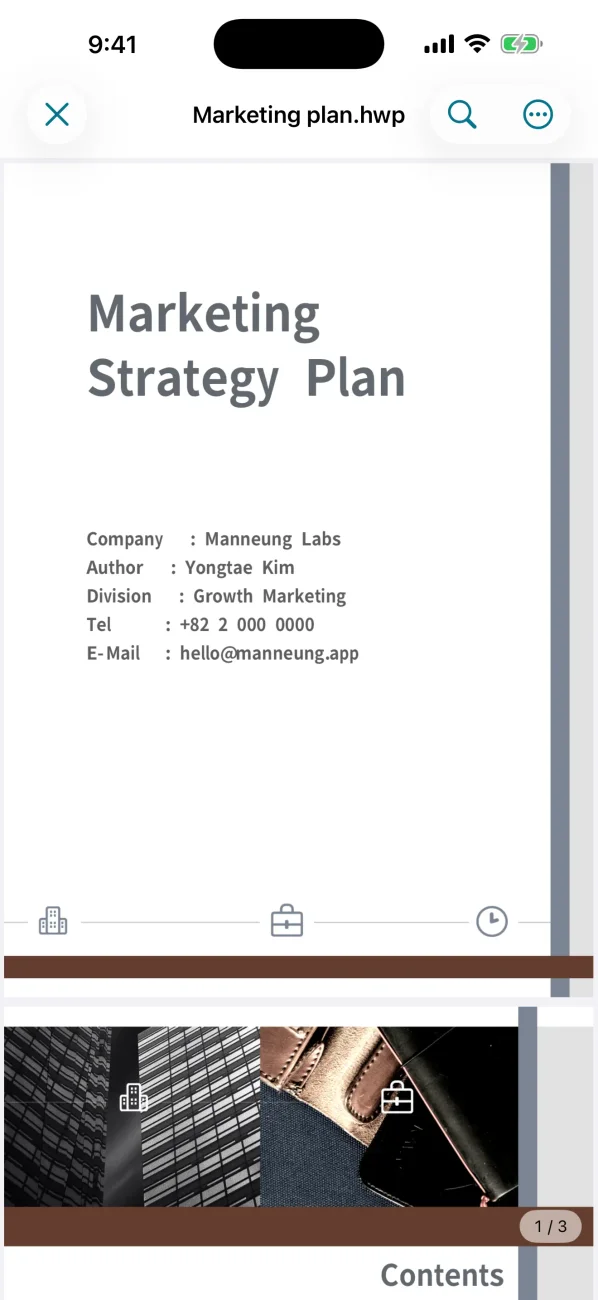
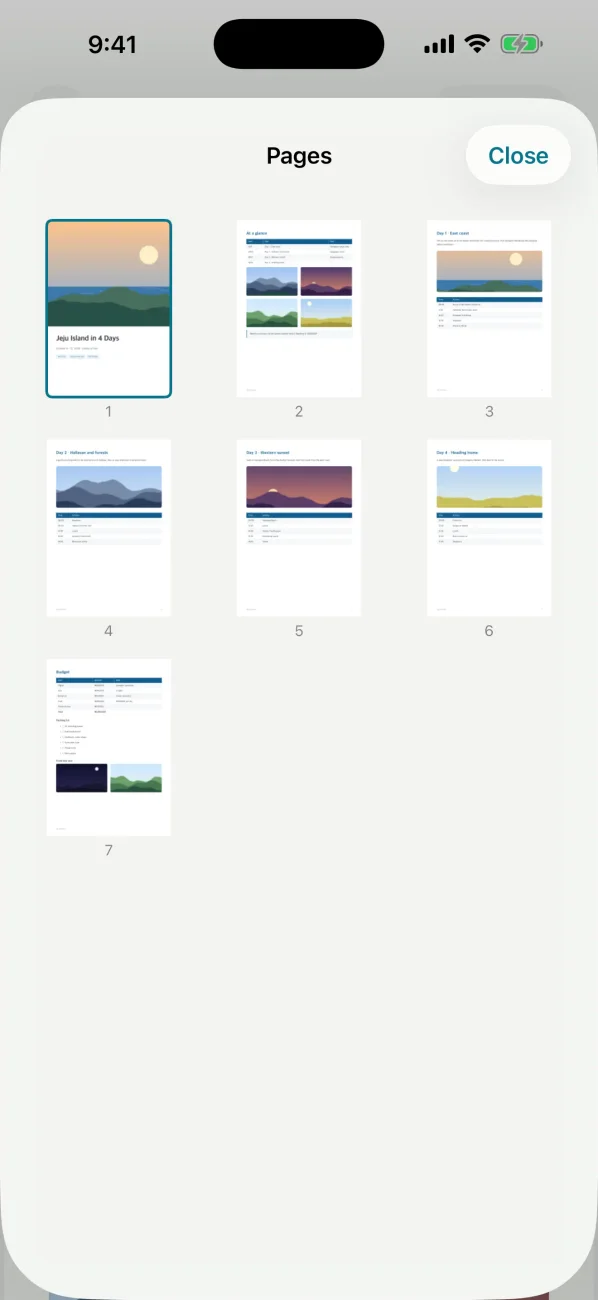
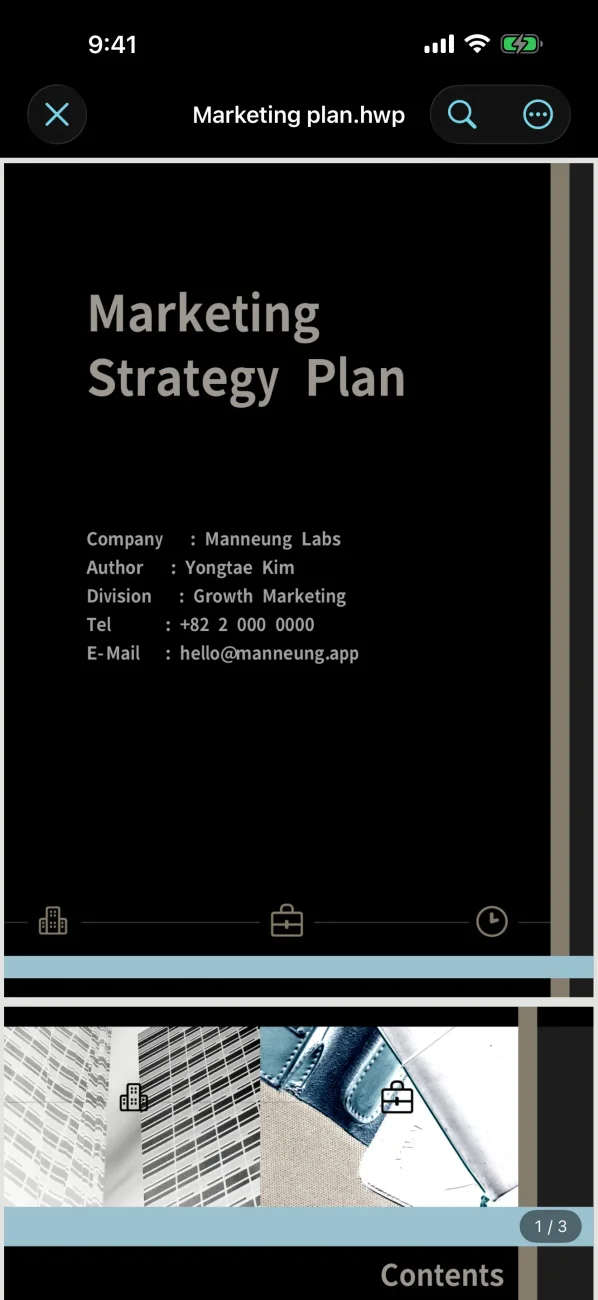
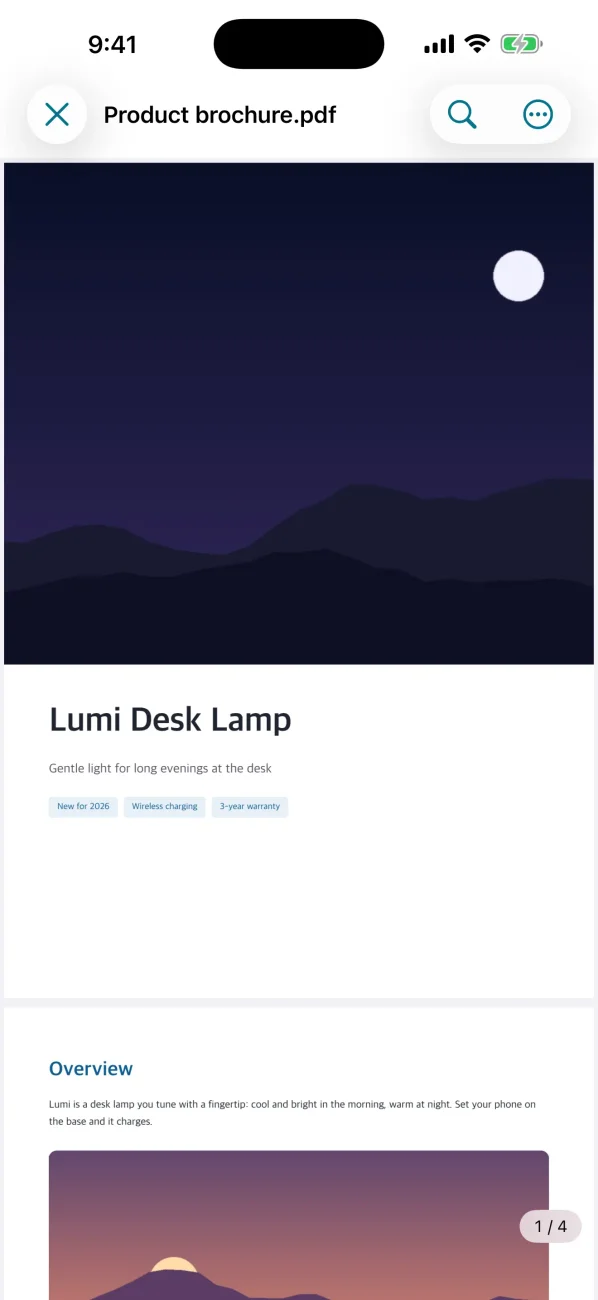
View PDF, Korean Hangul (HWP, HWPX, HML), Word, Excel, PowerPoint, images and text in one app. Office, images, text (RTF, TXT, CSV) and iWork (Pages, Numbers, Keynote) use the built-in iOS preview. Illustrator .ai requires a PDF-compatible file.
■ Free viewing
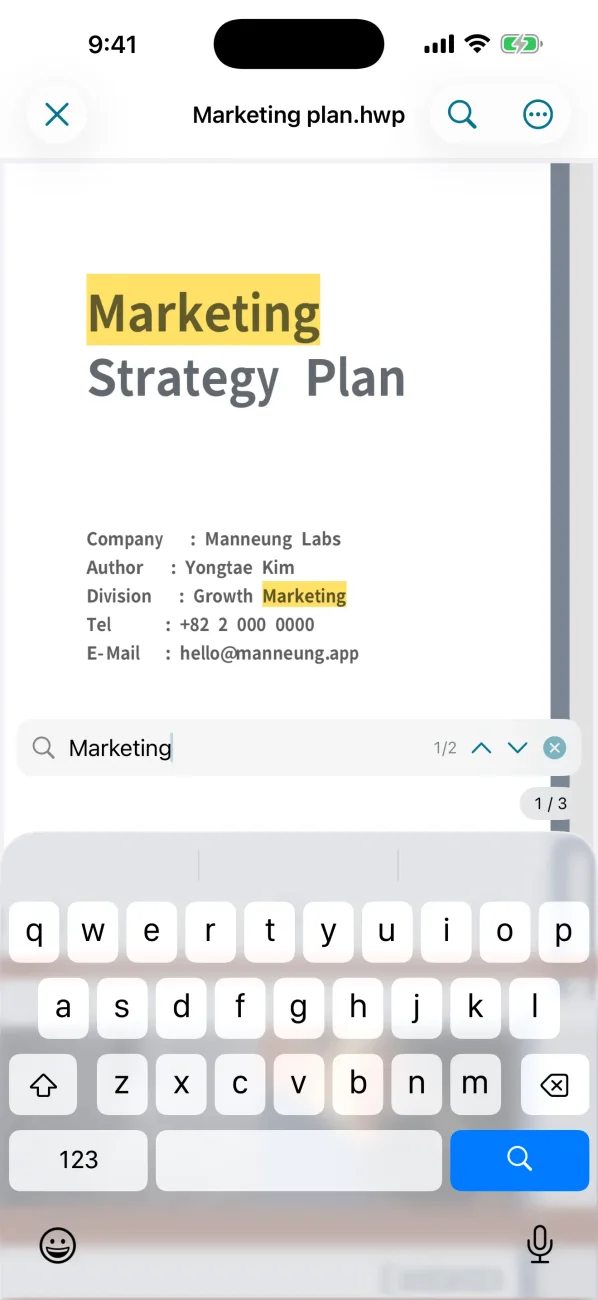
• Search, page lists, bookmarks and favorites for PDF and Hangul; PDF outlines
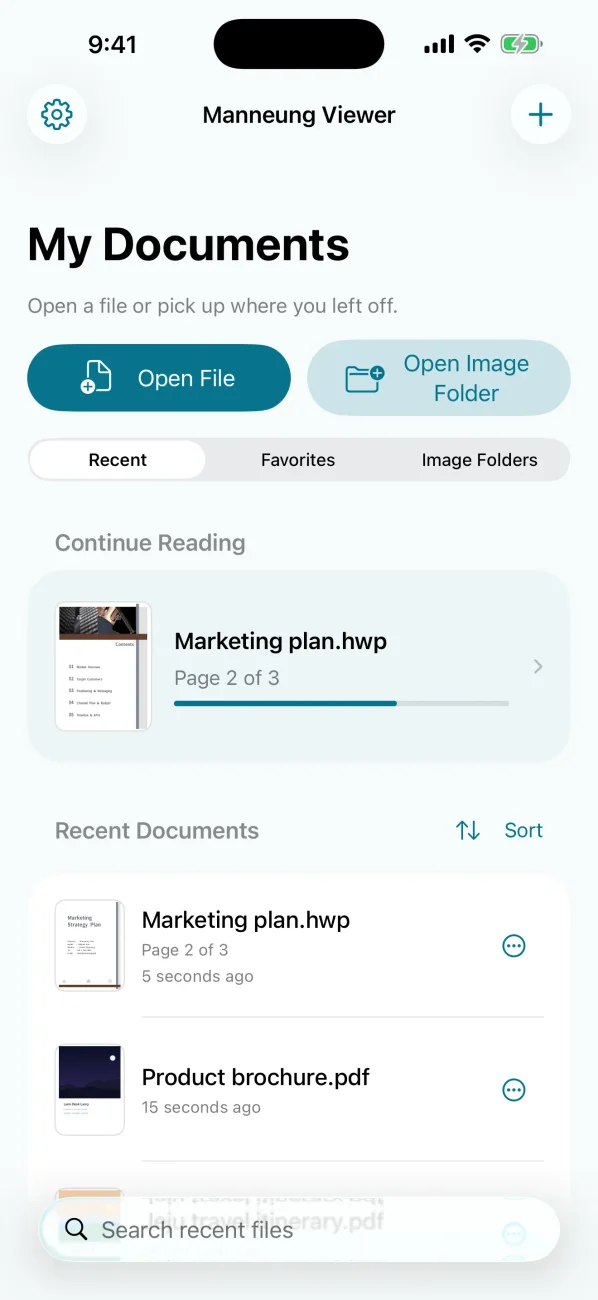
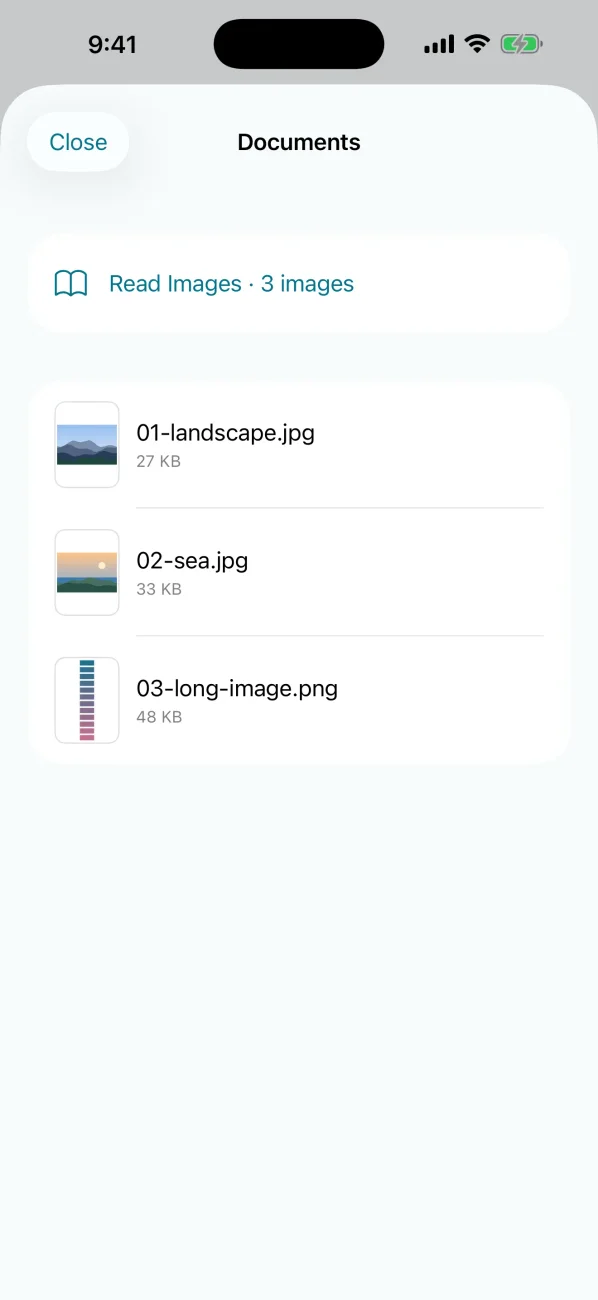
• Start from a renewed layout with clear document and folder open buttons, Recent, Favorites and Image Folders.
• See actual PDF and image content, and HWP content when a preview is available. Continue Reading shows the last-read page preview; unavailable previews use a file-type icon.
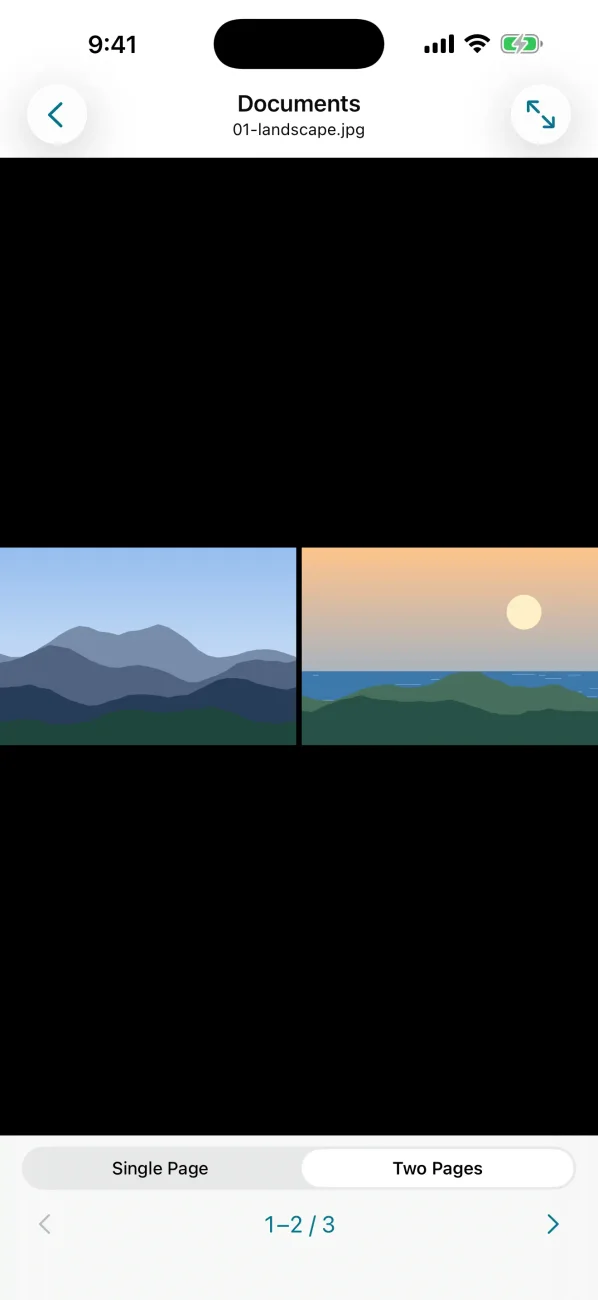
• Read image folders in single- or two-page view. Switching views keeps your position tied to the original image.
• Zoom, pan and jump to a page; tap the page to hide or restore controls. Paired images keep their proportions, and a final unpaired image is centered.
• Supported sharing and printing, dark mode and document color inversion
• Open recent documents from Home Screen widgets and Shortcuts
• iPhone and iPad
■ Pro — one-time purchase, no subscription
• Save Hangul documents as PDF
• PDF annotations, highlighter and pen; rotate, extract, delete and merge pages
• Create PDFs from photos; add or remove PDF passwords
Restore purchases with the same Apple ID. Viewing stays free. Developer tips are optional and do not unlock extra features.
■ Format limits
Office-to-PDF export and Office page editing are not available. There is no OCR or scanning. DRM-protected documents cannot be opened. Hangul uses bundled fonts, so fonts may differ from the original.
Document viewing and conversion happen on your device. App Store purchases, restoration and support links you choose may need a connection. Files are not sent automatically; you decide whether to attach a problem file to a support request.
Use in-app support to report a problem or suggest an improvement. Files are never attached automatically. Optional developer tips are separate from support and do not unlock Pro.
Developed with reference to Hancom Inc.'s publicly released HWP file format specification.
What’s new
Version 1.3.1 · Oct 29, 2026
Refreshed the colors of Home, Settings and key buttons for a brighter, more consistent look in both light and dark modes.
App privacy
What Yongtae Kim declares on the App Store about how this app handles data.
-
Data not collected
The developer does not collect any data from this app.
Privacy practices may vary, for example with the features you use or your age.
Information
- Seller
- Yongtae Kim
- Category
- Productivity
- Version
- 1.3.1
- Updated
- Oct 29, 2026
- Released
- Sep 17, 2026
- Size
- 51.1 MB
- Requires
- iOS 17.0 or later
- Age rating
- 4+
- In-app purchases
- Yes
- Languages
- Korean, German, English, Japanese, Traditional Chinese, Thai, French
- Copyright
- © 2026 Mandusari
You might also like
-
 Ongle: HWP·HWPX Viewer, PDFKorean docs & spreadsheets
-
 한글·봄Productivity
-
 OpenRead: PDF Document ReaderFind files. Read offline.
-
 AllDocs - Document Viewerpdf, excel, ppt, epub & code
-
 P&P PDF ReaderPDF Reader & Annotator
-
 손뷰Productivity
-
 노애드한글: 광고없는 HWP 뷰어Productivity
-
 호글 - HWP HWPX 한글뷰어Productivity
-
 픽옥션:자동차경매Productivity
-
 Runn: To-Do List & WidgetSimple Tasks, Checklist & Sync