
Map Redirect for Map Links
Choose how to open map links
Designed for iPhone, iPad, iPod touch
$1.99
- Age rating4+
- CategoryUtilities
- DeveloperMiao Wang
- LanguagesEnglish
- Size1.9 MB
Links to the official App Store page
Download.org hosts no file of Map Redirect for Map Links. The button opens its official App Store page, published by Miao Wang. Listing last checked on Nov 15, 2026.
Screenshots

About
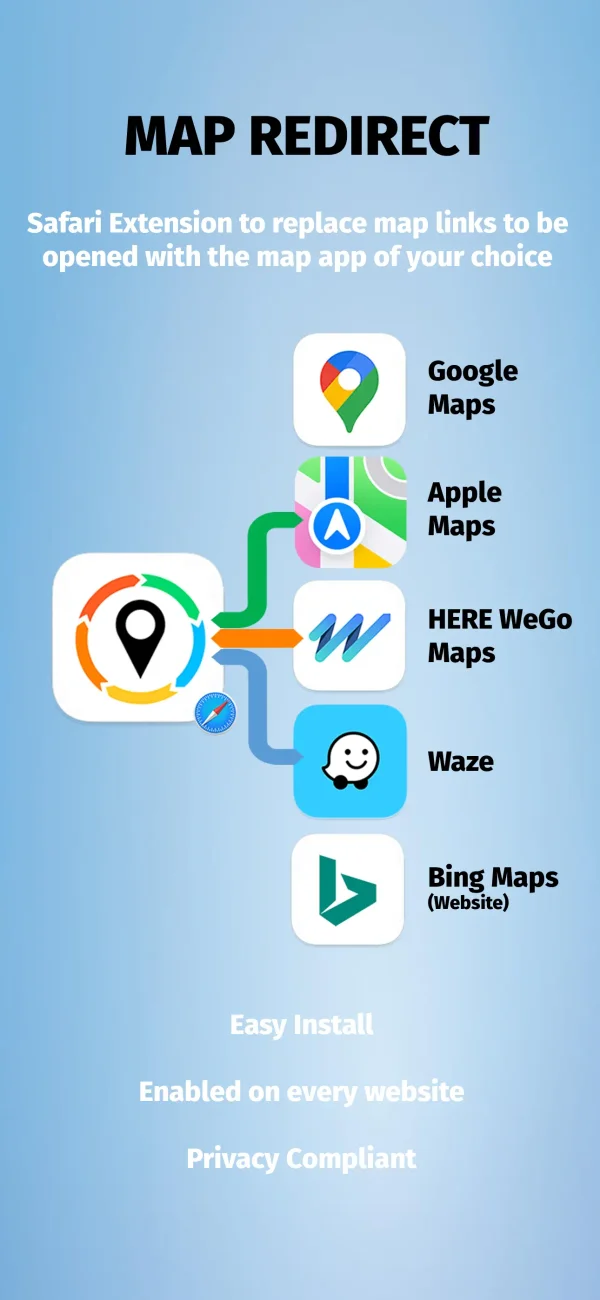
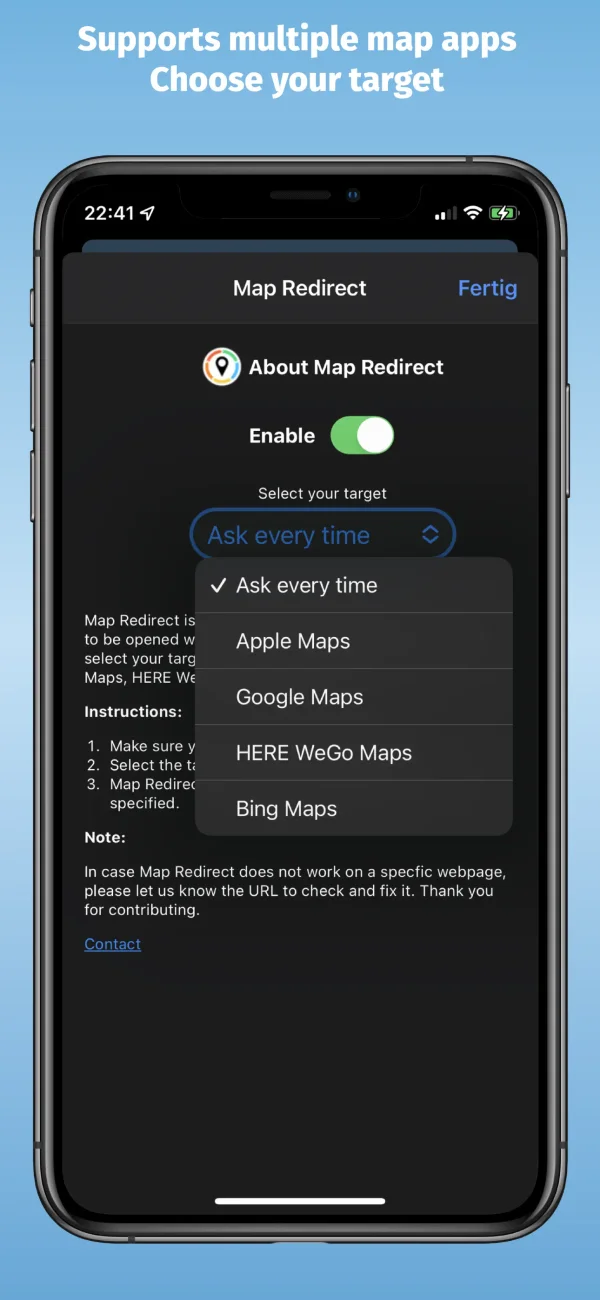
Map Redirect is a Safari Extension to replace all map links on a webpage to be opened with the map app of your choice. You can select your target to always open in Apple Maps, Google Maps, HERE WeGo Maps, Bing Maps, Waze.
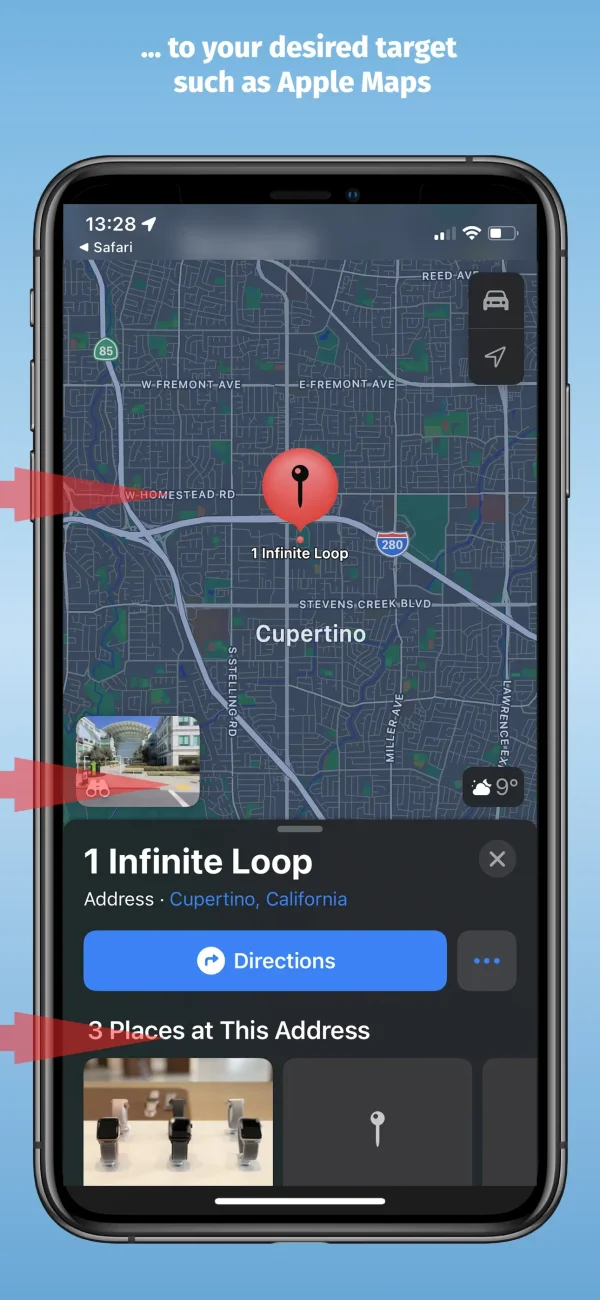
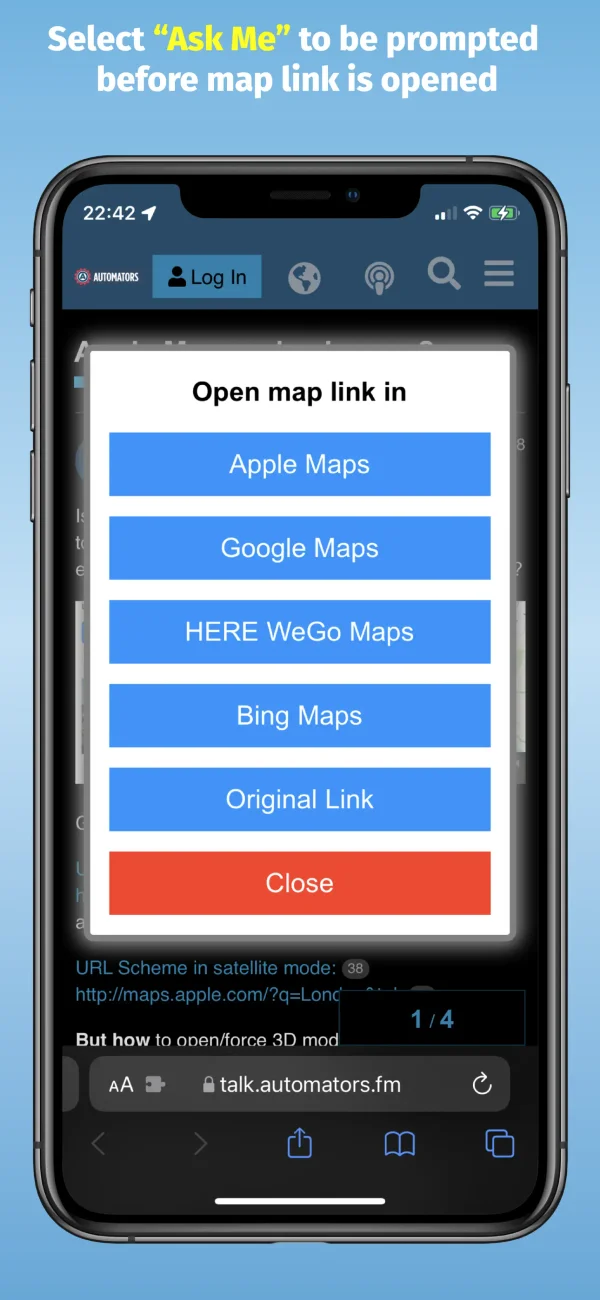
Map Redirect will automatically redirect you to the maps app of your choice. If you select "Ask Me" a prompt will appear to ask you where to open the link.
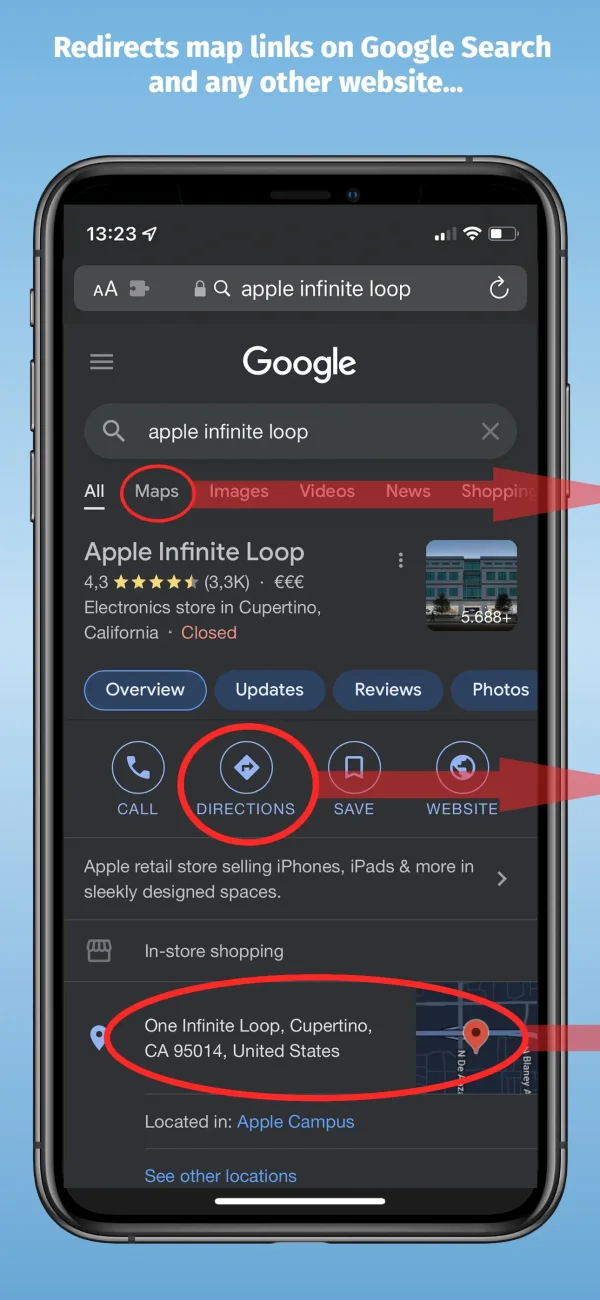
Works on Google Search pages and any other webpage. No need to copy/paste addresses anymore.
Instructions:
1. Download Map Redirect from the App Store
2. Go to Settings -> Safari -> Extensions. Enable Map Redirect as Safari Extension
3. Open Safari. Search for location. For example, type London
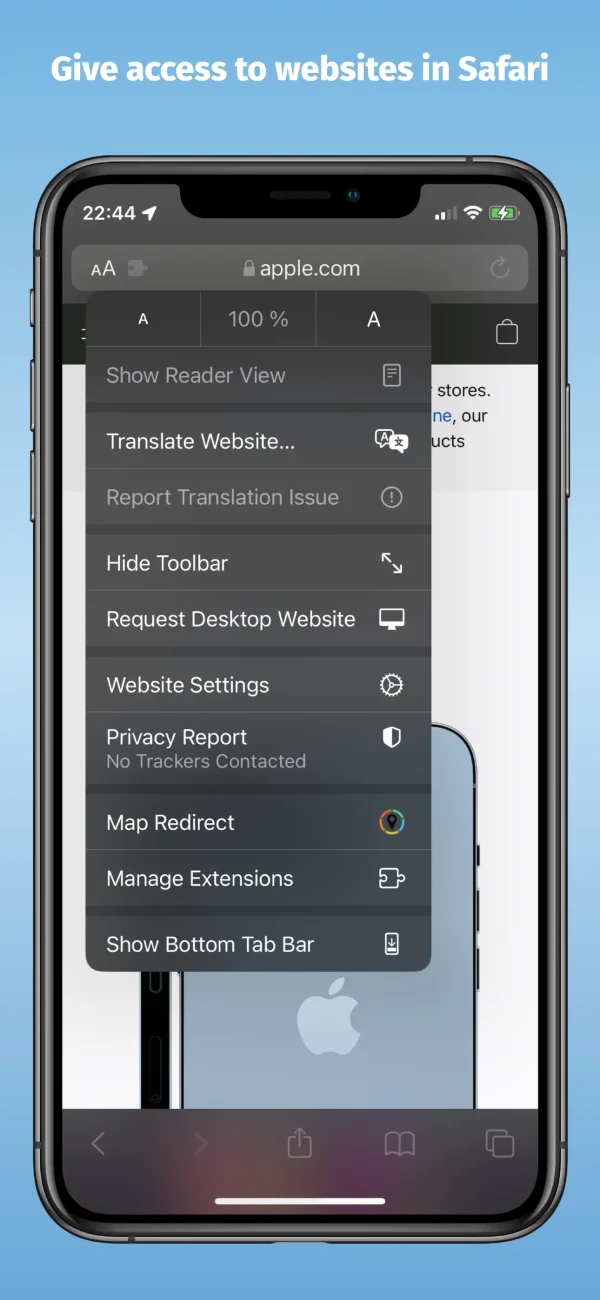
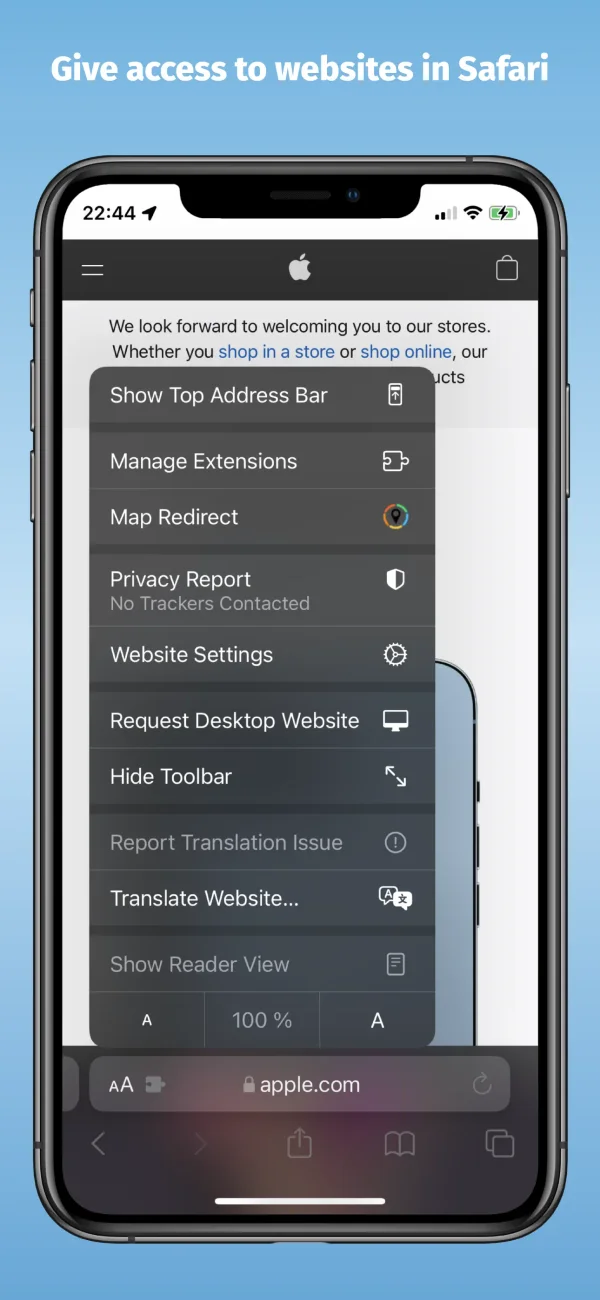
4. Click on Context menu (the symbol "aA"). Click on Map Redirect to give it access to the webpage you are visiting.
5. The extension needs to read and alter the web page to change the map links. If asked for access, you may select to allow it for one day or to always allow.
6. In the Map Redirect popup, you can select your target. For example: select Apple Maps
7. Map Redirect will now scan the webpage for map links and convert them to be opened in Apple Maps.
8. Click on any map link
9. Map Redirect will now take you to London in Apple Maps
Note:
Map links on websites can appear in various forms with different parameters. Map Redirect tries to detect and convert them as much as possible to your desired target. Therefore, Map Redirect requires permission to read and alter the web page to change the map links. If asked for access, you may select to allow it for one day or to always allow.
In case Map Redirect does not work on a specific webpage, please contact us and let us know the URL to check and fix it. Thank you for contributing.
*HERE WeGo deeplinking support is limited to only links with geo-coordinates
*Bing maps will use Apple Maps on iPhones
*Waze Deeplinking support is limited to searching from your current location to what is around you
Privacy:
Map Redirect does not use any trackers of any sort, nor does it keep, track, sell, rent, or share any information on you throughout your use of the app with any third parties. All processing happens locally on the webpage you visit with the extension. No data is transferred to any central server. For any questions, feel free to contact us directly.
What’s new
Version 1.15 · Nov 13, 2026
- bug fixes
App privacy
What Miao Wang declares on the App Store about how this app handles data.
-
Data not collected
The developer does not collect any data from this app.
Privacy practices may vary, for example with the features you use or your age.
Information
- Seller
- Miao Wang
- Category
- Utilities
- Version
- 1.15
- Updated
- Nov 13, 2026
- Released
- Oct 19, 2021
- Size
- 1.9 MB
- Requires
- iOS 15.0 or later
- Age rating
- 4+
- Price
- $1.99
- Languages
- English
- Copyright
- © 2021
You might also like
-
 MapSwitch - Mapper for SafariRedirect Google Map Links
-
 Photo to PDF Converter pic2pdfjpg convert scan photos to pdf
-
 Hindsight - Time TrackerHow long has it been since...?
-
 World clock widget - OrbitimeTimezone converter
-
 Book Tracker & Reading LogFollow All #BookTok Trends
-
 Qr Code Reader & Scanner ZapQRQr Code Generator - Barcode
-
 Privacy AI Offline Chat BotOn device Private local llm
-
 Voice Recorder: Transcribe AppVoice Recorder: Speech to Text
-
 Picture to Text: OCR ScannerScan and Read Photo, Image
-
 Photo Cleaner: SwipelyDelete Duplicates, Photo Clean