- Age rating4+
- CategoryGraphics & Design
- DeveloperNEXON Company
- LanguagesEnglish+ 4 more
- Size591.2 MB
Links to the official App Store page
Download.org hosts no file of Maple Theme Box. The button opens its official App Store page, published by NEXON Company. Listing last checked on Nov 23, 2026.
Screenshots

About
MapleStory is with you anytime, anywhere!
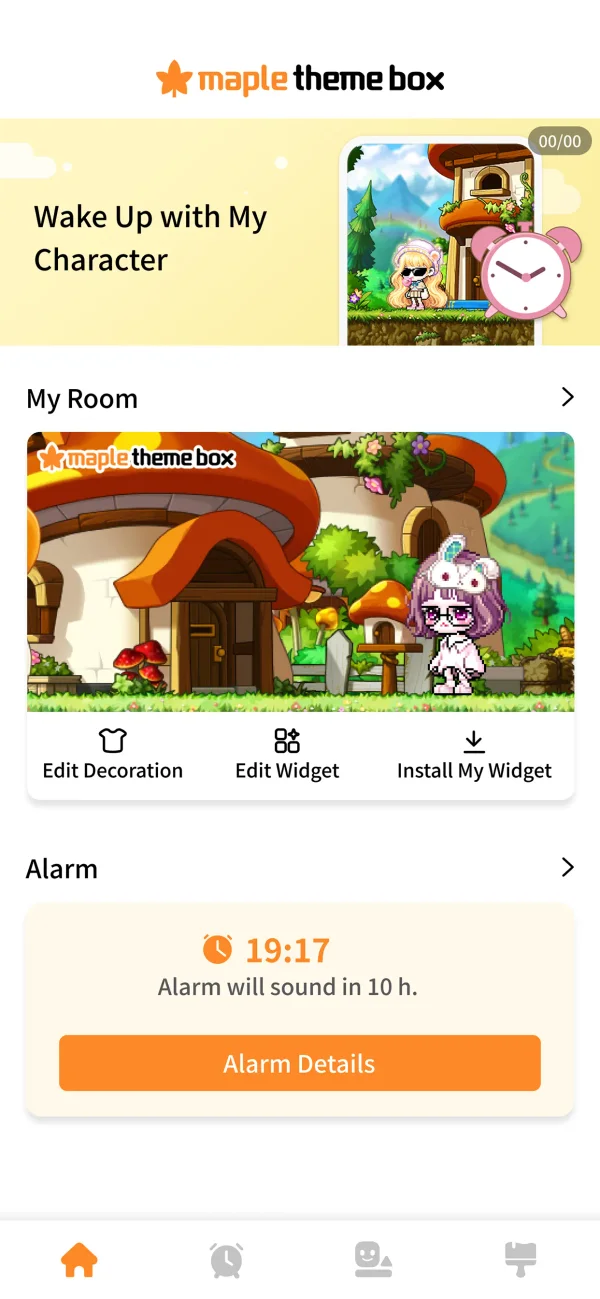
Start your day alongside your character and decorate your phone with adorable MapleStory friends!
▶ Fortune of the Day
Check your fortune with your character once a day and start your day off right!
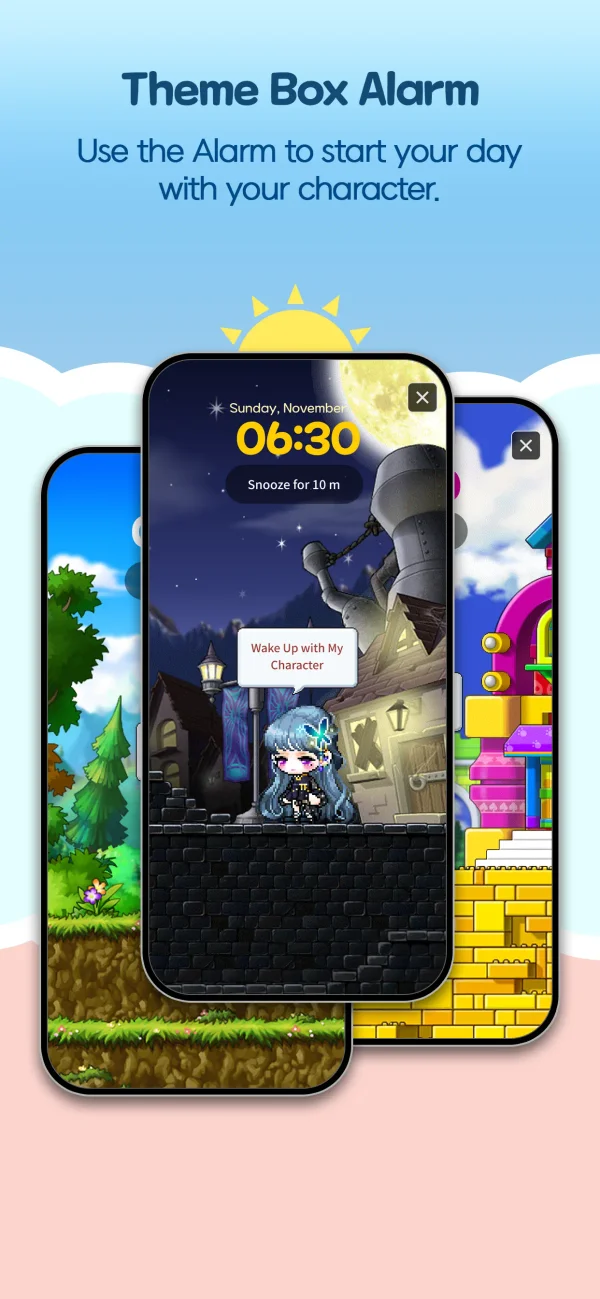
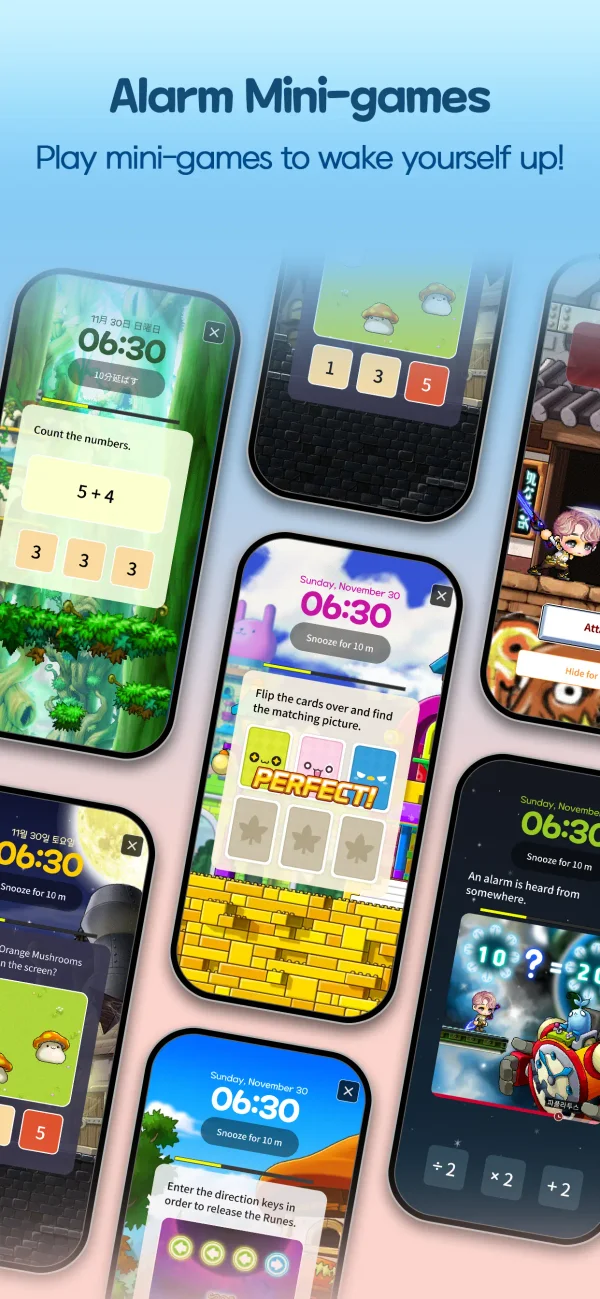
▶ Alarm
Set your alarm to MapleStory soundtrack - a range of fun alarm missions to get up on time!
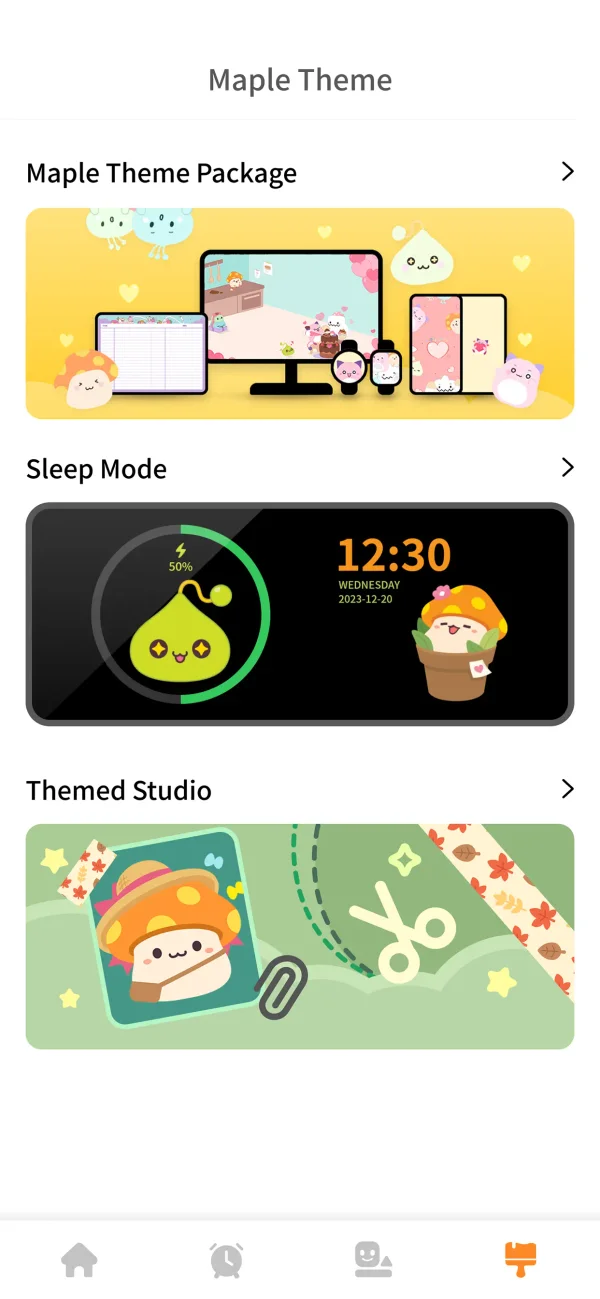
▶ Sleep Mode & Home Screen Widgets
Discover dates, clock, battery percentage display and other essential widgets in MapleStory designs.
Set up Sleep Mode to use even while charging!
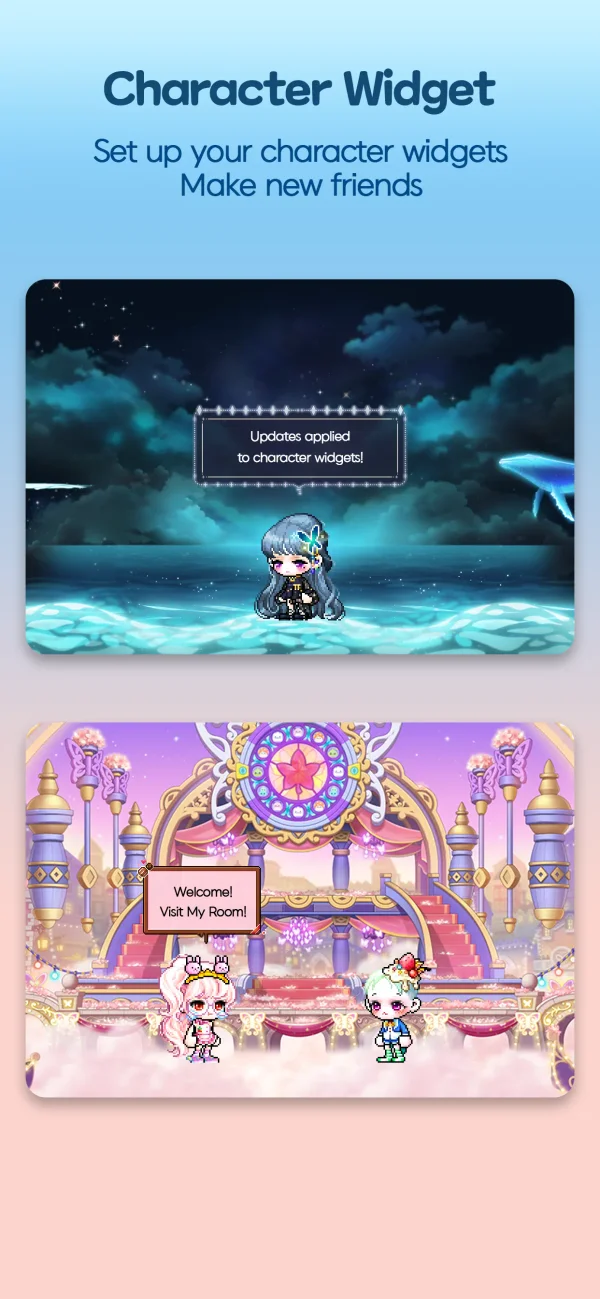
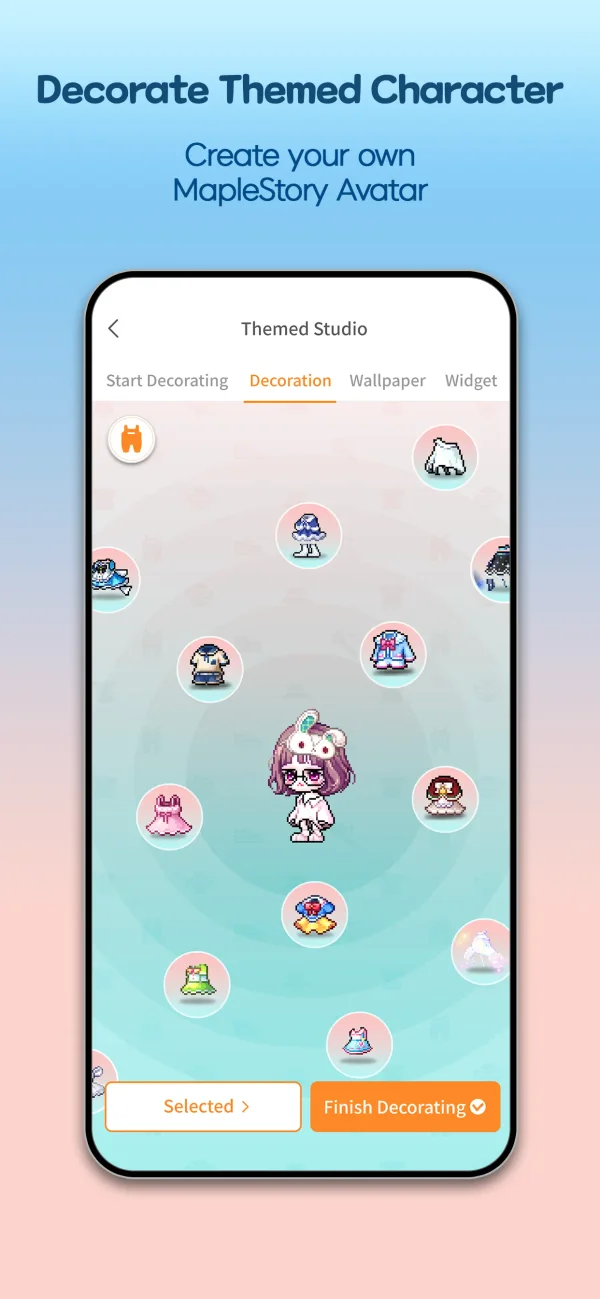
▶ Creating a Themed Character & Character Widget
Create your own themed character with MapleStory avatars.
Turn your and your friends' themed characters into widgets!
Make new friends as you dive into themes and random widgets!
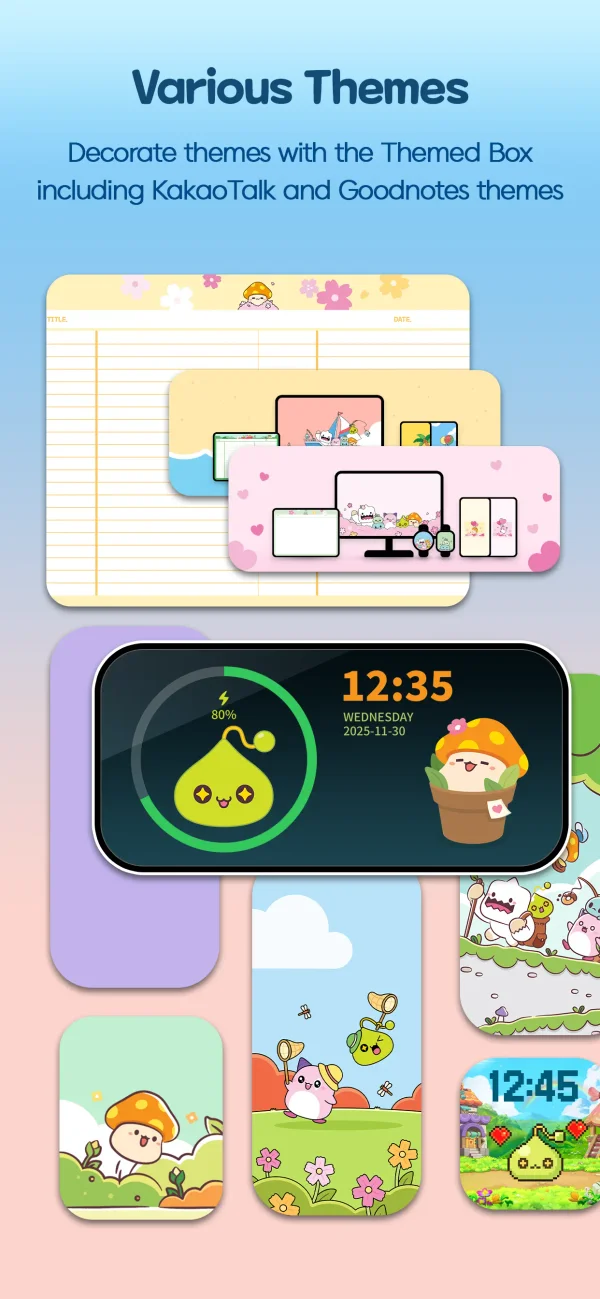
▶ Various Themes
Check out a wide variety of themes in MapleStory Themed Box.
From mobile, smartwatch, and PC wallpapers to KakaoTalk and Goodnotes themes!
Fill your life with adorable MapleStory characters!
▶ Along with Friends
Build new connections with Maple Theme Box.
Customize your profile to express your personality!
Visit other users' Rooms! Leave maple leaves and footprints! Make friends!
■ App Permission Information
In order to provide services below, we are requesting certain permissions.
[Optional Permission]
Camera: To save and import decorated images, as well as to take screenshots and videos for attaching and submitting to Customer Support and other services.
Photos: To save or load a decorative image
Advertising ID: Your data is used to provide personalized advertising and analyze service usage.
※ You can still use the service without agreeing to the optional permissions.
[Permission Management]
▶Go to Settings > Privacy, select a permission and toggle the button next to the app's name.
What’s new
Version 2.2.7 (99) · Nov 19, 2026
The following contents have been updated:
- Performance optimization
App privacy
What NEXON Company declares on the App Store about how this app handles data.
-
Data used to track you
May be used to track you across apps and websites owned by other companies.
- Identifiers
-
Data not linked to you
May be collected but is not linked to your identity.
- User content
- Identifiers
- Usage data
Privacy practices may vary, for example with the features you use or your age.
Information
- Seller
- NEXON Korea Corporation
- Category
- Graphics & Design
- Version
- 2.2.7 (99)
- Updated
- Nov 19, 2026
- Released
- Dec 14, 2023
- Size
- 591.2 MB
- Requires
- iOS 16.1 or later
- Age rating
- 4+
- Price
- Free
- Languages
- English, Japanese, Korean, Simplified Chinese, Traditional Chinese
- Copyright
- © NEXON Korea Corp. ALL Rights Reserved.
You might also like
-
 Themes & Widgets - ThemeScapeIcon Changer & Shortcuts
-
 PicoChat for iMessageChat like it's 2006!
-
 Island Pet: Slime Pixel Pals8bit dynamic island pixel pets
-
 Fun Widgets-Widgets&WallpapersX-board/Lock Screen/Calendar
-
 tone - photos, printedPhotos, printed.
-
 Resprite: pixel art studioPixel art and sprite editor
-
 Pixquare - Pixel Art Studio#1 pixel art editor
-
 Feng Shui Calendar WidgetYour digital tear-off calendar
-
 StandBy Widgets 17 Wallpapers4K Live Backgrounds & Themes
-
 moloko app icon changerthemes + wallpapers