- Age rating4+
- CategoryNavigation
- DeveloperJulien Rozé
- LanguagesEnglish+ 1 more
- Size6.7 MB
Links to the official App Store page
Download.org hosts no file of MapPath Pro. The button opens its official App Store page, published by Julien Rozé. Listing last checked on Nov 21, 2026.
Screenshots

About
MapPath is an easy-to-use app allowing you to record your trips.
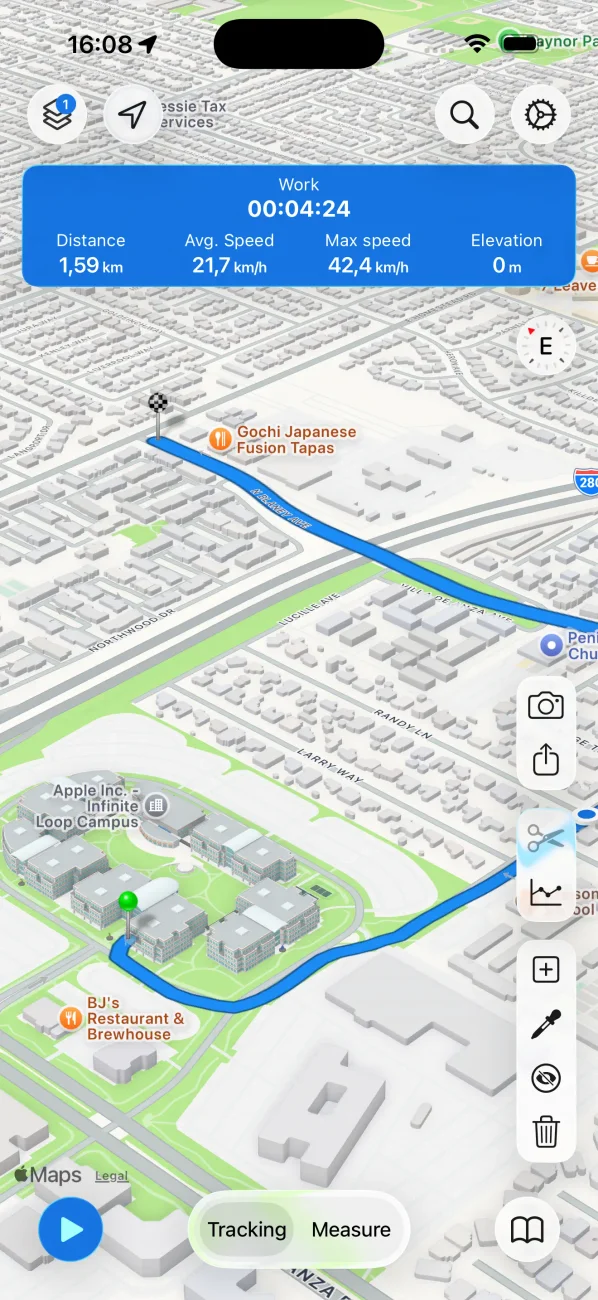
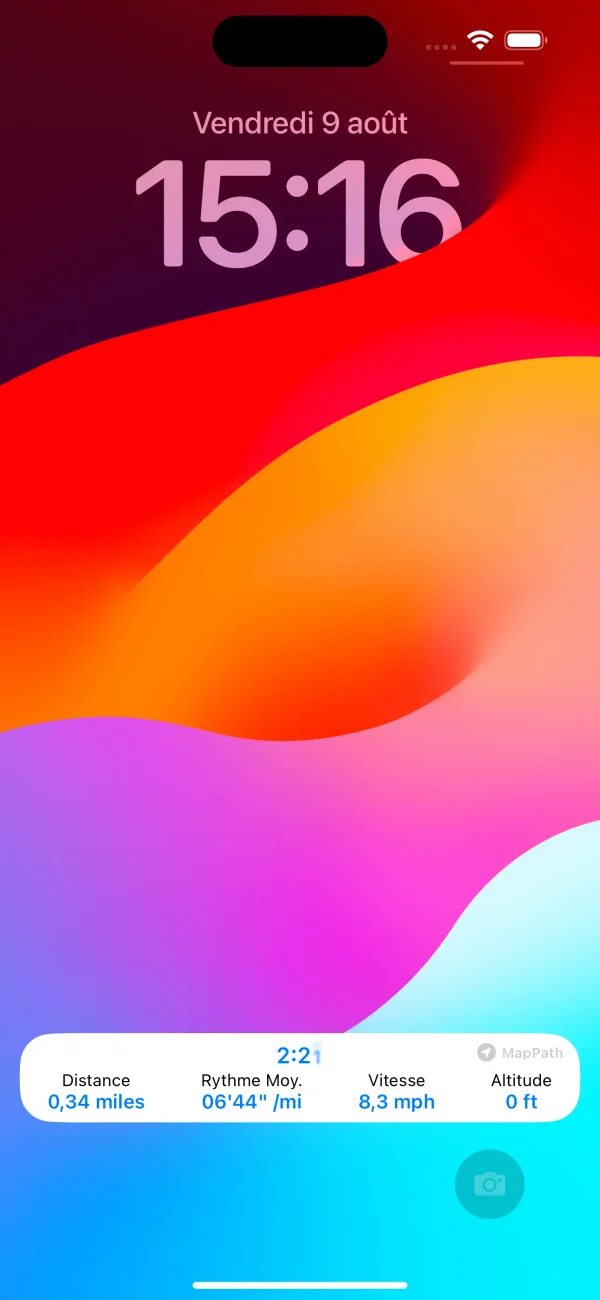
It displays your track, your position and live information such as your speed, altitude and average speed/pace.
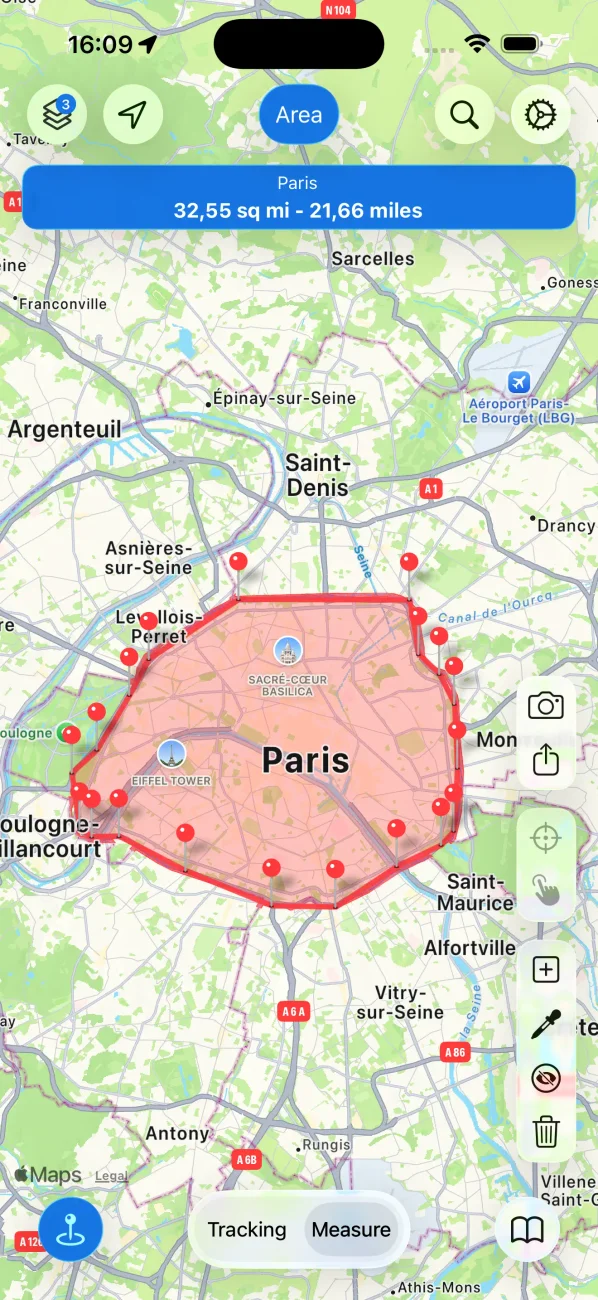
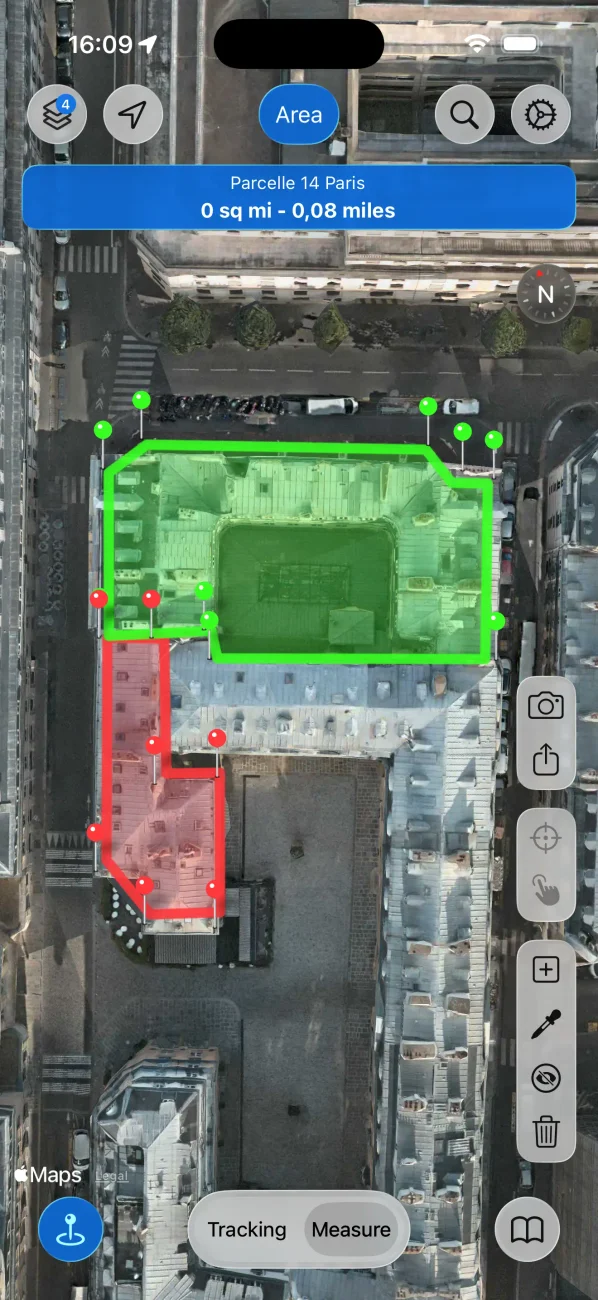
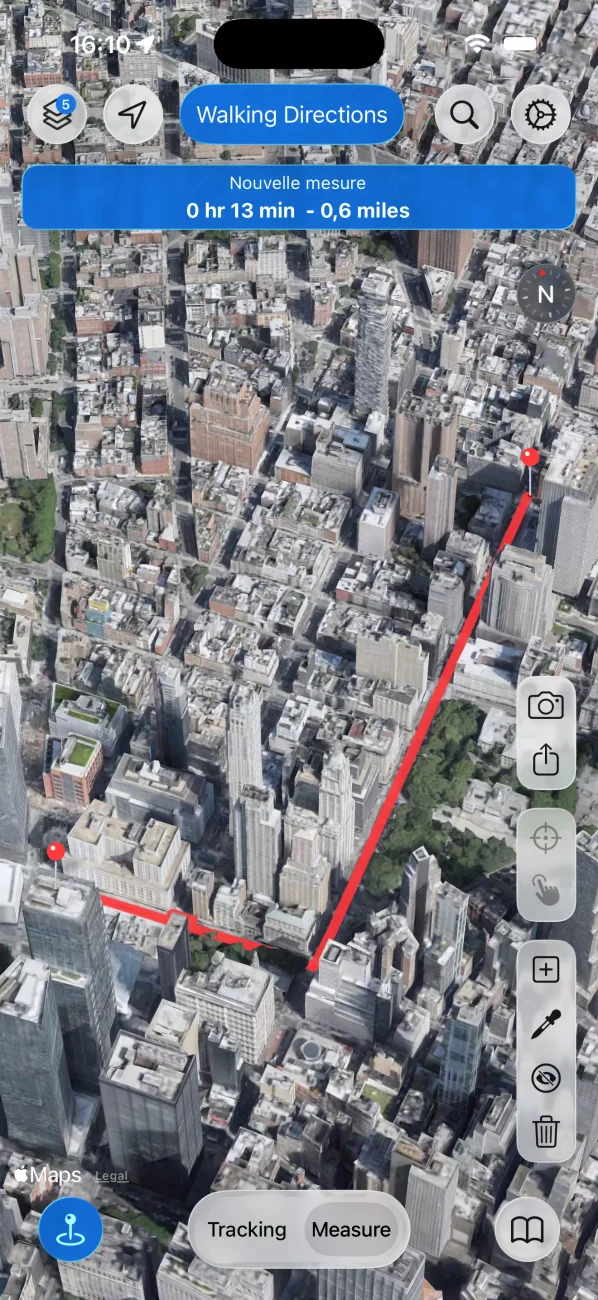
MapPath is also an utility that allows you to establish directions, measure distances, surface areas and perimeters by dragging pins (points) on the map.
# GPS Tracker Features :
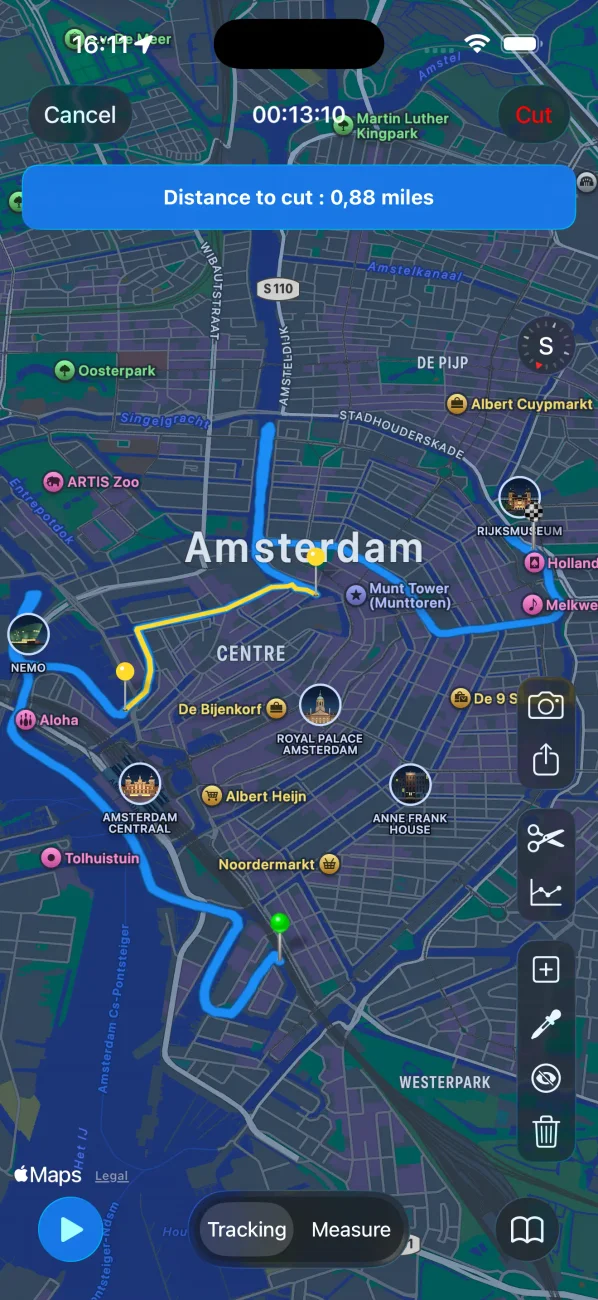
- record your run: time, distance, altitude, speed, average speed, average pace
- pause and resume recording as needed
- display your track on the map
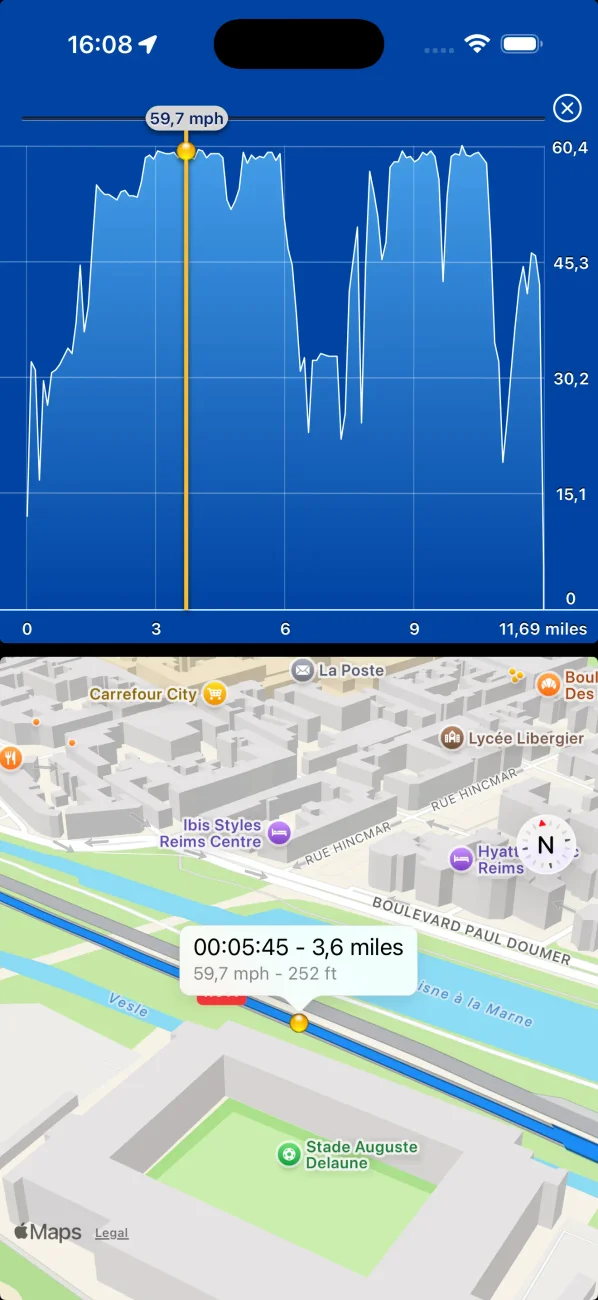
- display charts of your altitude, speed and pace
- location and heading tracking
- cut portion of the track
- display simultaneously several tracks on the map
- change color of each track on the map
# Measures Features :
- directions up to 30 steps
- measure distances, surface areas and perimeters using pins (points) on the map
- add point to your measure by taping and holding the map
- display simultaneously several measures on the map
- change color of each measure on the map
# Import / Export Features :
- import and export tracks and measures as KML, KMZ, ITN, GPX and CSV files
# Options :
- gps accuracy options
- system of units options : speed, distance, altitude, coordinates
- map types selection : Apple standard & satellite (3D) maps, OpenStreetMap, OpenSeaMap and custom maps
- options to show Traffic and Points of Interest
# And also :
- Dark Mode
- Split View and Slide Over multitasking on iPad
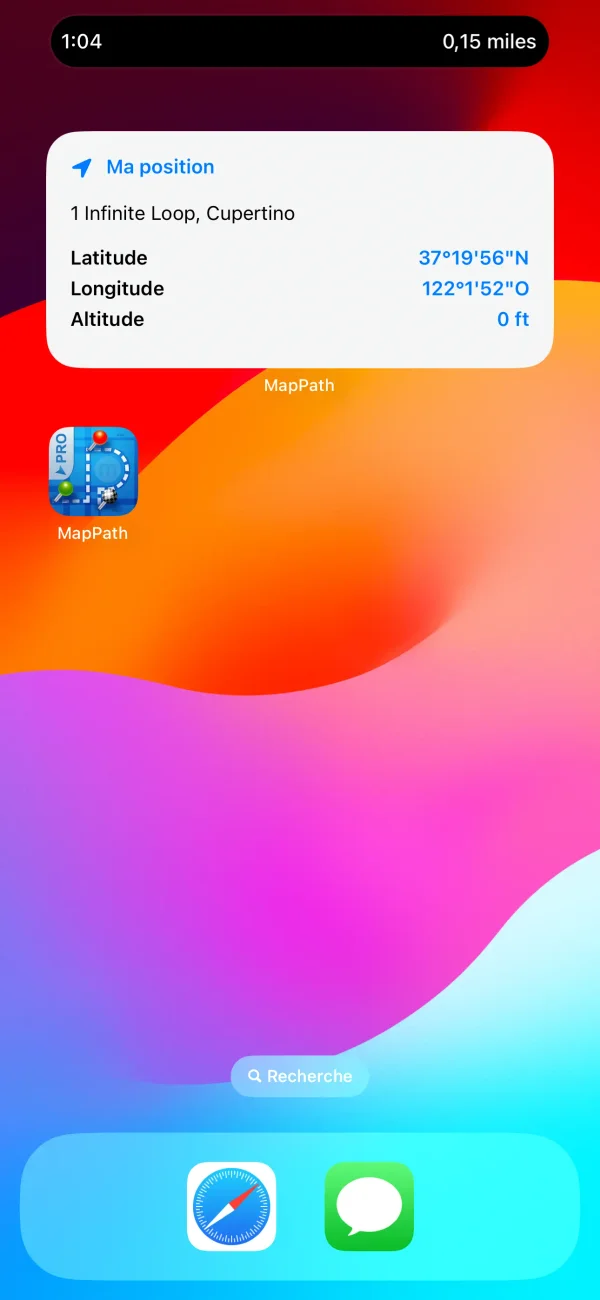
- Widgets and Live Activities displaying informations about your current location or current tracking directly from your lock screen, home screen or the Dynamic Island (since iPhone 14)
MapPath use iCloud to automatically keep in sync your tracks and measures across your devices.
If you have any problem, suggestion, please feel free to contact me at contact@julienroze.fr
Note that continued use of GPS running in the background can dramatically decrease battery life.
What’s new
Version 9.10 · Nov 20, 2026
Fixes an issue where enabling the traffic display was not possible
App privacy
What Julien Rozé declares on the App Store about how this app handles data.
-
Data not collected
The developer does not collect any data from this app.
Privacy practices may vary, for example with the features you use or your age.
Information
- Seller
- Julien Roze
- Category
- Navigation
- Version
- 9.10
- Updated
- Nov 20, 2026
- Released
- Mar 27, 2012
- Size
- 6.7 MB
- Requires
- iOS 17.0 or later
- Age rating
- 4+
- Price
- $1.99
- Languages
- English, French
- Copyright
- © Julien Rozé, 2012
You might also like
-
 GPSRecorderGPS Tracker and recorder
-
 aGeoTrackerTravel
-
 GeoTracker ProGPS + Weather Tracking
-
 Compute Distance DisplacementDistance, Location, Map, Route
-
 Milla LouvoisTravel
-
 Mr. Bee by VacabeeYour travel and lifestyle app
-
 Traverse: Backcountry MapsRoutes, 3D Terrain & Topo Maps
-
 Distance & Area Measure On MapLive Draw & Measure on gps Map
-
 Preview LondonActivities & Experiences
-
 GPX Viewer: Route Map & StatsOpen trails, hills & convert