Marblescape: Marble Run
Watch an endless wooden track
Designed for iPhone, iPad, Mac
Free · In-app purchases
- Age rating4+
- CategoryEntertainment
- DeveloperKentaro Saito
- LanguagesEnglish+ 3 more
- Size13.8 MB
Links to the official App Store page
Download.org hosts no file of Marblescape: Marble Run. The button opens its official App Store page, published by Kentaro Saito. Listing last checked on Nov 15, 2026.
Screenshots


About
A wooden marble run that builds itself and goes on forever. Marblescape is an app for simply watching it roll.
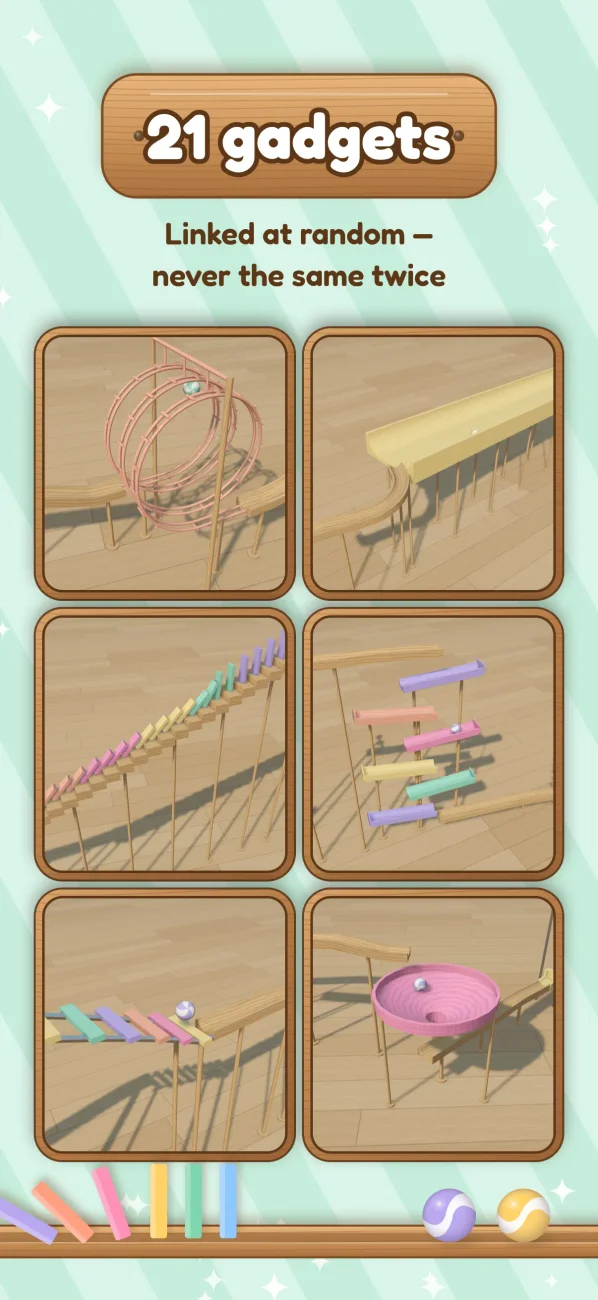
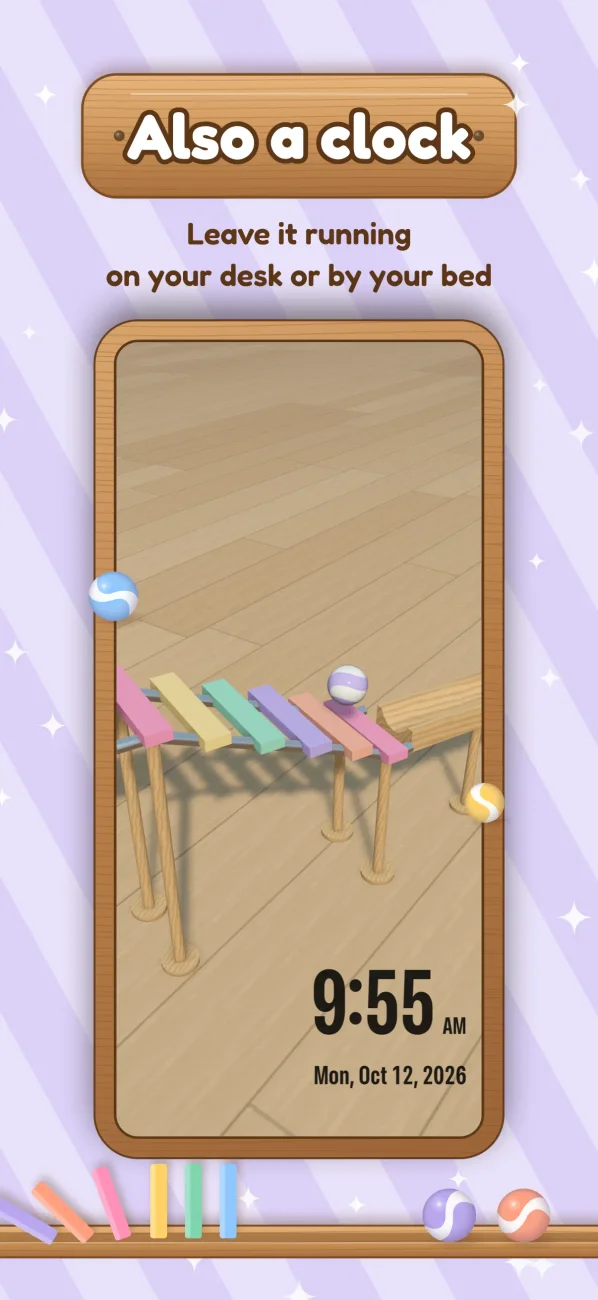
Dominoes, seesaws, a xylophone, a loop-the-loop: 21 gadgets link up at random, right before your eyes. A striped marble rolls, bounces and spins its way through, and the camera follows quietly behind. It isn’t a video on repeat. Your device draws every moment live, in real time.
OPEN IT, AND IT’S ALREADY ROLLING
• Behind the title screen, the marble is already on its way. Tap Start and the buttons slip away, leaving just the marble run.
• It moves like the real thing: faster downhill, riding up the outside of curves, bouncing down steps.
• New gadgets keep appearing ahead, so there’s always something about to happen.
• Every launch builds a different course.
21 GADGETS
On the way down: Switchbacks, Helix, Bouncy Stairs, Xylophone, Pin Board, Flip Ladder, Dominoes, Log Roll, Ball Row, Hammer, Spiral Funnel, Seesaw, Trapeze, Hoop Jump, Wave Rail, Halfpipe and Loop-the-Loop. Carrying the marble back up: Elevator, Spring Launcher, Screw Lift and Domino Staircase.
WATCH IT YOUR WAY
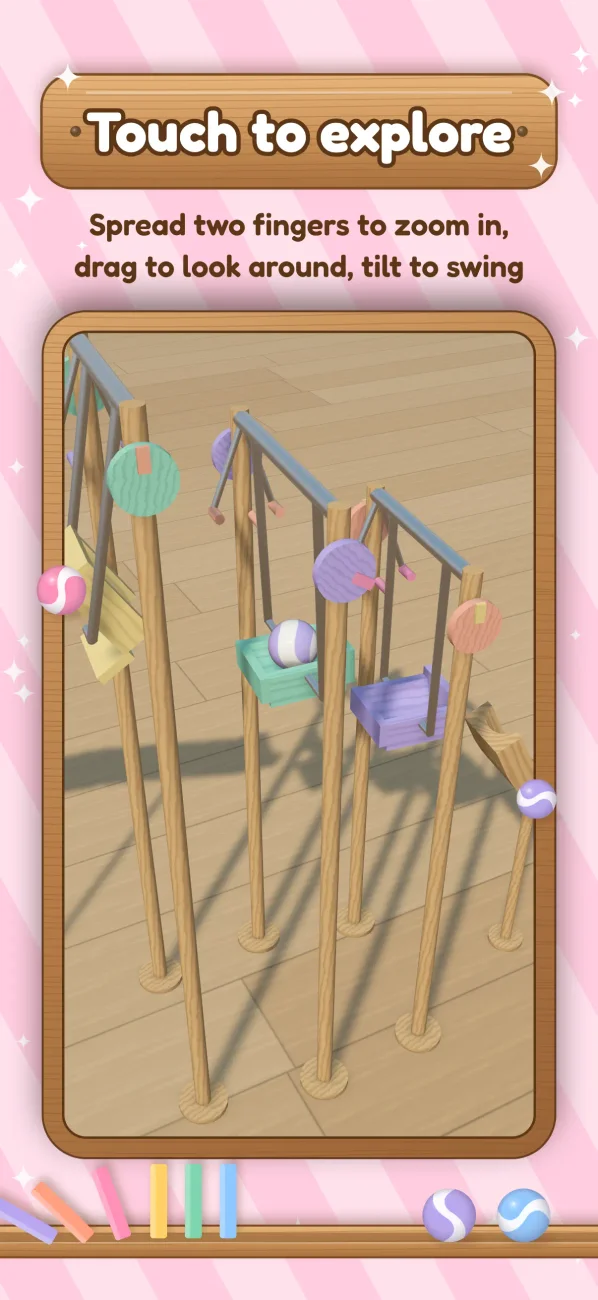
• Spread two fingers to move in, and the marble comes to the center. Pinch to pull back and take in the whole run.
• Drag to swing around the run, or look straight down from above.
• Double-tap to return to the usual view.
• Tilt your iPhone or iPad and the camera drifts around a little, then settles back on its own.
• Tap once for a small Back button.
• On Mac, scroll to move in or pull back (or pinch on a trackpad), drag to swing around, double-click for the usual view, and click for the Back button.
LEAVE IT RUNNING
• Lay a digital clock over the run: six typefaces, with any size, opacity and position. The date is written the way your region writes it.
• Turn on Keep screen on, and the screen won’t lock while you watch.
• When your device warms up or Low Power Mode is on, Marblescape lowers the resolution slightly to keep things smooth.
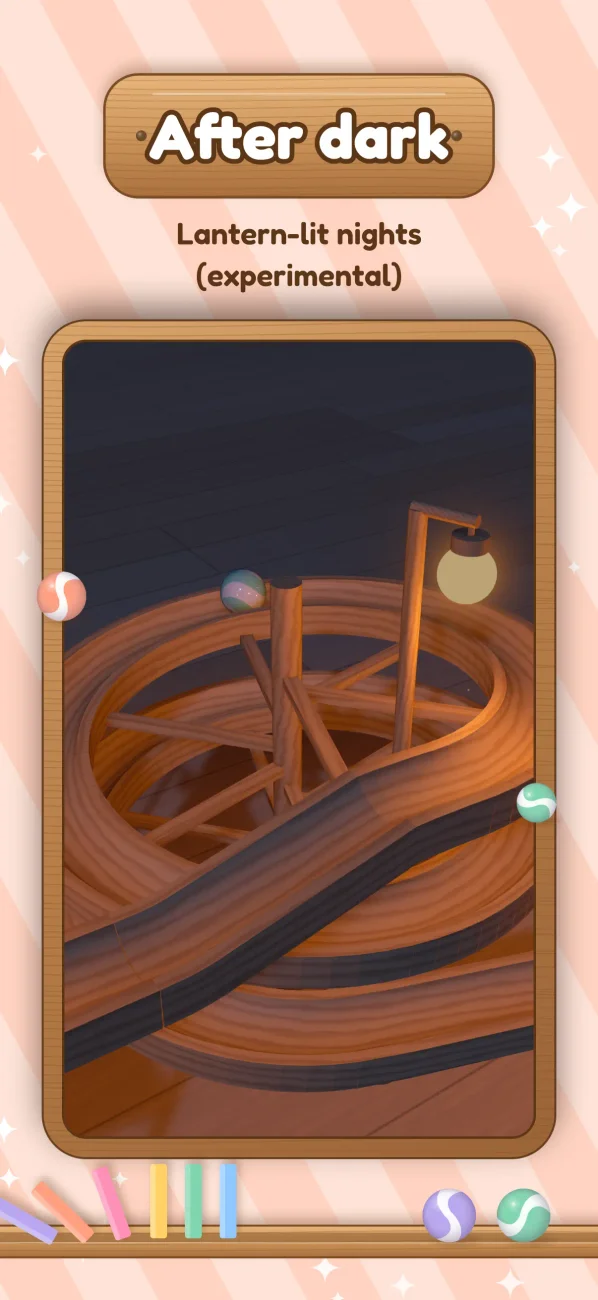
AFTER DARK (EXPERIMENTAL)
Choose Night under Appearance in Settings. The world turns deep blue under the moon, lanterns beside the rails light the course with a soft, candle-like flicker, and dust in the air catches the light now and then. The same gadgets, with a whole new mood.
CHRISTMAS (EXPERIMENTAL)
Choose Christmas under Appearance in Settings. Snow drifts down over the lantern-lit night, and glowing baubles in red, green, gold and more are scattered across the floor, each one washing the floor around it in its own color.
WHERE IT FITS
• For kids who love marble runs: a toy that never needs rebuilding.
• On a desk or a bedside table: something calm, moving quietly at the edge of your vision.
• At bedtime: dim the lights and let the night scene play quietly.
• For fans of gadgets and contraptions: a little world of physics in the palm of your hand.
FOR EVERY SCREEN
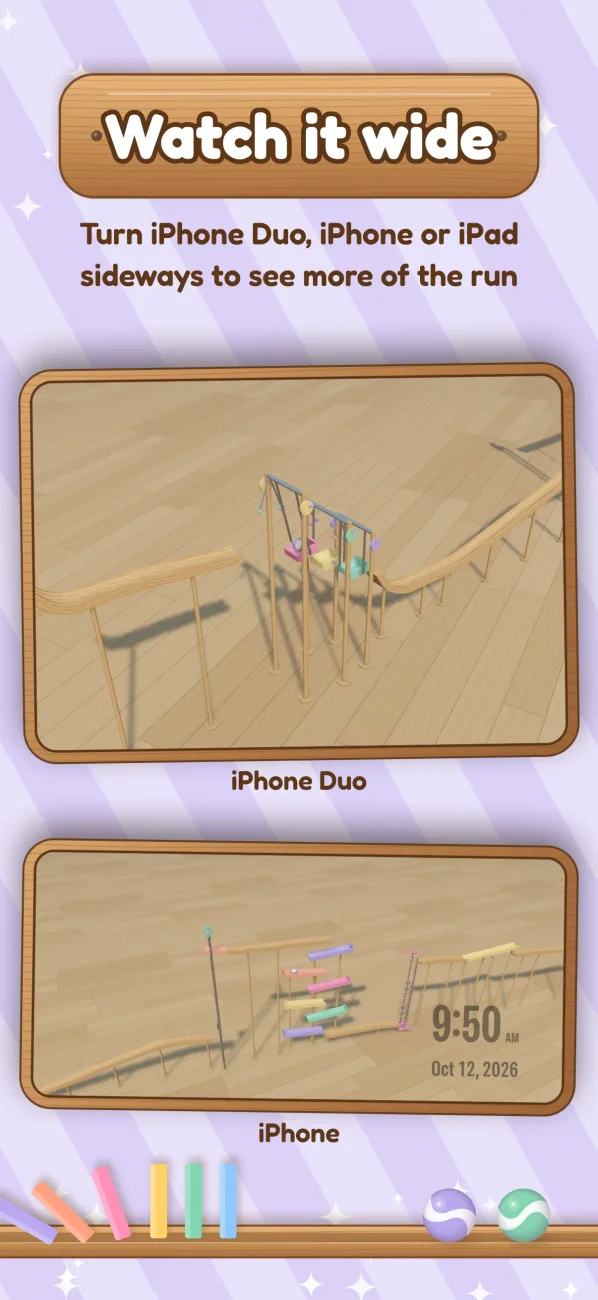
Built natively for iPhone, iPad, iPhone Duo and Mac. On iPhone and iPad, it works in portrait and landscape. On iPhone Duo, the run fills the outer screen when closed and the large inner screen when open, with the buttons kept clear of the fold. On Mac, watch it in a 16:9 window or full screen.
NO ADS, NO ACCOUNT
No ads, no account, no data collected. If you enjoy it, you can leave the developer a tip from Settings.
Making videos? Marblescape Pro, the same marble run for Final Cut Pro and Motion, is coming soon.
More: https://www.gyuniku.jp/apps/marblescape.php
What’s new
Version 0.6 · Nov 5, 2026
NOW ON MAC
Marblescape now runs natively on Mac. Scroll to move in or pull back (or pinch on a trackpad), drag to swing around the run, double-click to return to the usual view, and click for the Back button. The window is 16:9, and you can go full screen.
CHRISTMAS (EXPERIMENTAL)
Choose Christmas under Appearance in Settings: snow drifts down over the lantern-lit night, and glowing baubles in many colors are scattered across the floor.
IMPROVEMENTS
• Dust in the light looks more natural: fewer specks sparkle, and they catch the glow near the lanterns. A faint haze of dust now drifts by day, too.
• Translation fixes, including the French text in the tip section.
App privacy
What Kentaro Saito declares on the App Store about how this app handles data.
-
Data not collected
The developer does not collect any data from this app.
Privacy practices may vary, for example with the features you use or your age.
Information
- Seller
- Kentaro Saito
- Category
- Entertainment
- Version
- 0.6
- Updated
- Nov 5, 2026
- Released
- Oct 15, 2026
- Size
- 13.8 MB
- Requires
- iOS 26.0 or later
- Age rating
- 4+
- Price
- Free
- In-app purchases
- Yes
- Languages
- English, French, German, Japanese
- Copyright
- © 2026 Kentaro Saito
You might also like
-
 Art Detective-Famous PaintingsPlay. Discover. Explore Art.
-
 Glitch ClockAlways-on clock, your style
-
 Norimono ButtonPress, hear, and watch buttons
-
 メロポチEntertainment
-
 Marble Empire - Video CreatorCreate Marble Battle Videos!
-
 関東私鉄特急効果音Entertainment
-
 Cozy Cross Stitch Pixel ArtRelaxing Color by Number
-
 Keyz: Keycap FidgetKeycap Fidget
-
 Elevator Simulator (40 floors)Elevator Simulator for Kids
-
 カップルゲーム SYNC - 好きな人や恋人との距離が縮まるCouple quiz for two