
Markdown Notes Editor: Markden
Private Notes, Tasks & AI Chat
Designed for iPhone, iPad
In-app purchases
- Age rating4+
- CategoryProductivity
- DeveloperAneesh Pradeep
- LanguagesEnglish
- Size6.4 MB
Links to the official App Store page
Download.org hosts no file of Markdown Notes Editor: Markden. The button opens its official App Store page, published by Aneesh Pradeep. Listing last checked on Nov 12, 2026.
Screenshots





About
Markden is a privacy-first markdown editor and writing app designed for people who value ownership of their words. Every file stays on your device. No account required. No cloud lock-in. Just your thoughts in plain text.
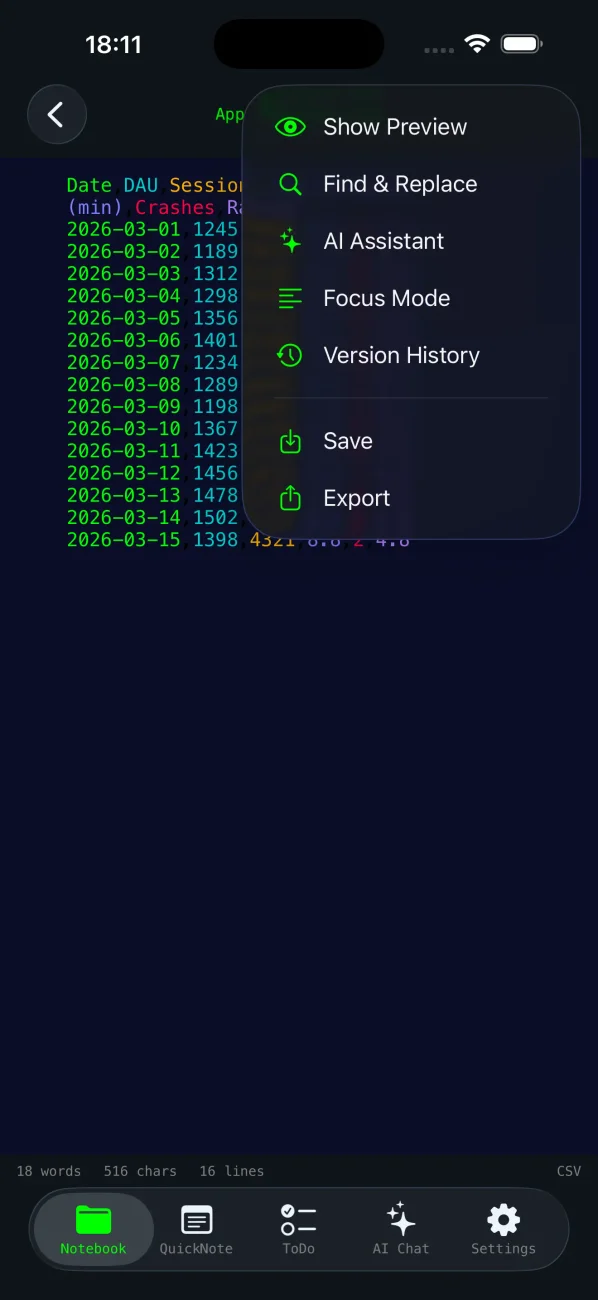
Markdown editing with real-time syntax highlighting
AI writing assistant powered by Claude (bring your own API key)
Full offline support with no internet required for core features
AES-256 file encryption for sensitive documents
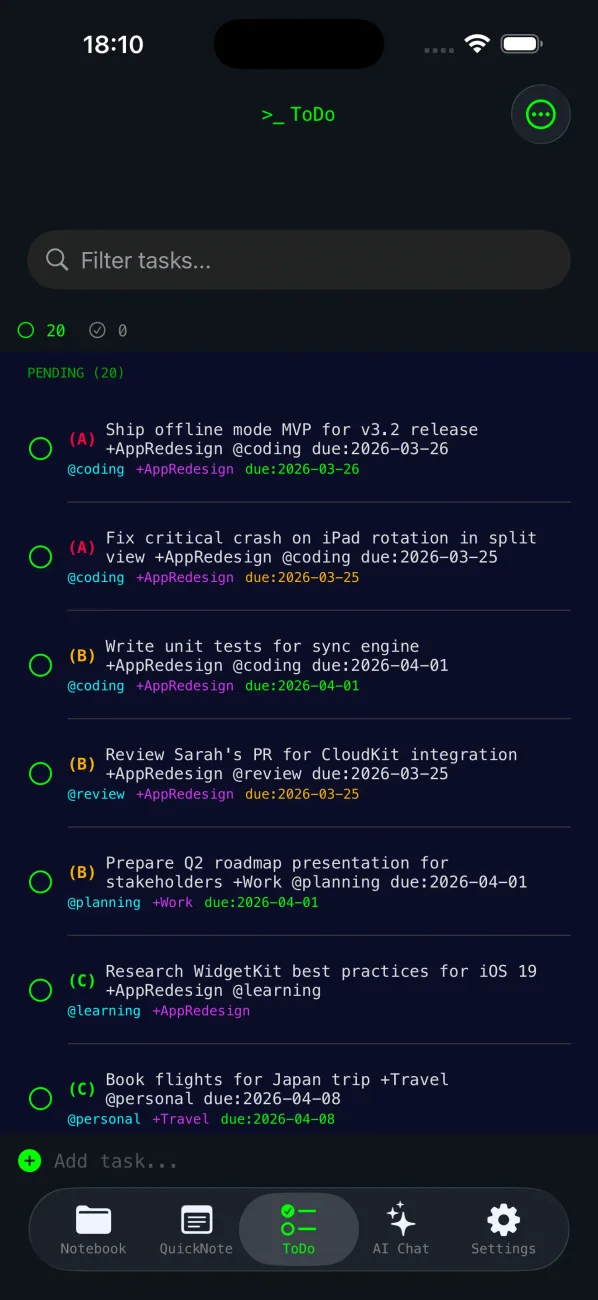
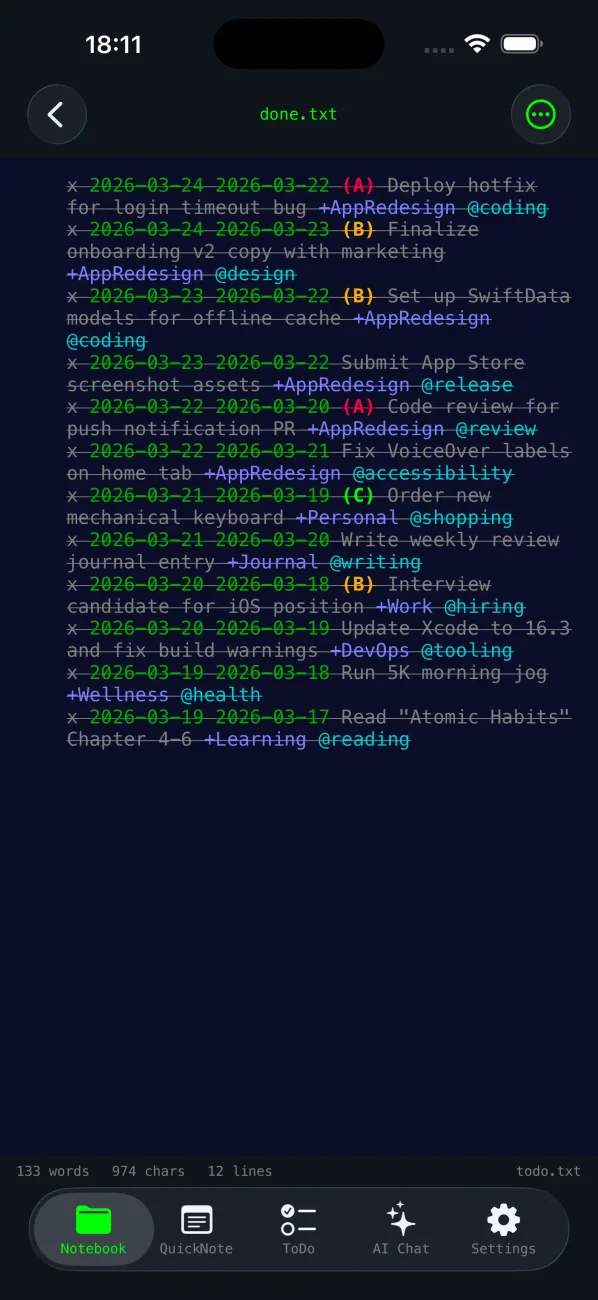
Todo.txt task management with priorities, contexts, and projects
Version history with up to 50 snapshots per file
Focus mode with Pomodoro timer and word count goals
13 file formats supported including Markdown, JSON, YAML, CSV, Org-Mode, and AsciiDoc
Dark and light terminal-inspired themes
Quick note capture for instant ideas
Daily notes with auto-generated templates
Find and replace with full regex support
Kanban board view for task management
Live markdown preview with math (KaTeX) and diagrams (Mermaid)
Export to HTML for sharing and publishing
Customizable editor with multiple fonts, sizes, and spacing options
AI WRITING TOOLS
Fix grammar and spelling
Rewrite for clarity
Summarize long documents
Change tone (formal or casual)
Continue writing from where you left off
Explain code blocks
Generate tables and todo lists from text
You pay Anthropic directly for AI usage. Markden never touches your API key or data.
PRIVACY BY DESIGN
All files stored locally in your app sandbox
API key secured in iOS Keychain
No analytics, no tracking, no telemetry
No third-party SDKs that collect data
No account or sign-up required
Uninstalling removes everything. Nothing persists elsewhere.
BUILT FOR PRODUCTIVITY
6 built-in templates: meeting notes, blog post, journal, weekly review, Cornell notes, and project readme
Smart auto-save with configurable intervals
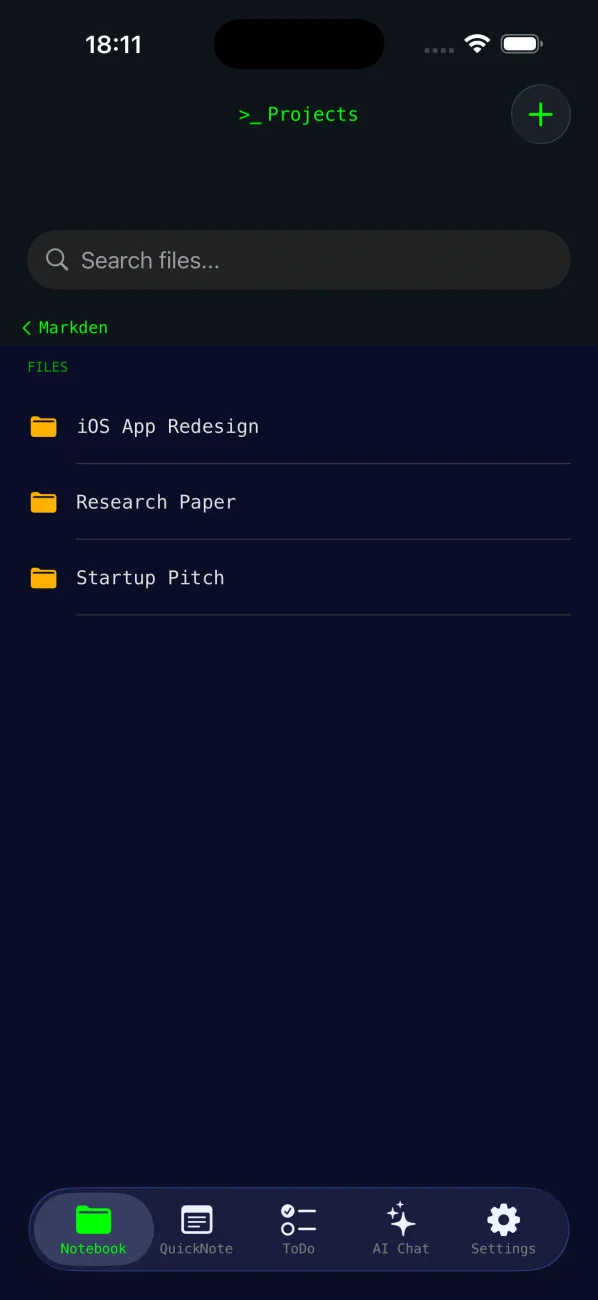
File browser with favorites, search, and sort options
Breadcrumb navigation for nested folders
Swipe actions for quick file management
Custom keyboard toolbar with format-specific shortcuts
DESIGNED FOR IPHONE AND IPAD
Sidebar navigation on iPad with split view editor and preview
Adaptive layouts that use the full screen on every device
Keyboard shortcuts and external keyboard support
Markden is free to download with all editing features included. AI features require your own Anthropic API key which you can get at console.anthropic.com.
Whether you write meeting notes, journal entries, blog posts, code documentation, or manage daily tasks, Markden gives you a fast, private, distraction-free space to think and write.
Terms of Use: https://www.apple.com/legal/internet-services/itunes/dev/stdeula/
What’s new
Version 9 · Jul 24, 2026
• New: Support Markden with a tip — unlocks 5 pro themes
• New themes: Solarized, Gruvbox, Dracula, CRT Phosphor, E-Ink
• Better readability in Light theme across the editor
• Full VoiceOver support for buttons, tasks, and calendar
• New in-app privacy page and contact support
• Confirmation before resetting settings
• Many small UI polish and contrast fixes
App privacy
What Aneesh Pradeep declares on the App Store about how this app handles data.
-
Data not collected
The developer does not collect any data from this app.
Privacy practices may vary, for example with the features you use or your age.
Information
- Seller
- Aneesh Pradeep
- Category
- Productivity
- Version
- 9
- Updated
- Jul 24, 2026
- Released
- Mar 25, 2026
- Size
- 6.4 MB
- Requires
- iOS 18.0 or later
- Age rating
- 4+
- In-app purchases
- Yes
- Languages
- English
- Copyright
- © ANEESH PRADEEP
You might also like
-
 GlobalScan Pro: PDF ScannerExport Documents to Word & PDF
-
 Speech to Text - SonoAI Note Taker
-
 Serious ScannerOffline PDF Scanner
-
 PDF Scanner & Editor: SnapPDFconvert & scan pdf documents
-
 Habit Road - Habit TrackerBuild Habits That Last
-
 papry – Document OrganizerReceipts, Warranty & Reminders
-
 PDFSwiftAI PDF tools & CV Maker
-
 ScanOnce: PDF Doc ScannerScan, sign, OCR & receipts
-
 Hocus Focus - PomodoroProductivity
-
 TypeFlow ChineseReal-Time Translation Keyboard