Markdown Voice Recorder
Private Audio Transcription
Designed for iPhone, iPad
Free · In-app purchases
- Age rating4+
- CategoryUtilities
- DeveloperBagging Groceries
- LanguagesEnglish+ 32 more
- Size42.4 MB
Links to the official App Store page
Download.org hosts no file of Markdown Voice Recorder. The button opens its official App Store page, published by Bagging Groceries. Listing last checked on Nov 24, 2026.
Screenshots


About
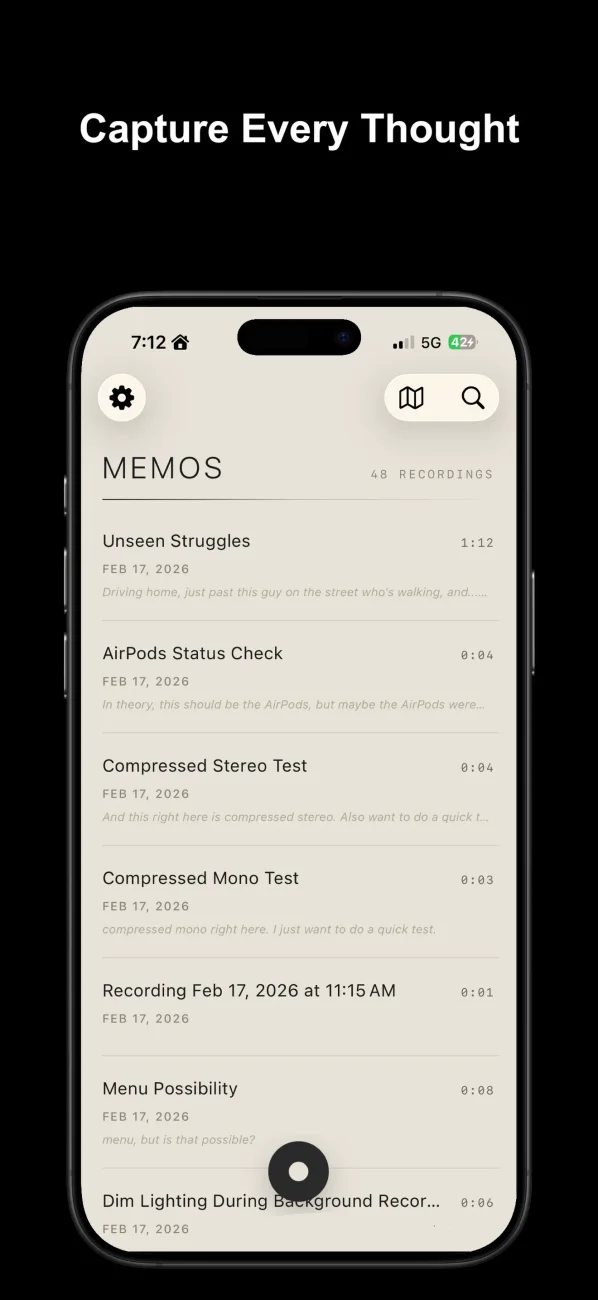
Markdown Voice Memos turns your voice into beautifully structured notes. Record in lossless orcompressed quality, get instant on-device transcription, and export everything as Markdown — ready for Obsidian, Logseq, Notion, or any notes app.
Lossless & Compressed Audio
Record in pristine 24-bit Apple Lossless (ALAC) — Choose from five quality modes: Compressed Mono for the smallest files, Compressed Stereo for richer audio at low storage cost, Lossless Mono and Lossless Stereo for studio-quality voice notes, or Spatial Audio on iPhone 16 and later for immersive recordings with ambisonics.
Real-Time Transcription
Every recording is transcribed on-device as you speak. Tap any word in the transcript to jump to that moment. Search across all your recordings by what was said, not just the title.
Multiple On-Device Engines
Choose the transcription engine for your languages: Parakeet for English and major European languages, SenseVoice for multilingual notes (especially Japanese, Korean, and Cantonese), and Qwen3-ASR for Mandarin and Chinese dialects. A short quiz in Settings helps you pick the right model.
Markdown Export
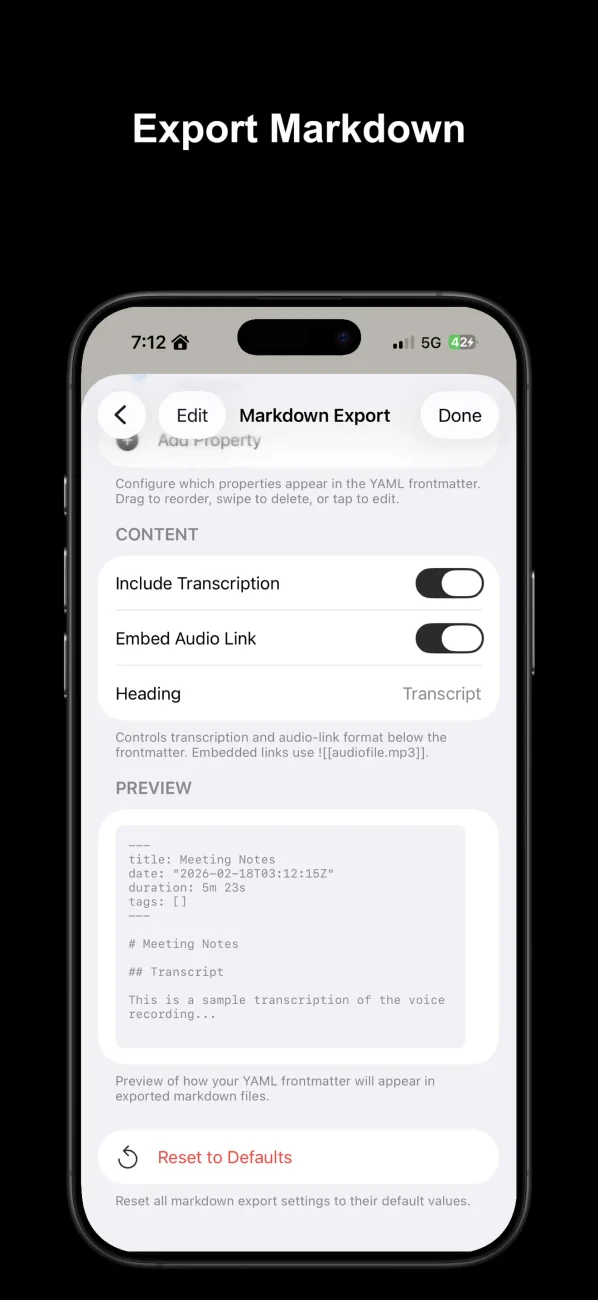
Each recording automatically generates a Markdown file with customizable YAML frontmatter — title, date, duration, location, tags, and more. Start with built-in presets for Default and Obsidian workflows, or create your own custom presets. Drag to reorder properties, add custom fields, and toggle what gets included.
Smart Titles
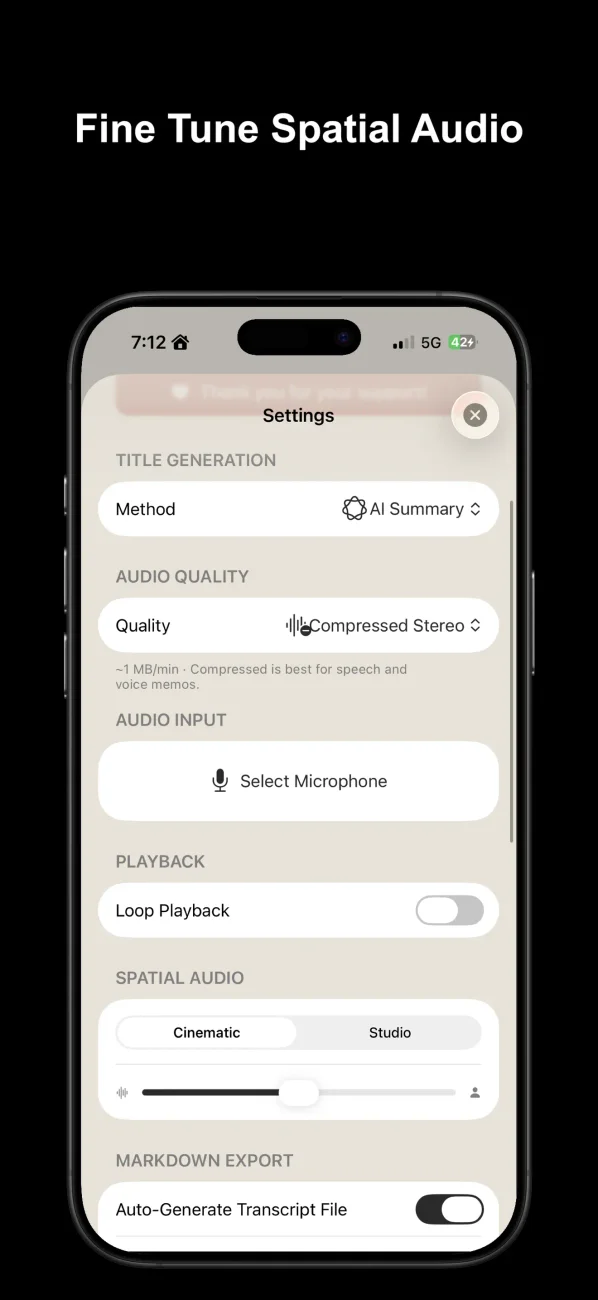
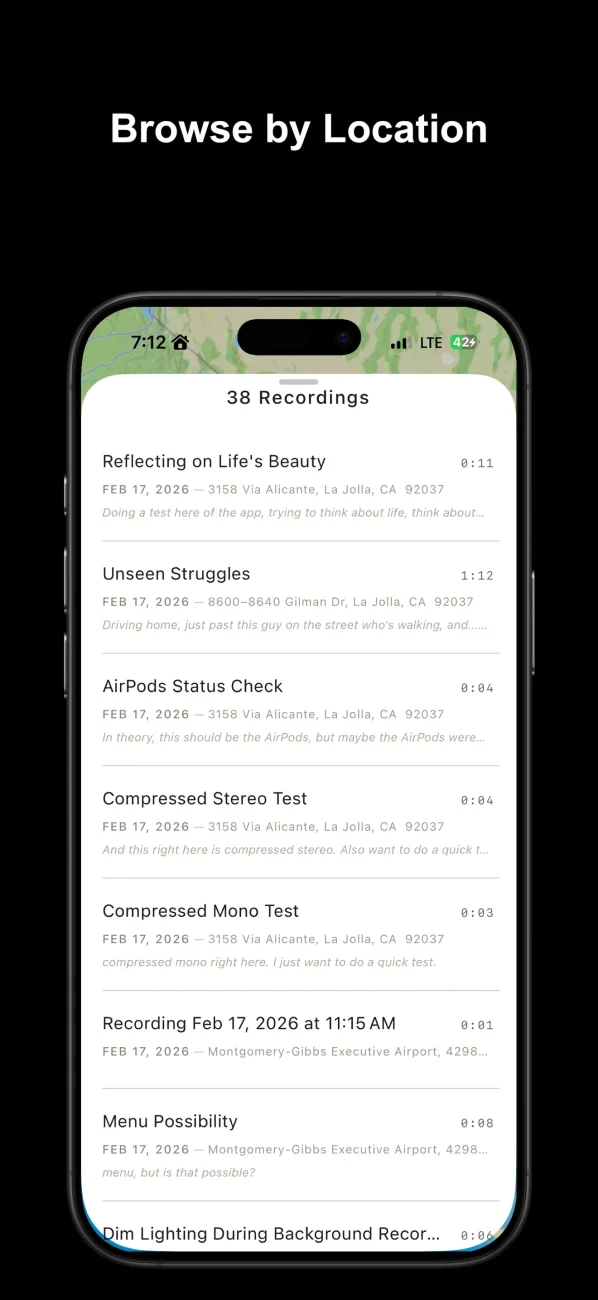
Recordings are automatically named using the method you prefer: date and time, your current location (like "Coffee Shop" or "Downtown"), or an AI-generated summary of what you said — all processed on-device.
Record From Anywhere
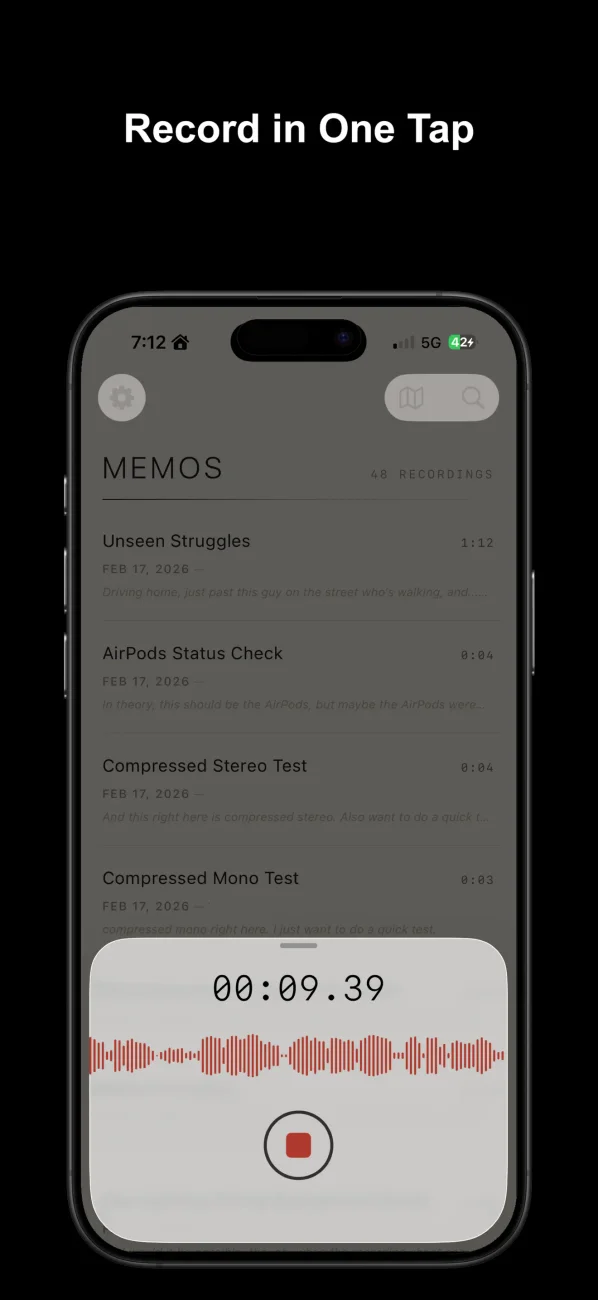
Start recording from the app, your Apple Watch, Siri, Shortcuts, Control Center, or the Action Button. A Live Activity keeps you in control with recording duration in the Dynamic Island, even after you leave the app.
Apple Watch
Record and play back memos directly on your wrist. Recordings sync automatically between iPhone and Apple Watch, including titles and edits.
Spatial Audio Playback
On supported devices, adjust spatial recordings with Cinematic Audio Mix — choose between Cinematic and Studio rendering styles and fine-tune the intensity in real time.
Import & Share
Import audio files from other apps using the Share Extension. Export recordings as Markdown with embedded audio links and full transcriptions.
Save Anywhere
Store recordings in the app or choose any folder — including iCloud Drive — for a seamless knowledge management workflow. Pair your audio with auto-generated Markdown files.
Privacy First
All transcription and AI features run entirely on-device. Your recordings and transcripts never leave your phone.
Apple Terms of Use (EULA): https://www.apple.com/legal/internet-services/itunes/dev/stdeula/
What’s new
Version 1.2.39 · Nov 23, 2026
Bug fixes.
App privacy
What Bagging Groceries declares on the App Store about how this app handles data.
-
Data used to track you
May be used to track you across apps and websites owned by other companies.
- Identifiers
- Usage data
-
Data not linked to you
May be collected but is not linked to your identity.
- Identifiers
- Usage data
- Diagnostics
Privacy practices may vary, for example with the features you use or your age.
Information
- Seller
- Spencer Shwetz
- Category
- Utilities
- Version
- 1.2.39
- Updated
- Nov 23, 2026
- Released
- Feb 25, 2026
- Size
- 42.4 MB
- Requires
- iOS 26.0 or later
- Age rating
- 4+
- Price
- Free
- In-app purchases
- Yes
- Languages
- English, Arabic, Catalan, Croatian, Czech, Danish, Dutch, Finnish, French, German, Greek, Hebrew + 21 more
- Copyright
- © 2026 Spencer Shwetz
You might also like
-
 Veyo: AI Voice NoteTranscribe, Summary & Tasks
-
 Video & Image ConverterImage, Video Mp3, HEIC to JPG
-
 Deadlock: Data SecurityProtect Your Digital Life
-
 Avalw BrowserSmart . Fast. Intelligent.
-
 Ten AI - Unlimited, Private AIUnlimited Private On-Device AI
-
 Convert Video to Audio - ProAudio Extractor
-
 EmuCool - Retro Game EmulatorMore Retro Filter, Better Feel
-
 Insights - AI Note JournalSmart Notes with AI Analysis
-
 InstaRSSDiscover 300+ RSS sources