
Markmark: Map Pins & Places
Travel Planner & Place Saver
Designed for iPhone, iPod touch
In-app purchases
- Age rating4+
- CategoryTravel
- Developer畅 刘
- LanguagesEnglish+ 12 more
- Size19.2 MB
Links to the official App Store page
Download.org hosts no file of Markmark: Map Pins & Places. The button opens its official App Store page, published by 畅 刘. Listing last checked on Nov 8, 2026.
Screenshots

About
Pin every place you want to visit, build a personal travel map, and turn scattered recommendations into a trip plan you can actually use.
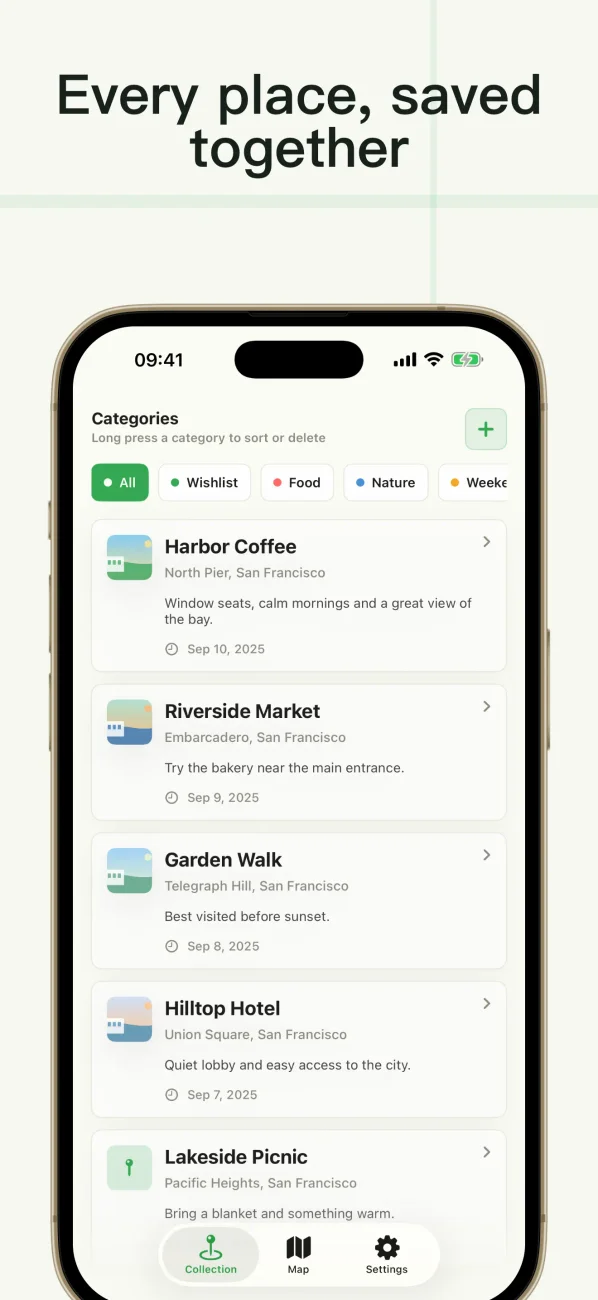
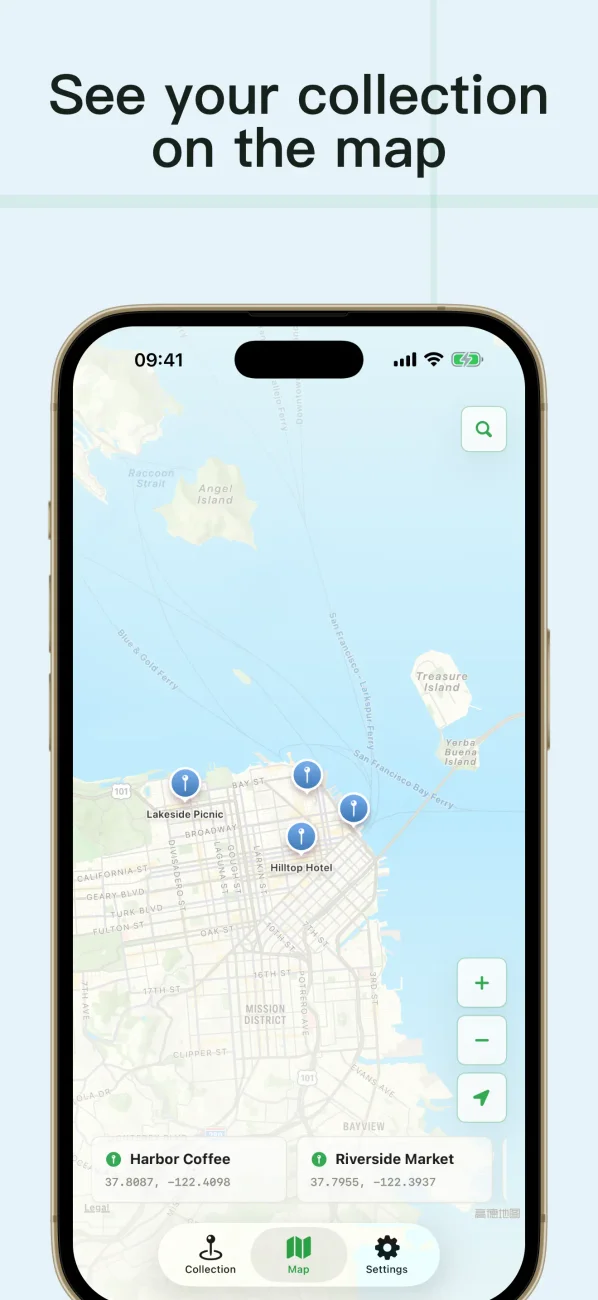
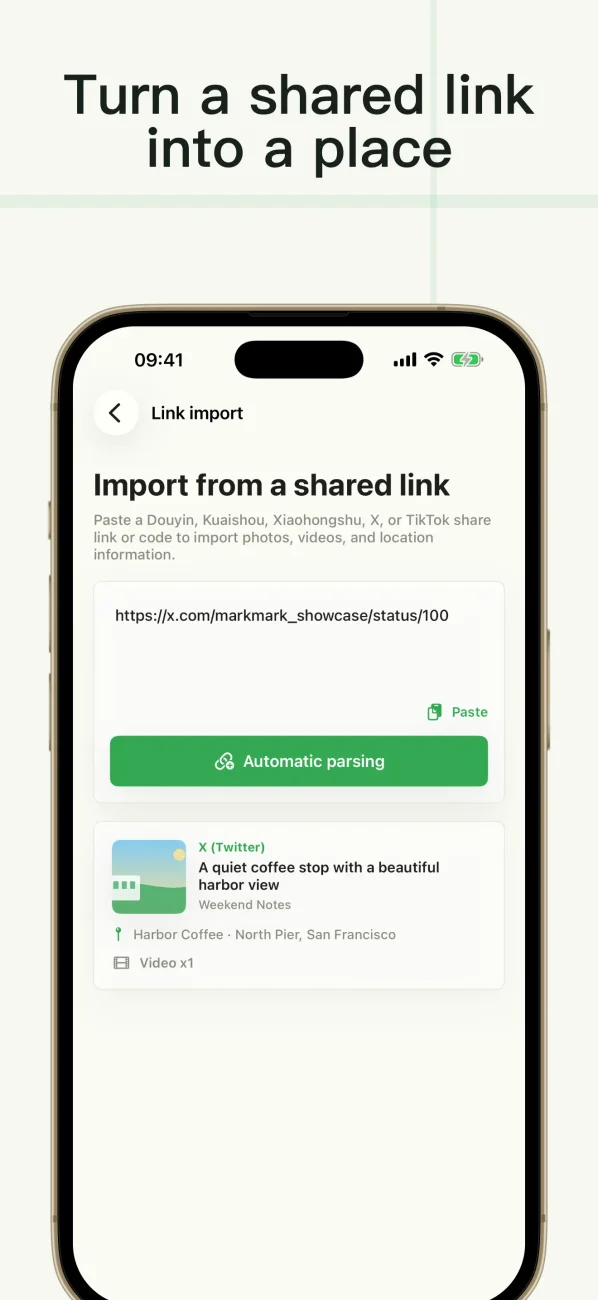
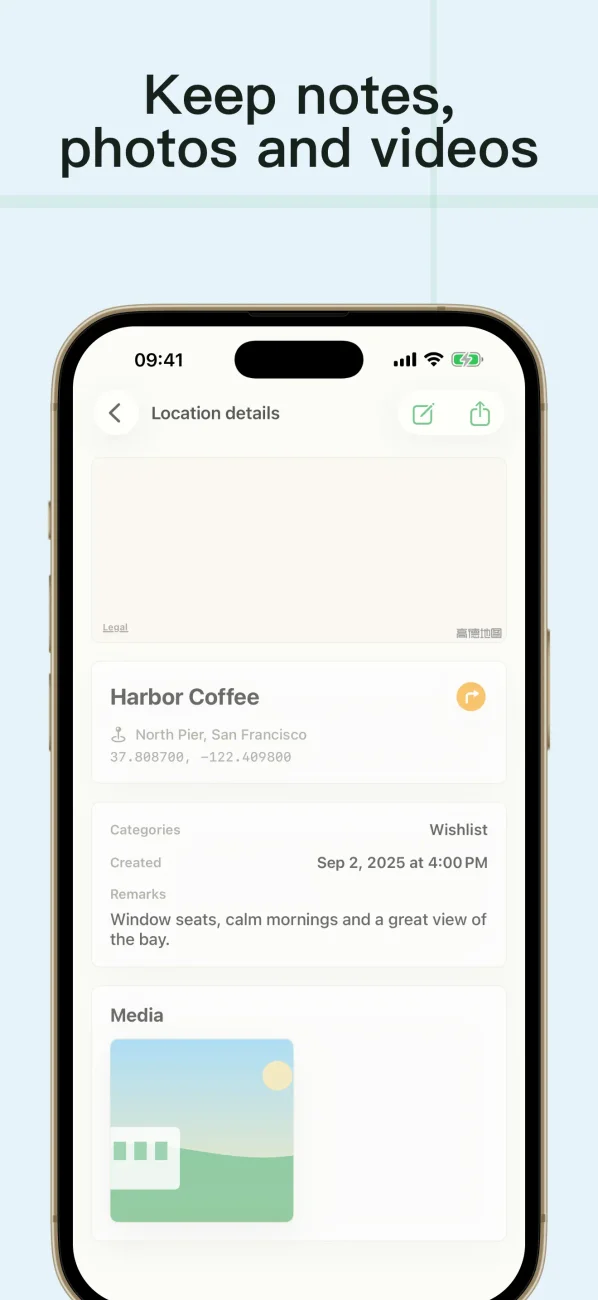
Markmark helps you save a place from your current location, a point on the map, GPS data in a photo, or a public share link. Keep the name, address, category, notes, photos and videos together, then find everything again from your collection or the map.
KEY FEATURES
• Save in several ways: current location, map selection, photo GPS or a Markmark share image
• Create, reorder and filter custom categories
• Browse all saved places on a map and search for new ones
• Add notes, photos and videos to each place
• Open directions in Apple Maps, Amap or Baidu Maps when available
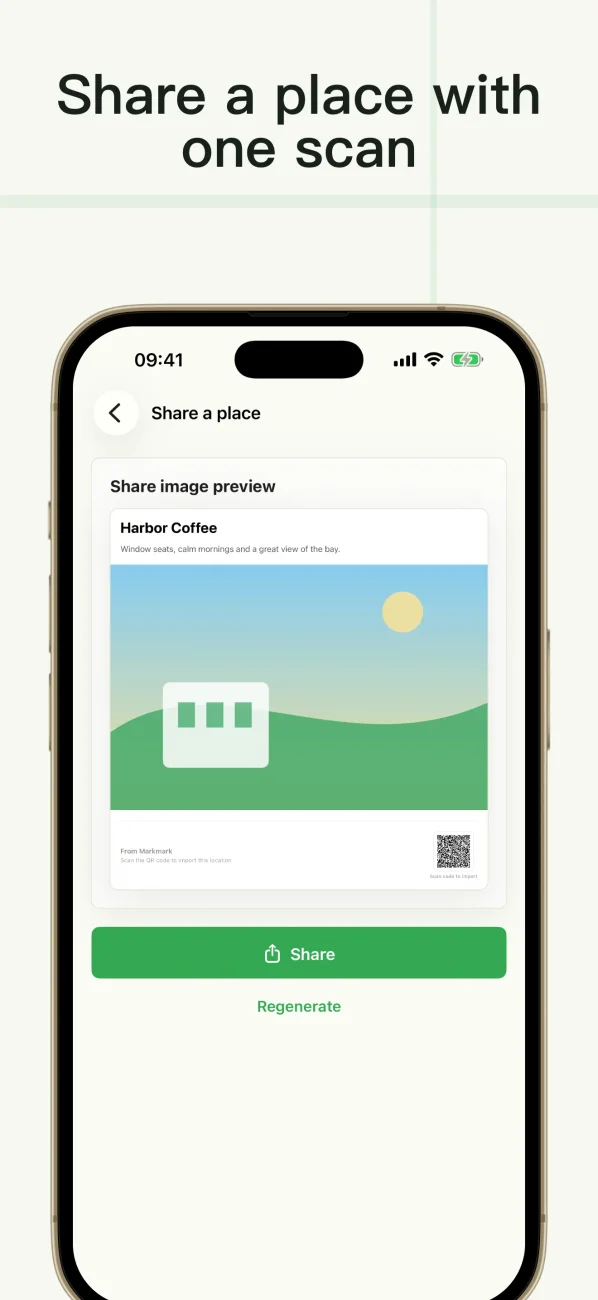
• Create a QR share image for a place
• Export and restore a local backup
Markmark is local-first and does not require an account. Your collection is stored on your device, so export a backup before deleting the app or changing devices.
MADE FOR PLACES YOU DO NOT WANT TO LOSE
• Keep a restaurant from a social post together with its address and your own notes
• Turn photo locations into a personal travel record instead of leaving them buried in the camera roll
• Collect sights, cafés, shops, hotels and future trip ideas by category
• Return to a saved place from the map and open directions when it is time to go
HOW MARKMARK WORKS
1. Add a place from your location, the map, a photo, a QR share image or a supported public link.
2. Review the detected details, choose a category and add the notes or media you want to remember.
3. Browse your collection or map later, then navigate to or share the place.
YOUR COLLECTION, YOUR CONTEXT
A pin alone is easy to forget. Markmark keeps the useful context around it: why you saved it, which category it belongs to, what it looked like and where it is. Reorder categories and filter the collection to keep a growing list manageable.
Privacy Policy:
https://www.freoza.com/apps/markmark/privacy-policy.html
Terms of Use:
https://www.apple.com/legal/internet-services/itunes/dev/stdeula/
What’s new
Version 1.0.6 · Sep 16, 2026
Capture more of every place
- Add more photos and videos to a place to keep richer memories
- Place cards on the map now stay in sync when you switch tags
- A calmer rating experience with fewer interruptions
App privacy
What 畅 刘 declares on the App Store about how this app handles data.
-
Data not linked to you
May be collected but is not linked to your identity.
- Identifiers
- Diagnostics
Privacy practices may vary, for example with the features you use or your age.
Information
- Seller
- 畅 刘
- Category
- Travel
- Version
- 1.0.6
- Updated
- Sep 16, 2026
- Released
- Aug 16, 2026
- Size
- 19.2 MB
- Requires
- iOS 16 or later
- Age rating
- 4+
- In-app purchases
- Yes
- Languages
- English, French, German, Italian, Japanese, Korean, Portuguese, Russian, Simplified Chinese, Spanish, Thai, Traditional Chinese + 1 more
- Copyright
- © @2026 freoza
You might also like
-
 PiningoPrivate map pins by category
-
 RollerDriverTravel
-
 Pinnect - Trip PlannerMap itinerary and stays
-
 路藏Travel
-
 Pinny: Save Places & RoutesRoute Planner & Parking
-
 钓鱼地图 - 周边钓点导航Navigation
-
 Trace - Save Places&Travel MapSave a spot now, find it later
-
 Marking locationsFavorite Places You've Been
-
 Atlas Photo Map of TravelsMemories & places you've been
-
 Skyfrog DriverNavigation