
- Age rating4+
- CategoryUtilities
- DeveloperFarren Domenici
- LanguagesEnglish
- Size6.2 MB
Links to the official App Store page
Download.org hosts no file of Master It. The button opens its official App Store page, published by Farren Domenici. Listing last checked on Nov 12, 2026.
Screenshots



About
***FEATURED IN KEYNOTES MAGAZINE***
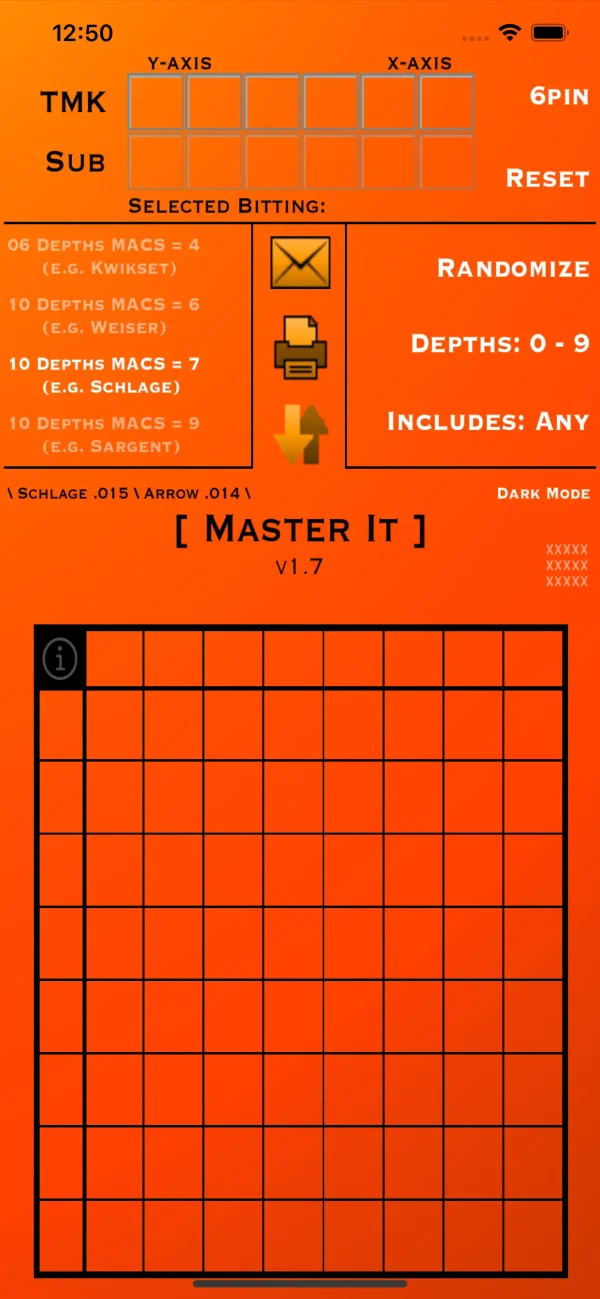
Create and print master key systems in an instant with Master It.
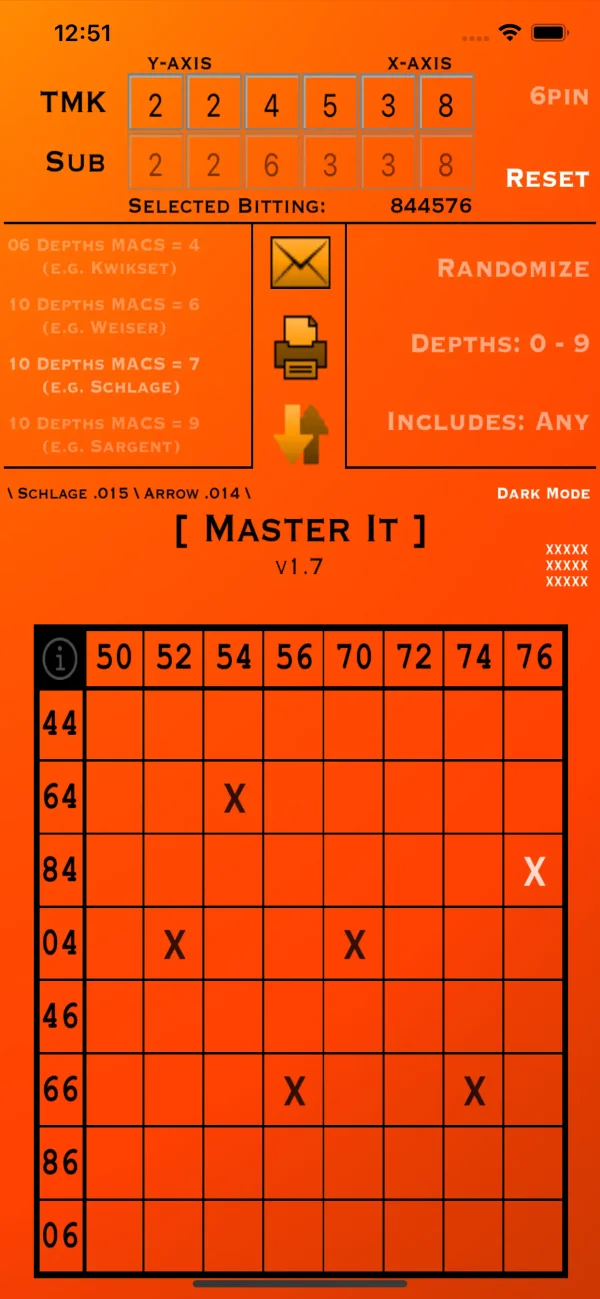
Master It is perfect for small or on-the-fly systems. Create a master key matrix immediately with zero math and zero worries of cross-keying. Either enter in your own TMK or tap Randomize to create a complete master key system containing a single TMK, a single sub master, and up to 64 change keys. Each output delivers a fixed sub master and set of change keys.
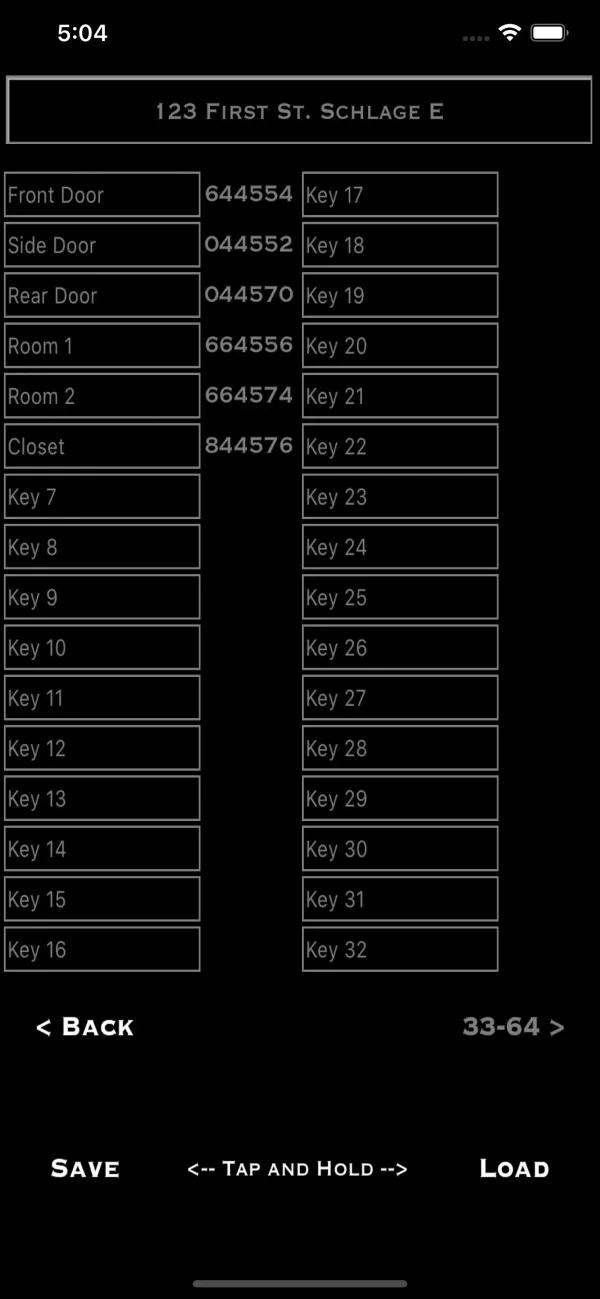
Master It is built to create a system immediately to print and keep in your records at your shop. It is capable of saving and reloading one project at a time. The goal with Master It is to create and AirPrint a system in an instant. If on the road when printing isn't available, email and save features are secondary backups prior to printing. Email is also ideal when a printer is not AirPrint compatible.
Currently supports:
Kwikset .023"
Corbin Russwin .028"
Weiser / Falcon .018"
Ilco-Unican .018"
Schlage .015"
Arrow .014"
Sargent .0125" & .020"
Corbin .014"
Obeys MACS rules for each selected system.
AirPrint, Email, or Save any system created.
Create 5 or 6 pin systems.
Randomize feature to always generate a completely random TMK every time. Use the two filters to restrict the TMK to only shallow depths, or to always include the shallowest and deepest cuts.
Tap anywhere on the matrix to select or deselect a bitting for the key chart.
Shake your iDevice to lock the primary functions on the main screen. This is to prevent unwanted changes (i.e. accidentally tapping Reset). To unlock, just shake again.
All change keys can be individually identified.
Use the Project Name / Keyway box for temporary saving information. The actual printout will allow you to write in the business name, personal name, address, keyway, and phone number conveniently. After printing, the system can be continued manually on paper.
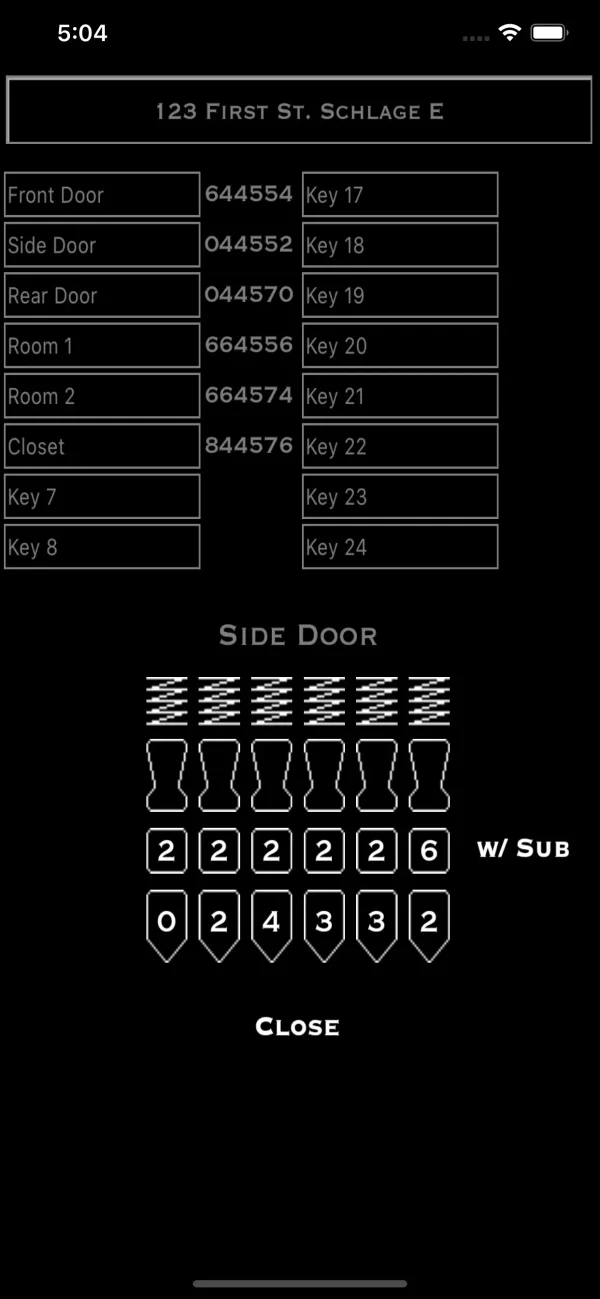
Additionally, you can tap on each change key to display the pinning.
Compatibility: All iPhone, iPad, iPod Touch types and generations with a minimum iOS version of 12.0
Found a bug? Something not working? Have a suggestion? Feel free to contact me via email: farren@phoxlocks.com
What’s new
Version 1.7.1 · Mar 15, 2026
-Under the hood repairs
App privacy
What Farren Domenici declares on the App Store about how this app handles data.
-
Data not collected
The developer does not collect any data from this app.
Privacy practices may vary, for example with the features you use or your age.
Information
- Seller
- Farren Domenici
- Category
- Utilities
- Version
- 1.7.1
- Updated
- Mar 15, 2026
- Released
- May 24, 2013
- Size
- 6.2 MB
- Requires
- iOS 12.0 or later
- Age rating
- 4+
- Price
- $6.99
- Languages
- English
- Copyright
- © 2012-2026 Farren Domenici
You might also like
-
 Triton PLUS™Utilities
-
 Black Widow Key Machine V2Utilities
-
 Affiliate ConnectUtilities
-
 Mobile KDUtilities
-
 XhorseUtilities
-
 One OnsiteOne Onsite by Lessen
-
 ThangsLargest 3D model search
-
 Flipper Mobile AppFor Flipper Zero
-
 Thingiverse Printables | 3D GO3D Printing: STL Viewer Slicer
-
 Anycubic: 3D Print & Models3D Print · Model · Remote