
- Age rating4+
- CategoryMusic
- DeveloperYuki Isaka
- LanguagesJapanese+ 1 more
- Size2.0 MB
Links to the official App Store page
Download.org hosts no file of Master the Staff. The button opens its official App Store page, published by Yuki Isaka. Listing last checked on Nov 16, 2026.
Screenshots
About
A focused trainer for one skill: naming the note on the staff without counting up from the bottom line.
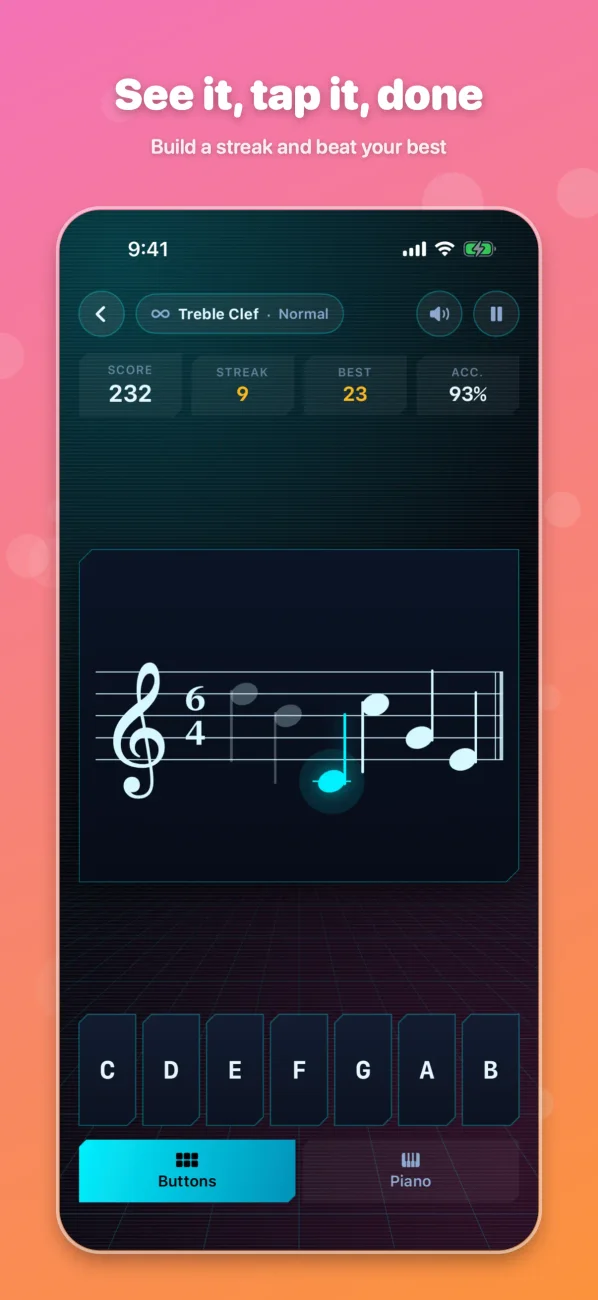
A note appears, you name it with a button or play it on the keyboard. A round takes a few minutes.
WHO IT'S FOR
• You can read music, but slowly, one line at a time
• Treble is fine, bass clef is a struggle
• You play viola or cello and want alto and tenor clef to feel automatic
• Ledger lines still trip you up
• You've just started piano or guitar and want reading to keep up
• You want something small to practise between lessons
FOUR CLEFS
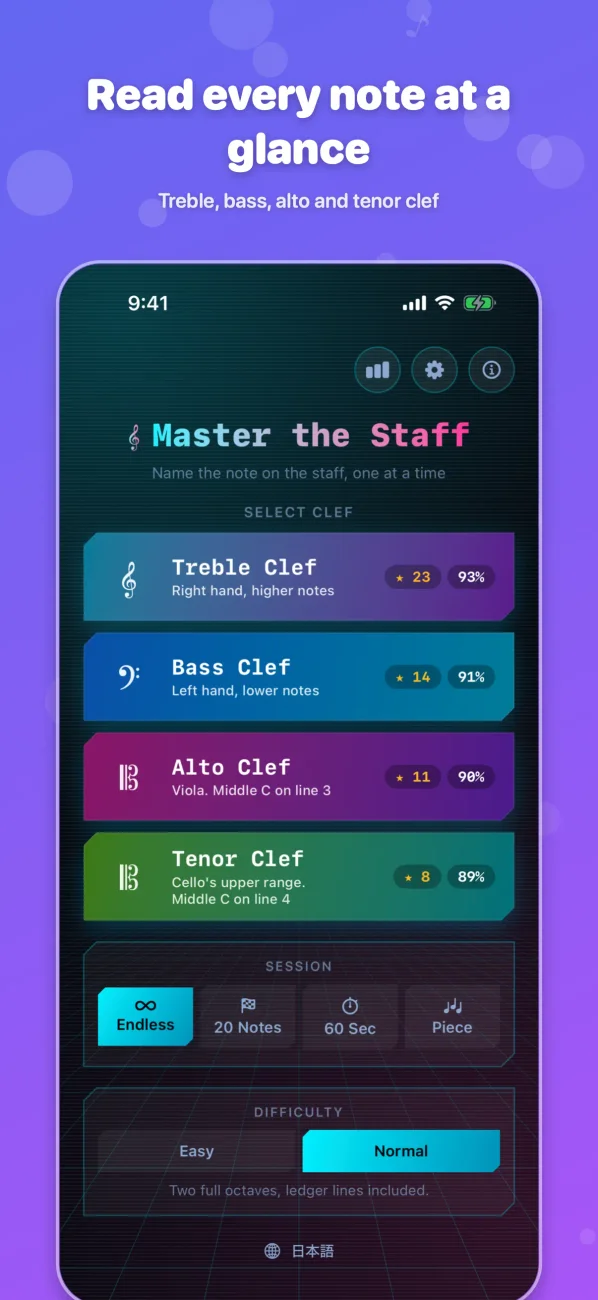
• Treble — the piano's right hand, voice, most wind instruments
• Bass — the piano's left hand and the low instruments
• Alto — the viola's clef. Middle C on line 3
• Tenor — the upper range of cello, bassoon and trombone. Middle C on line 4
Best streak and accuracy are kept separately per clef, so you can work on the one that is holding you up.
THREE SESSION MODES
• Endless — practise as long as you like
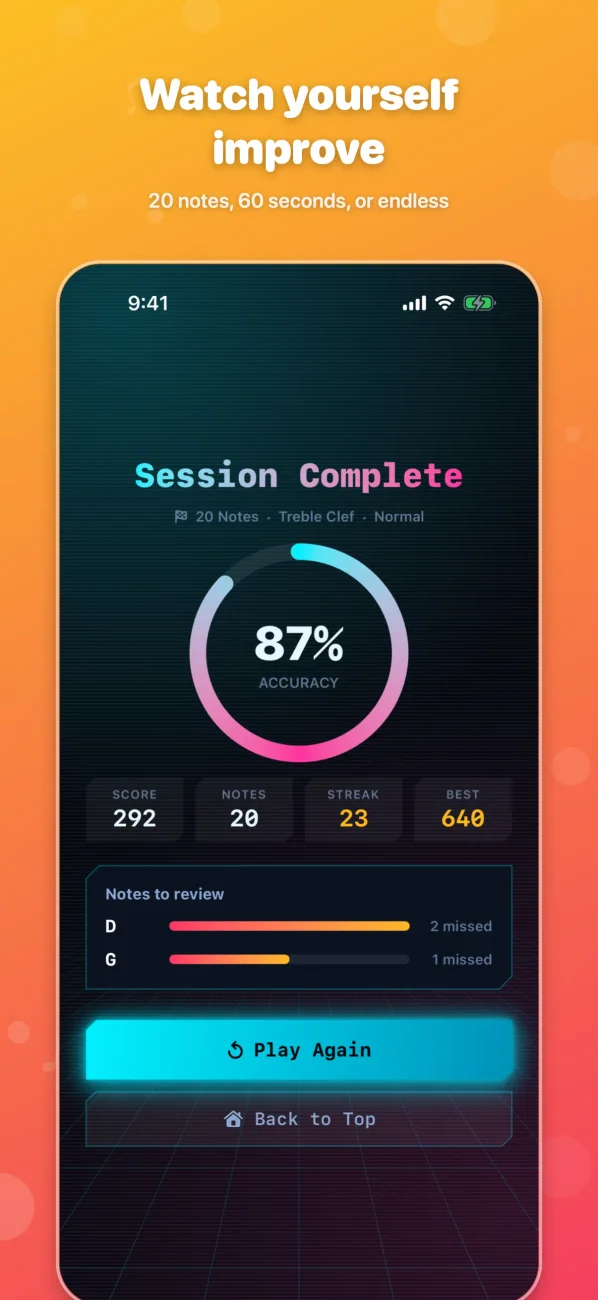
• 20 Notes — clear twenty notes as fast and accurately as you can
• 60 Seconds — score as high as possible in one minute
ADAPTIVE PRACTICE
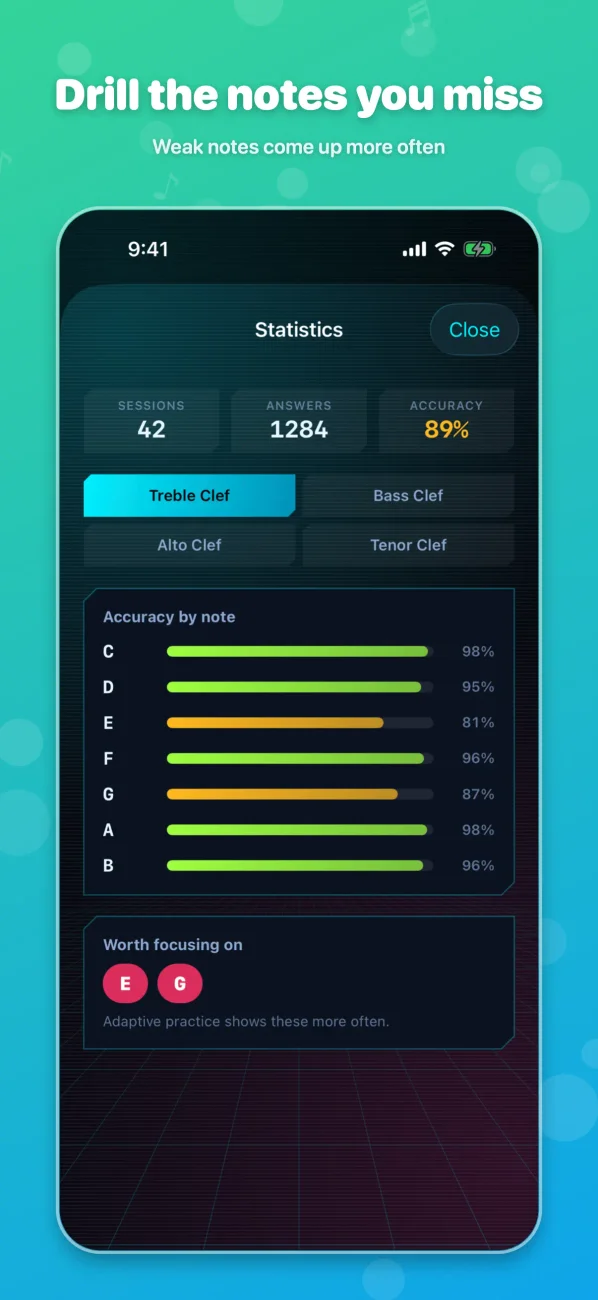
The app tracks your accuracy for every note and quietly asks the ones you miss more often. The Statistics screen shows accuracy note by note and highlights what to focus on next.
TWO WAYS TO ANSWER
• Note buttons — seven pitch buttons, fast and simple
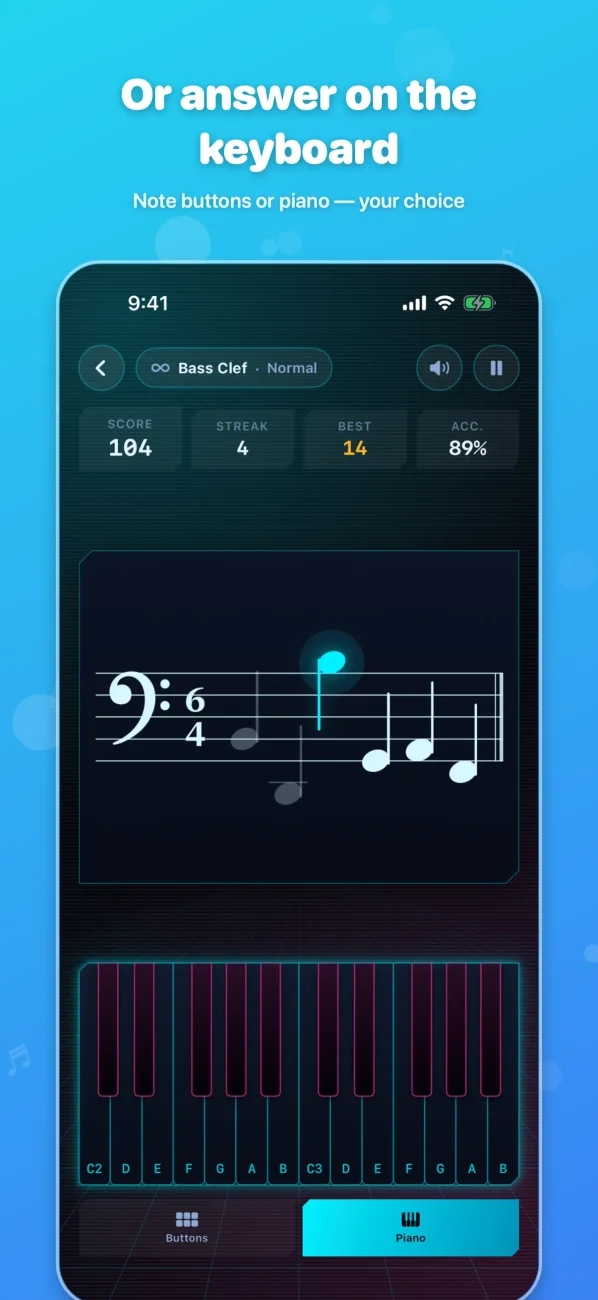
• Piano keyboard — answer the exact octave too, on the treble and bass clef
TWO DIFFICULTIES
• Easy — notes stay inside the staff, no ledger lines
• Normal — two full octaves, ledger lines included
ENGLISH, JAPANESE AND SPANISH
Pitches are shown as C D E in English, ド レ ミ in Japanese and Do Re Mi in Spanish. Switch any time inside the app.
ALSO
• Every correct answer plays the real pitch, so your ear trains alongside your eyes
• A miss shows the right note name straight away, on the staff
• Best streak and best score are kept per clef
• Sound, haptics and keyboard labels can each be turned off
• Universal — iPhone and iPad
PRIVACY
• No advertising of any kind
• No account, no sign-in
• No data collected and nothing transmitted
• Settings and records stay on your device
• Works entirely offline
For piano, guitar, voice, strings and winds — anyone who reads from a staff.
What’s new
Version 1.0.3 · Nov 9, 2026
Read real pieces of music, in a new look.
• Song mode: read Twinkle Twinkle Little Star, Mary Had a Little Lamb, Ode to Joy and the Minuet in G from the score
• In the bass clef, Twinkle and the Minuet read the left hand of the original piano part
• Key signatures and accidentals are supported; on the piano keyboard, a sharp is answered on the black key
• A new cyber look, now the default — the classic look is still in Settings
• A rebuilt piano sound that rings much more like a real instrument
• On iPad the app runs in landscape with a large keyboard; iPhone can now turn sideways too
• Now in Spanish too, with the notes named Do Re Mi
App privacy
What Yuki Isaka declares on the App Store about how this app handles data.
-
Data not collected
The developer does not collect any data from this app.
Privacy practices may vary, for example with the features you use or your age.
Information
- Seller
- Yuki Isaka
- Category
- Music
- Version
- 1.0.3
- Updated
- Nov 9, 2026
- Released
- Sep 3, 2026
- Size
- 2.0 MB
- Requires
- iOS 16.0 or later
- Age rating
- 4+
- Languages
- Japanese, English
- Copyright
- © 2026 Yuki Isaka
You might also like
-
 爆弾ゲーム お題でだれかに渡せGames
-
 RainyWaveLoFi Chill Hop Rhythm Game
-
 RepertoriesPiano & MusicSheet
-
 Piano Follow: Read Music NotesLessons that hear you play
-
 Piano Note Reading TrainerGet better at sight-reading!
-
 Music notes training for pianoTrivia
-
 Piano Score: Magic Rhythm GameLearn keyboard & hit the tiles
-
 覚えよう!百人一首Games
-
 Chord Quiz: Practice ChordsPiano, Guitar & Ukulele
-
 バンド体験リズムゲーム!ノラバン!ドラム・ギター・ベースMusic