MatchFrames:Overlay Photos
Match perfect photo and video.
Designed for iPhone, iPod touch
Free · In-app purchases
- Age rating4+
- CategoryPhoto & Video
- Developer珑 陈
- LanguagesEnglish+ 15 more
- Size38.0 MB
Links to the official App Store page
Download.org hosts no file of MatchFrames:Overlay Photos. The button opens its official App Store page, published by 珑 陈. Listing last checked on Nov 17, 2026.
Screenshots

About
MatchFrames is the alignment tool for creators. Whether shooting live or importing existing photos, achieve pixel-perfect alignment with reference layers, smart guide marks, and assist grids. Imported images support one-tap filter styles — alignment and aesthetics in one go.
**[Reference Layer Overlay]**
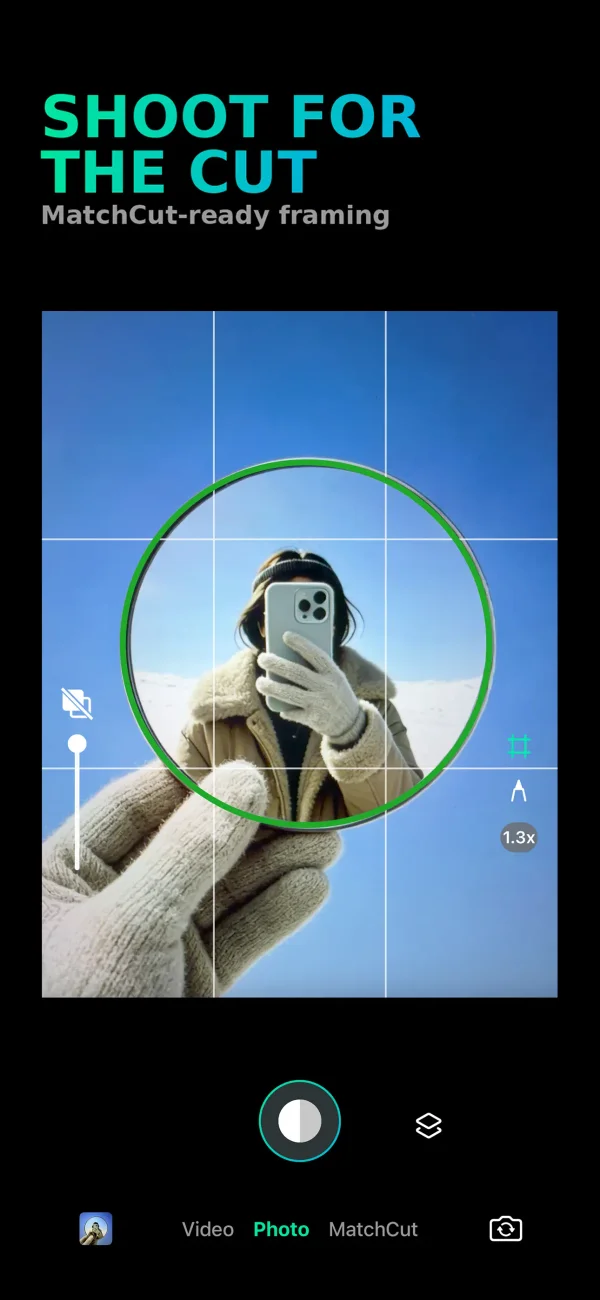
Import any image as a semi-transparent overlay. Adjust opacity in real time to match angle, position, and scale. Supports photo, video, and Live Photo modes — shoot aligned, skip post reframing.
**[Smart Guide Marks]**
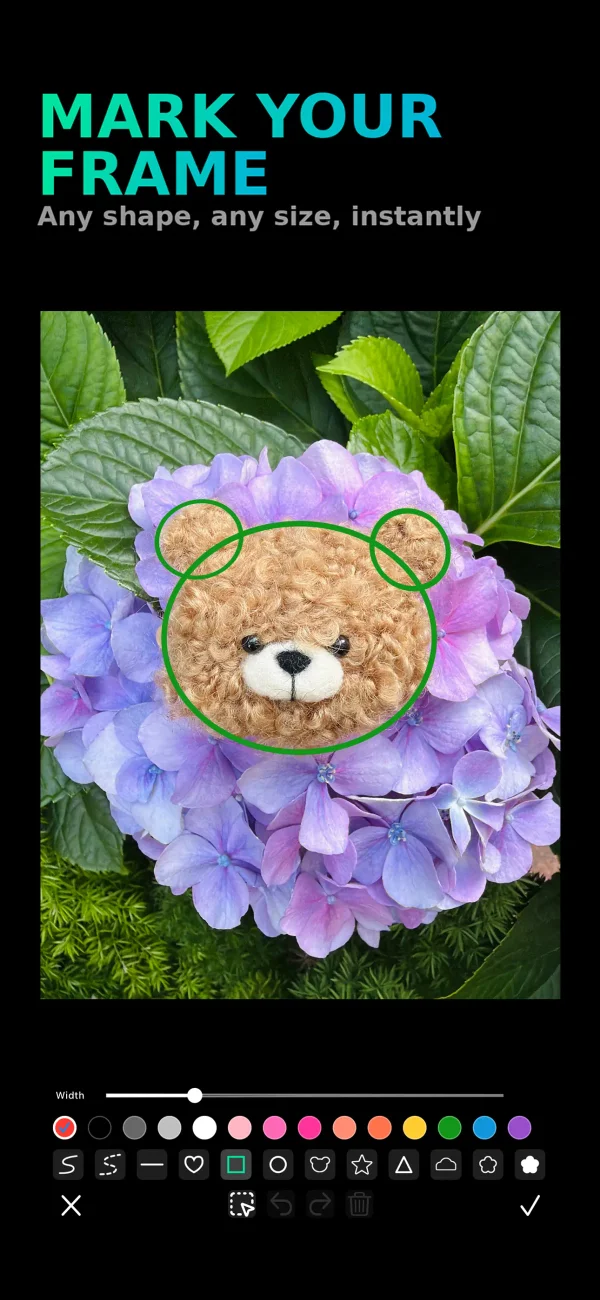
Circles, squares, hearts — draw any shape freely. Resize, reposition, and recolor on the fly. Guide marks stay locked on your viewfinder, pinpointing subject position.
**[MatchCut Import Mode]**
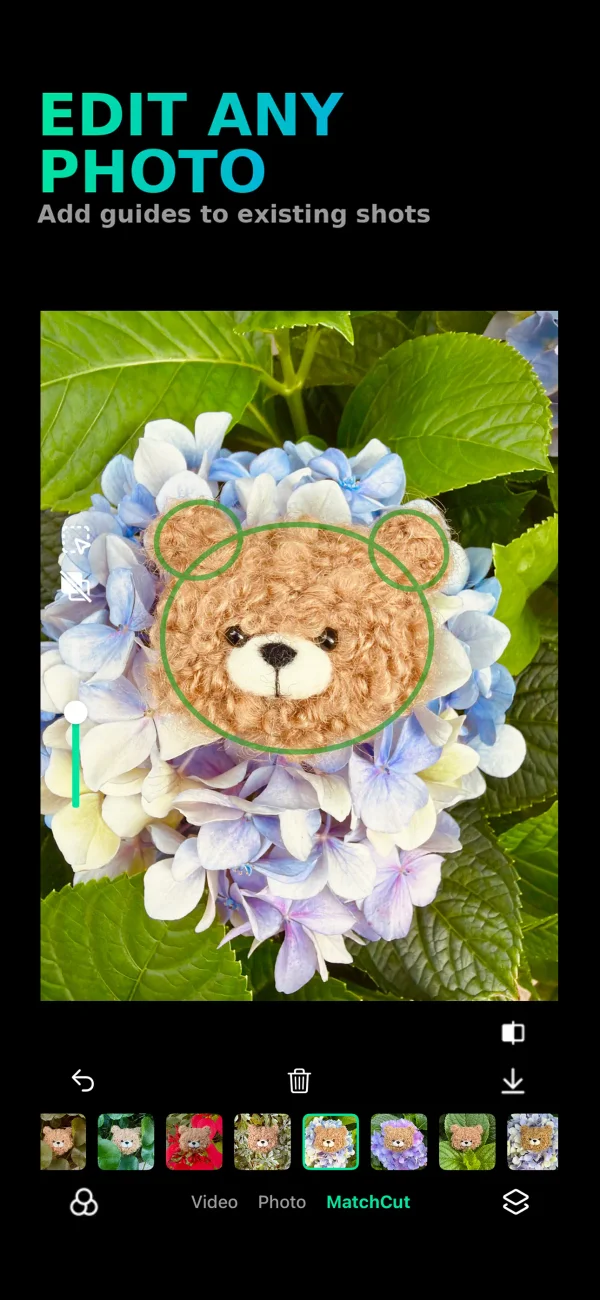
New import alignment feature. Bring in existing photos, overlay guide marks and reference layers, and fine-tune alignment in post. Any photo becomes match-cut ready material.
**[4:3 / 16:9 Ratio Switch]**
One-tap aspect ratio switch. Portrait or landscape, find the perfect frame for any platform or scene.
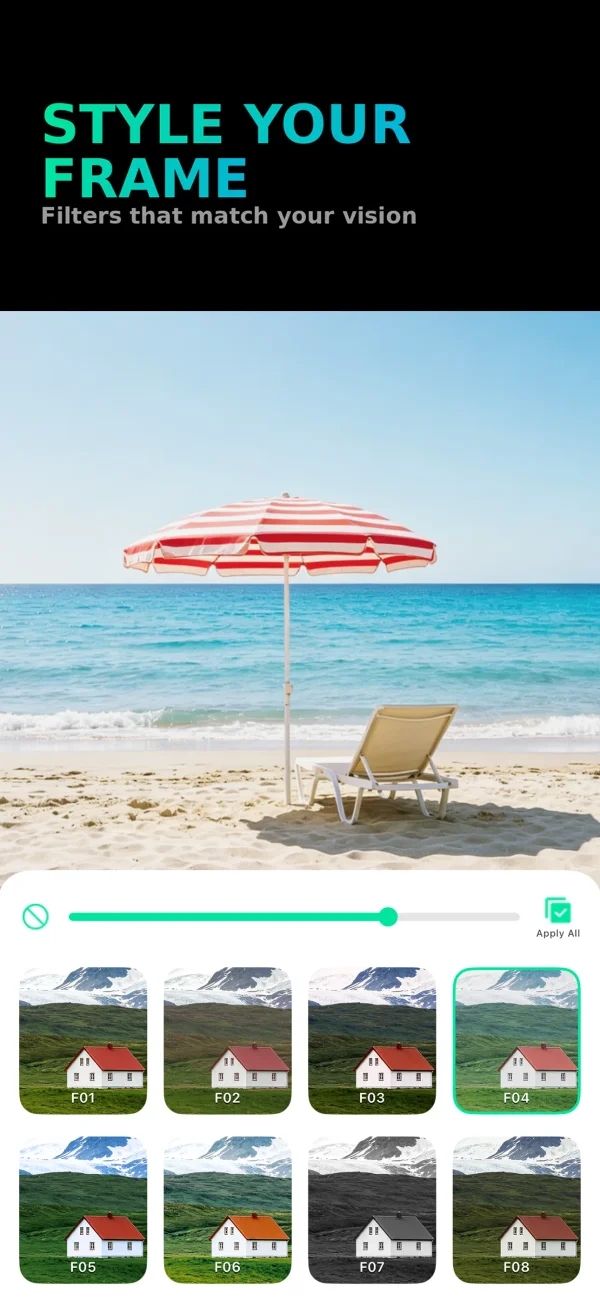
**[Style Filters (Import Only)]**
Apply filters to imported images with one tap. Multiple styles with real-time preview, doubling post-processing efficiency.
**[Assist Grid (Camera Mode)]**
Enable assist grid lines in camera mode. Choose from rule of thirds, center cross, safe zones — sharper composition.
**[Pose Reference Library]**
Save frequently used poses as templates. One-tap recall for portraits, products, vlogs — nail the frame every time.
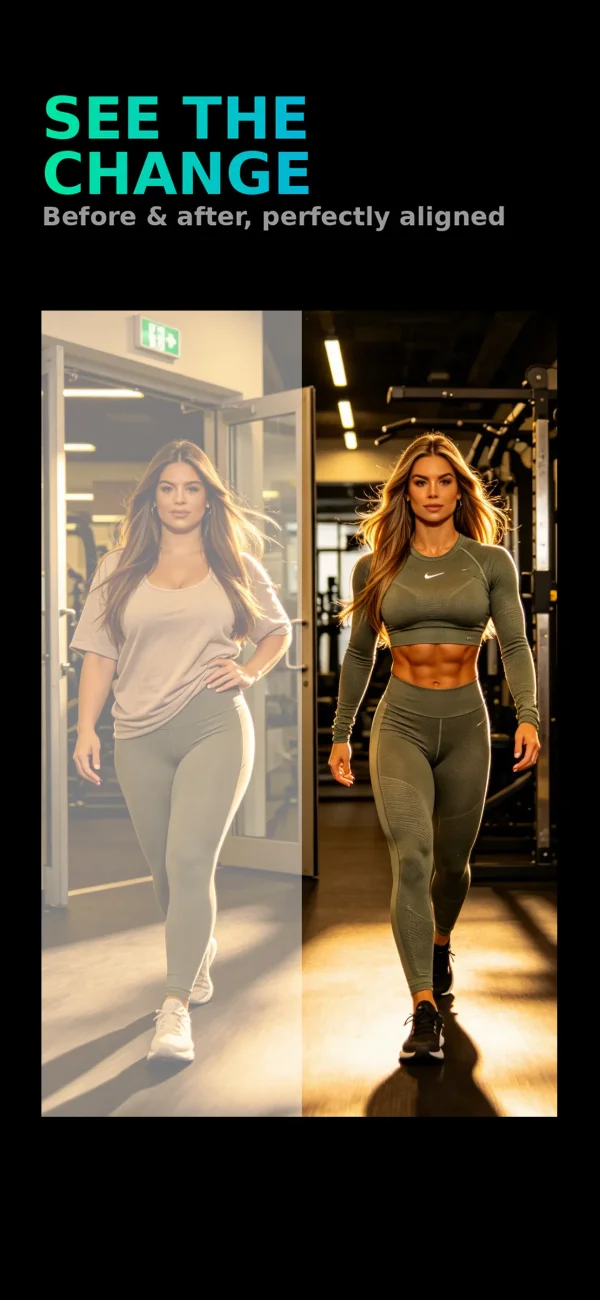
**[Before & After Capture]**
Fitness tracking, renovation progress, plant growth — same position, same angle. Record in photo/video/Live Photo, changes clear at a glance.
**Who It's For:**
- **Short-form creators:** Vlog transitions, scene swaps — live or imported footage aligns perfectly, zero post adjustment
- **Video editors:** Footage or existing photos come in aligned, cutting reframing/cropping time in half
- **Photographers:** Replicate classic compositions, multi-angle product shots — Live Photo supported
- **Everyday users:** Pose guides, before/after comparisons, travel shots — live or existing photos, perfectly aligned
Download MatchFrames. Nail every frame. Cut editing time in half.
Terms of Use: https://www.apple.com/legal/internet-services/itunes/dev/stdeula/
Privacy Policy: http://appstore.onekick.top/PrivacyPolicy.html
If you have any questions, feedback, or need help using MatchFrames, please contact us:
Email: matchframes@outlook.com
What’s new
Version 1.13.0 · Oct 23, 2026
v1.13.0
Fix several bugs.
Add Halloween drawing materials.
Looking forward to hearing your needs and suggestions, please contact us: matchframes@outlook.com
App privacy
What 珑 陈 declares on the App Store about how this app handles data.
-
Data not collected
The developer does not collect any data from this app.
Privacy practices may vary, for example with the features you use or your age.
Information
- Seller
- 珑 陈
- Category
- Photo & Video
- Version
- 1.13.0
- Updated
- Oct 23, 2026
- Released
- Jun 18, 2026
- Size
- 38.0 MB
- Requires
- iOS 15.0 or later
- Age rating
- 4+
- Price
- Free
- In-app purchases
- Yes
- Languages
- English, Arabic, French, German, Indonesian, Italian, Japanese, Korean, Portuguese, Russian, Simplified Chinese, Spanish + 4 more
- Copyright
- © 2026 Onekick
You might also like
-
 MatchFrame: Camera OverlayBefore After Photo & Video
-
 LayerCam - Overlay CameraSame angle photos & videos
-
 Stack: Before & After PhotosAuto-Align Before & Afters
-
 ReelAlign: Match Cut EditorOutfit & Before-After Reels
-
 Overlay Camera - MatchShotAlign your shots, effortlessly
-
 OverCam - Overlay CameraTrace, align & match shots
-
 CopyCam - Photo Overlay CameraPose reference overlay camera
-
 ShotRecipes: Camera Settings382 photo recipes that work
-
 ModelCamPhoto & Video
-
 Cami: Photo Overlay CameraPerfect Photos Everytime