
Mathintosh
A fun and powerful calculator!
Designed for iPhone, iPad
Free · In-app purchases
- Age rating4+
- CategoryUtilities
- DeveloperJustin Fleming
- LanguagesEnglish
- Size48.6 MB
Links to the official App Store page
Download.org hosts no file of Mathintosh. The button opens its official App Store page, published by Justin Fleming. Listing last checked on Nov 20, 2026.
Screenshots
About
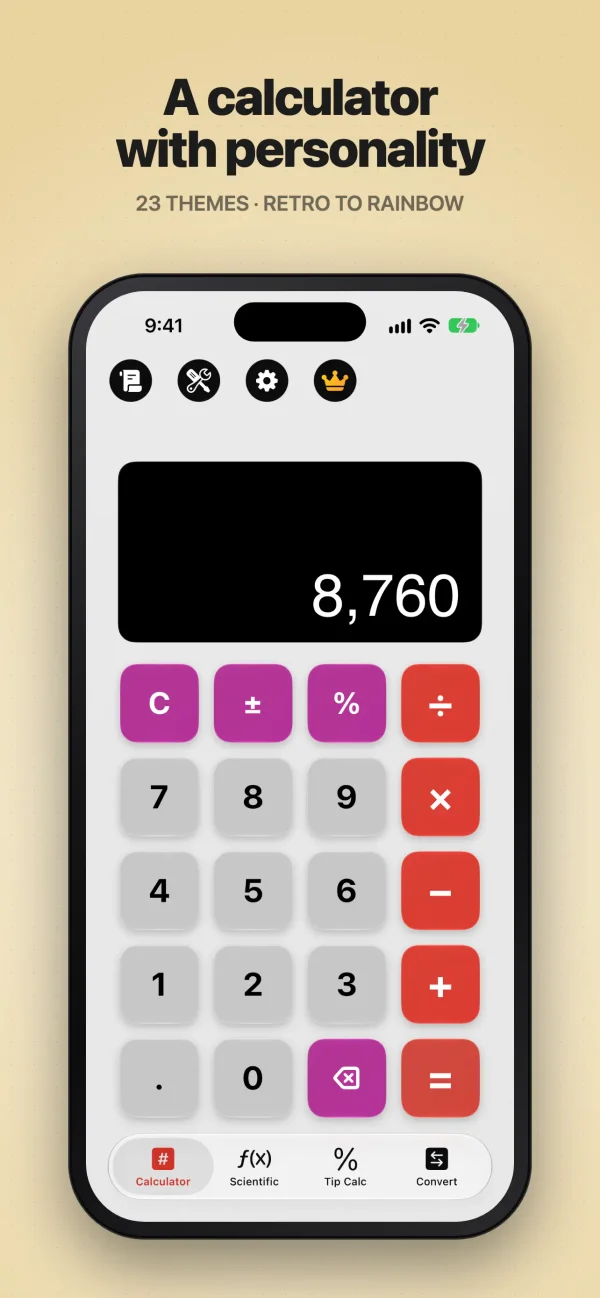
A calculator, a tip calculator, and a unit converter in one beautifully themed app. No ads, no tracking, and every mode is free.
Mathintosh is a fast, fun, multi-function calculator for iPhone, iPad, iPhone Duo, and Apple Watch, packed with helpful tools, beautiful themes and plenty of ways to make it your own.
Four Core Modes:
• Calculator: fast, easy, and every basic covered.
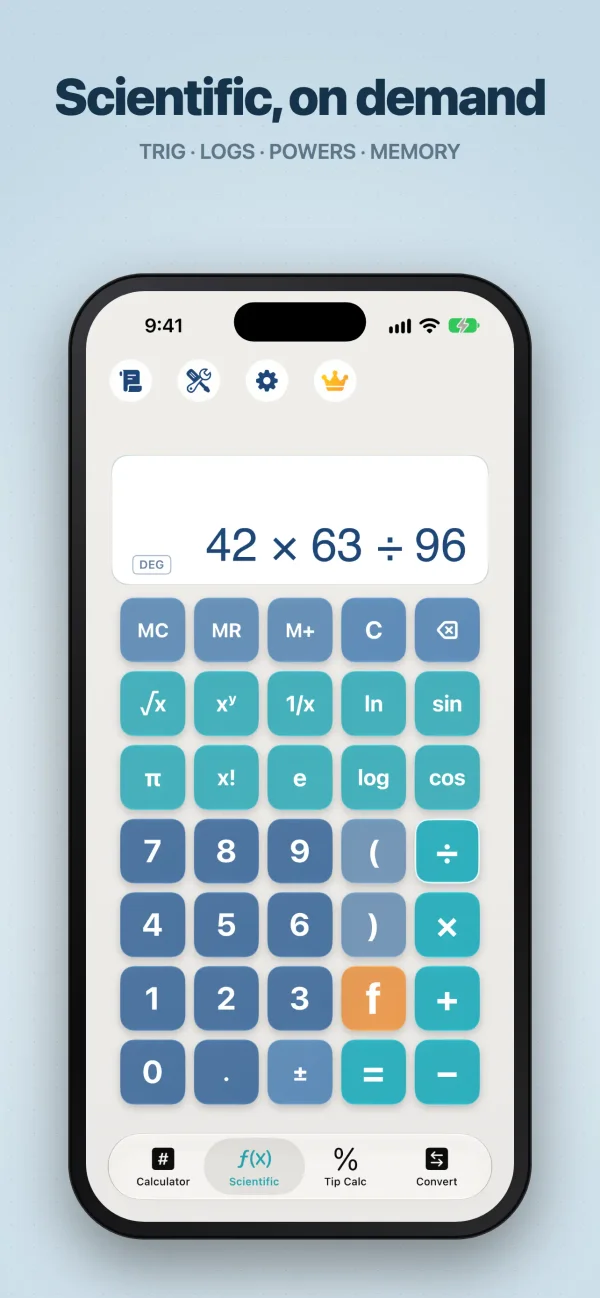
• Scientific: trigonometry, logarithms, powers, factorials, memory and more.
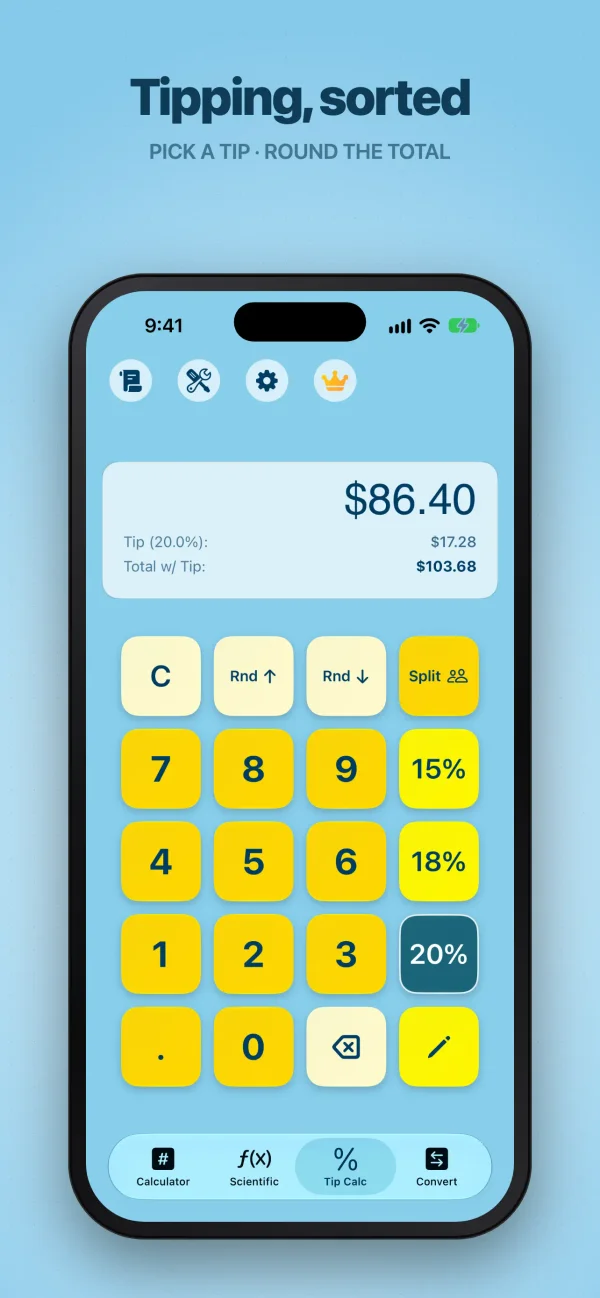
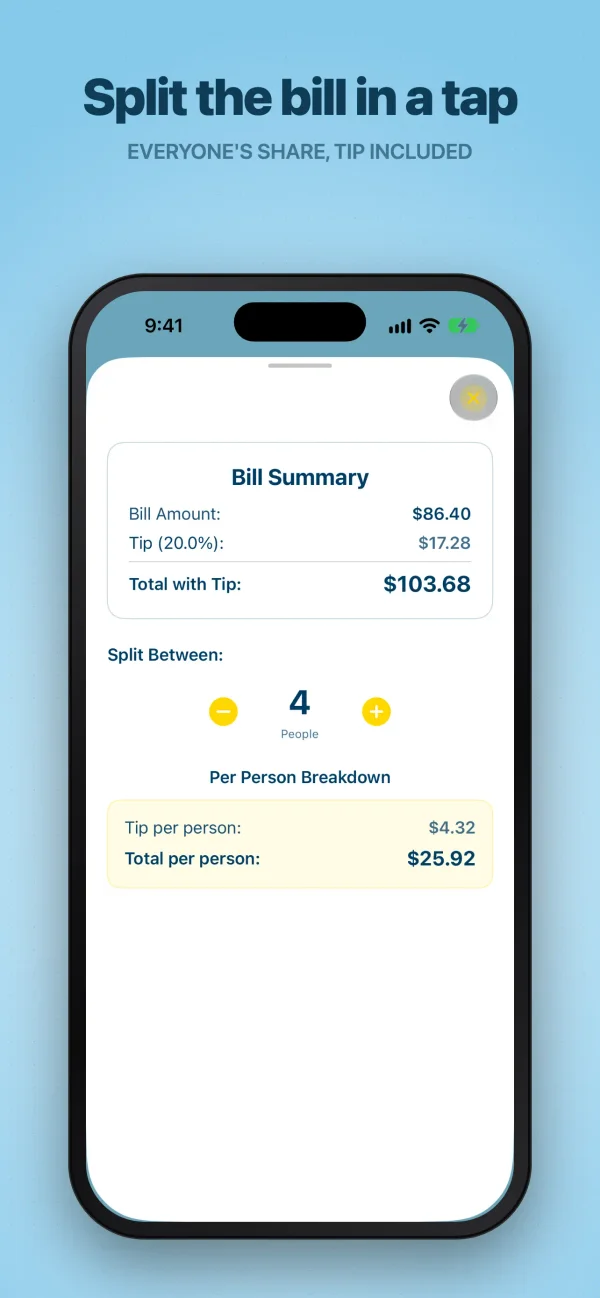
• Tip Calculator: pick your percentage, round the total up or down, and split the bill.
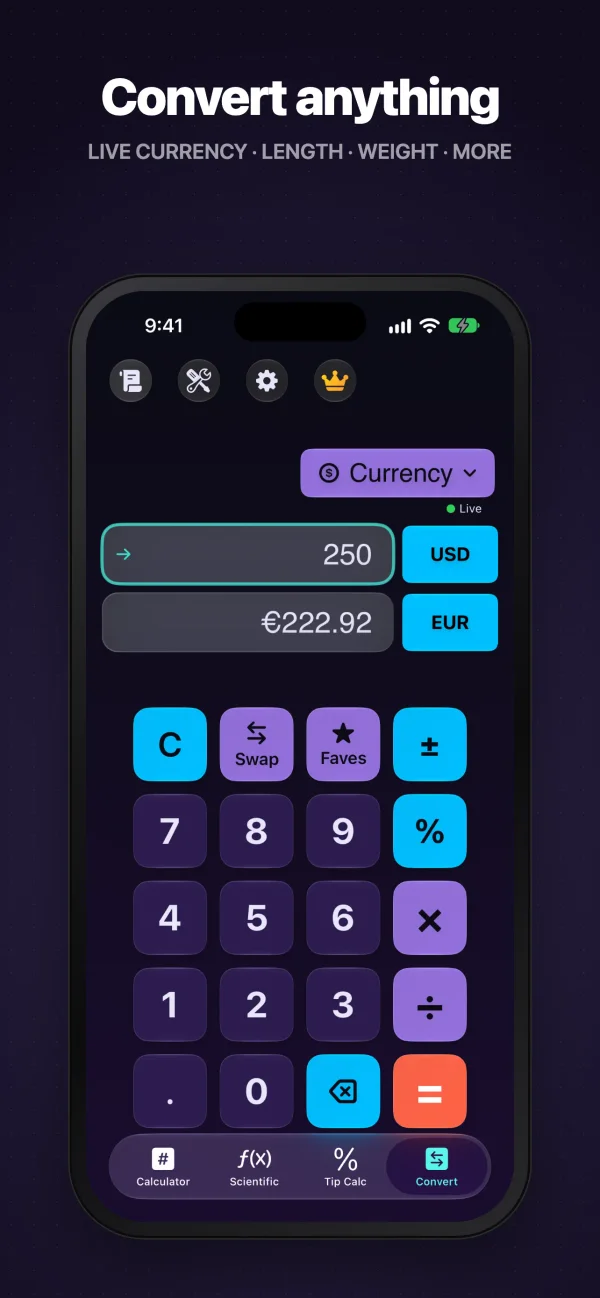
• Converter: dozens of units across 10 categories, including live currency rates and time zones.
Four Additional Modes:
• Random Numbers: draw numbers in any range, roll dice or flip coins, with or without repeats. Shake to roll again.
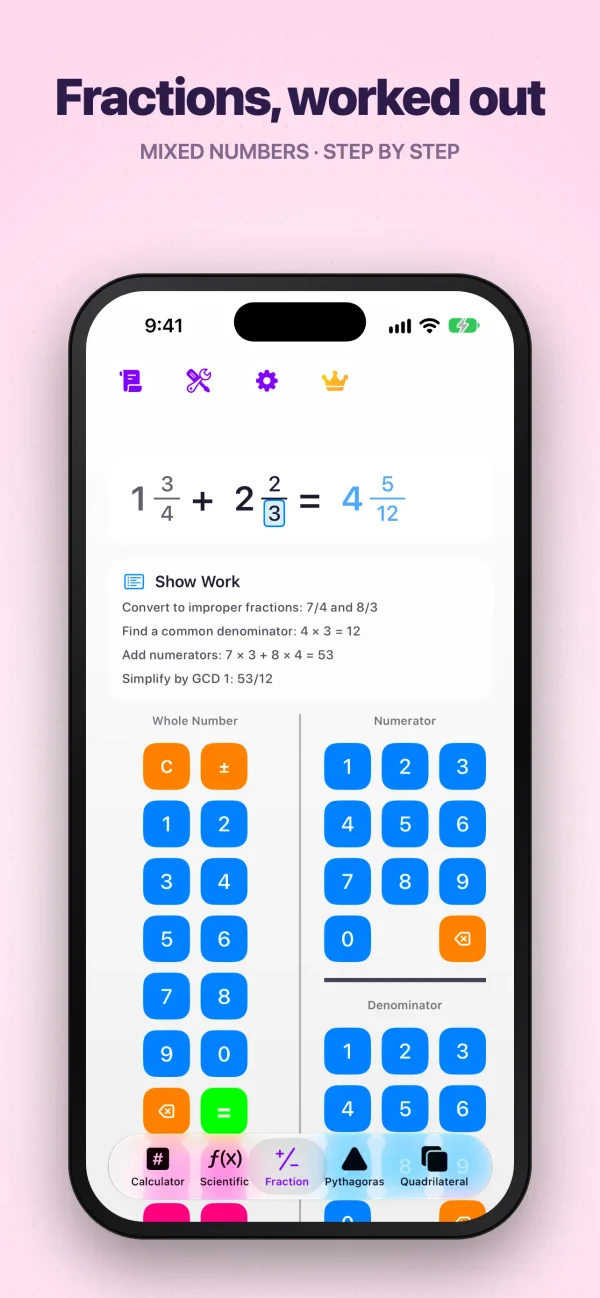
• Fraction: separate whole-number, numerator and denominator pads, with step-by-step working.
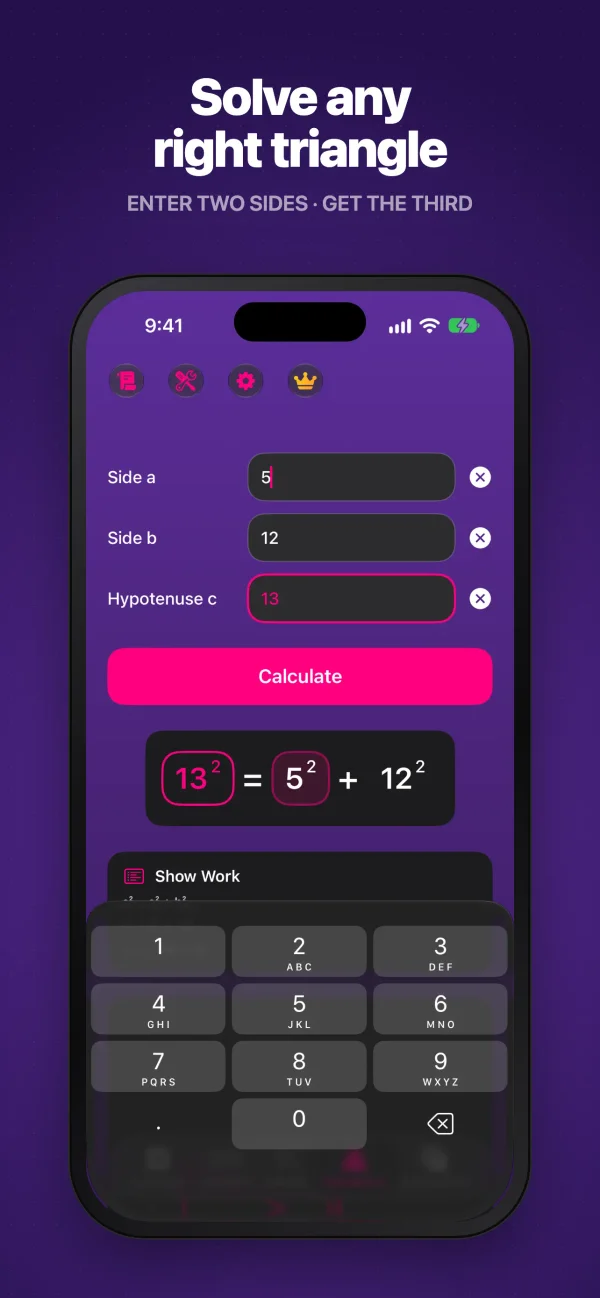
• Pythagoras: enter any two sides of a right triangle to find the third.
• Quadrilaterals: solve for any four-sided shape.
Made for Every Screen:
• iPhone Duo: Mathintosh adapts to every pose. Half-open, the display sits above the fold and the keys below; turn it sideways and your paper tape sits alongside.
• iPad: big, comfortable keypads with a consistent look in every mode.
• Apple Watch: a calculator on your wrist that syncs your theme from iPhone.
Make It Yours:
• 29 themes, from classic terminals to vibrant colors and retro-inspired tech. PDP-11, Luminosity, and Washi are free, each with light and dark modes; 26 more come with a one-time purchase.
• Browse themes by category, search, preview any theme before you use it, or tap Surprise Me.
• Choose your fonts, button shapes, and glass, flat, or 3D button styles.
• A smiling new app icon in light, dark, and tinted. The same purchase unlocks 11 more colors inspired by the original iMac.
Handy Extras:
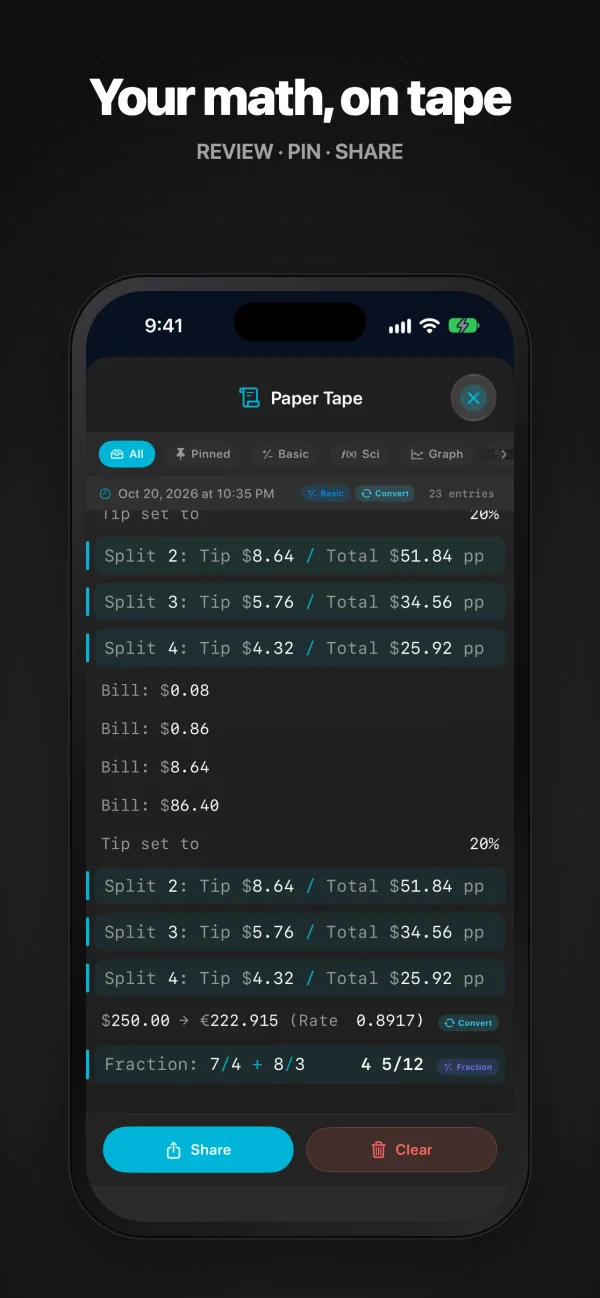
• Paper tape: a clear history of every calculation, ready to review, pin and share.
• Send a value from one mode to another with a tap.
• Widgets, Control Center controls, and Quick Actions.
• Built-in support for VoiceOver, Dynamic Type, and other accessibility features.
Mathintosh is actively developed, and new features arrive regularly.
What’s new
Version 1.6 · Nov 14, 2026
What’s New in Mathintosh 1.6:
• Random Numbers mode. Draw numbers in any range, roll dice or flip coins, with or without repeats. Shake to roll again, send a result to any other mode, and keep a log on the paper tape. Find it in the Tools menu or add it to your tab bar.
• A happy new app icon! A smiling Mac in light, dark, and tinted, plus 11 colors from the original iMac, from Bondi to Tangerine, with the one-time purchase.
• Seven new themes. Goldfinch, Darkroom, Scout, Dessau, Washi, Sedona, and Holly. Washi is free, in light and dark.
• A new Themes tab in Settings. Browse themes by category, search, preview any theme before you use it, or tap Surprise Me.
Plus smoother performance and many smaller fixes.
App privacy
What Justin Fleming declares on the App Store about how this app handles data.
-
Data not collected
The developer does not collect any data from this app.
Privacy practices may vary, for example with the features you use or your age.
Information
- Seller
- Justin Fleming
- Category
- Utilities
- Version
- 1.6
- Updated
- Nov 14, 2026
- Released
- Aug 6, 2025
- Size
- 48.6 MB
- Requires
- iOS 18.6 or later
- Age rating
- 4+
- Price
- Free
- In-app purchases
- Yes
- Languages
- English
- Copyright
- © 2026 Justin Fleming
You might also like
-
 Cursed CountdownsEpic event timer with themes
-
 CountVision – AI Object CountCount anything from photos
-
 Viewport Duo: Safari LayoutMore room for Duo websites
-
 WhatsConvoWho said what, and when?
-
 HomeScan: Floor Plan GeneratorRoom Sizes & Square Footage
-
 Outpost: Self-Hosted VPNPersonal WireGuard Server
-
 Forget Forgetting To Do ListNo more Forgetting
-
 Calculator 2 MemoryEffortless Dual Memory Math.
-
 Video file Size CompressorReduce video file size
-
 Phone Cleaner: Free SpaceRemove Duplicates & Free Space