MAX IPTV
Ultimate Multiplatform Player
Designed for iPhone, iPad, Mac
Free · In-app purchases
- Age rating4+
- CategoryEntertainment
- DeveloperNaser Chorake Yekshahve
- LanguagesEnglish+ 19 more
- Size58.6 MB
Links to the official App Store page
Download.org hosts no file of MAX IPTV. The button opens its official App Store page, published by Naser Chorake Yekshahve. Listing last checked on Nov 13, 2026.
Screenshots



About
MAX IPTV is a premium IPTV player for Apple TV. Load your own playlist and enjoy your live TV, movies, and series on the big screen — with a fast, beautiful interface built for tvOS.
IMPORTANT: MAX IPTV is a media player only. It does not provide, include, or sell any channels, streams, or content. You bring your own playlist from your own IPTV provider.
SUPPORTS YOUR PLAYLIST
• Xtream Codes — server, username, and password
• M3U / M3U8 — paste a playlist URL
• Stalker Portal — portal URL and MAC address
LIVE TV
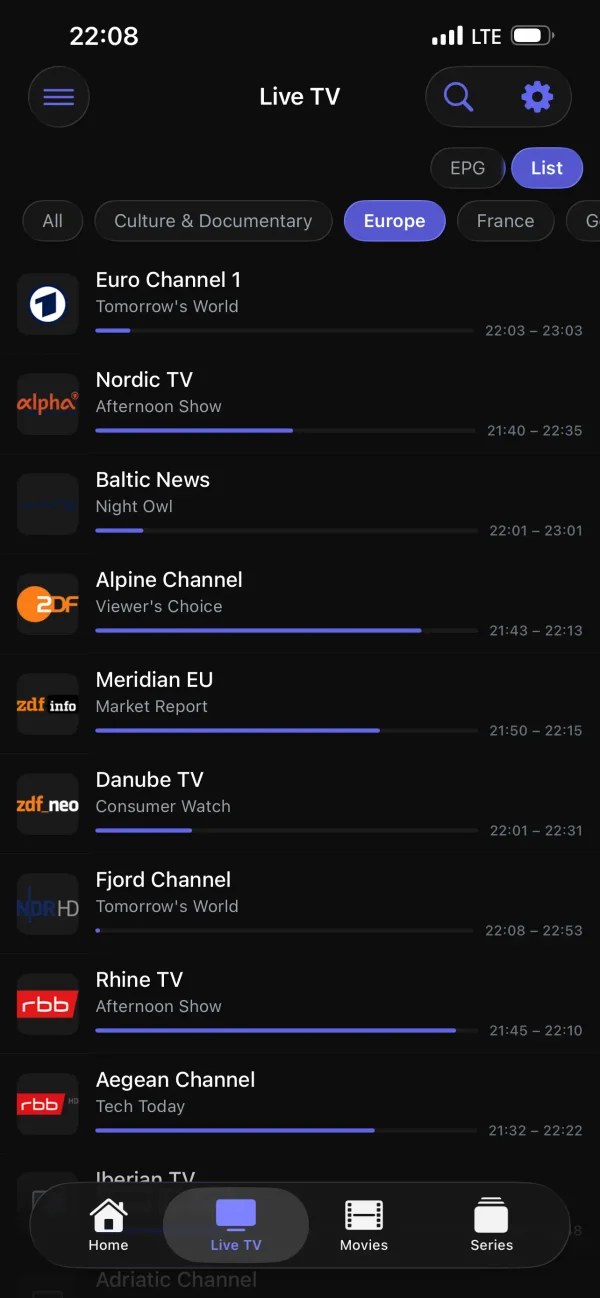
• Full channel list with categories
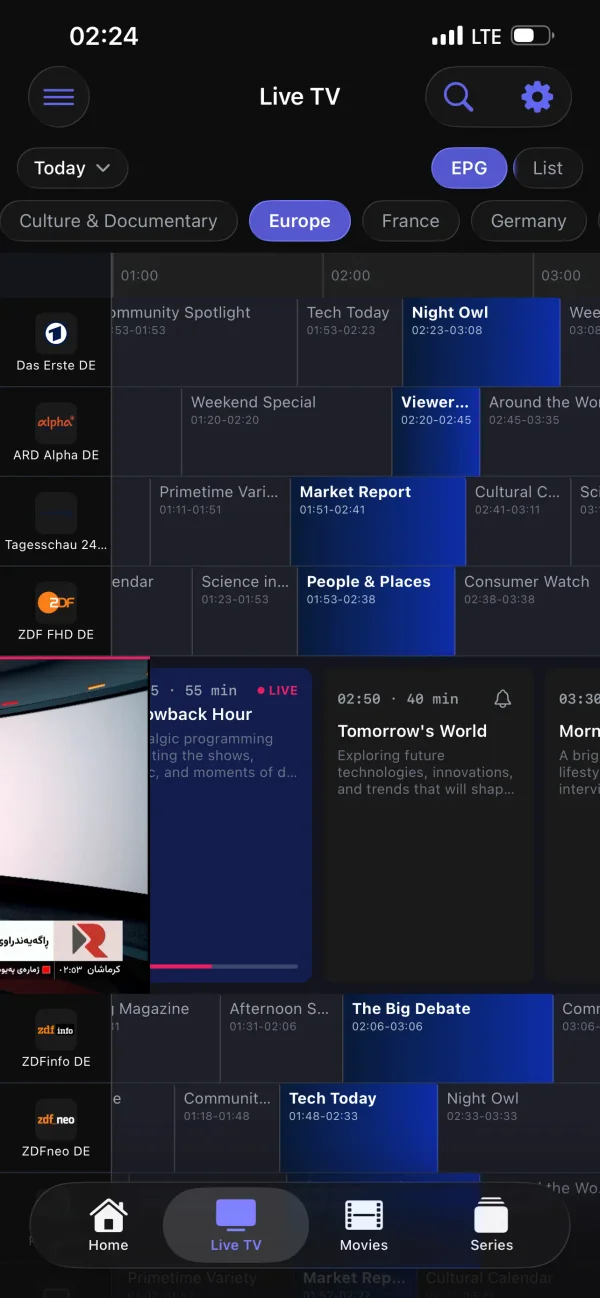
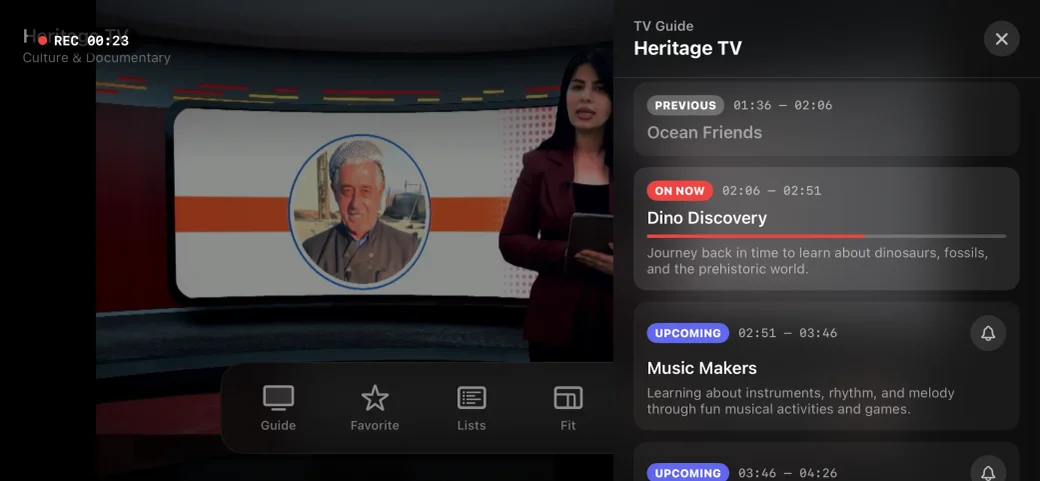
• Electronic Program Guide — NOW/NEXT and a full time-grid guide
• Watch Recorded — replay a programme that already aired - catch-up.
• Channel logos, info banner, quick zapping
• Reminders for upcoming programs
MOVIES & SERIES
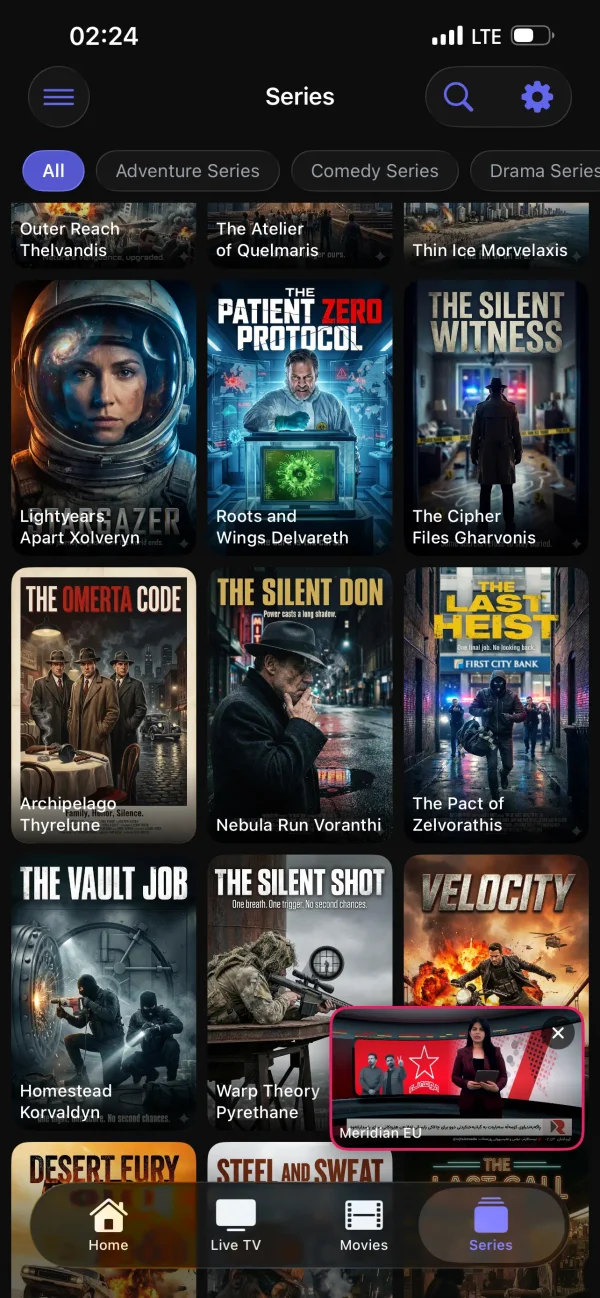
• Browse your movies and series by category
• Subtitles from OpenSubtitles — Find subtitles for any movie or episode direct in player.
• Rich detail pages — plot, cast, director, genre, rating, trailers
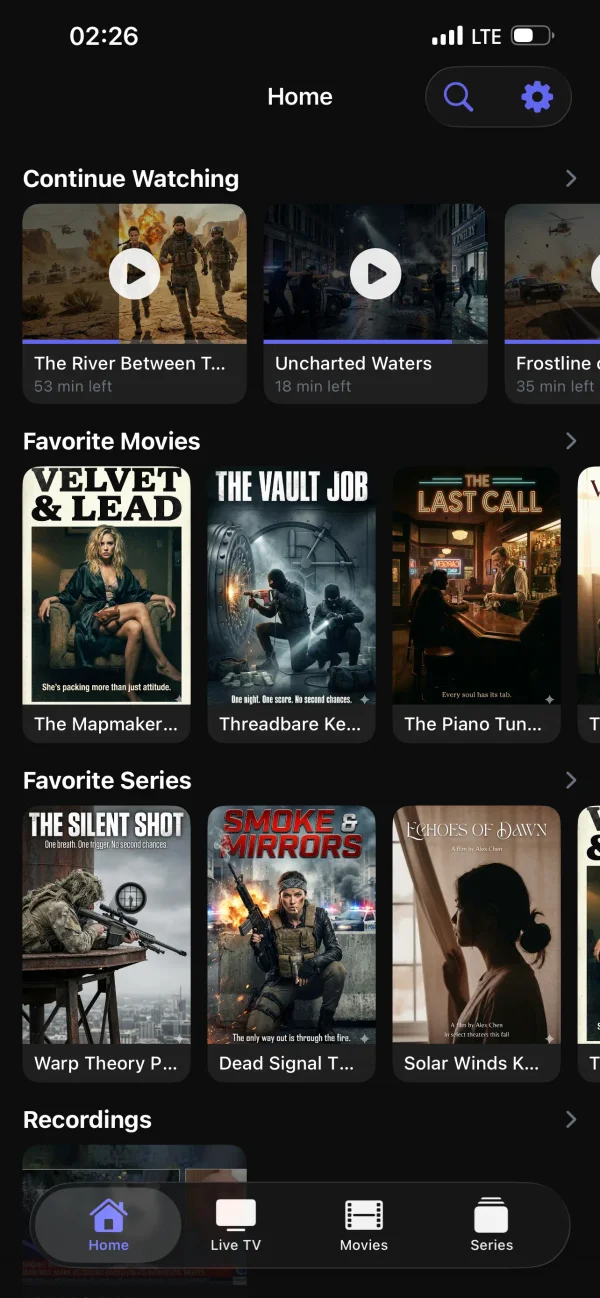
• Continue Watching — pick up where you left off
• Season and episode browsing
MAKE IT YOURS
• Favorites for channels, movies, and series
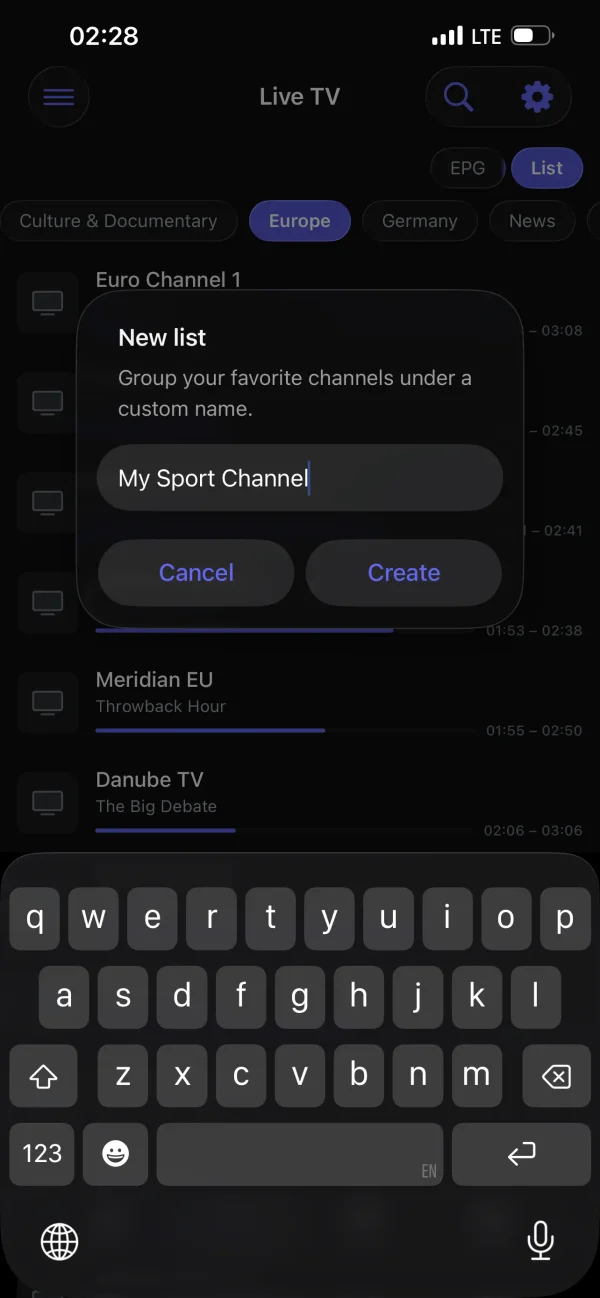
• Create your own custom channel lists
• Search across everything
• Multiple playlists — switch anytime
EVERYWHERE YOU WATCH
• One account works across your devices
• Playlists, favorites, and settings sync automatically
• Back up and restore your setup
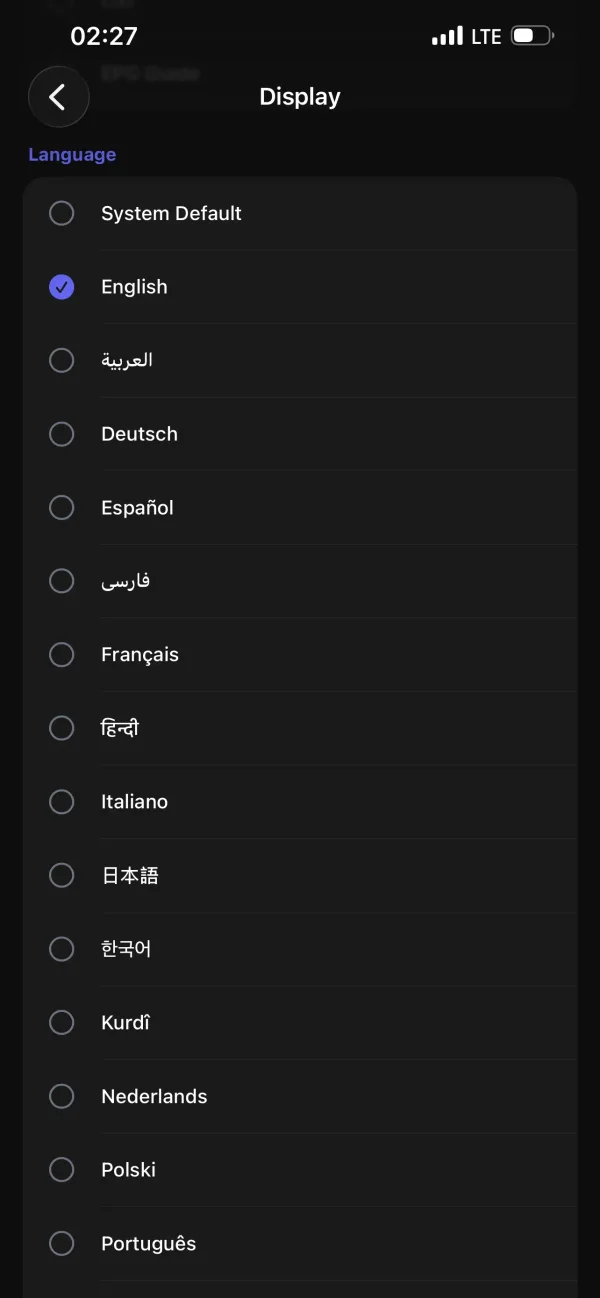
• Available in 20 languages
SUBSCRIPTION
MAX IPTV is free to use for the first 7 days. After the trial, an annual subscription is required to keep using the app. Choose from three auto-renewable
plans:
• Silver — 2 devices — $9.99/year (USD)
• Gold — 5 devices, Web Player, Cloud Backup & Restore — $14.99/year (USD)
• Diamond — 10 devices, Web Player, Cloud Backup & Restore, all premium features — $19.99/year (USD)
Payment is charged to your Apple Account at purchase confirmation. Subscriptions renew automatically at the same price unless cancelled at least 24 hours
before the end of the current period. You can manage or cancel anytime in Settings → Apple Account → Subscriptions.
Privacy Policy: https://maxiptv.app/privacy
Terms of Use: https://maxiptv.app/terms
Bring your playlist to your pocket.
What’s new
Version 1.2.0 · Sep 28, 2026
• Pair Device: sign in by entering a code at maxiptv.app/link. Copy or share the code in one tap.
• Pull down in any Movies or Series category to refresh just that category.
• Google and Apple sign-in now sit side by side, with Pair Device below.
• Categories now appear in your playlist's own order.
• Better playback for movies in formats the built-in player can't open.
• Stability and performance improvements.
App privacy
What Naser Chorake Yekshahve declares on the App Store about how this app handles data.
-
Data linked to you
May be collected and linked to your identity.
- Purchases
- Contact info
- Identifiers
- Usage data
- Diagnostics
- Other data
Privacy practices may vary, for example with the features you use or your age.
Information
- Seller
- Naser Chorake Yekshahve
- Category
- Entertainment
- Version
- 1.2.0
- Updated
- Sep 28, 2026
- Released
- May 25, 2026
- Size
- 58.6 MB
- Requires
- iOS 26.0 or later
- Age rating
- 4+
- Price
- Free
- In-app purchases
- Yes
- Languages
- English, Arabic, Dutch, French, German, Hindi, Italian, Japanese, Korean, Kurdish, Persian, Polish + 8 more
- Copyright
- © Naser Chorake
You might also like
-
 Fast IPTV PlayerM3U, Xtream Codes & EPG
-
 DringTV: IPTV Player & EPGM3U, Xtream & Stalker player
-
 Crivid IPTV Player: M3U XtreamLive TV, EPG guide & Multiview
-
 Aerial TV: IPTV PlayerLive TV, M3U, Xtream & EPG
-
 Streama: IPTV Player & M3UIPTV Player • M3U & Xtream
-
 Adoo IPTV Player: M3U & XtreamLive TV Stream, Playlist & EPG
-
 iBench Player ProYour own media playlists
-
 FoxIPTVM3U, Xtream & Stalker Player
-
 Eiyo IPTVSmart IPTV
-
 IPTV Smarters Pro TVIPTV Smart Player, Xtream IPTV