- Age rating4+
- CategoryMusic
- DeveloperMaximilian Schmidt
- LanguagesEnglish
- Size317.3 MB
Links to the official App Store page
Download.org hosts no file of maxChord. The button opens its official App Store page, published by Maximilian Schmidt. Listing last checked on Nov 14, 2026.
Screenshots
About
Chords under your thumb.
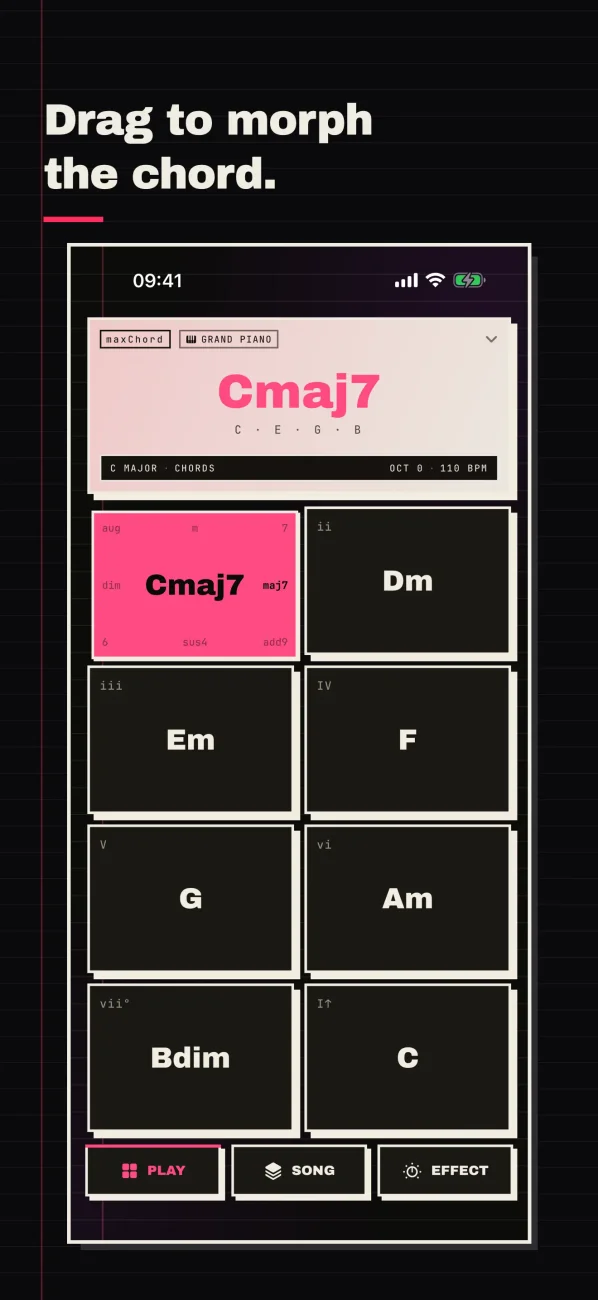
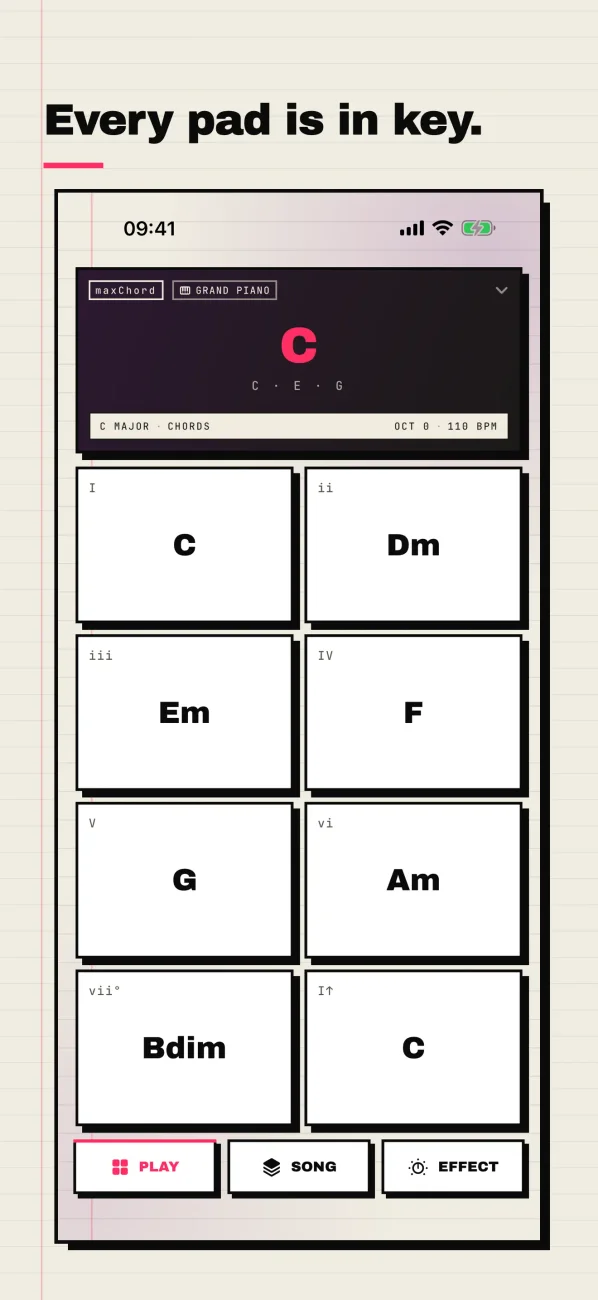
maxChord turns chord progressions into something you play with one hand. The pads are laid out in whatever key you choose, so everything you touch is already in tune. Tap one to play it. Hold it and drag, and the chord morphs — sevenths, sus, diminished, extensions — each one a direction rather than a menu. Common notes keep ringing while the rest move, so a progression bends instead of jumping.
Then build the song.
PLAY
• Eight chord pads, in key, labelled with roman numerals
• Drag any pad in eight directions to morph it live
• Chord Lock keeps a variation as the pad's new resting chord
• Inversions, slash chords, and automatic voice leading
• Three modes: Chords, Arpeggiator, and Lead
SEQUENCE
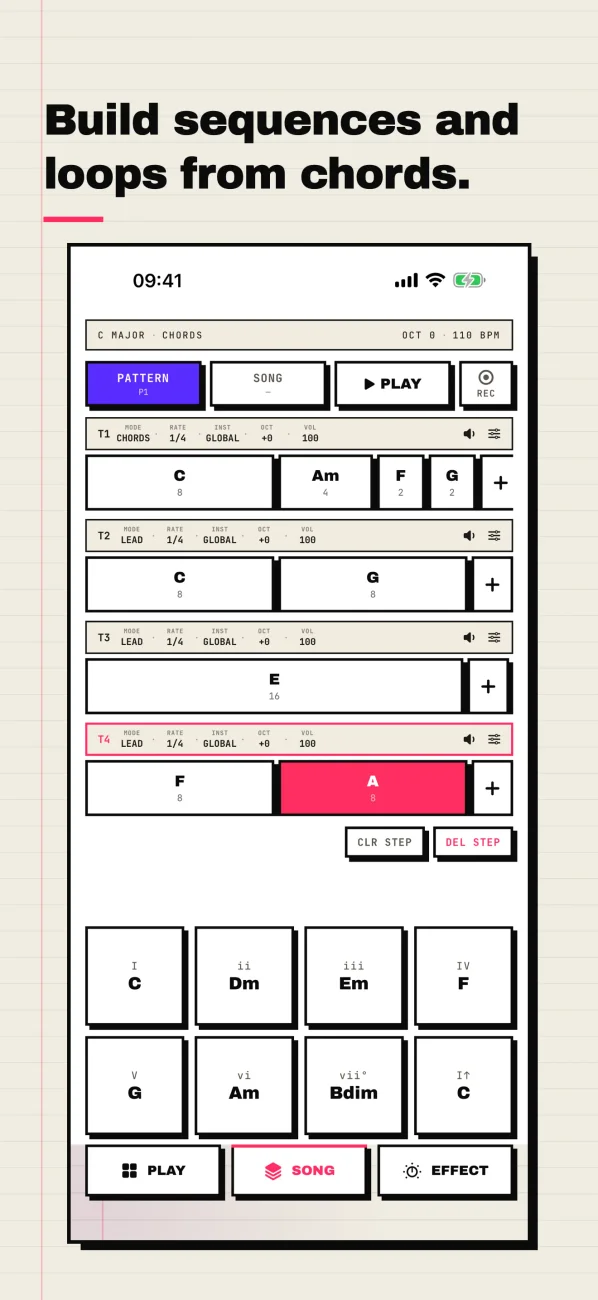
• Multi-track sequencer built from chord tiles, not a note grid
• Split, resize, and drag tiles to build rhythm by feel
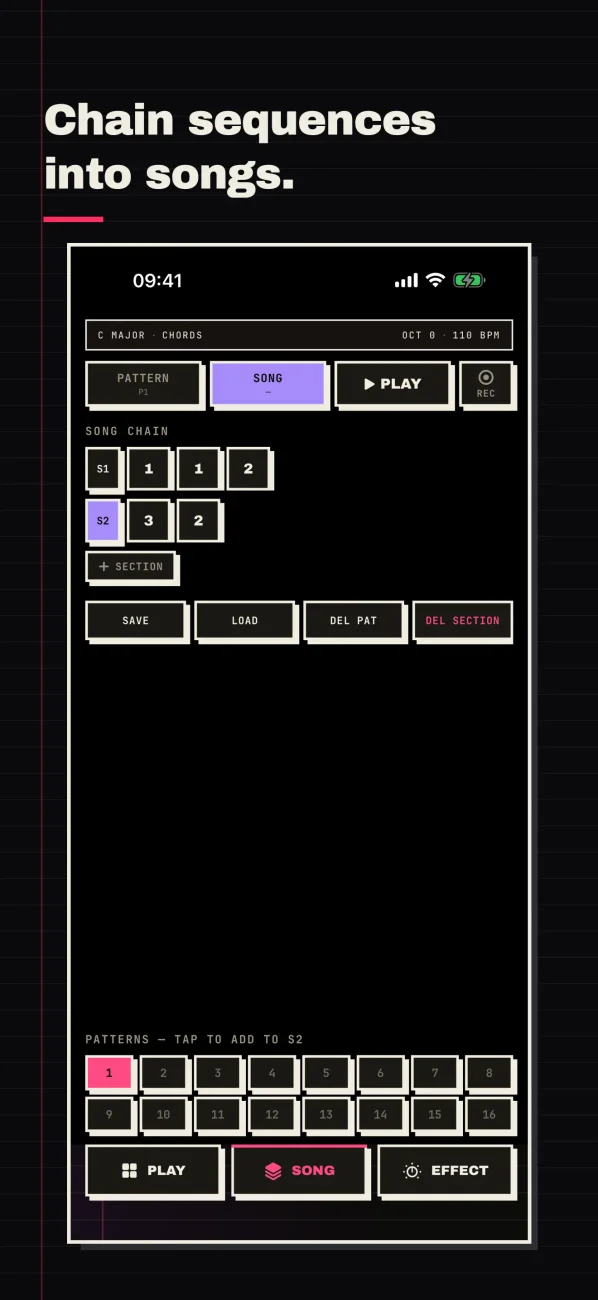
• Sixteen patterns, chained into sections to arrange a whole song
• Per-track instrument, octave, volume, arpeggiator rate, and effects
• Record from the pads or from a MIDI controller in real time
SOUND
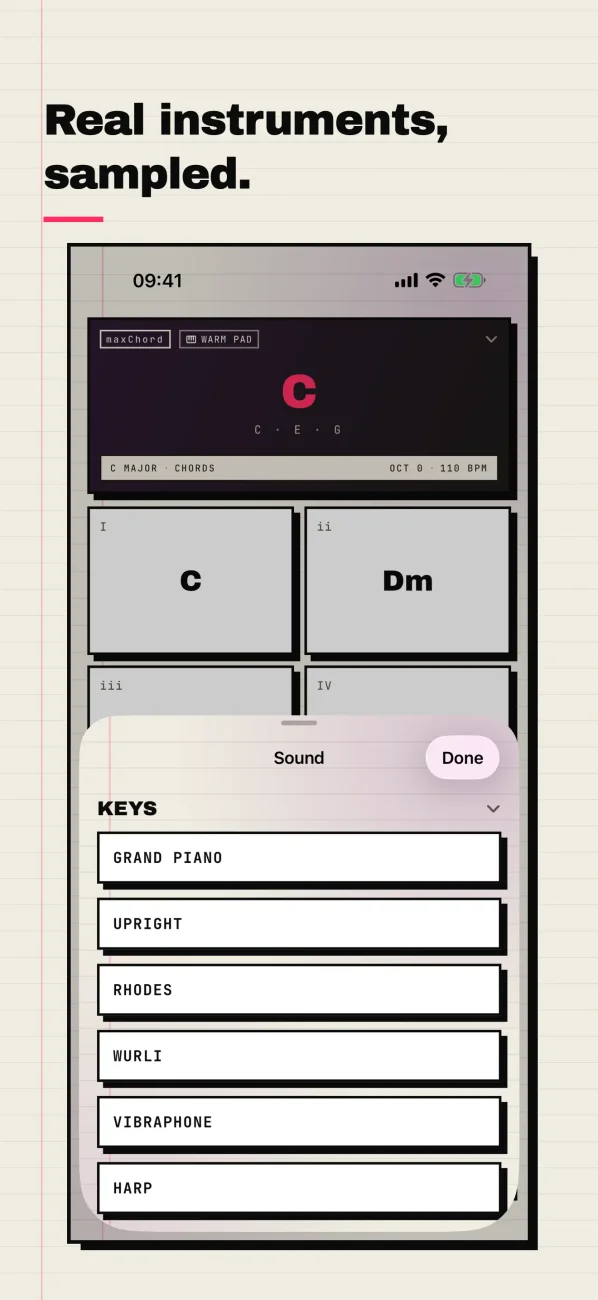
• Sampled instruments: grand piano, upright, Rhodes, Wurlitzer, vibraphone, harp, strings, brass, nylon guitar, church organ, and choir
• A fifteen-voice analogue synth bank with real filter envelopes and oscillator detune
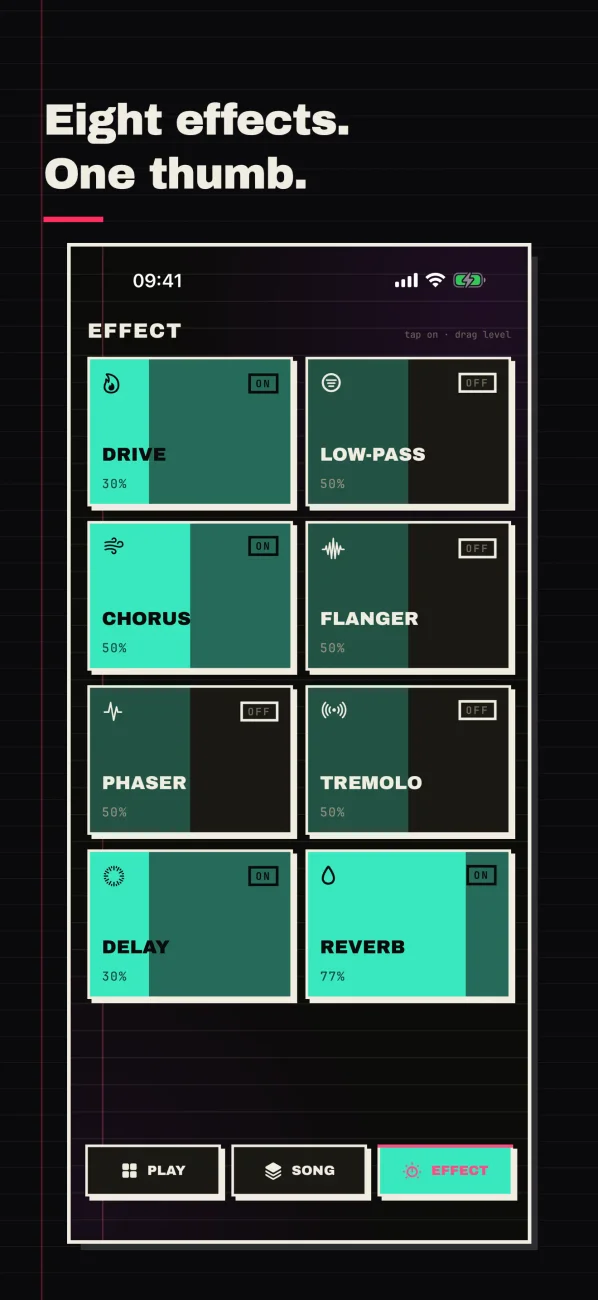
• Eight effects — drive, filter, chorus, flanger, phaser, tremolo, delay, reverb — per track and across the whole mix, each swept with a single thumb
CONNECT
• MIDI in and out, including per-track output
• Clock sync in both directions
• Play maxChord from a controller, or drive Logic, Ableton, or GarageBand from it
maxChord has no account, no ads, and no analytics. It does not collect your data, and it works entirely offline. Your songs live on your device and can be exported to a single file whenever you want them somewhere else.
Made for people who hear the chord before they can name it.
—
maxChord Pro unlocks everything after a 3-day free trial: €1.99/month, €9.99/year, or €22.99 once for lifetime access. Subscriptions renew automatically unless cancelled at least 24 hours before the period ends, and can be managed in your Apple Account settings.
Privacy Policy: https://maximumschmidt.github.io/maxchord-site/privacy.html
Terms of Use (EULA): https://www.apple.com/legal/internet-services/itunes/dev/stdeula/
What’s new
Version 1.1.0 · Aug 9, 2026
Recording, seriously upgraded:
• Hit REC and play — pads and MIDI land on the step that's playing, snapped to the nearest cell.
• Metronome with a real woodblock knock, plus a one-bar count-in before each take. The REC button blinks the beat.
• Smarter tiles: an empty lane splits evenly, a selected tile splits in place — no more surprise chords.
• Fix: redeeming a code in the app now unlocks right away.
App privacy
What Maximilian Schmidt declares on the App Store about how this app handles data.
-
Data not collected
The developer does not collect any data from this app.
Privacy practices may vary, for example with the features you use or your age.
Information
- Seller
- Maximilian Schmidt
- Category
- Music
- Version
- 1.1.0
- Updated
- Aug 9, 2026
- Released
- Jul 30, 2026
- Size
- 317.3 MB
- Requires
- iOS 17.0 or later
- Age rating
- 4+
- In-app purchases
- Yes
- Languages
- English
- Copyright
- © 2026 Maximilian Schmidt
You might also like
-
 ChordLoopChord progressions to MIDI
-
 ChordLink Piano ChordsExplore Chords & Scales
-
 MIDI Recorder: Chord PadsDAW Export for Songwriting
-
 ChordCodexSongwriter studio. Any DAW
-
 GradatoneSwipe to glide pitch
-
 Nimbus SynthAmbient · motion instrument
-
 daftbox : voice synthTalkbox : play with your face
-
 Cruz GR - MIDI Pad ControllerCustom pads & chords for DAWs
-
 MIDI FX PROMusic
-
 MPC Progression BuilderMusic