
- Age rating4+
- CategoryTravel
- DeveloperPUNEET RAMINI
- LanguagesEnglish
- Size25.6 MB
Links to the official App Store page
Download.org hosts no file of MBTA Widgets. The button opens its official App Store page, published by PUNEET RAMINI. Listing last checked on Nov 15, 2026.
Screenshots

About
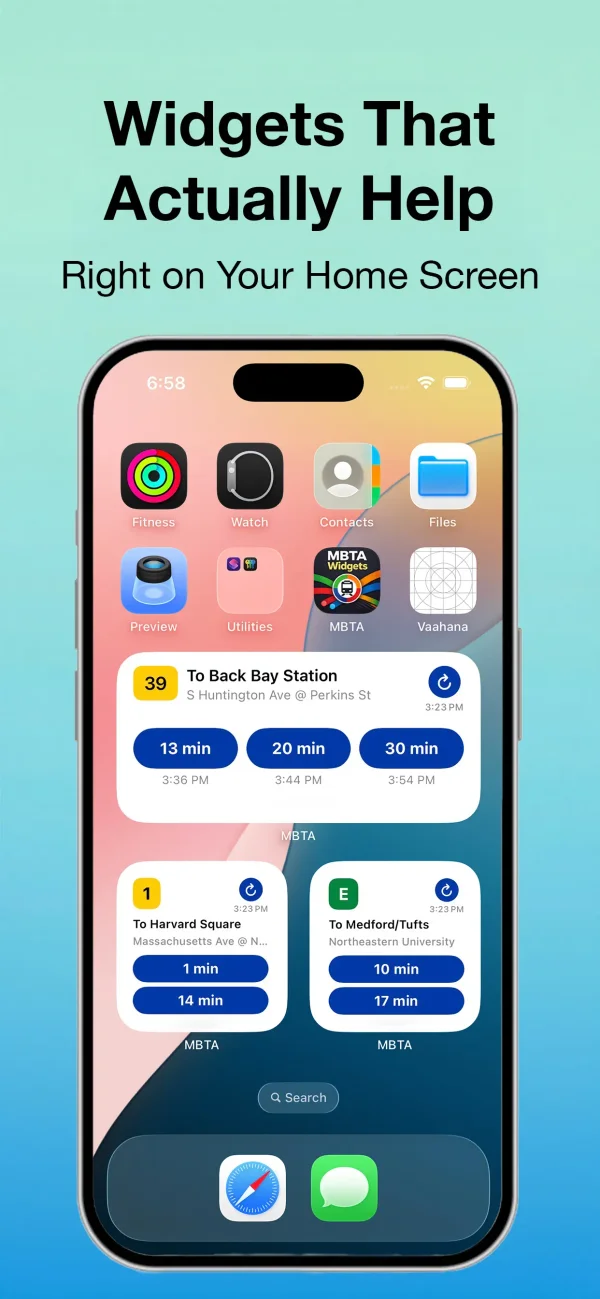
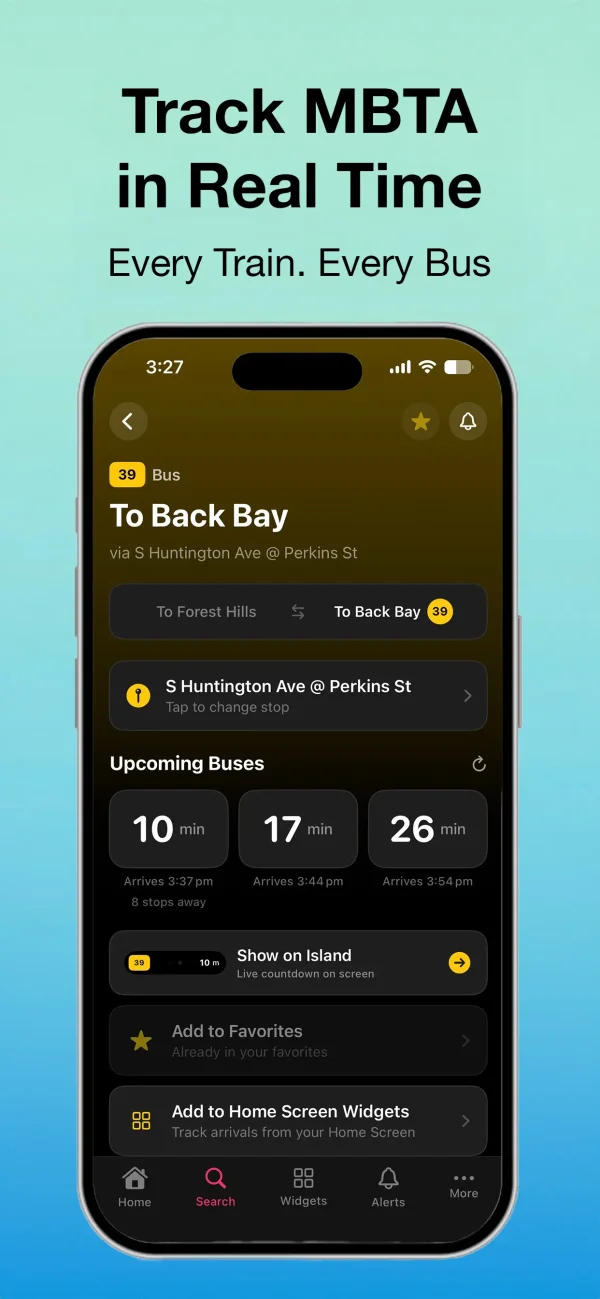
See your next MBTA arrival without opening an app. MBTA Widgets puts live bus, subway and Commuter Rail times right on your Home Screen.
Free. No ads, no account, no location access.
Time-Based Widgets:
One widget that changes with your day. Set your route to work for 7–10 AM and your route home for 4–7 PM, and it switches automatically. Same square on your Home Screen, right route at the right time.
Live Countdown:
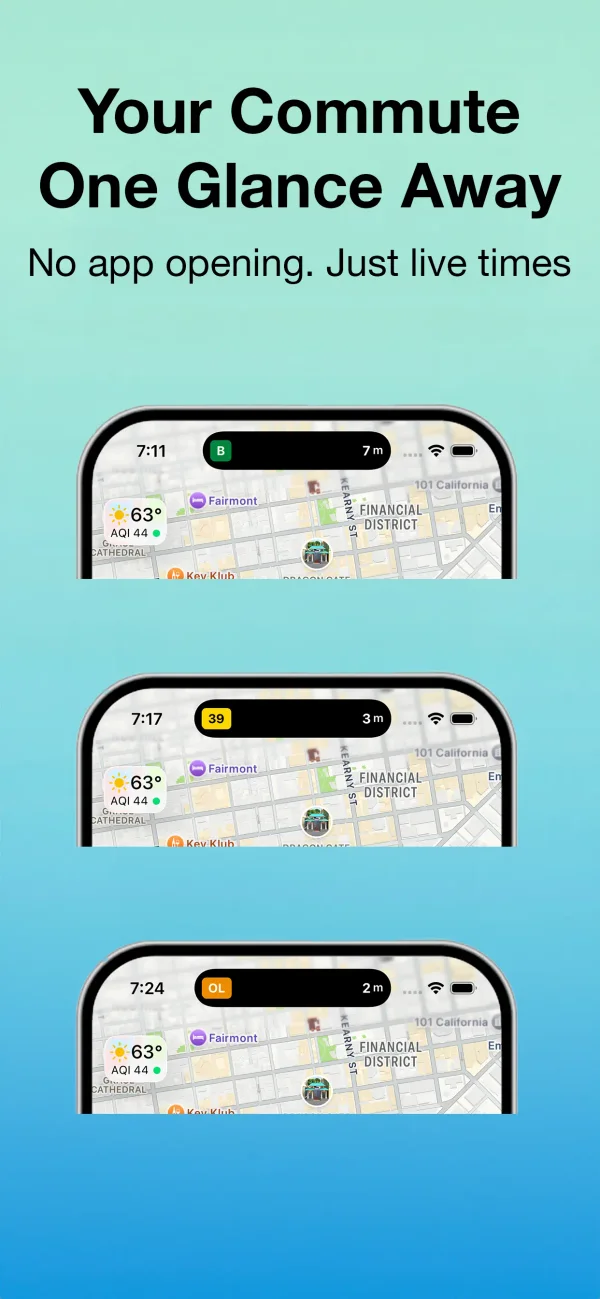
Start a countdown before you leave and track it on the Dynamic Island and Lock Screen the whole walk to your stop. It clears itself once your ride arrives.
Service Alerts Built In:
Suspensions and delays appear right alongside your arrival times, so an empty screen never leaves you guessing whether your line is down.
All Three Modes:
Bus, Subway and Commuter Rail. Commuter Rail shows both live-tracked and scheduled departures for the rest of the day, each clearly labelled.
Always Know How Fresh It Is:
Every widget shows when it last updated, with a refresh button for instant new data without opening the app.
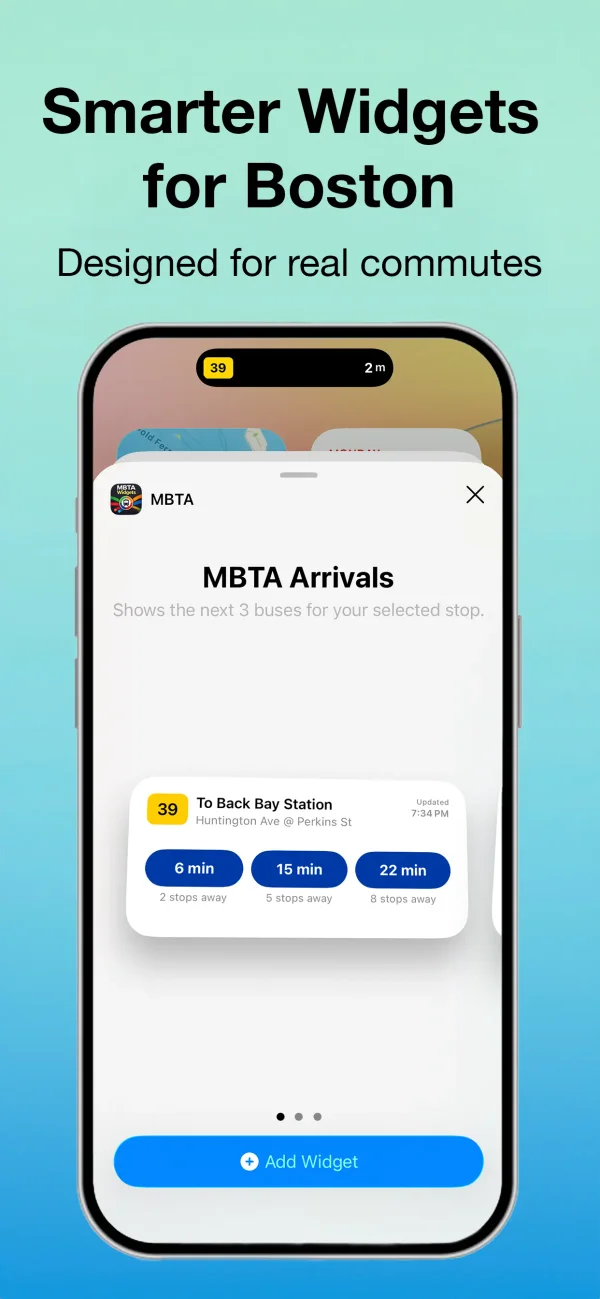
Ask Siri for your next arrival (Shortcuts). Save your regular stops as favourites. Up to three widgets, in small and medium sizes.
This app is not affiliated with, endorsed by, or sponsored by the Massachusetts Bay Transportation Authority (MBTA). Data is provided via the official MBTA public API.
What’s new
Version 3.2 · Aug 11, 2026
- Commuter Rail now shows departures, with all remaining trains for the day
- Service alerts appear inline instead of an empty screen
- Fixed widgets with clear and tinted icon themes
- Fixed time-based widgets not switching
- Bug fixes and improvements
- New app icon
App privacy
What PUNEET RAMINI declares on the App Store about how this app handles data.
-
Data not linked to you
May be collected but is not linked to your identity.
- Search history
- Identifiers
- Usage data
- Diagnostics
Privacy practices may vary, for example with the features you use or your age.
Information
- Seller
- PUNEET RAMINI
- Category
- Travel
- Version
- 3.2
- Updated
- Aug 11, 2026
- Released
- Apr 5, 2026
- Size
- 25.6 MB
- Requires
- iOS 18.6 or later
- Age rating
- 4+
- Price
- Free
- Languages
- English
- Copyright
- © 2026 Puneet Ramini
You might also like
-
 MBTA Train & Bus TrackerFast, Simple MBTA Tracker
-
 Next MBTA: Boston TransitLive Subway & Bus Times
-
 NextTransitTrain Departures and Schedules
-
 Live MBTAReal-Time Train Departures
-
 MBTA See SayTravel
-
 Headway: Live Train TrackerReal-time maps, delays, ETAs
-
 Toad - Parking AlertsAvoid Street Sweeping Tickets!
-
 Boston Transit RT (MBTA)Boston Bus Subway Rail Ferry
-
 Boston T and Bus• MBTA TransitMBTA Subway and Bus Assistant
-
 Boston Transit Tracker - MBTABus,Rail & Subway Tracking