- Age rating4+
- CategoryUtilities
- DeveloperHundure
- LanguagesEnglish+ 3 more
- Size12.9 MB
Links to the official App Store page
Download.org hosts no file of mCard Access. The button opens its official App Store page, published by Hundure. Listing last checked on Nov 18, 2026.
Screenshots
About
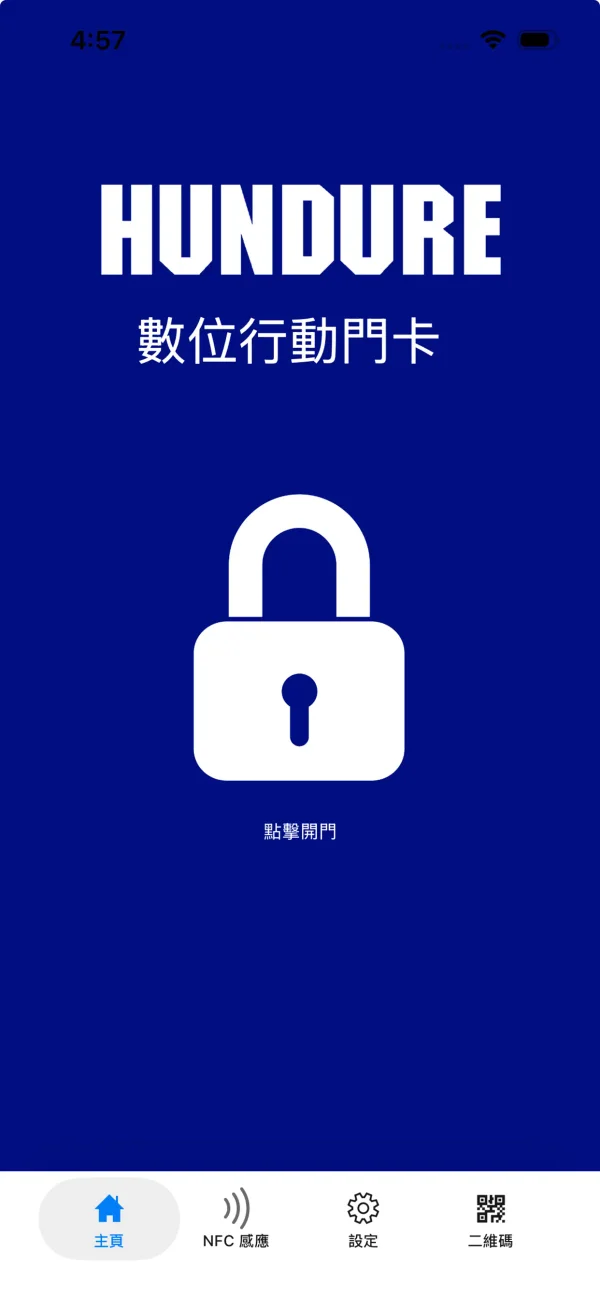
The digital mobile access card turns your phone into a convenient mobile access credential, integrating BLE, QR code, and NFC access methods to make everyday entry simpler and more convenient.
BLE Door Sensing
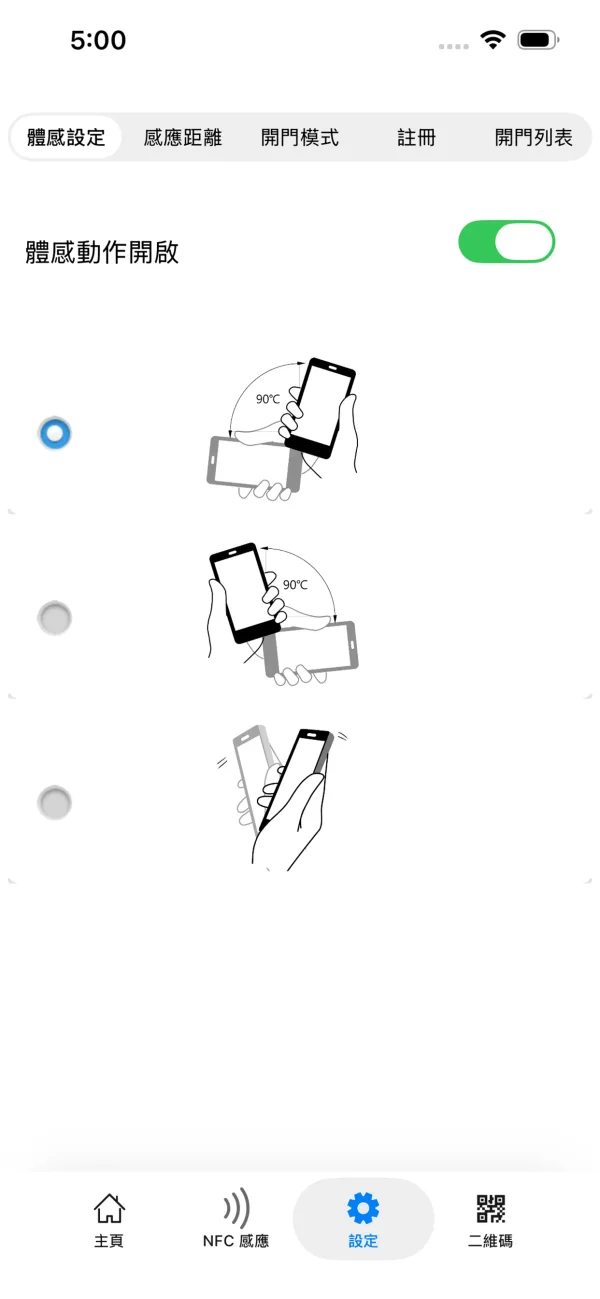
Trigger access simply by approaching the door lock. Sensing range can be adjusted to fit the environment (short/medium/long range), with support for multiple trigger gestures — shake, wave, or rotate your phone — so you can choose the mode that suits you best.
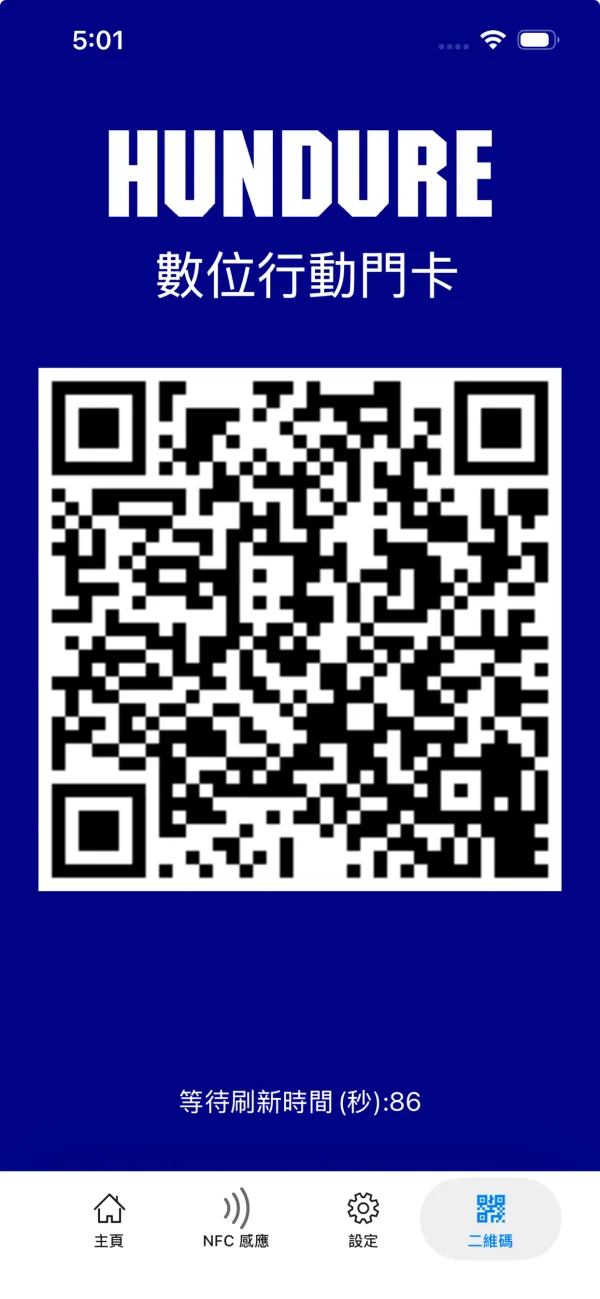
QR Code Access
Generate a unique QR code for access readers to scan and verify — ideal for visitors or temporary access needs.
NFC Access Card
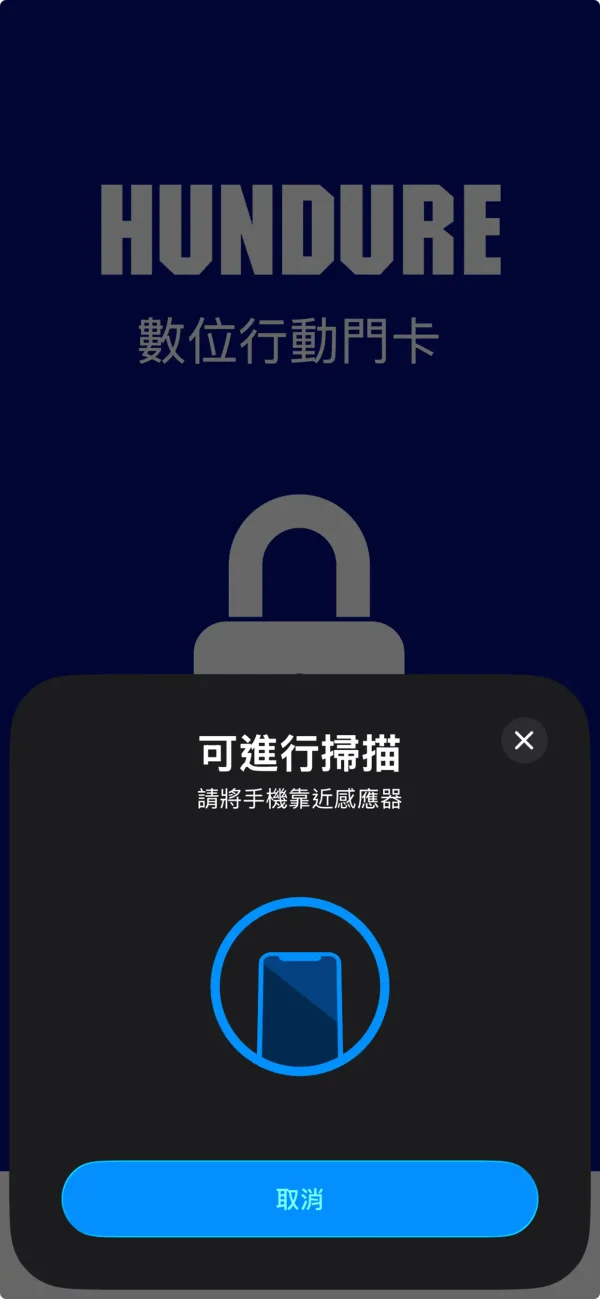
Once card registration, provisioning, and activation are complete, you can gain access through NFC-enabled access control devices. In supported scenarios, simply hold your phone near the sensor to complete verification, making entry and exit more intuitive and convenient.
All three access methods can coexist depending on the on-site equipment, and can be switched between within the same app — no need to install multiple apps.
This app must be used with supported access card readers (PXR-92MWS-BE / PXR-QMWS / PXR-QRMNSL / PXR-QRMNSL) and compatible access control hosts/door lock hardware. Actual available features depend on the on-site equipment deployment — please contact your facility administrator or system vendor to confirm which features are enabled.
What’s new
Version 1.34 · Oct 1, 2026
■ NFC Access Card
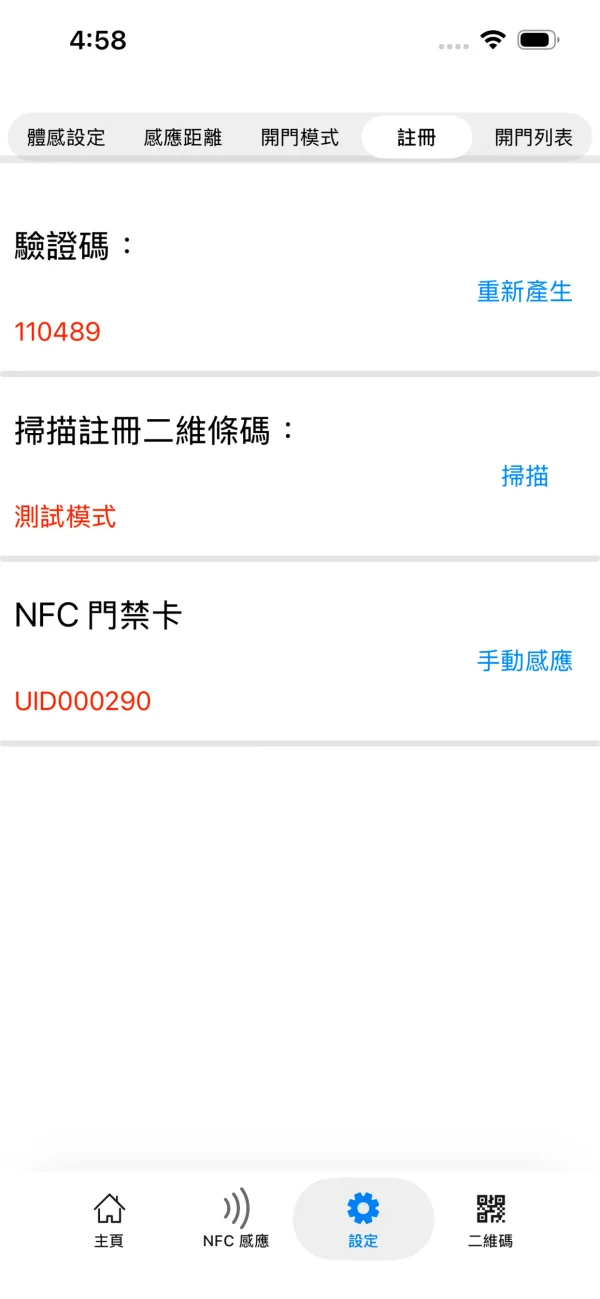
A new, third way to open doors. After a one-time binding (scan a QR code or enter account details manually), simply tap the sensor to gain access.
■ New "NFC Sense" Tab in the Bottom Navigation Bar
Check binding status and trigger manual sensing directly, without needing to go through Settings every time.
■ Home Screen Widget
A new widget you can tap to trigger sensing directly, without opening the app first.
■ Lock Screen Widget & Control (iOS 16+)
Add a "Sense Card" shortcut to your Lock Screen for quick NFC access.
■ Shortcuts App Support
Trigger the "Sense Card" function via the Shortcuts app.
App privacy
What Hundure declares on the App Store about how this app handles data.
-
Data not collected
The developer does not collect any data from this app.
Privacy practices may vary, for example with the features you use or your age.
Information
- Seller
- HUNDURE TECHNOLOGY CO., LTD.
- Category
- Utilities
- Version
- 1.34
- Updated
- Oct 1, 2026
- Released
- Jun 27, 2019
- Size
- 12.9 MB
- Requires
- iOS 15.6 or later
- Age rating
- 4+
- Price
- Free
- Languages
- English, Japanese, Simplified Chinese, Traditional Chinese
- Copyright
- © Hundure Technology Co., Ltd.
You might also like
-
 福爾摩沙建設整合系統Utilities
-
 U-PROX Mobile IDYour phone is your key
-
 Spectra Access CardUtilities
-
 NFC Tags: Card Reader & WriterNFC Reader & Scannerㅤ
-
 UEMUtilities
-
 Inveo NFC iTAGNFC card for access systems
-
 DKR數位鑰匙圈Utilities
-
 國霖報修Utilities
-
 TagAccessRFID Reader Companion App
-
 ACX VIRTUAL CARDACX Mobile Virtual Card