
MDina Markdown Viewer
GitHub & VS Code Modes
Designed for iPhone, iPad
Free · In-app purchases
- Age rating4+
- CategoryProductivity
- DeveloperNaoki Hamada
- LanguagesEnglish+ 9 more
- Size11.6 MB
Links to the official App Store page
Download.org hosts no file of MDina Markdown Viewer. The button opens its official App Store page, published by Naoki Hamada. Listing last checked on Nov 11, 2026.
Screenshots

About
MDina is a lightweight Markdown viewer for iPhone and iPad. Open Markdown files from the Files app in an instant and read them comfortably — READMEs, design notes, travel journals and more.
■ GitHub Mode and VS Code Mode
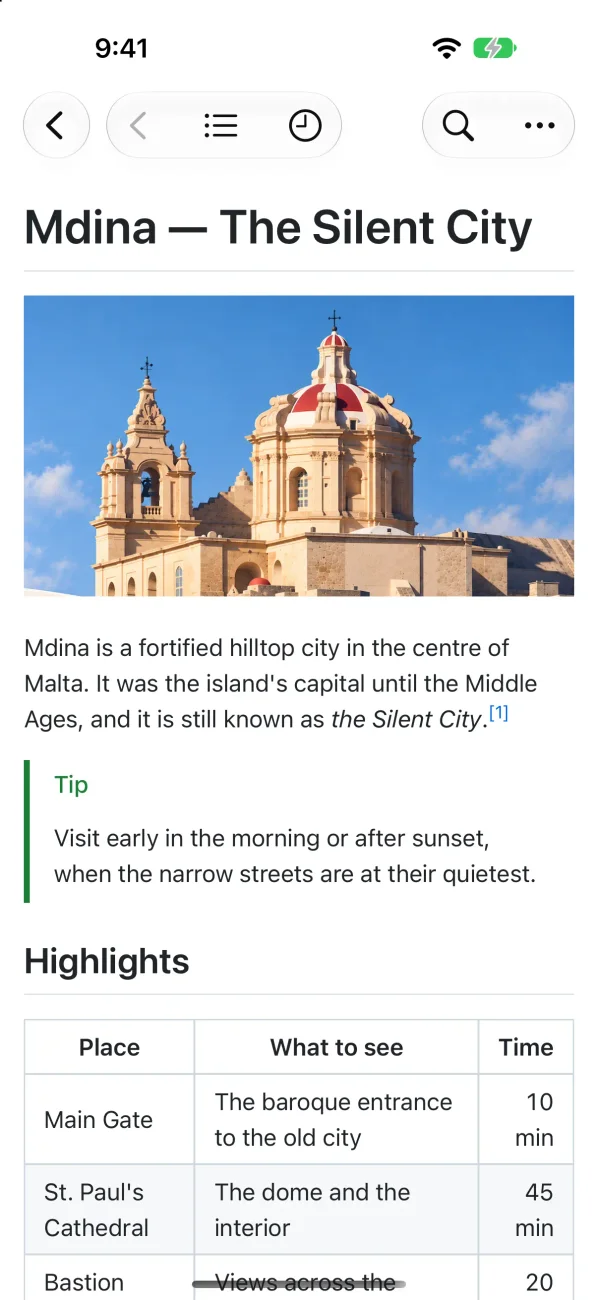
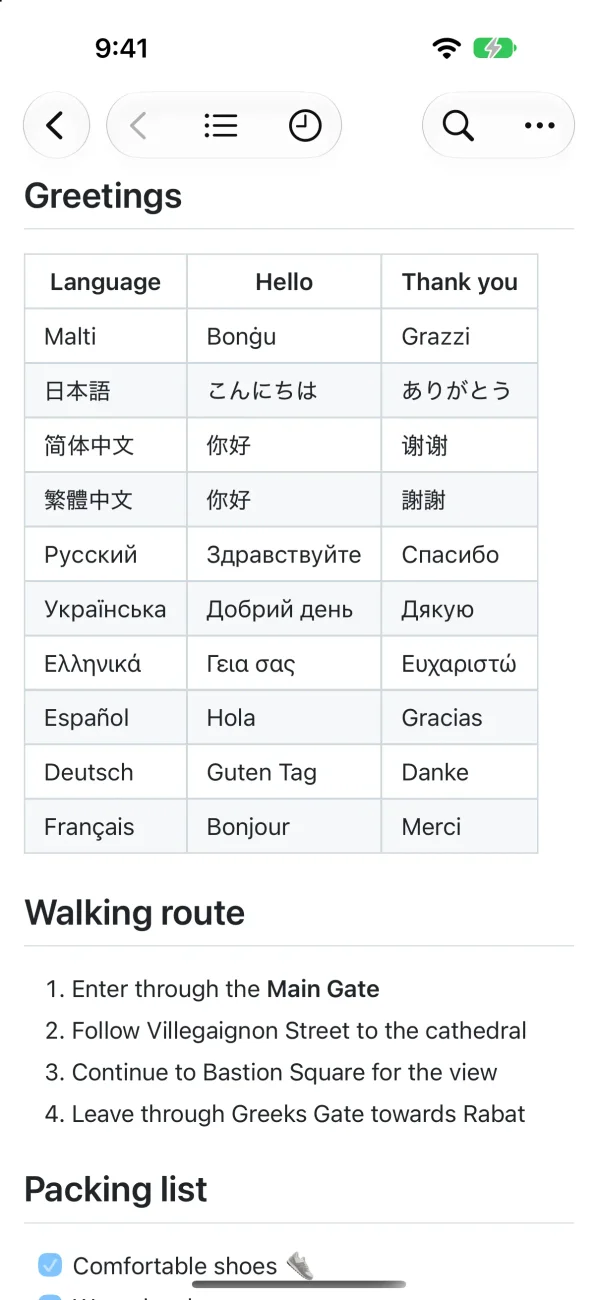
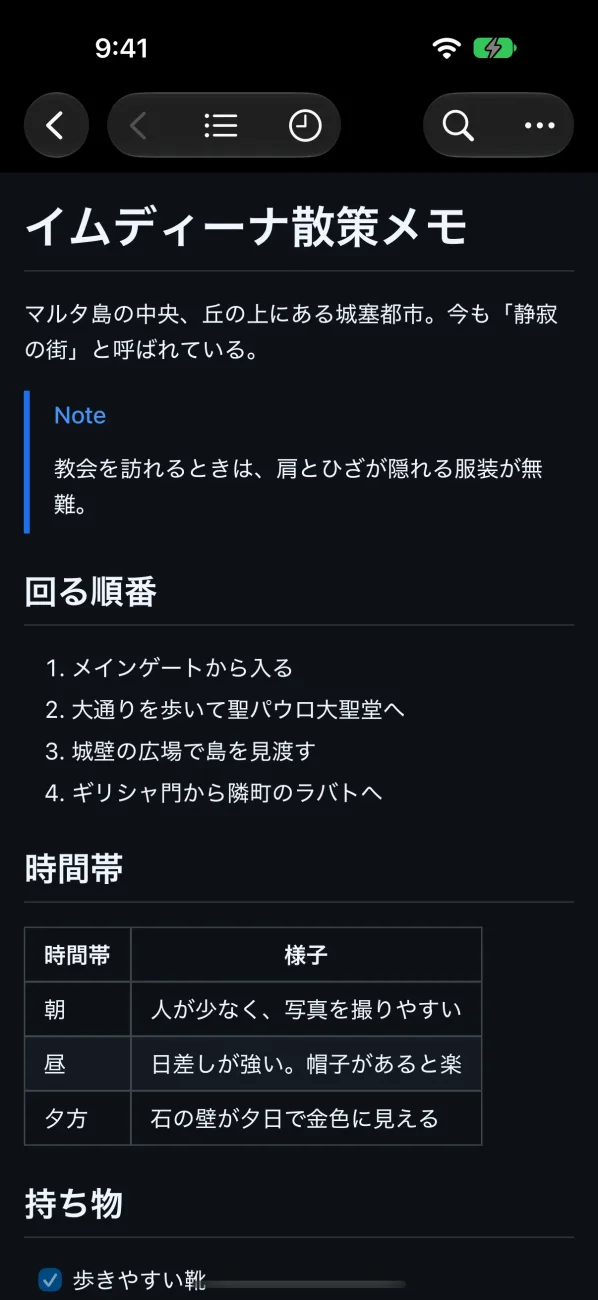
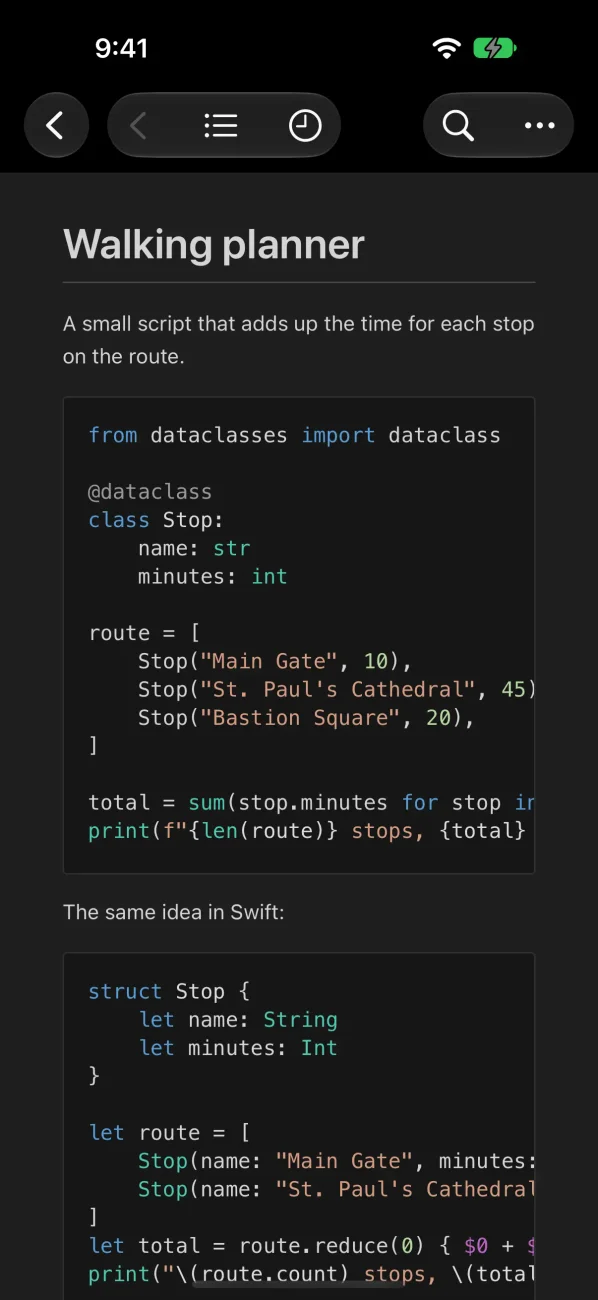
Switch between GitHub Mode, based on GitHub's rendering, and VS Code Mode, based on the VS Code preview. Headings, tables, syntax-highlighted code blocks, quotes, task lists, footnotes, emoji shortcodes and GitHub alerts (Note, Tip and more) are all supported. Front matter at the top of a document is shown as a table, as on GitHub.
■ Navigate with the outline and search
MDina builds a table of contents from your headings and shows it in the sidebar. Tap a heading to jump to it, and collapse levels as you like. Search for a word in the document to highlight every match and move between them.
■ Read whole folders
Open a folder to list its Markdown and text files. Relative images are shown, links between documents can be followed, and Back returns you to where you were.
■ Read your Obsidian notes
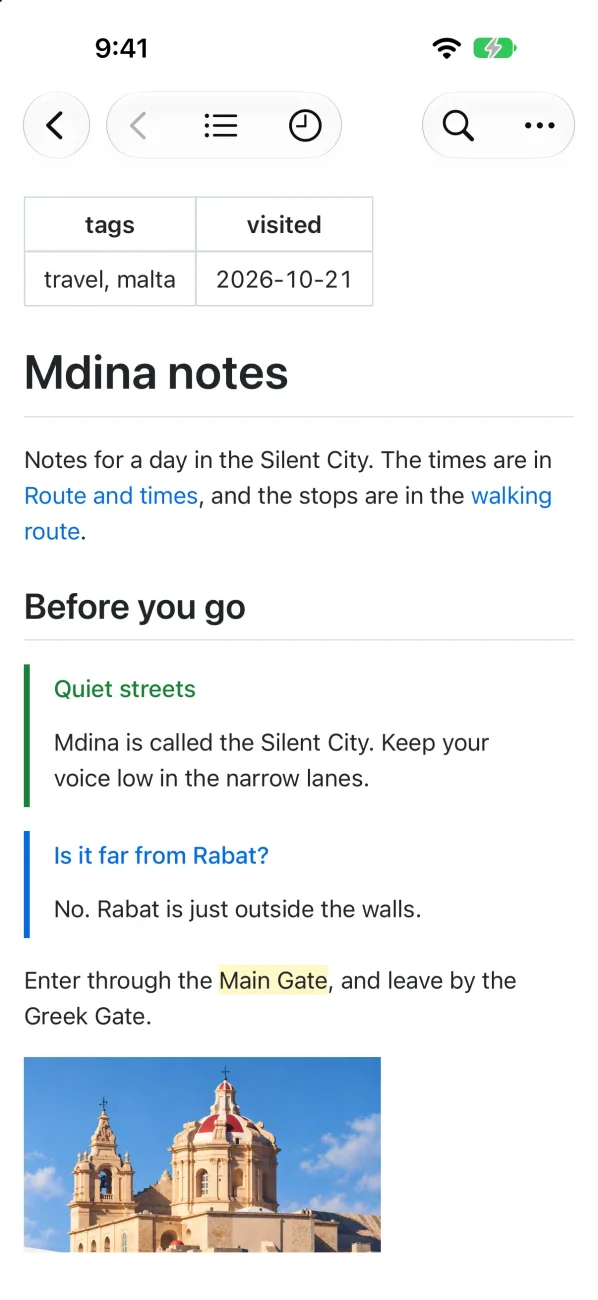
Open your Obsidian notes as a folder and read them. Follow [[note]] links to other notes, including links to headings and aliases. Images embedded with ![[image]], ==highlights== and callouts are shown, and comments are hidden. Your notes are read where they are, never imported or modified. All of this is free.
■ Make it comfortable
• Three themes: Light, Dark and System
• Pinch to change the text size
• Reopen recent files right where you left off
■ On iPhone, iPhone Duo and iPad
Open files in a moment on your iPhone and read READMEs and design notes on the go. Read iPhone Duo folded in one hand, or unfold it to read the outline and the document side by side on the large screen. Fold or unfold, you keep reading right where you were. Use split screen to read next to another app. On iPad, reading in Split View and Stage Manager is comfortable too. Open files straight from the Files app. When another app edits and saves a file, MDina updates automatically.
■ Draw diagrams and math, read side by side, print (MDina Pro)
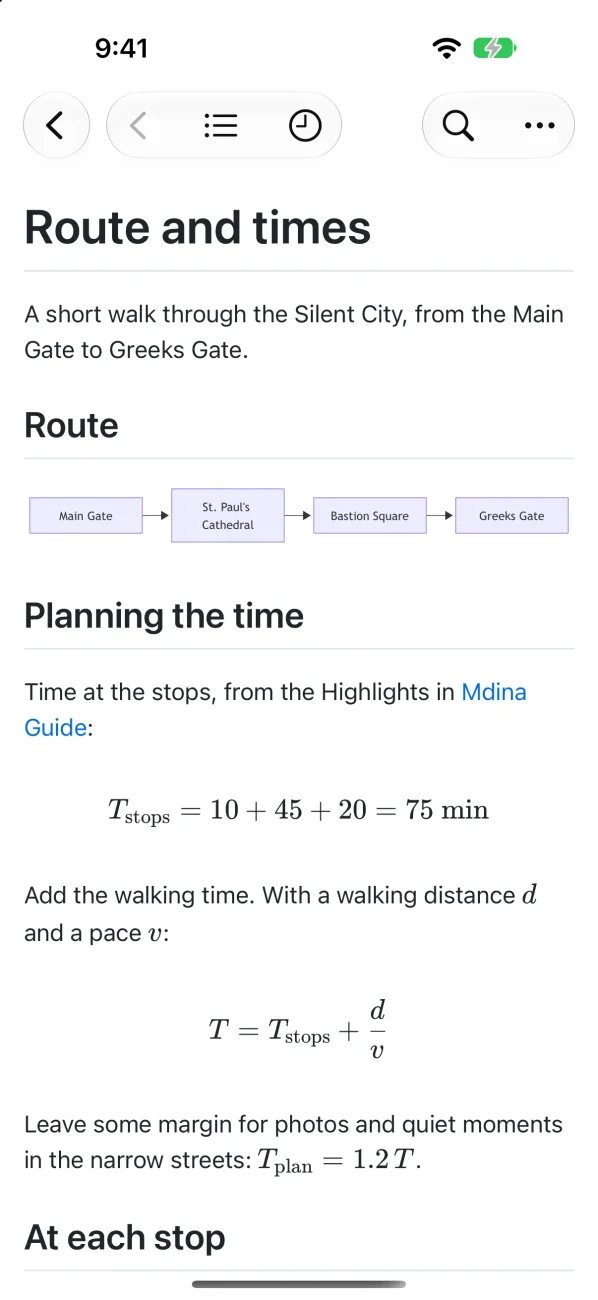
With MDina Pro, Mermaid diagrams (flowcharts, sequence diagrams and more) and LaTeX math are drawn right in your documents. On iPad and iPhone Duo, you can also open several windows and read documents side by side. You can also print the document you are reading or export it as a PDF or HTML file. It's a one-time purchase: buy once and keep it. Try it first with a 7-day free trial. When the trial ends, diagrams and math are shown as code again, documents open in one window only, and printing and exporting are no longer available. All other features stay free, as before.
■ A safe, read-only viewer
MDina communicates only with Apple's App Store, to exchange purchase information. It collects no data and never modifies your files.
■ Supported files
Markdown (.md, .markdown) and text (.txt). UTF-8, up to 1 MB.
Languages: Japanese, English, Chinese (Simplified and Traditional), Russian, Ukrainian, Greek, Spanish, German and French
What’s new
Version 1.5 · Oct 21, 2026
• Supports Obsidian syntax. Follow [[note]] links to other notes, and see ![[image]] embeds, ==highlights== and callouts.
• Front matter at the top of a document is now shown as a table, as on GitHub.
• In VS Code Mode, callouts (Note, Tip and more) and highlights now have colors.
App privacy
What Naoki Hamada declares on the App Store about how this app handles data.
-
Data not collected
The developer does not collect any data from this app.
Privacy practices may vary, for example with the features you use or your age.
Information
- Seller
- Naoki Hamada
- Category
- Productivity
- Version
- 1.5
- Updated
- Oct 21, 2026
- Released
- Oct 9, 2026
- Size
- 11.6 MB
- Requires
- iOS 17.0 or later
- Age rating
- 4+
- Price
- Free
- In-app purchases
- Yes
- Languages
- English, French, German, Greek, Japanese, Russian, Simplified Chinese, Spanish, Traditional Chinese, Ukrainian
- Copyright
- © 2026 Naoki Hamada