Meld - 3D Modeling
3D Modeling on the Go
Designed for iPhone, iPad
Free · In-app purchases
- Age rating4+
- CategoryGraphics & Design
- DeveloperMeld Systems LLC
- LanguagesEnglish
- Size223.8 MB
Links to the official App Store page
Download.org hosts no file of Meld - 3D Modeling. The button opens its official App Store page, published by Meld Systems LLC. Listing last checked on Nov 20, 2026.
Screenshots

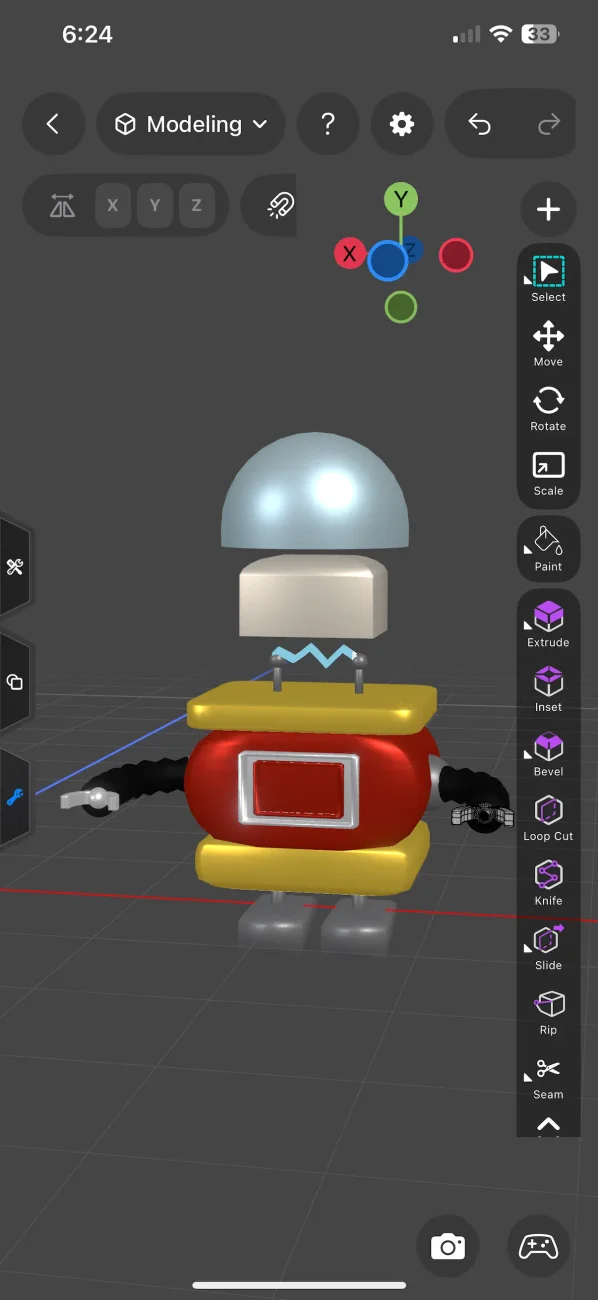
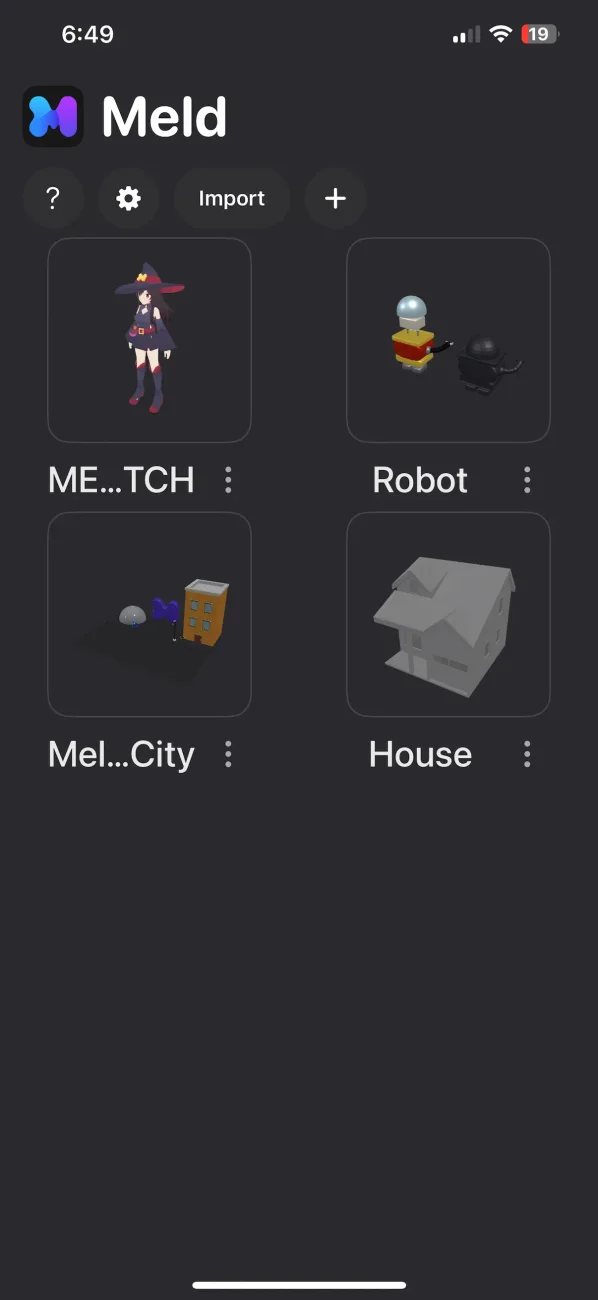
About
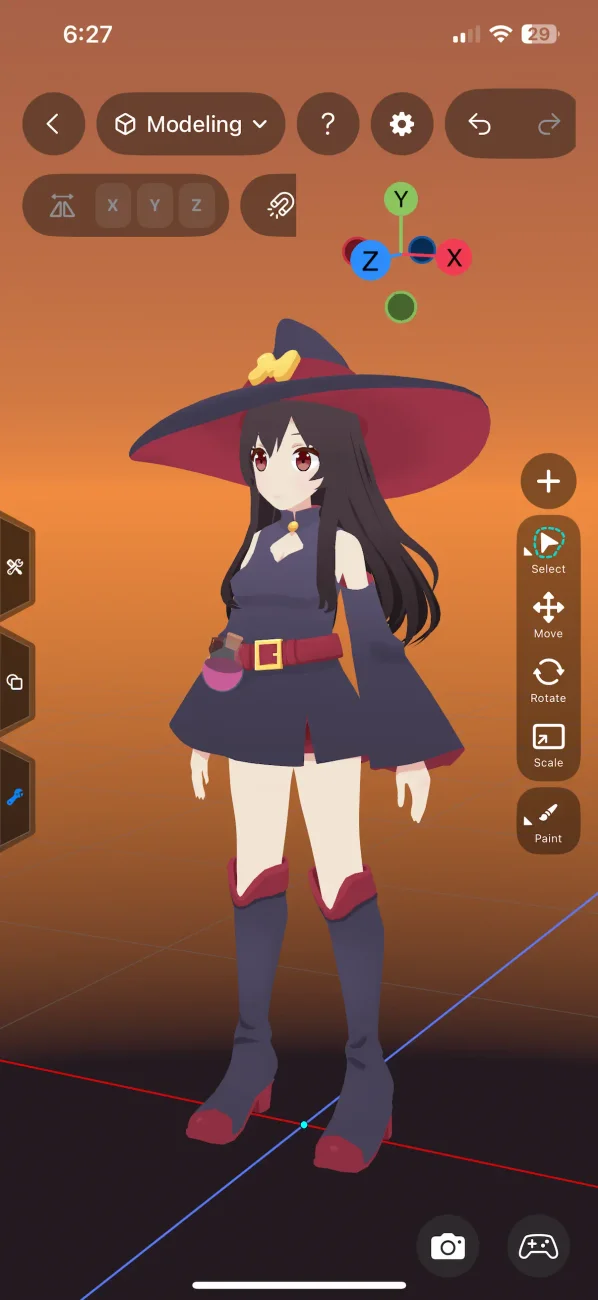
Meld is a polygon modeler and texture painter built for iPad and iPhone. Topology editing tools, rebuilt for use with touch and Apple Pencil.
MODELING
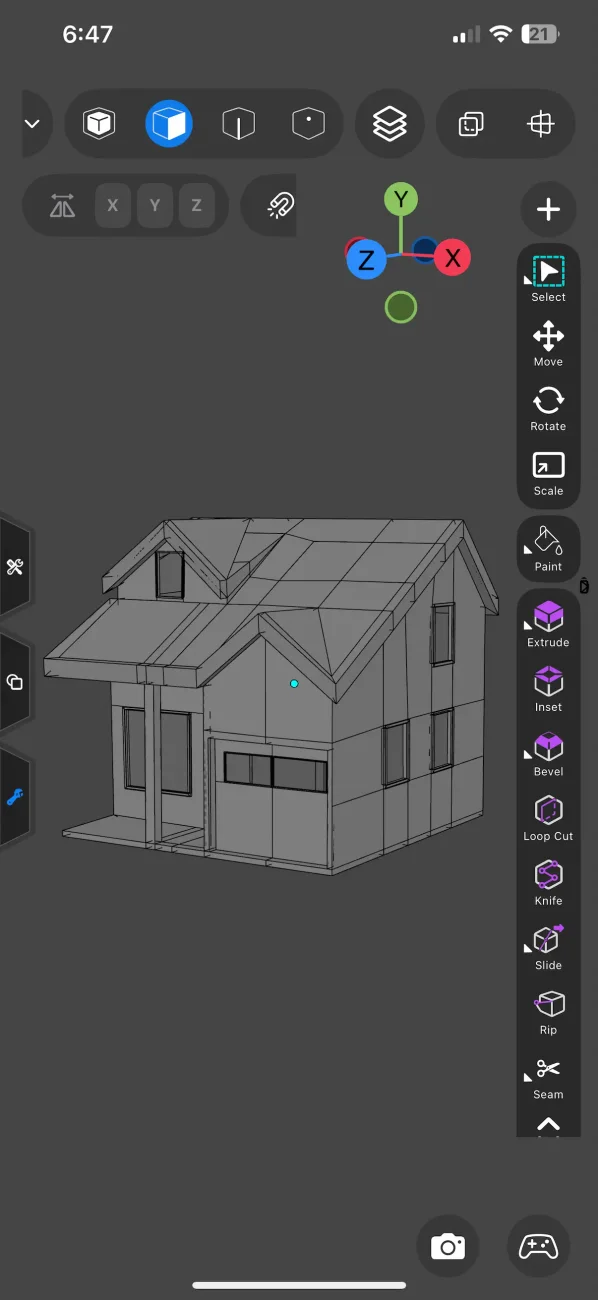
Extrude, Inset, Bevel, Loop Cut, Knife, Edge Slide and Subdivide.
Extrude along the region, the normals or each face individually. Bevel edges or vertices with adjustable segments and profile shape. Cut loops with even spacing and slide them into place.
Every tool opens a settings panel after you commit, so you can dial in an exact amount, add a segment, or change a profile without undoing and starting again.
Move, rotate and scale with gizmos in global or local orientation, or transform freely with an axis constraint when you need one direction only.
TOPOLOGY
Split, separate, dissolve and delete across every selection mode. Fill and bridge edges. Merge vertices by distance or at their center. Flip normals, shade smooth or flat, join objects together.
Full undo and redo on everything.
PAINTING
Paint color directly onto your model with Apple Pencil, using pen pressure. Roughness, metallic and emissive channels let a surface read as worn metal, wet plastic or a glowing sign. Unwrap UVs with smart unwrap.
LIGHTING AND RENDERING
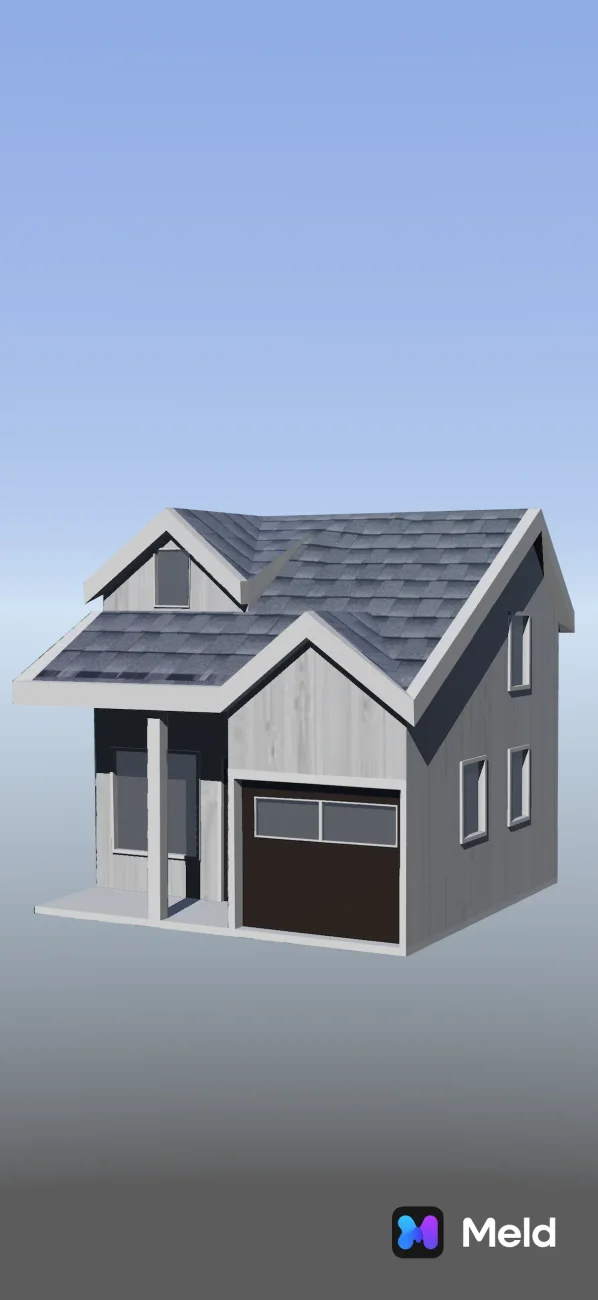
Point, spot, directional and area lights. Place cameras, frame a shot at the aspect ratio you want, and capture it. Ray traced shadows and reflections on supported devices.
Import reference images to model against. Fly through your scene or orbit it, in perspective or orthographic, with instant front, side and top views.
FILES
Import and export OBJ, glTF, GLB and USDZ. Export a single object or the whole scene. Exporting models requires Meld Pro.
Scenes autosave as you work, and the file browser shows a real 3D preview of every one. Your files stay on your device, and export to formats every other tool already speaks.
Terms of Service: https://meld3d.app/terms.html
Privacy Policy: https://meld3d.app/privacy.html
NINE LANGUAGES
English, Spanish, French, German, Portuguese, Russian, Japanese, Korean and Chinese.
What’s new
Version 1.2.2 · Nov 12, 2026
Decals with material-channel controls, surface placement, transforms, and save/load.
Independent backgrounds and environment lighting, including soft color gradients.
Viewport capture controls with scene-specific settings and watermark options.
Faster rendering through cached lighting and shadows.
Modeling, snapping, Boolean, and stability improvements.
New camera sample scene and updated paywall artwork.
App privacy
What Meld Systems LLC declares on the App Store about how this app handles data.
-
Data not collected
The developer does not collect any data from this app.
Privacy practices may vary, for example with the features you use or your age.
Information
- Seller
- Meld Systems LLC
- Category
- Graphics & Design
- Version
- 1.2.2
- Updated
- Nov 12, 2026
- Released
- Sep 3, 2026
- Size
- 223.8 MB
- Requires
- iOS 18.5 or later
- Age rating
- 4+
- Price
- Free
- In-app purchases
- Yes
- Languages
- English
- Copyright
- © 2026 Meld Systems LLC
You might also like
-
 TopMod 3D: Design SoftwareTopology modeler for 3D print
-
 3D Model Print Simple EditSculpt, edit & print 3D models
-
 WaxModel, sculpt, paint & animate
-
 Mixos: 3D Creative SuiteAnimation, Painting & Modeling
-
 Moldora: AI 3D Model GeneratorSculpt, Paint & Render
-
 Kilona - Production StudioMake anything you can imagine
-
 Wafer - 3D Texture PaintStylized Texturing
-
 3D Modeling: Design & Sculpt3D Model Maker, Sketch, Print
-
 Forma3D - 3D Modeling & PrintSTL, 3MF & Mesh Repair
-
 3D Paint - Draw In 3DDraw & Paint in 3D Space