MellowCut - Video Editor
Filters, captions & fast edits
Designed for iPhone
Free · In-app purchases
- Age rating4+
- CategoryPhoto & Video
- DeveloperChanGyu Kang
- LanguagesEnglish+ 10 more
- Size29.8 MB
Links to the official App Store page
Download.org hosts no file of MellowCut - Video Editor. The button opens its official App Store page, published by ChanGyu Kang. Listing last checked on Nov 23, 2026.
Screenshots

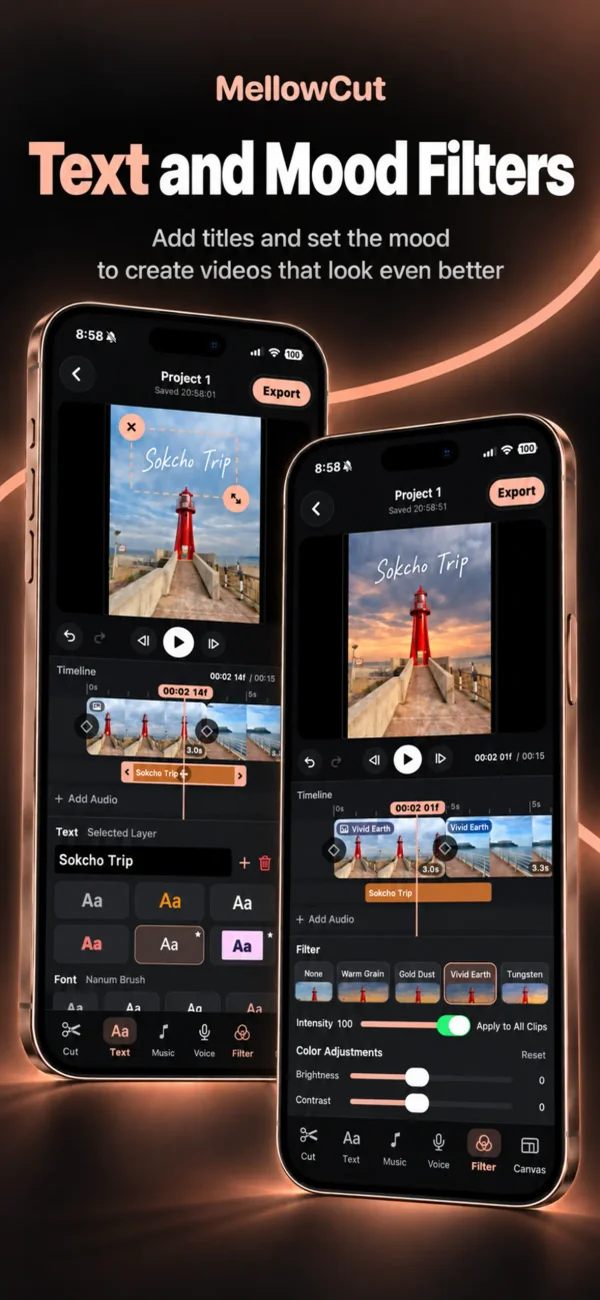

About
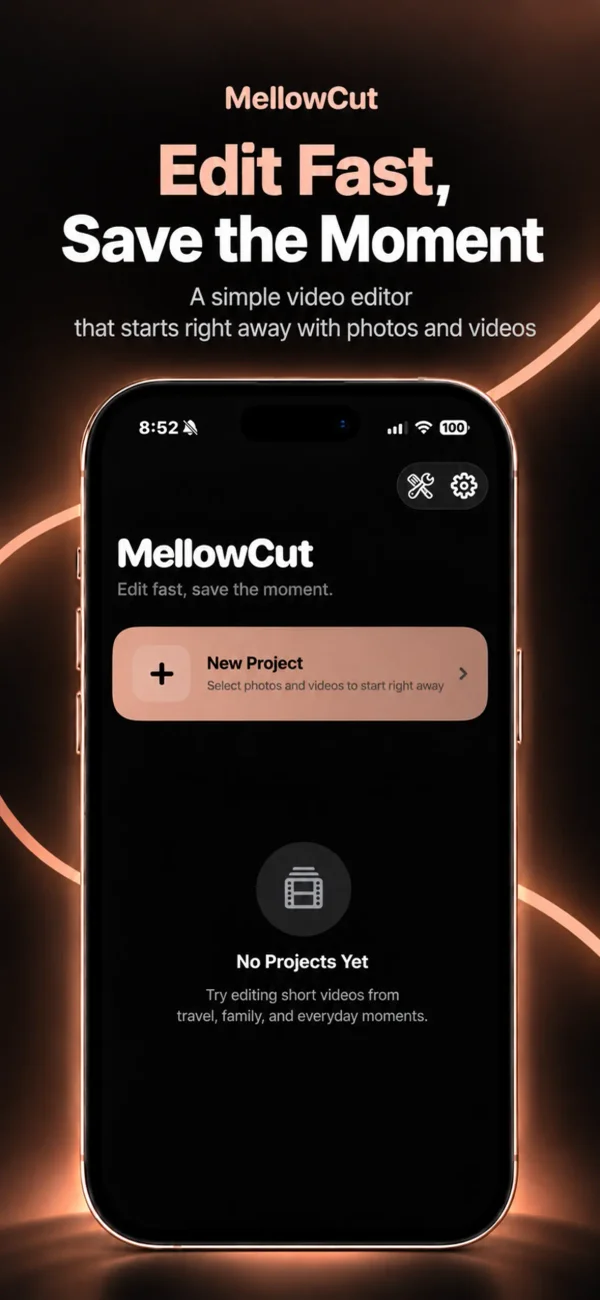
MellowCut is a simple video editor built for travel clips, family moments, everyday memories, and short-form videos.
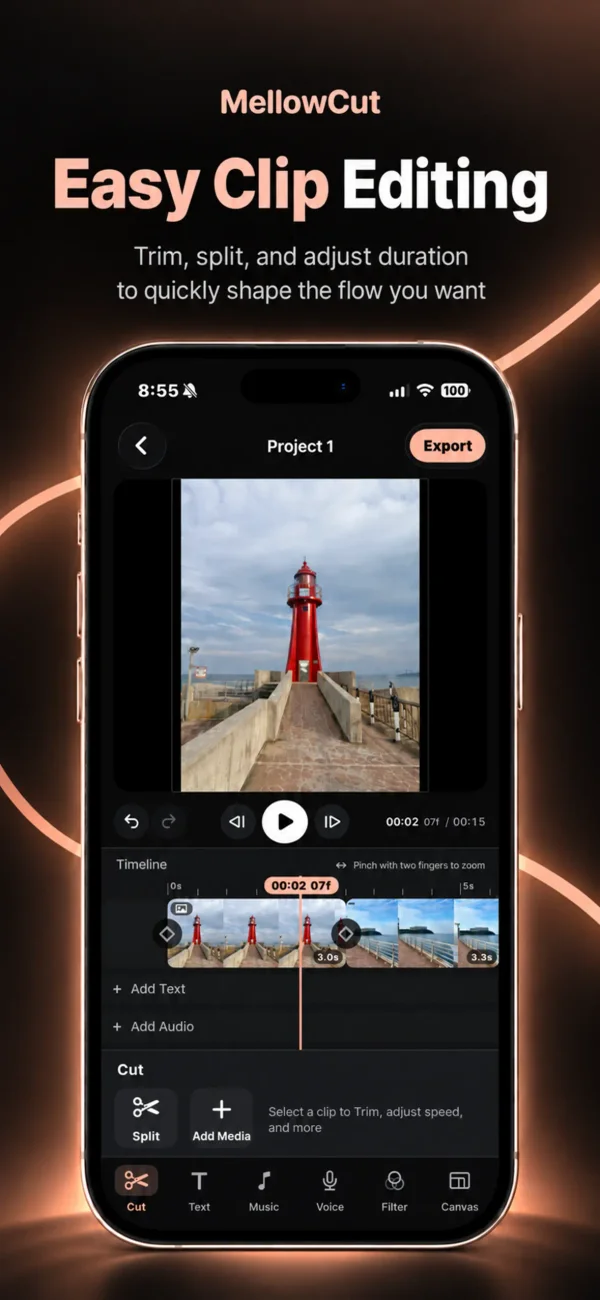
Choose your photos and videos in the order you want, and MellowCut places them directly on the timeline. With only the tools you need, you can move from media selection to a finished video without a complicated editing workflow.
Simple timeline editing
- Import photos and videos in your selected order
- Split and trim clips to keep only the moments you want
- Duplicate, reorder, and adjust clip volume
Text and captions
- Add text directly to your video
- Choose from multiple text styles and fonts
- Move and resize text freely
- Generate automatic captions with speech recognition
Music and voice
- Add audio files from Files as background music
- Use audio from your video clips
- Record voice directly from the current playback position
MellowCut filters
- Apply mood-focused filters to your clips
- Adjust filter intensity
- Fine-tune brightness and contrast
- Apply a filter to all clips at once
Canvas and export
- Choose from multiple canvas aspect ratios
- Export in 720p or 1080p
- No watermark
MellowCut Pro is available as a one-time purchase and unlocks additional filters, text styles, fonts, and selected transition effects.
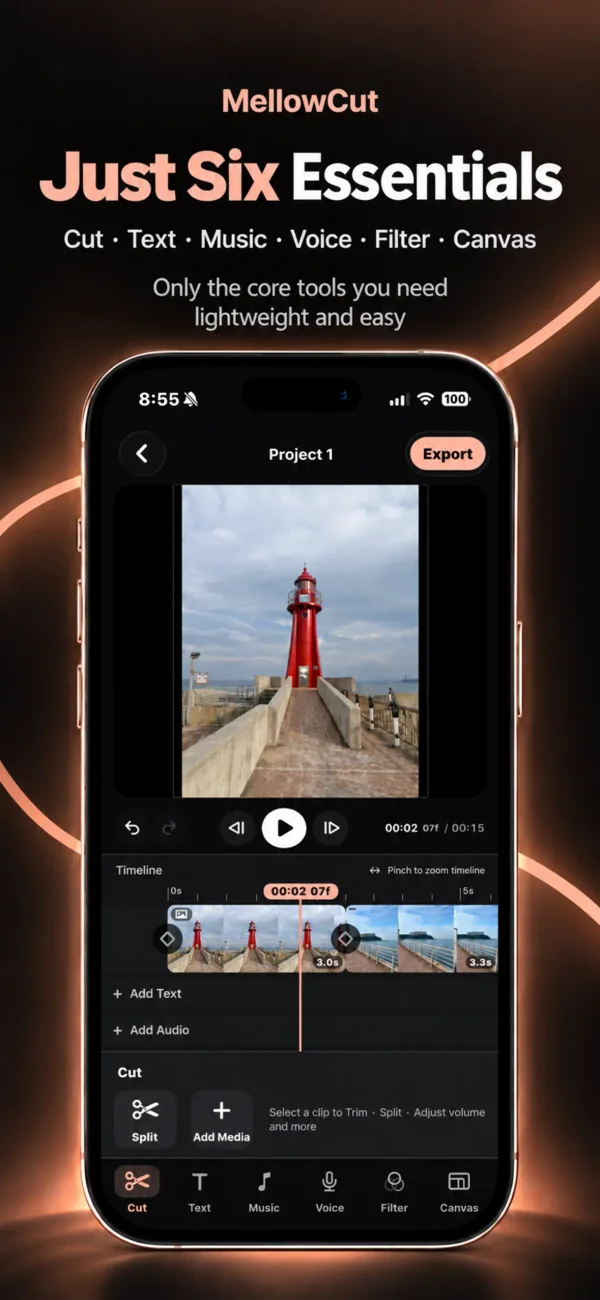
MellowCut keeps video editing focused on the tools you actually use.
Edit quickly. Keep the moment.
MellowCut.
What’s new
Version 1.1.0 · Nov 18, 2026
• Free plan change — the free limit for photos/videos per project is now 7 (was 10). Projects that already have 8–10 still open, edit and export as before; only adding more is limited. Pro supports up to 50 photos/videos per project, including PIP overlays.
• Photo and video overlays (PIP) — place a photo or another video in a small window over your video and adjust its position, size, opacity and sound. Up to 2 on screen at once (Pro)
• New transitions — slide, zoom and wipe (Pro)
• Make a Quick Video — choose photos and videos and a style (Simple, Vlog, Travel, Mood), and the length, transitions, motion and title are set up for you. Simple and Vlog are free; Travel and Mood are Pro
• Full Video Styles — preview and apply Simple, Vlog, Travel or Mood while editing. Clip lengths, text, music and overlays stay intact; only motion, transitions and fades change. Travel and Mood require Pro.
• 4 built-in songs and 8 sound effects — preview and add them right away. They're part of the app, so they work offline. 2 songs and 4 effects are free; the rest are Pro
• Edit Captions — see your auto captions in one list, fix wording and timing, and split or merge them. Captions stay with the speech when you trim or move clips
• Easier editing — clip tools in the order you use them most, timeline zoom and Fit All buttons, and one-tap Save Video
• The preview recovers when you keep editing after it stops; fixed a crash with some video and music files and the voiceover volume shown after Undo
• Please note — projects with overlays, sound effects, or slide, zoom or wipe transitions can't be opened in earlier versions of the app (they appear as needing recovery). Update all your devices to the latest version. If you recovered one in an earlier version, touch and hold it in the latest version to restore the original
App privacy
What ChanGyu Kang declares on the App Store about how this app handles data.
-
Data not collected
The developer does not collect any data from this app.
Privacy practices may vary, for example with the features you use or your age.
Information
- Seller
- ChanGyu Kang
- Category
- Photo & Video
- Version
- 1.1.0
- Updated
- Nov 18, 2026
- Released
- Oct 12, 2026
- Size
- 29.8 MB
- Requires
- iOS 17.0 or later
- Age rating
- 4+
- Price
- Free
- In-app purchases
- Yes
- Languages
- English, Dutch, French, German, Italian, Japanese, Korean, Portuguese, Simplified Chinese, Spanish, Traditional Chinese
- Copyright
- © Nicechann Studio
You might also like
-
 ZALLA - Video EditorMake Shorts & Reels in a tap
-
 Travel Passport: Travel DiaryTrip planner & photo map
-
 Pomu - Photo CleanupDuplicates•Screenshots•Videos
-
 Tokdak - Y2K CCD DigicamOld Digital Camera, No Payment
-
 ZRcamera - Film Look CameraRetro presets & manual focus
-
 ZRframeColor, Frames & Photo Editing
-
 Feelca PopFilm vibes in your hands
-
 Stikka - Timestamp CameraAdd date & time to your photos
-
 pola - Retro Instant CameraVintage photos in white frames
-
 PickClean: Photo CleanerKeep the best, clean the rest