
Melodic Studio: Create Music
Mobile DAW for Music Creation
Designed for iPhone, iPad, iPod touch
Free · In-app purchases
- Age rating4+
- CategoryMusic
- DeveloperSean Ray Dvir
- LanguagesEnglish
- Size38.9 MB
Links to the official App Store page
Download.org hosts no file of Melodic Studio: Create Music. The button opens its official App Store page, published by Sean Ray Dvir. Listing last checked on Nov 24, 2026.
Screenshots
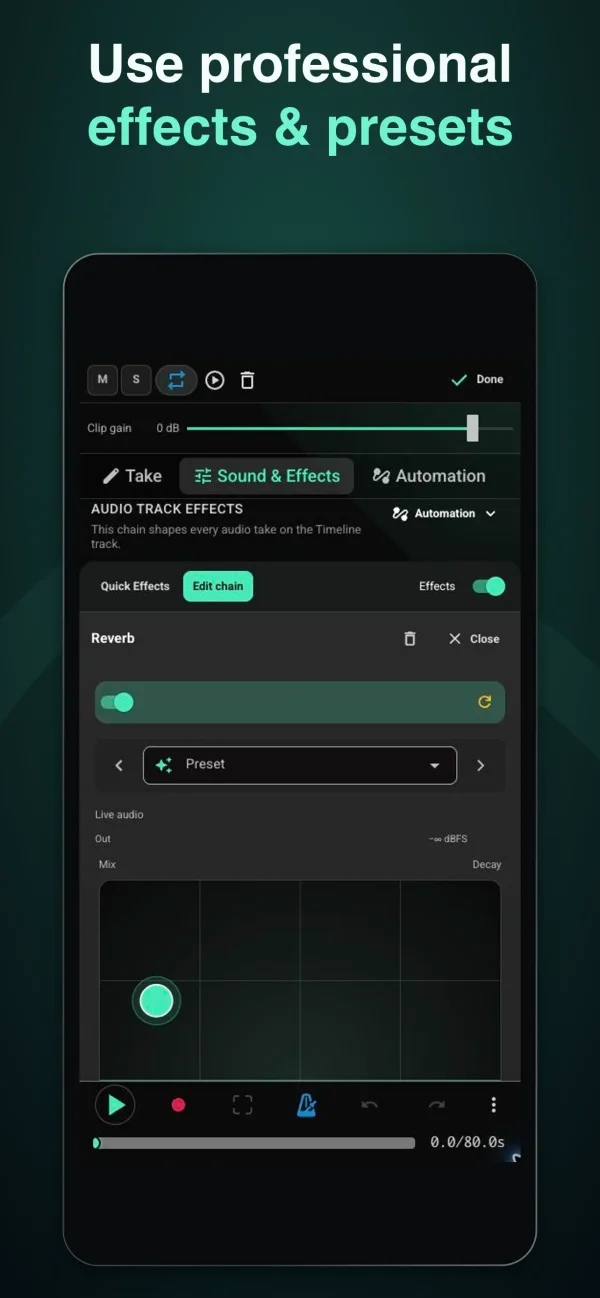
About
Melodic Studio is a professional, mobile-first DAW designed to make music creation feel fast, clear, and natural. It gives you a complete environment to sketch ideas, build tracks, and finish songs—all from a single, focused workflow.
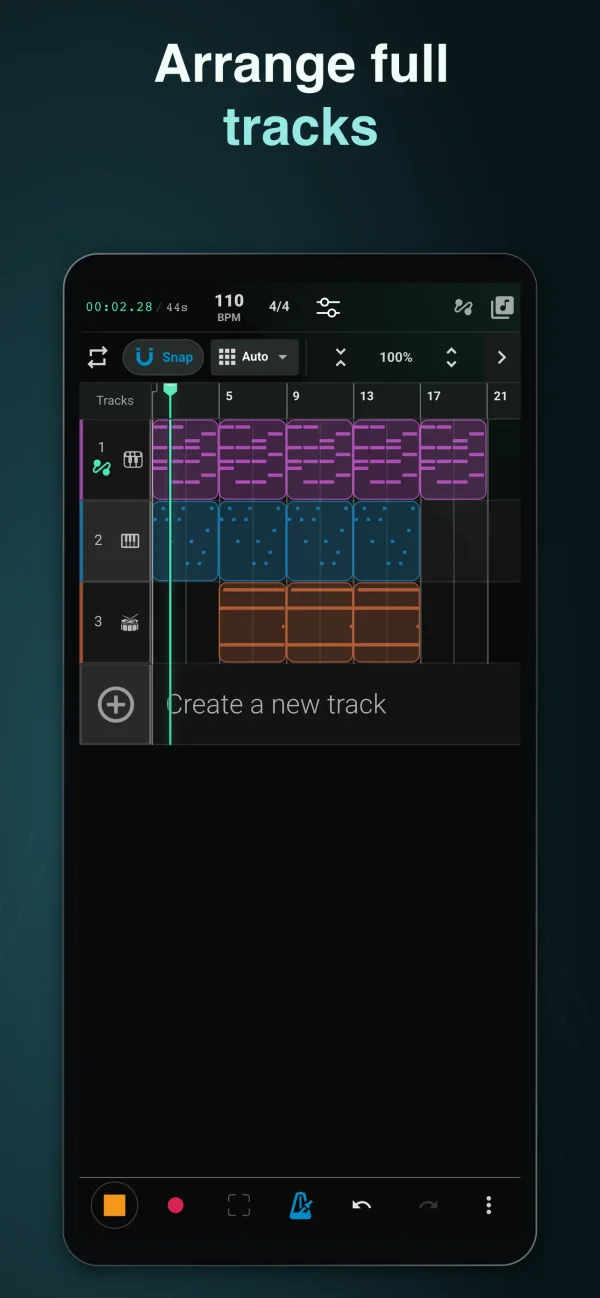
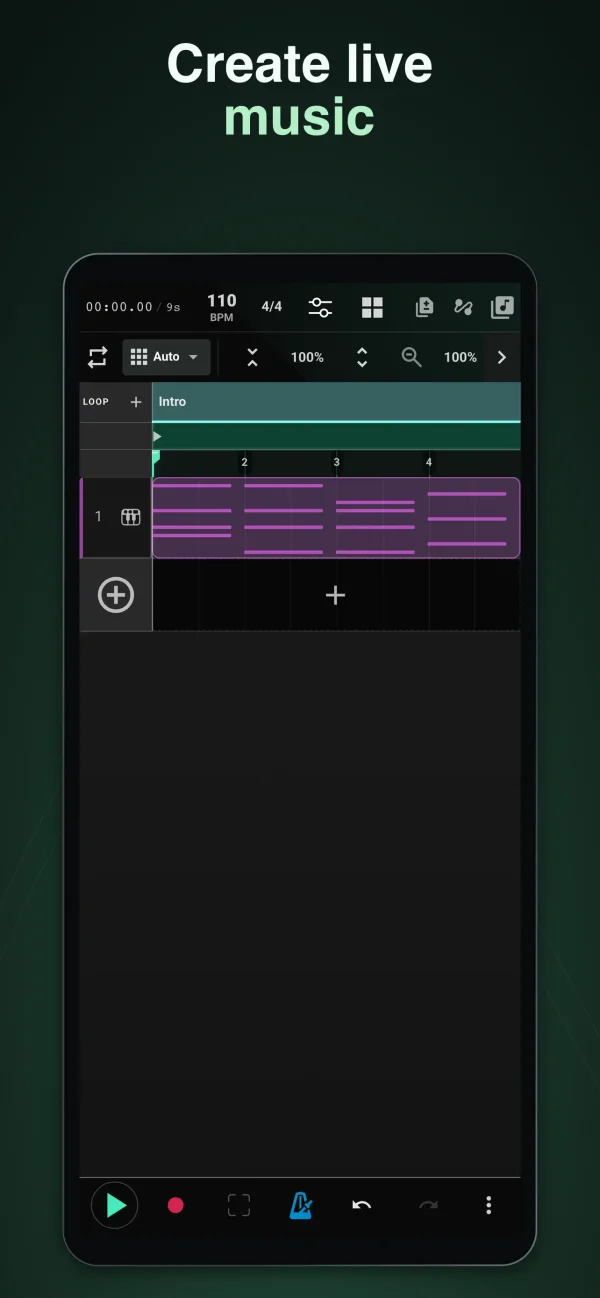
At its core, Melodic Studio is built around two main modes: Scene Mode and Arrangement Mode. Scene Mode lets you work with looping clips, building ideas in small sections. Arrangement Mode gives you a full timeline where you structure your track from start to finish. A simple Context Button is always available, letting you switch modes and manage scenes without breaking your flow.
You get eight built-in instruments: Drum Pads, Piano, Synth, Guitar, Strings, Sampler, Voice Recorder, and Chord Organ. Each one includes built-in music theory features, along with tools like note repeat, real-time effects, and expressive controls that make playing feel immediate and responsive. There are also hundreds of sounds and presets available, so you can move quickly from idea to sound.
You can also turn your own recordings into playable instrument sounds. Record or import audio, refine it in Audio Lab, use pitch detection to set the root note, then play it from instruments like Piano, Guitar, Strings and more.
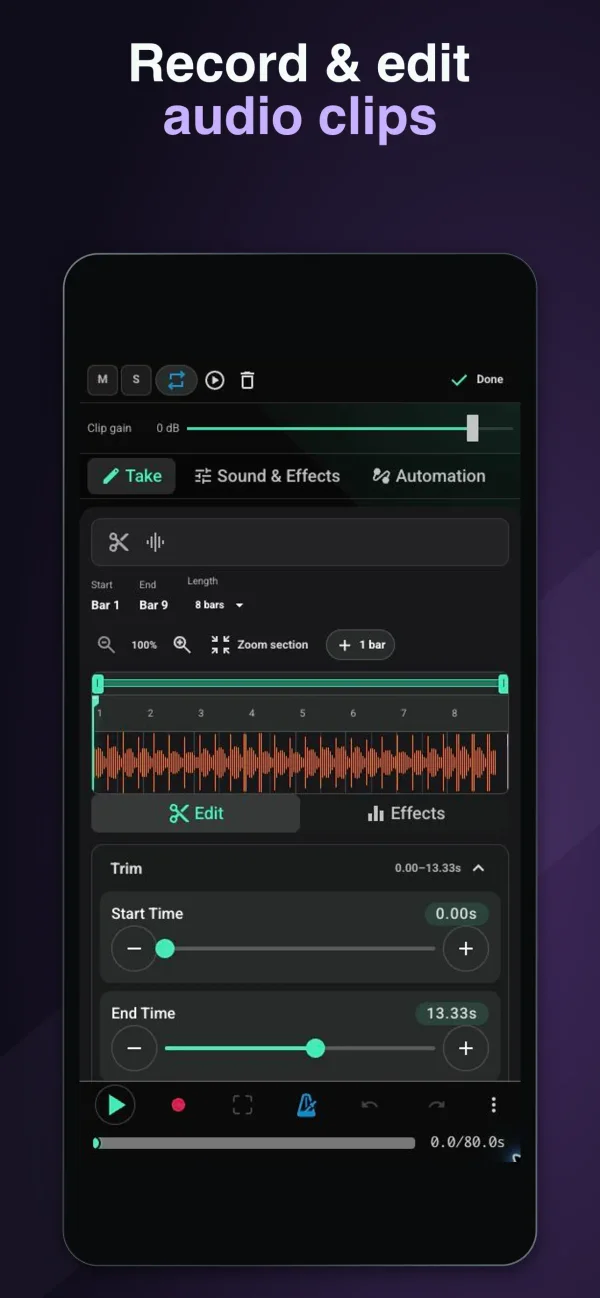
The workflow is pattern-based. You create clips, arrange them, and build your track step by step. Audio editing tools are included, allowing you to trim, split, fade, and process recordings directly inside the app. A full channel mixer lets you control volume, panning, and routing across your project. You can also apply effects to any track or instrument, including EQ, compression, delay, reverb, and more.
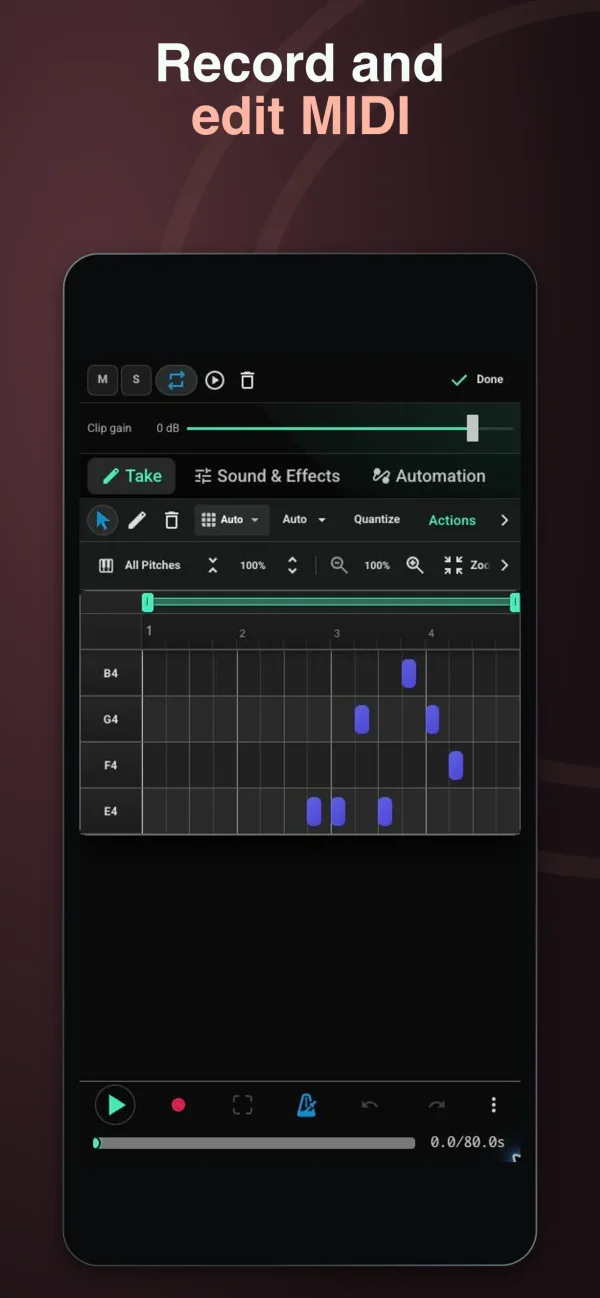
Melodic Studio includes a MIDI editor with tools to manipulate notes in detail. You can also automate any parameter, from volume to effects, giving you full control over how your track evolves over time.
The interface is split into four main views: Arrangement, Instrument, Launchpad, and Mixer. Each one is focused on a specific part of the process. Arrangement handles the timeline. Instrument is where you record. Launchpad lets you control clips and scenes in real time. Mixer gives you quick access to balancing your tracks.
Clips can be saved and reused across projects, making it easy to build your own library of ideas. When your track is ready, you can export full arrangements, individual clips, or scenes as WAV, MP3, or MIDI files.
Projects can also be synced to the cloud and shared with others, allowing for collaboration and continuity across devices.
You explore, listen & create - That’s the core idea behind Melodic Mind. Let music feel natural again.
Terms of Use (EULA):
https://www.apple.com/legal/internet-services/itunes/dev/stdeula/
Privacy Policy:
https://melodic-mind.com/privacy-policy
What’s new
Version 1.36 · Nov 9, 2026
Fixed a bug with MIDI device support.
New effects: Room, Chamber, Plate, Reverse, Spring and Hybrid Reverb, Tape Echo, Stereo Dual Delay, Grain Delay, Spectral Time, Vocoder and Auto Shift.
Explore expanded vocal and instrument presets, individual effect presets and 52 creative chains. Try Surprise me, shape a variation with Mutation, and save or share your own presets.
Fine-tune your effects with Return EQ, live spectra and meters, and optional sidechain controls. Find effects more easily in the grouped browser.
Refreshed video tutorials, smoother editing controls, and improvements to recording, playback and export.
Explore, listen & create.
App privacy
What Sean Ray Dvir declares on the App Store about how this app handles data.
-
Data linked to you
May be collected and linked to your identity.
- Contact info
- User content
- Identifiers
- Usage data
- Diagnostics
Privacy practices may vary, for example with the features you use or your age.
Information
- Seller
- Sean Ray Dvir
- Category
- Music
- Version
- 1.36
- Updated
- Nov 9, 2026
- Released
- Jun 25, 2026
- Size
- 38.9 MB
- Requires
- iOS 15.0 or later
- Age rating
- 4+
- Price
- Free
- In-app purchases
- Yes
- Languages
- English
- Copyright
- © 2026, Sean Ray Dvir
You might also like
-
 Beat Studio - Music MakerDrum Pad Machine & Sampler
-
 SoundPad: Sampler & DAWBeat Maker, Piano & SoundFont
-
 Loop - Melody MakerHandheld Music Studio
-
 BandFrameMusic
-
 DJ Mixer StudioMix Music Offline & Record
-
 Beat Maker Studio: Jam PadMake Music, Loops & Drum Beats
-
 Otto MusicMusic Studio & Beat Maker
-
 Memody - Voice to MIDISing & Hum Melody Recorder
-
 Synth Box: Music SynthesizerMIDI Keyboard, Sounds & FX
-
 Nada: Pocket Music StudioSimple DAW: Sing & Make Songs