- Age rating4+
- CategoryMusic
- DeveloperDmitrii Rogozin
- LanguagesEnglish+ 1 more
- Size37.7 MB
Links to the official App Store page
Download.org hosts no file of Melos. The button opens its official App Store page, published by Dmitrii Rogozin. Listing last checked on Nov 17, 2026.
Screenshots

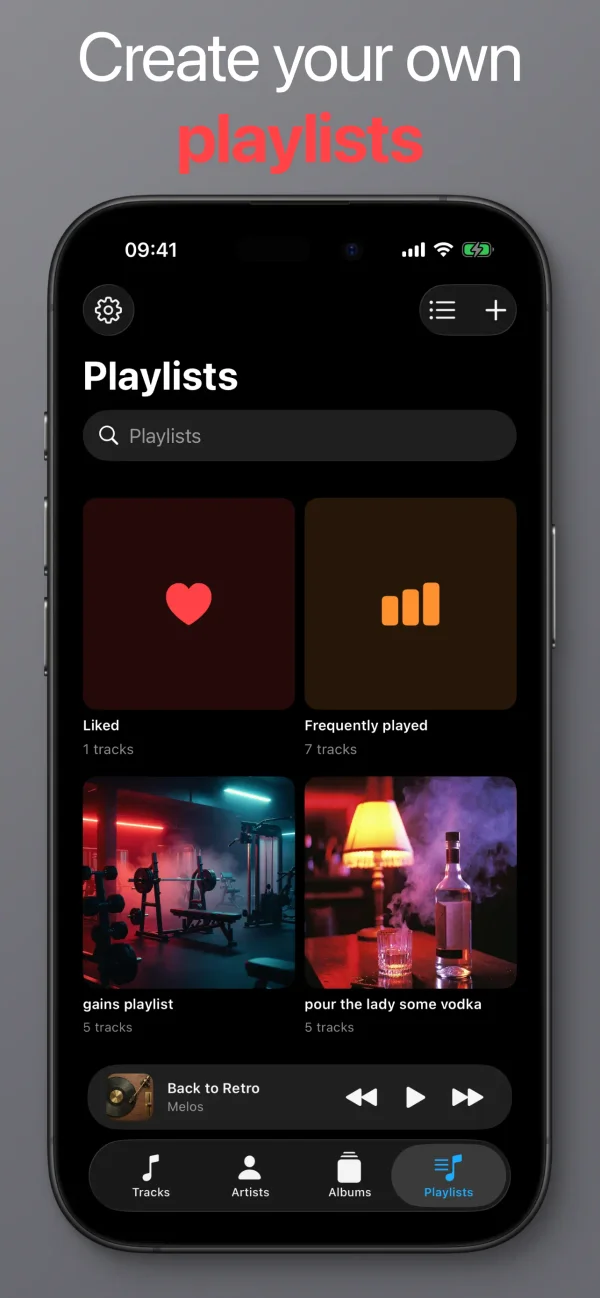
About
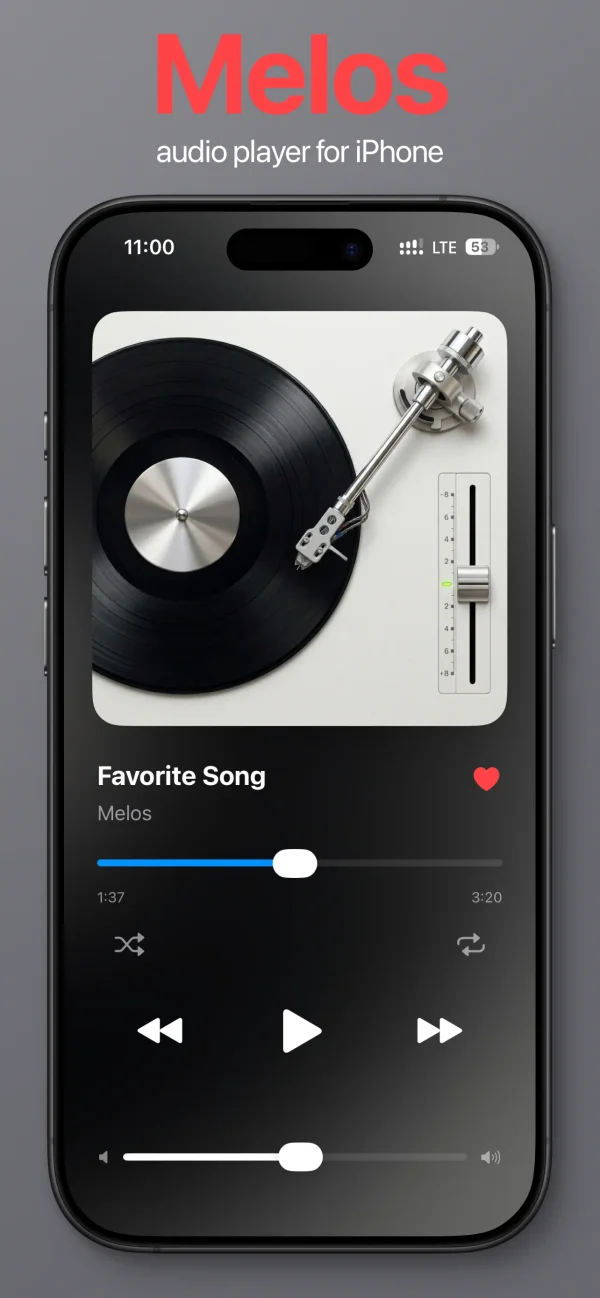
Melos — an audio player for those who store music locally.
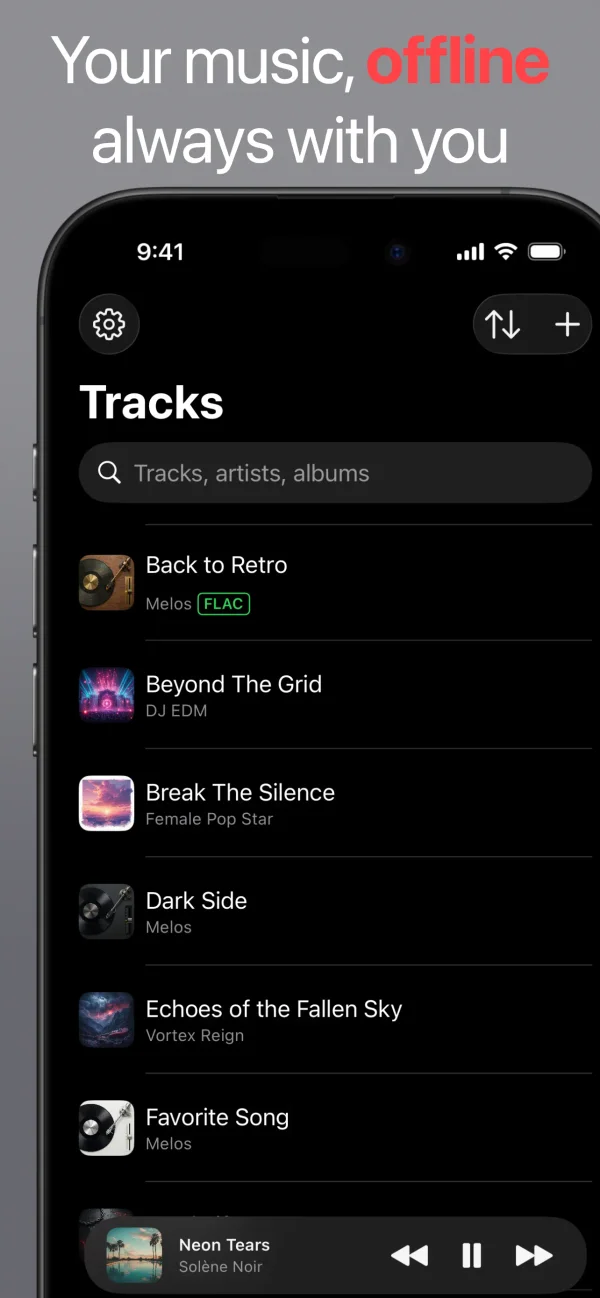
Listen to your tracks offline, without subscriptions or streaming services.
Just add your files and enjoy music in its original quality.
What Melos can do:
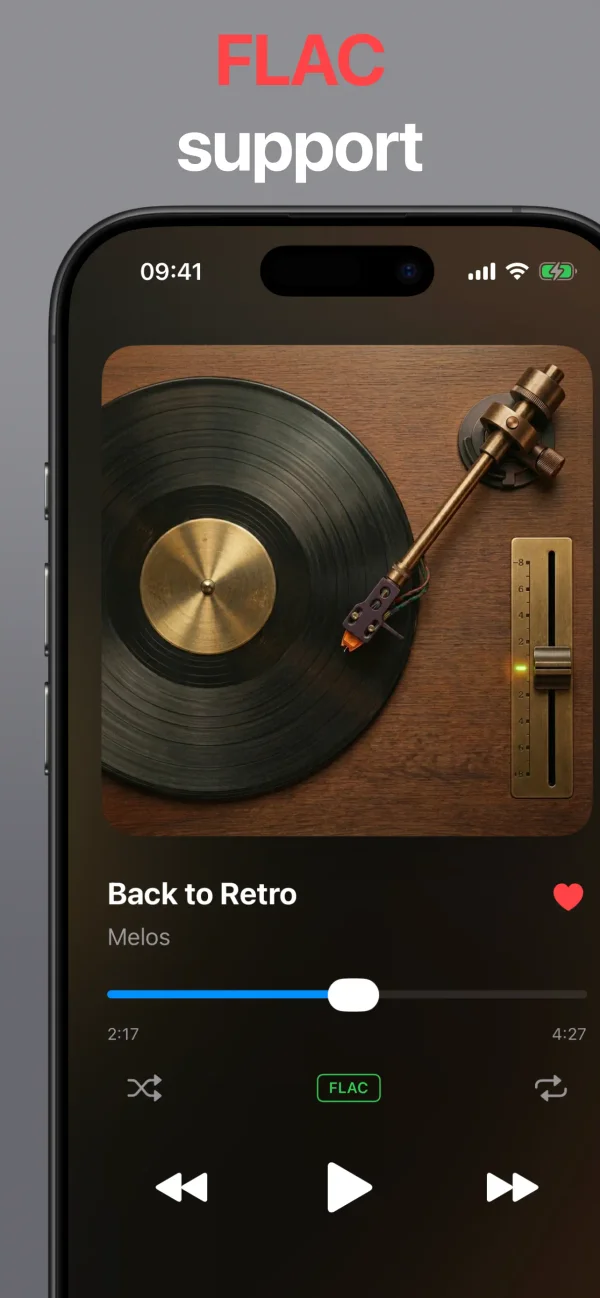
• Supports MP3, FLAC, AAC, WAV and more
• Organize your library by tracks, albums, artists and playlists
• Create your own playlists
• Scrubbing, shuffle, repeat
• Volume control
• Dark mode
Your music. Your rules.
What’s new
Version 4.0 · Aug 16, 2026
What's new in 4.0 — a big interface update:
• Artist screen: photo, play from the earliest album, shuffle, rename artist
• Redesigned Settings — grouped cards, Telegram-style
• Full-screen player — more spacious, with an auto-fading close button
• Reorder tracks within playlists and reorder playlists themselves
• List/grid view for artists and playlists, your choice of sorting
• Liquid Glass buttons throughout
• Swipe to dismiss screens — the way it should be
• Settings now accessible from any tab
• Dozens of small visual polish passes
App privacy
What Dmitrii Rogozin declares on the App Store about how this app handles data.
-
Data not collected
The developer does not collect any data from this app.
Privacy practices may vary, for example with the features you use or your age.
Information
- Seller
- Dmitrii Rogozin
- Category
- Music
- Version
- 4.0
- Updated
- Aug 16, 2026
- Released
- May 7, 2026
- Size
- 37.7 MB
- Requires
- iOS 17.6 or later
- Age rating
- 4+
- Price
- Free
- In-app purchases
- Yes
- Languages
- English, Russian
- Copyright
- © 2026 Dmitriy Rogozin
You might also like
-
 vAMP: Cloud Music Sync & RadioOffline FLAC player & podcasts
-
 SugarSpin MusicMusic
-
 MusikingMusic
-
 Rewind: Offline Music PlayerCarPlay, FLAC, EQ & Party Sync
-
 Mozii - Local Music PlayerMusic Player
-
 MP3 Player & Audio Music MixerMP3 MP4 Converter Offline & EQ
-
 Muse Audio PlayerLet your music be your Muse
-
 Lumiya MusicHi-Res Player: FLAC, ALAC, CUE
-
 LocalSound Music PlayerYour library, fully offline
-
 Citrus Offline Music PlayerLocal Audio, Lyrics&Equalizer