
- Age rating4+
- CategoryProductivity
- Developer俊 姜
- LanguagesEnglish
- Size2.9 MB
Links to the official App Store page
Download.org hosts no file of Memo Search. The button opens its official App Store page, published by 俊 姜. Listing last checked on Nov 17, 2026.
Screenshots


About
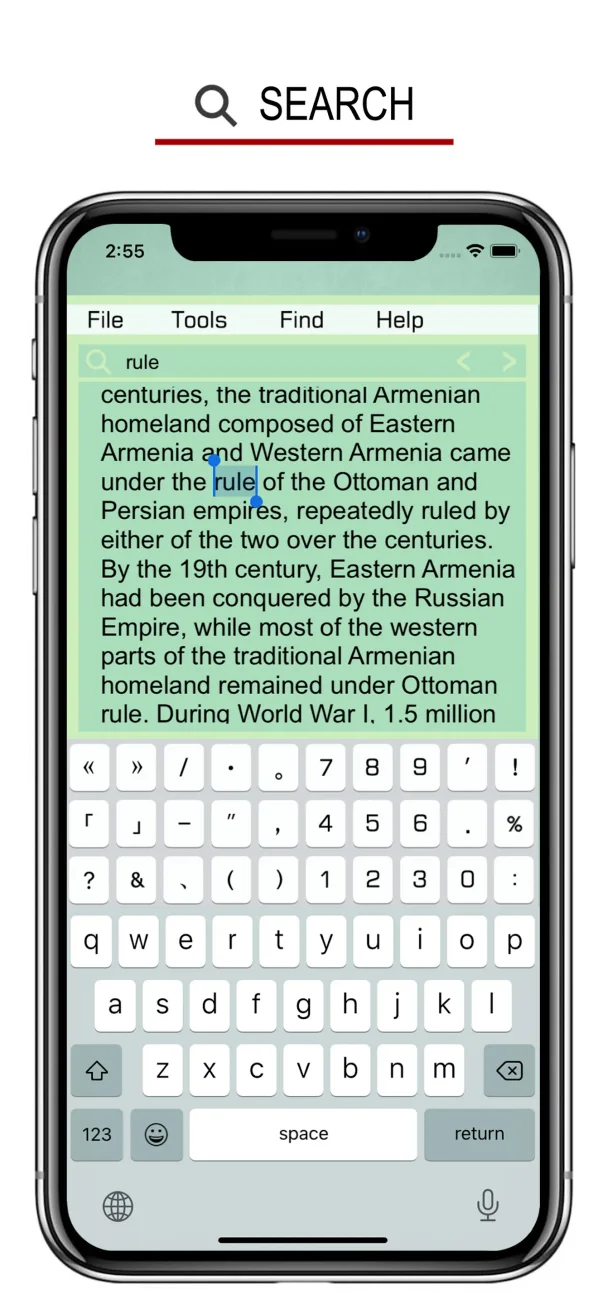
HOW TO LOCATE THE WORD YOU WANT TO FIND ?
WELL, JUST ENTER IT AND GO ! EASY !
NO MATTER HOW BIG THE FILE IS ,
NO MATTER HOW MANY WORDS, IT WILL FIND IT !
• IT FEATURES TWO KEYBOARDS !
- Upper one for letters and punctuation.
- Bottom one for your local language.
• SWIPE THE UPPER KEYBOARD TO CHANGE !
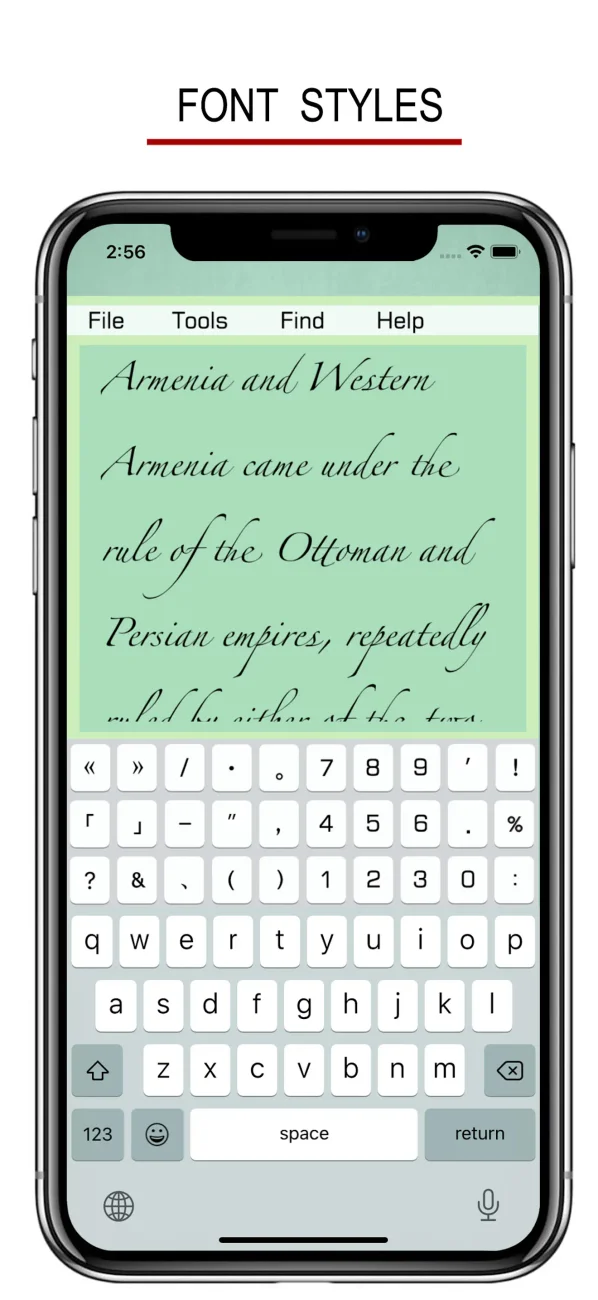
• IT FEATURES 9 FONTS!
- Arial
- Times
- Courier
- Menlo
- Apple
- Zapfino
- Noteworthy
- Trebuchet
- Typewriter
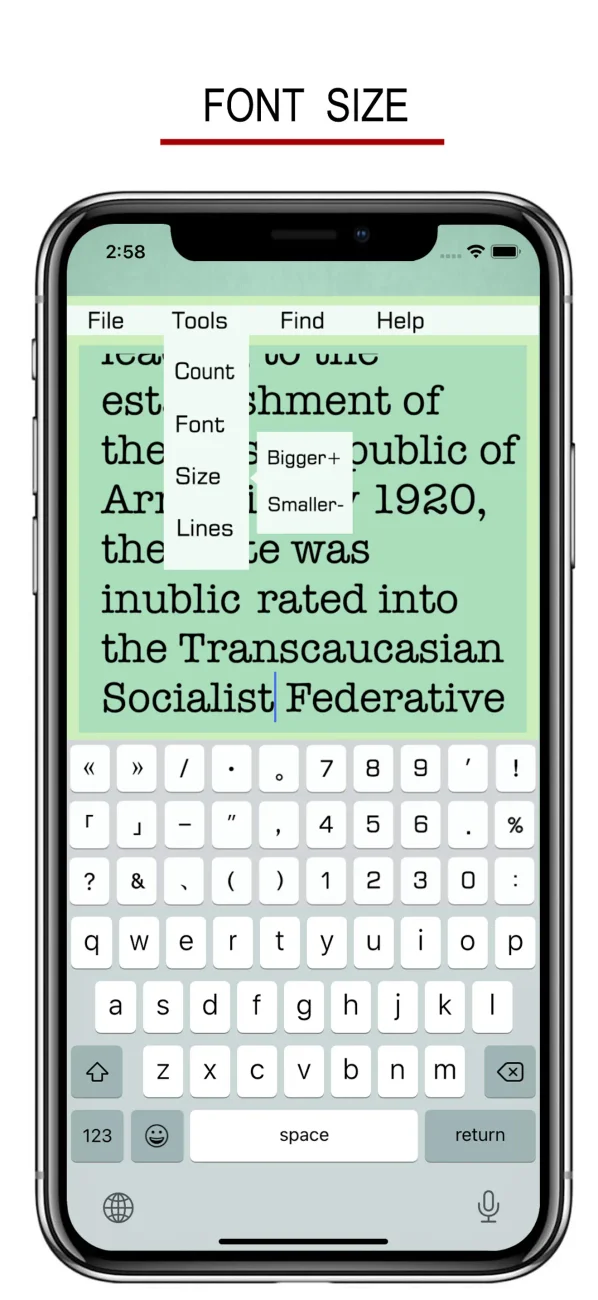
• FONT SIZE HAS NO LIMIT.
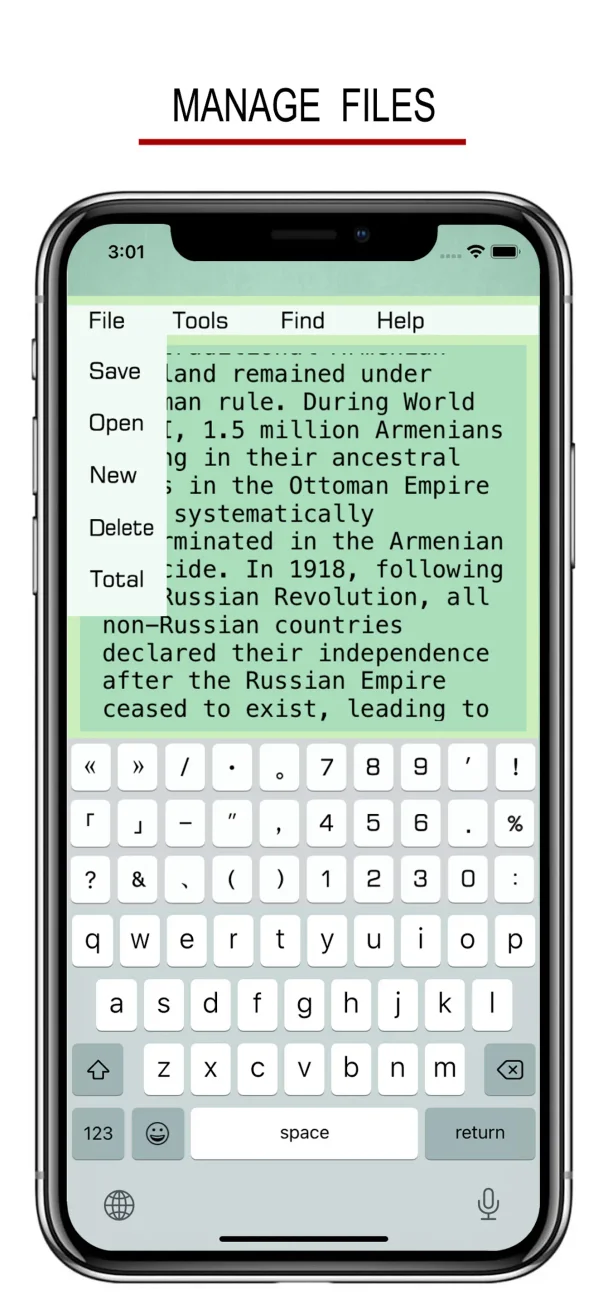
• IT SUPPORTS A WHOLE FILE MANAGEMENT !
- NEW
- SAVE
- OPEN
- DELETE
- TOTAL (lists all existing files)
• WORD COUNT
• 50,000+ UNICODE SYMBOLS
If you need a specific uncommon symbol, find the symbol you want, copy and paste onto your notes field.
• RULES FOR NAMING A FILE TO SAVE:
- Characters: A to Z, a to z, 0 to 9
- Punctuation: _$#@&*()[]~+=?!.-
• SOME TIPS:
- Undo & Redo typing on iPhone with a shake.
- Tap the empty space on the menu bar to go top.
What’s new
Version 1.5 · Jul 4, 2025
Built with iOS SDK 18.
App privacy
What 俊 姜 declares on the App Store about how this app handles data.
-
Data not collected
The developer does not collect any data from this app.
Privacy practices may vary, for example with the features you use or your age.
Information
- Seller
- 俊 姜
- Category
- Productivity
- Version
- 1.5
- Updated
- Jul 4, 2025
- Released
- Feb 25, 2017
- Size
- 2.9 MB
- Requires
- iOS 15.6 or later
- Age rating
- 4+
- Price
- $1.99
- Languages
- English
- Copyright
- © 2025 Jun Jiang
You might also like
-
 Roomly: Phone Storage CleanerClean Up Duplicate Photos
-
 ScanPDF: Document ScannerReceipts, Invoices, Contracts
-
 ZxbaseYour own personal vault.
-
 TaskCoach: Your daily reminderProductivity
-
 FirstextProductivity
-
 Note Cards : Stay OrganizedOrganize your data easily
-
 Blink Notes - Rapid Text CoverHide your docs & scripts fast
-
 Quick Dial UltimateSpeed Dial++
-
 SwiftSearch in PDFsQuick Search in All PDF Files
-
 PermanotePowerful editor for Dropbox