
memoaid - AI Notepad & Notes
Write. It remembers in context
Designed for iPhone, iPod touch
Free
- Age rating4+
- CategoryProductivity
- DeveloperJOHYEON YANG
- LanguagesEnglish
- Size95.9 MB
Links to the official App Store page
Download.org hosts no file of memoaid - AI Notepad & Notes. The button opens its official App Store page, published by JOHYEON YANG. Listing last checked on Nov 23, 2026.
Screenshots
About
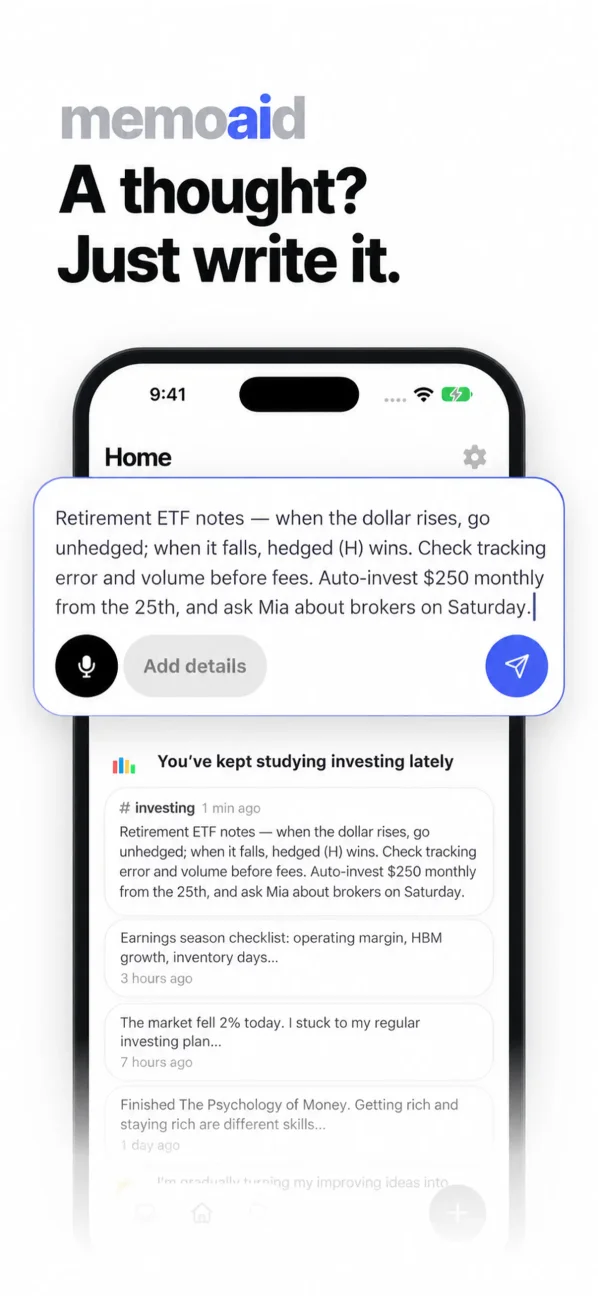
Just write. AI organizes and remembers for you.
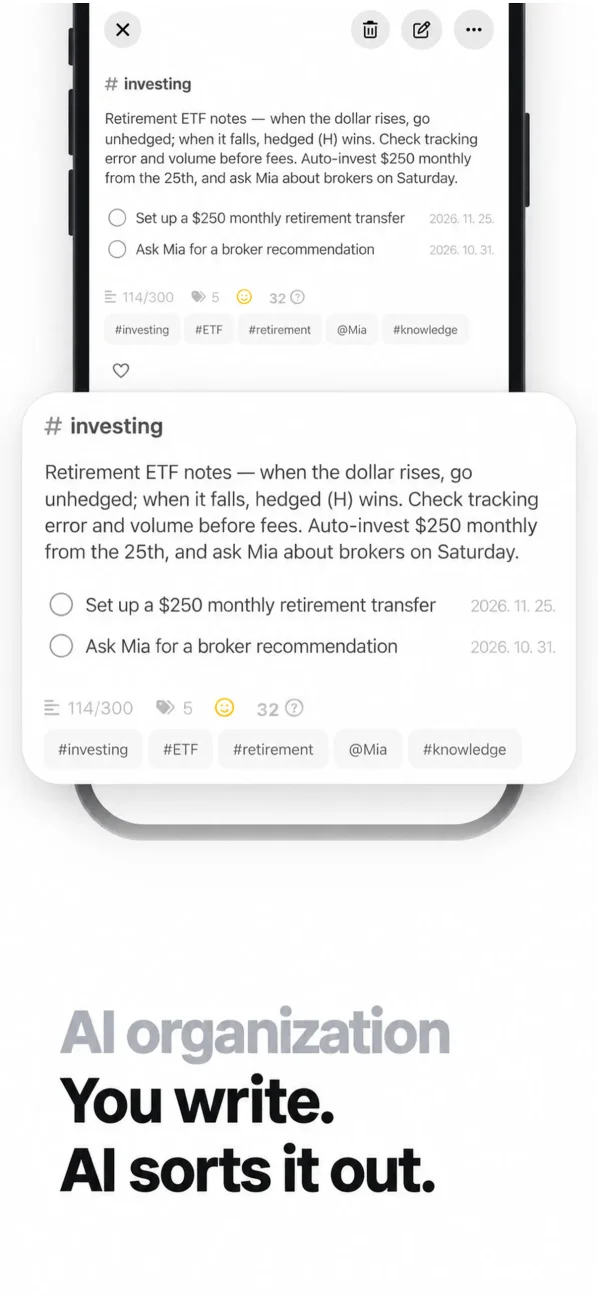
The moment you save, tags, to-dos and context are sorted out,
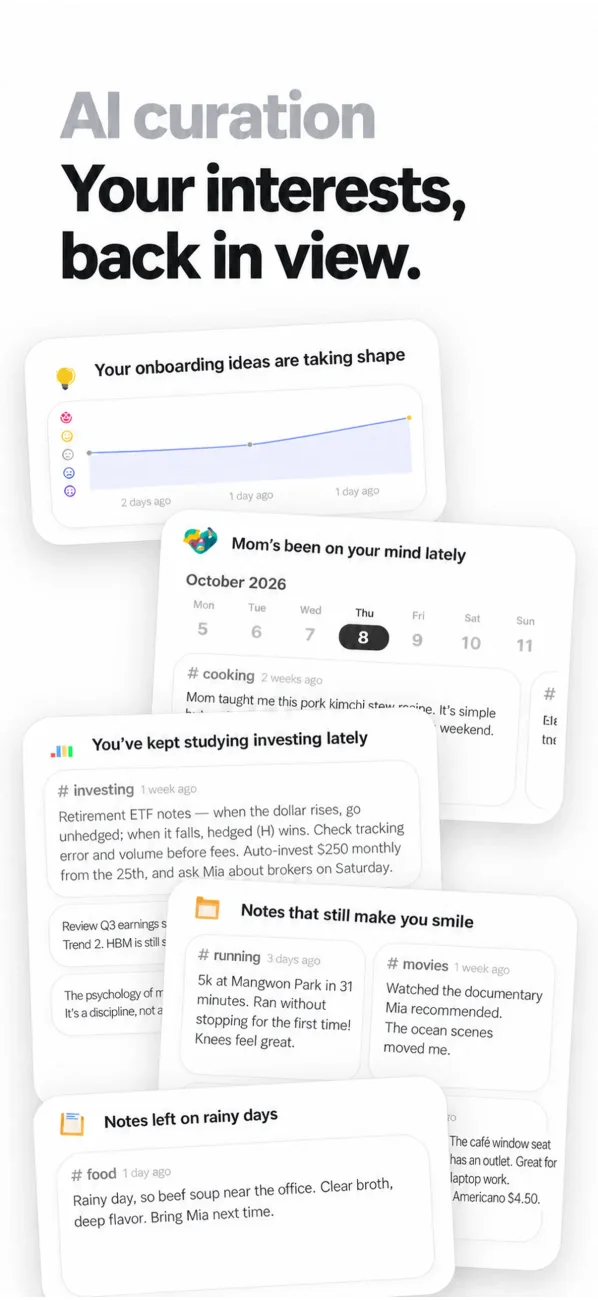
and AI brings back forgotten notes and ongoing worries before you have to ask.
■ Just write, and it's organized
A one-line note or a long train of thought—both work. You can say it out loud, too.
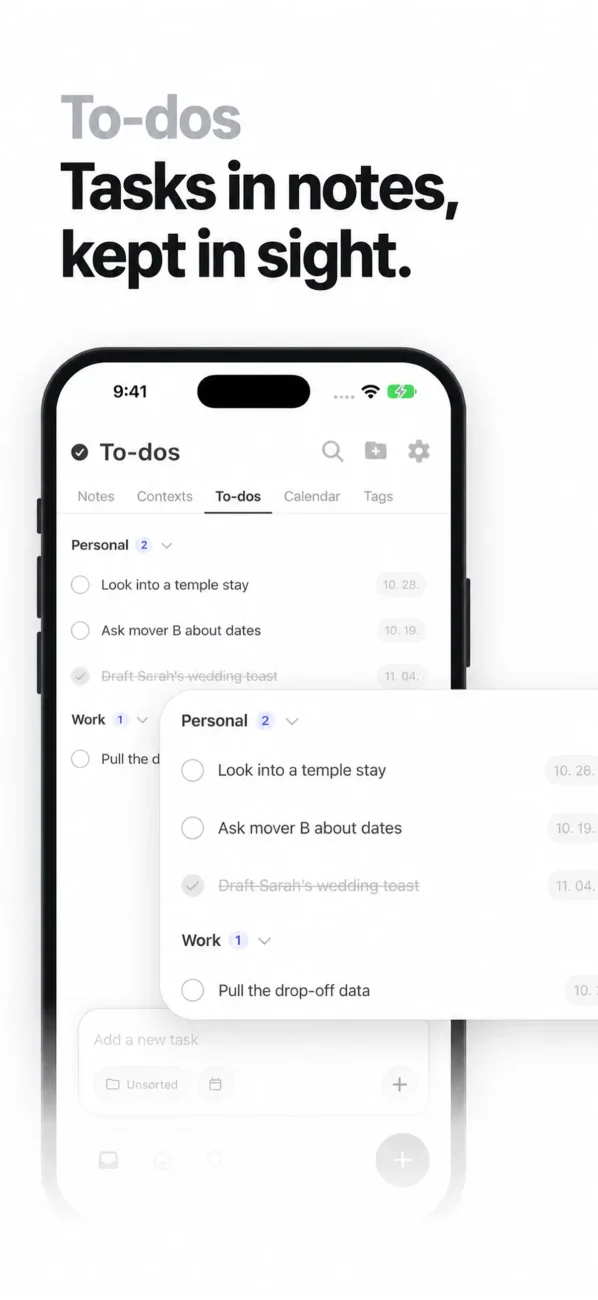
To-dos hidden in your notes are pulled out with their date and time.
■ It understands context
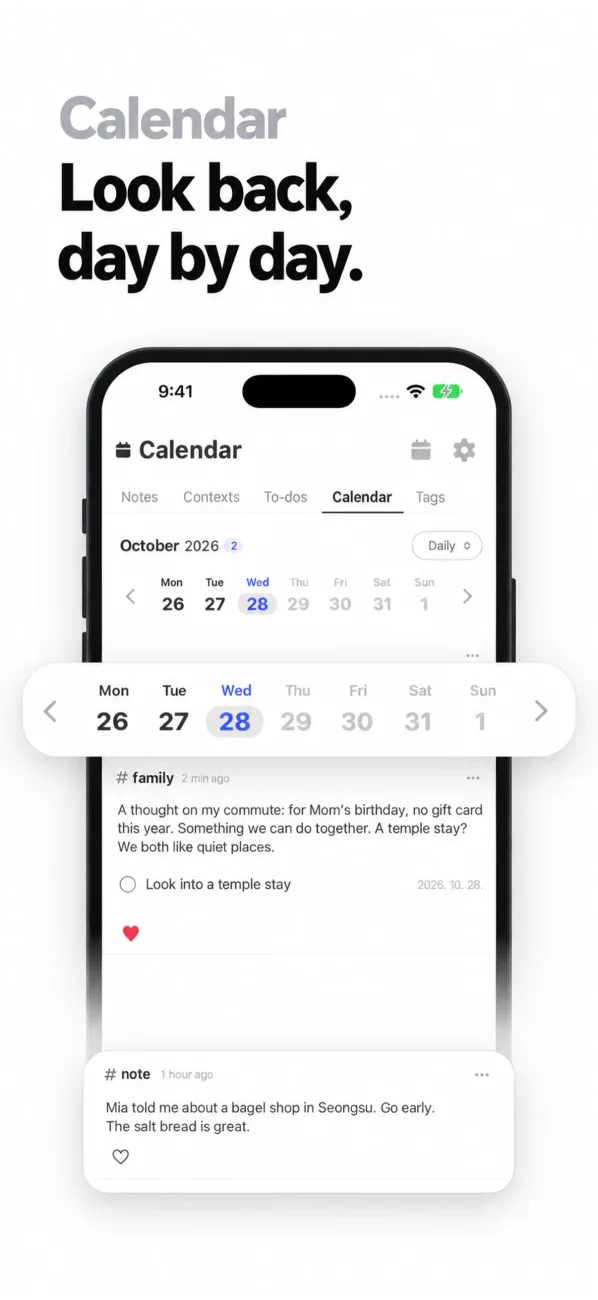
AI links notes scattered across many days into one thread, showing how far your goals and worries have come.
■ It remembers first
Home suggests the stories you keep coming back to and notes you'd forgotten, and reminders let you know before you miss them.
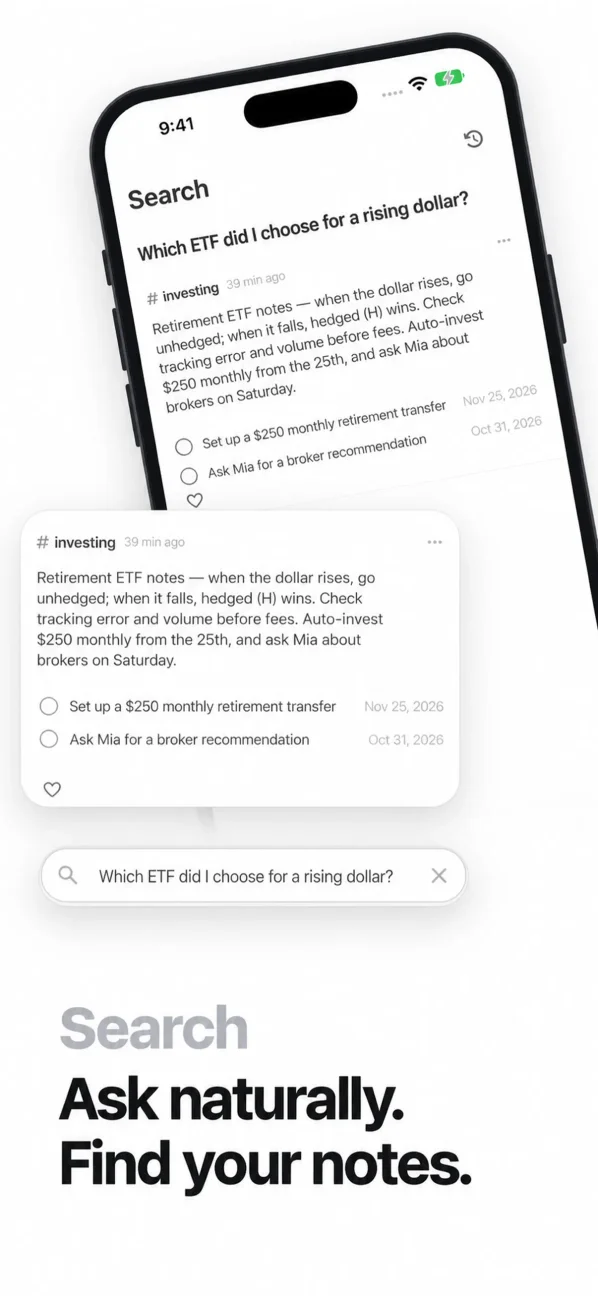
■ Search the way you'd ask
Can't recall the exact words? Ask in your own words and find that note.
What’s new
Version 1.3.14 · Nov 14, 2026
• New cards on Home
- Then & Now: see how a long-running concern started and where it stands today
- Emotion Flow: see how your feelings shifted within the same story
- On This Day: revisit a note you wrote around this time months or years ago
• The same cards no longer keep repeating
• Home cards now snap into place one at a time as you swipe
• After you save a note, you'll see how it was organized and related notes right away
• New reminders that bring back past notes
• New notes are saved as drafts, and you'll be asked before closing an unsaved edit
• To-dos are picked up more accurately
• Automatically recorded locations now stay on your device
• You can now see where weather information comes from
• The highlighter applies to selected text instantly, and full-screen photos close with a pull down
• Dates from past years now show the year
• Fixed a blank screen after signing in with Google
• When the terms change, you're asked to agree again instead of being signed out
App privacy
What JOHYEON YANG declares on the App Store about how this app handles data.
-
Data linked to you
May be collected and linked to your identity.
- Location
- Contact info
- User content
- Search history
- Identifiers
- Usage data
- Diagnostics
Privacy practices may vary, for example with the features you use or your age.
Information
- Seller
- JOHYEON YANG
- Category
- Productivity
- Version
- 1.3.14
- Updated
- Nov 14, 2026
- Released
- Nov 6, 2026
- Size
- 95.9 MB
- Requires
- iOS 15.0 or later
- Age rating
- 4+
- Price
- Free
- Languages
- English
- Copyright
- © 2026 luceforge studio
You might also like
-
 RecallAI - AI Memo ChatPrivate AI memory organizer
-
 ChatinShieldDoc AI Analysis with Privacy
-
 HourBinder - AI 플래너Productivity
-
 Mustodo: simple daily todoFast and simple
-
 Focus Tracker - Boost FocusMaster Focus, Track Progress
-
 나를(naleul)Productivity
-
 Root - Notes, Diary & BoardsYour thoughts, days and plans
-
 My Own ProjectPersonal Project Management
-
 Onulchi - Routine ChallengeClear your day, level up
-
 더닝 - 쌓아두면 정리되는 메모Productivity