Memora-AI
Voice notes. AI. On-device.
Designed for iPhone, iPad, Mac
Free · In-app purchases
- Age rating4+
- CategoryProductivity
- DeveloperIFITSOFT LLC
- LanguagesEnglish
- Size65.5 MB
Links to the official App Store page
Download.org hosts no file of Memora-AI. The button opens its official App Store page, published by IFITSOFT LLC. Listing last checked on Nov 13, 2026.
Screenshots



About
Memora — Your Memory, in Your Voice
Talk to it like a friend. It remembers everything — privately.
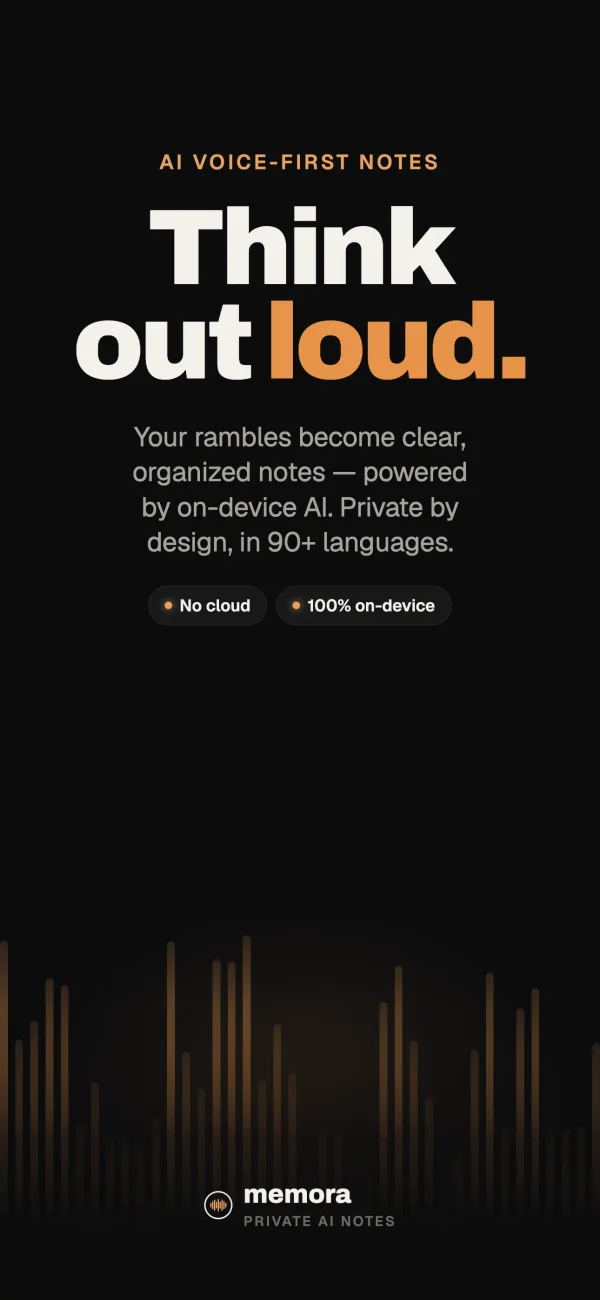
Memora is a voice-first memory app that turns your thoughts, conversations, and moments into a searchable personal archive. Just tap Record, speak naturally, and move on. Memora transcribes, organizes, and remembers everything for you — entirely on your device.
Now on iPhone, iPad, Mac, and Apple Watch.
TALK, DON'T TYPE
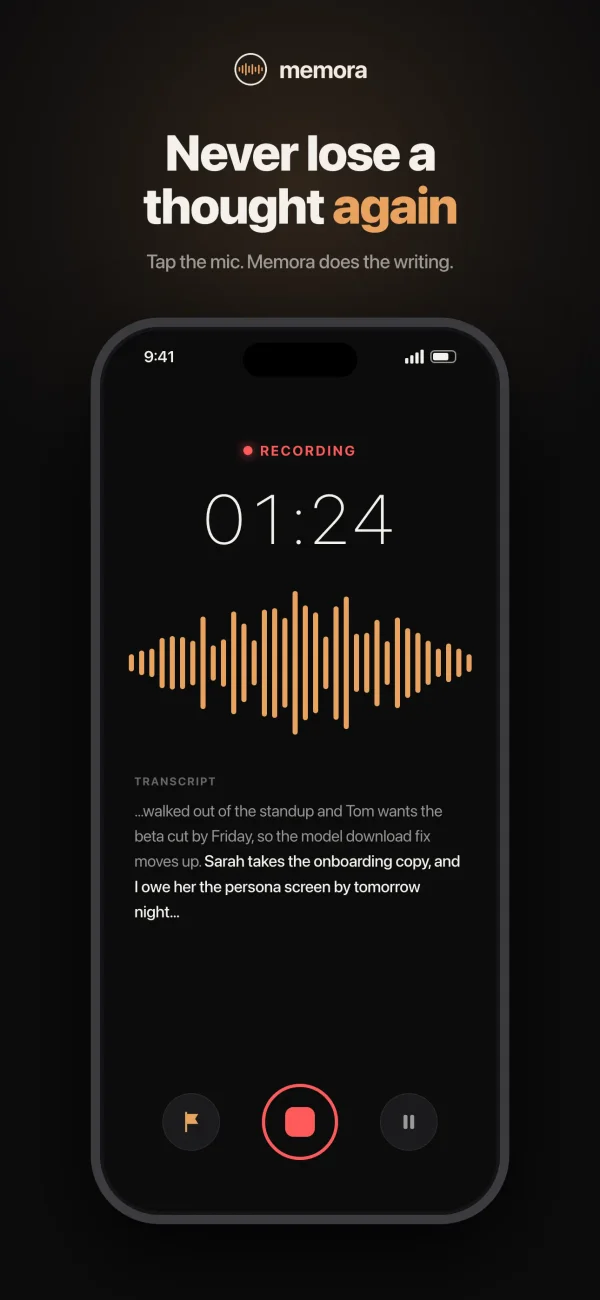
Capture an idea, meeting, journal entry, or fleeting thought with one tap. A live transcript appears as you speak, powered by on-device speech recognition — with speaker labels added in real time as different people talk.
EVERYWHERE YOU ARE
Start a recording from your wrist, the Lock Screen, a widget, or the menu bar on Mac. A Live Activity keeps the session a tap away, and everything syncs to one archive.
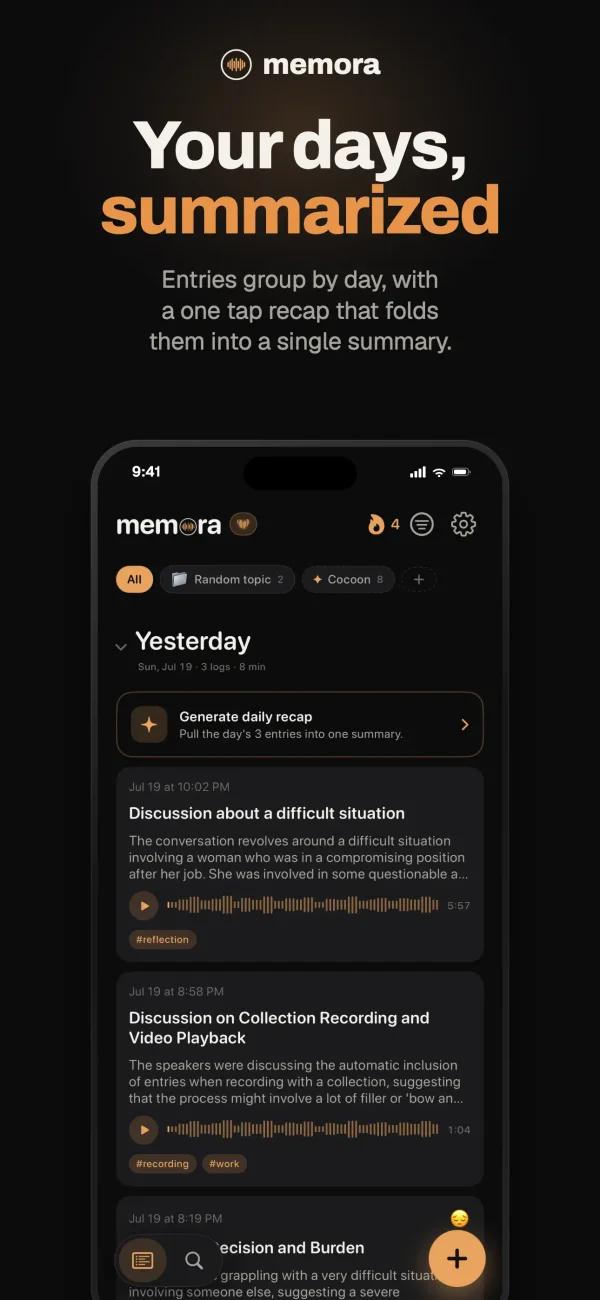
YOUR LIFE, ORGANIZED AUTOMATICALLY
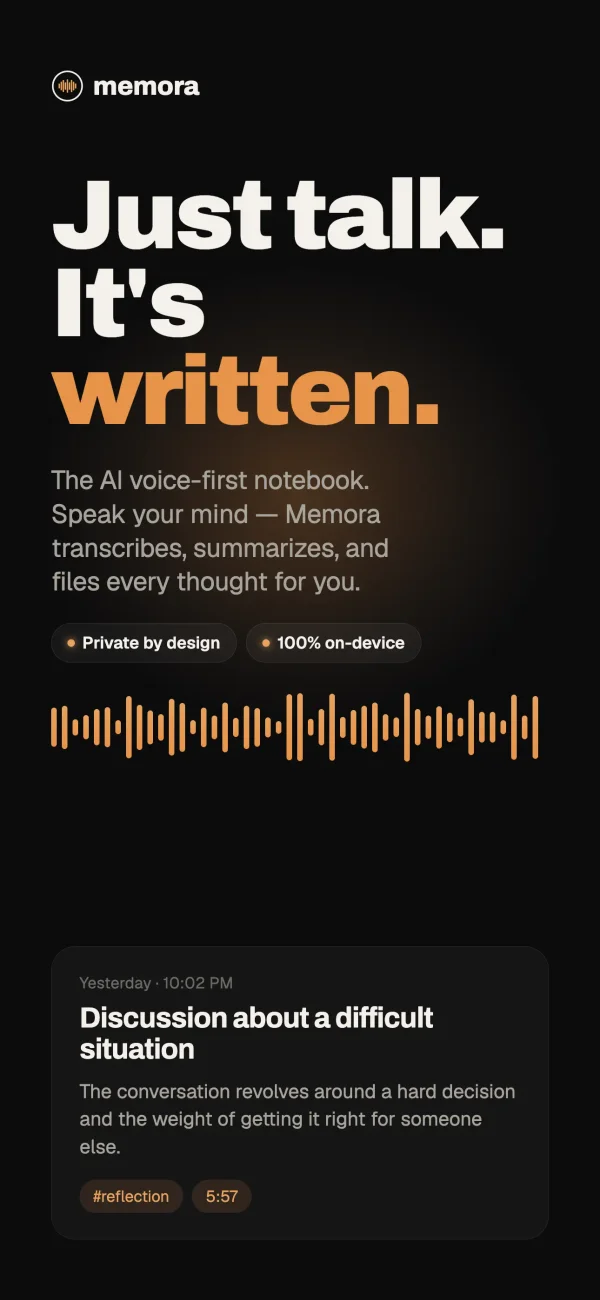
Every recording becomes a beautifully structured entry with:
• Titles and summaries
• Key moments and highlights
• Action items and follow-ups
• Mood and tags
All generated by AI running directly on your device.
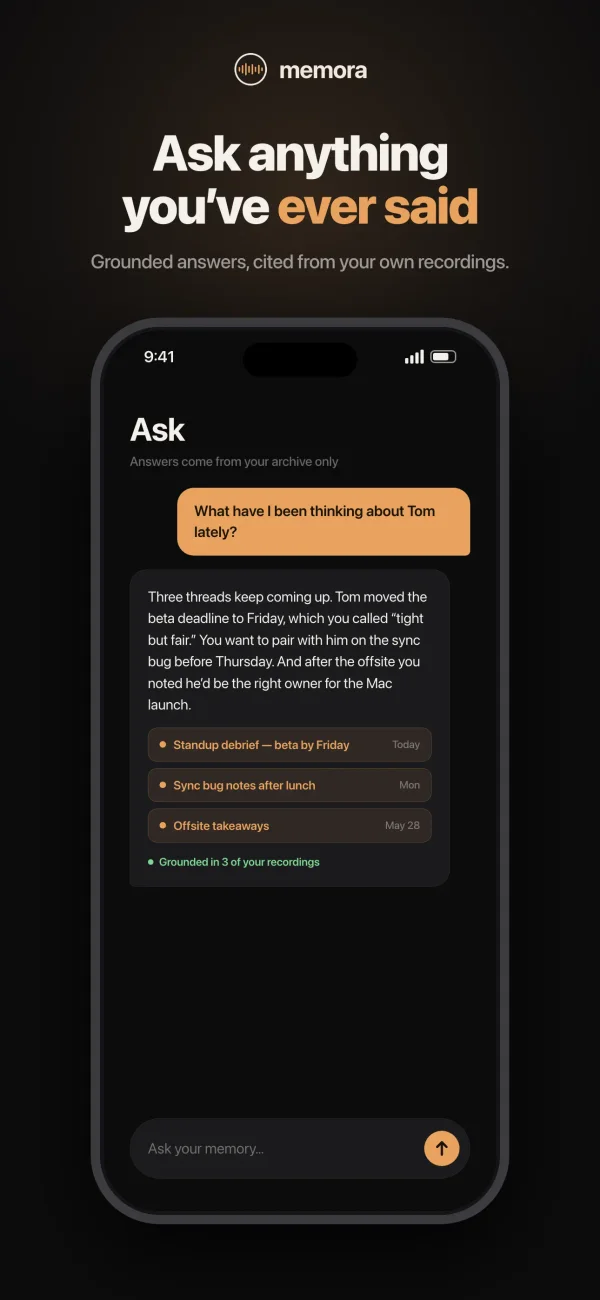
ASK YOUR MEMORIES ANYTHING
Forgot when you made a decision? Need to find something you said months ago?
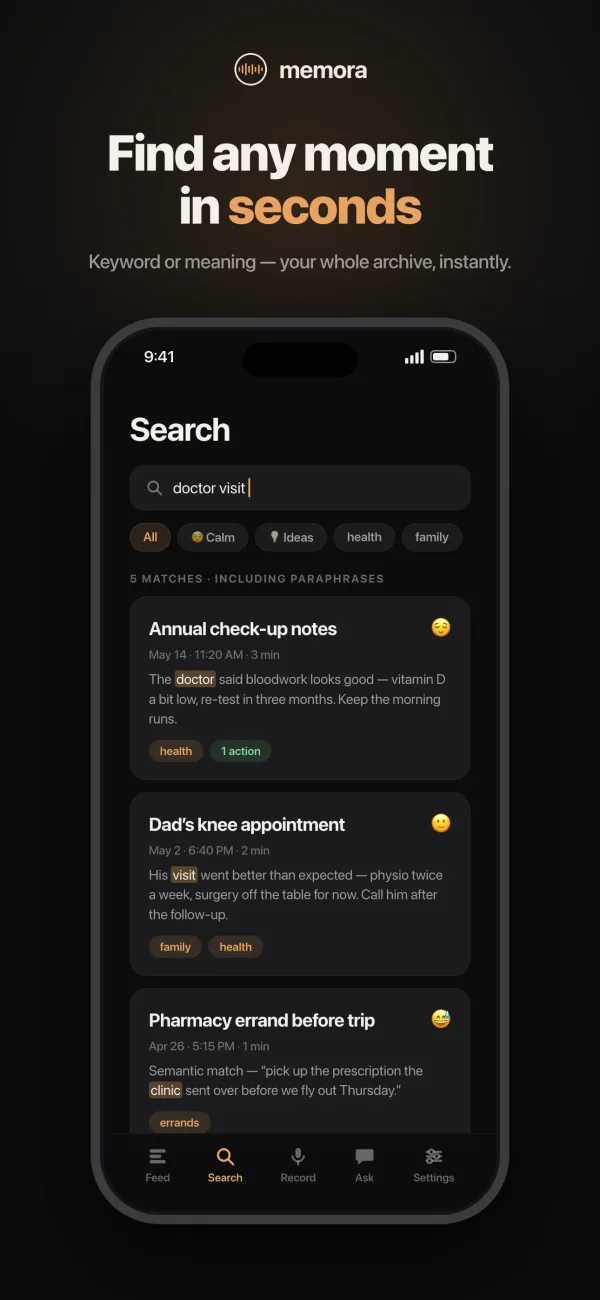
Ask questions in plain English and get answers grounded in your own recordings, complete with citations that jump back to the original moment.
Search by keyword — or by meaning.
KNOW WHO SAID WHAT
Optional on-device speaker recognition identifies different voices in a conversation. Name someone once, and Memora can recognize them in future recordings.
BRING YOUR OWN AI COPILOT
On Mac, connect Memora to Claude (Claude Desktop or Claude Code) with built in Memora's MCP Server and let it follow a recording as it happens. Ask for your next question in an interview, get a draft answer to something you were just asked, or explore your saved entries — grounded in what's actually being said. Fully optional and off until you turn it on.
BRING IN WHAT YOU'VE WRITTEN
Paste or import text — notes, articles, documents — and Memora turns it into a narrated entry, summarized and organized alongside everything you've spoken.
LISTEN BACK
Have any entry read aloud with built-in on-device voices for a hands-free experience.
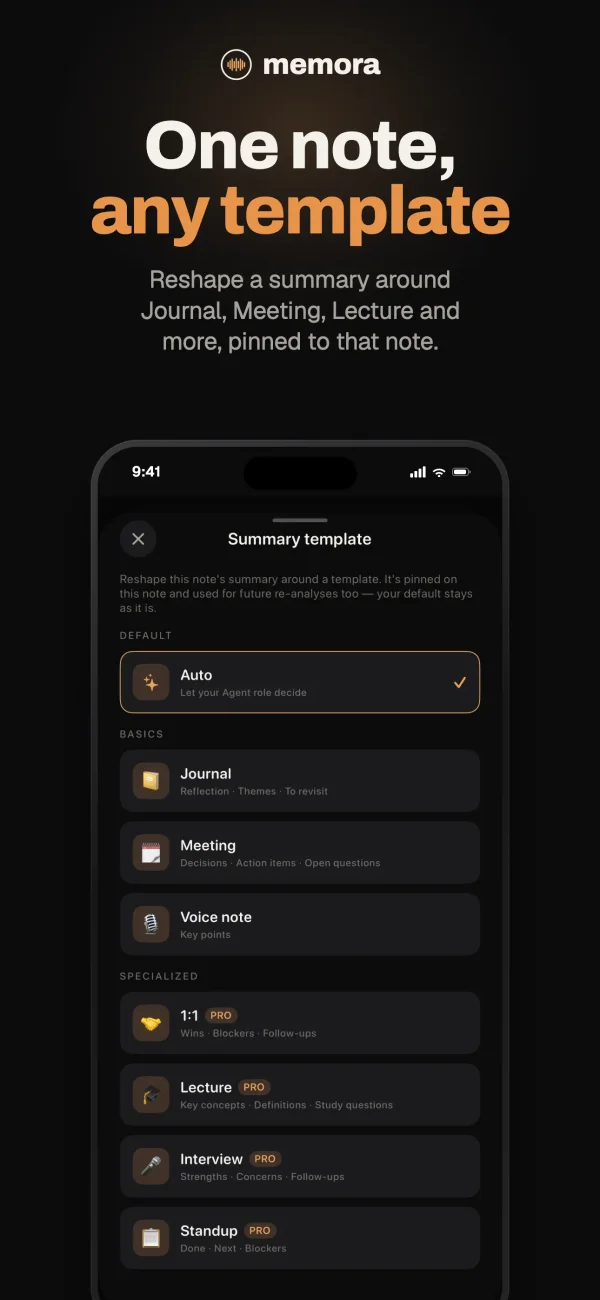
MAKE IT YOURS
Choose how your memories are written with customizable personas:
• Memory Companion
• Journal Coach
• Research Assistant
• Creative Writer
• Minimalist
• Default
PRIVATE BY DEFAULT
Your life isn't training data.
• Audio stays on your device
• Transcription runs on-device using Apple's speech models
• AI summaries and memory search run locally using models you choose
• Nothing leaves your device unless you choose to export or connect it
• Optional Face ID protection keeps your archive secure
YOUR DATA, YOURS FOREVER
No account. No login. No ads. No tracking.
Export everything in one tap, delete it just as easily, and optionally sync through iCloud using your own Apple ID with end-to-end encryption. We never see your data.
DESIGNED FOR READING AND WRITING
• Dark, Light, and Sepia themes
• Editorial, Classic, and System fonts
• Built-in Markdown editor for when you'd rather type
Free. No subscriptions. Just your voice, your memories, and your device.
What’s new
Version v1.5.2 · Oct 6, 2026
- Done closes the keyboard everywhere. That includes the transcript editor, transcript search, Search, Ask, and the note, mood and template editors. In Search, Done just closes the keyboard; the Search key still runs your search.
- Fixed a crash that could happen if you locked your iPhone or switched apps while Memora was summarizing a note on-device.
- Interrupted summaries now say so. If you leave the app mid-summary, the note shows "Summary paused" with a Resume button. Nothing is lost, and it picks up again on its own when you come back.
- Low Power Mode handling. Your new recordings are still summarized, and Memora tells you when that may take longer. Catch-up on older notes resumes as soon as Low Power Mode is off.
- Uses less memory in the background, for example while you record with your phone locked.
- Stability improvements for on-device AI and read-aloud voices.
App privacy
What IFITSOFT LLC declares on the App Store about how this app handles data.
-
Data not collected
The developer does not collect any data from this app.
Privacy practices may vary, for example with the features you use or your age.
Information
- Seller
- IFITSOFT LLC
- Category
- Productivity
- Version
- v1.5.2
- Updated
- Oct 6, 2026
- Released
- Jun 21, 2026
- Size
- 65.5 MB
- Requires
- iOS 26.2 or later
- Age rating
- 4+
- Price
- Free
- In-app purchases
- Yes
- Languages
- English
- Copyright
- © 2026 iFitSoft LLC
You might also like
-
 COETYour All-In-One AI app (WIP)
-
 Re/memberYour Second Brain
-
 Re:PostReconnect with your day
-
 RefoldTurn AI answers into actions
-
 echoAI: AI Meeting RecorderTranscribe to Actions & Memos
-
 ReplyAI: AI Keyboard & RewriteReply, Rewrite, Translate
-
 RatTrackRat Care & Diary
-
 Organizy: AI PlannerWill get your plan in order.
-
 HopPTHop to any LLM API provider
-
 ScanPro - Sign PDFDocument Scanner PDF Converter