
memory.wiki Clipper
Save any page as a Markdown
Designed for iPhone, iPad, iPod touch
Free
- Age rating4+
- CategoryProductivity
- DeveloperHyunsang Cho
- LanguagesEnglish
- Size2.2 MB
Links to the official App Store page
Download.org hosts no file of memory.wiki Clipper. The button opens its official App Store page, published by Hyunsang Cho. Listing last checked on Nov 17, 2026.
Screenshots

About
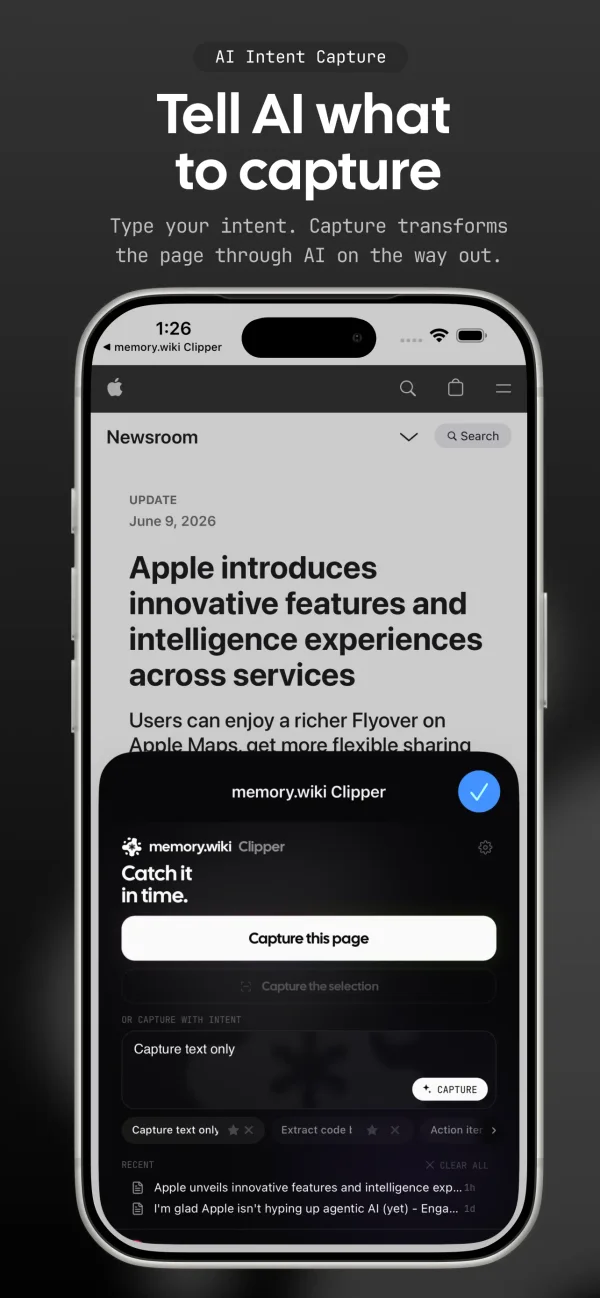
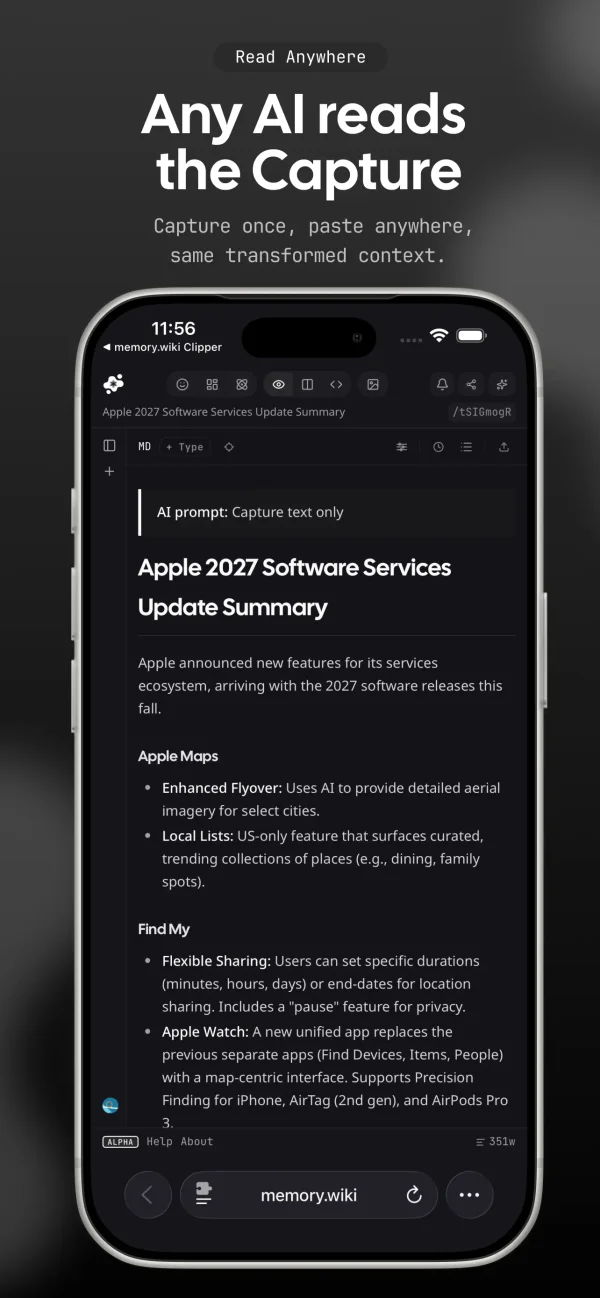
memory.wiki Clipper saves a web page, or a passage you select, as a clean, private memory.wiki link you can revisit later or bring into your AI assistant.
Reading something worth keeping? Save it in one tap and get a tidy memory.wiki link. Open it anytime, or paste it into your own AI workflow (ChatGPT, Claude, Gemini, Cursor) instead of copy-pasting text.
What it does:
• One tap saves the current page, or the passage you select, as a clean Markdown note at a short memory.wiki link.
• The link is copied to your clipboard, ready to revisit or share.
• Add a short note about why you saved it, before publishing.
• Sign in with your memory.wiki account to sync your saved pages across your devices.
Privacy:
• The extension does not track you and does not sell data.
• A page is sent to memory.wiki only when you tap save.
App privacy
What Hyunsang Cho declares on the App Store about how this app handles data.
-
Data linked to you
May be collected and linked to your identity.
- Contact info
- User content
- Identifiers
Privacy practices may vary, for example with the features you use or your age.
Information
- Seller
- Hyunsang Cho
- Category
- Productivity
- Version
- 1.0
- Updated
- Jul 14, 2026
- Released
- Jul 14, 2026
- Size
- 2.2 MB
- Requires
- iOS 15.0 or later
- Age rating
- 4+
- Price
- Free
- Languages
- English
- Copyright
- © 2026 Raymind.AI / Hyunsang Cho
You might also like
-
 Screenshot Card BoxOrganize screenshots
-
 WP Project ManagerTrack Tasks & Team Progress
-
 SortShots AISearch screenshots instantly
-
 Profoto TeamProductivity
-
 Prompt Shots: AI PromptsScan, save & share AI prompts
-
 Day SchedulerProductivity
-
 AI-PromptCraft: Prompt BuilderAnswer taps, get a prompt
-
 Ravn: Link Saver & BookmarksSave & Read Later, No Account
-
 Nova: AI NotesAI-Powered Smart Notes
-
 GNTK/AIMany AI Models, Local & Cloud