Mend: Remove Objects in Photos
Erase People, Wires & Signs
Designed for iPhone, iPad, Mac
Free · In-app purchases
- Age rating4+
- CategoryPhoto & Video
- DeveloperCore Arc Studio LLC
- LanguagesEnglish+ 7 more
- Size177.8 MB
Links to the official App Store page
Download.org hosts no file of Mend: Remove Objects in Photos. The button opens its official App Store page, published by Core Arc Studio LLC. Listing last checked on Nov 27, 2026.
Screenshots

About
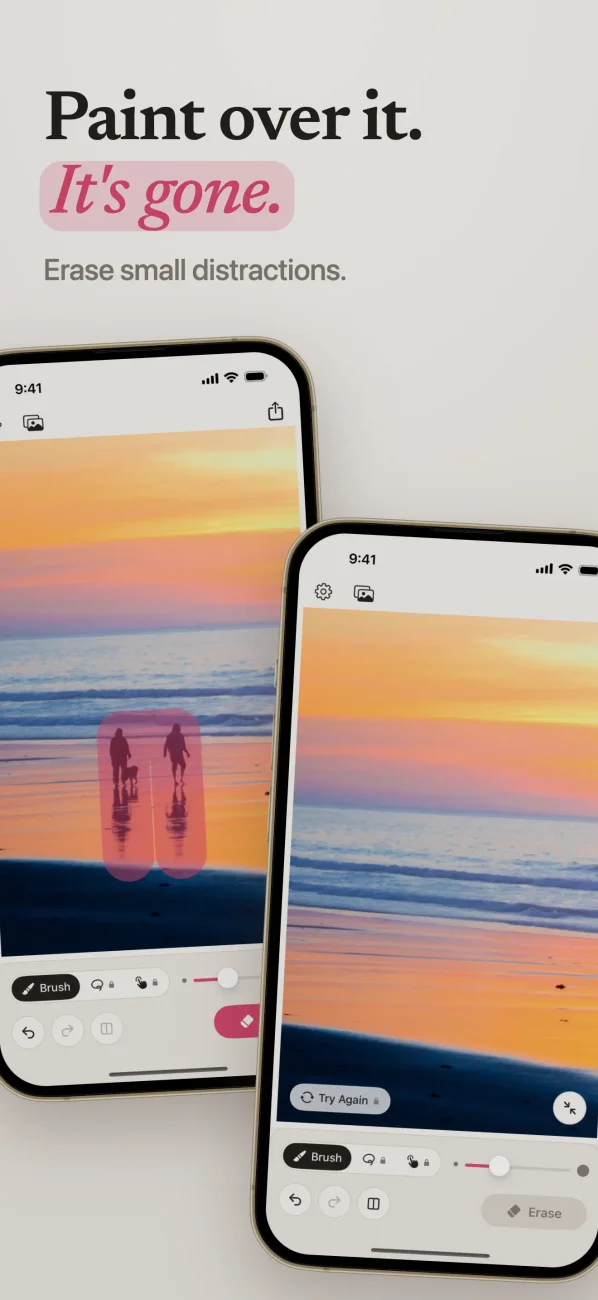
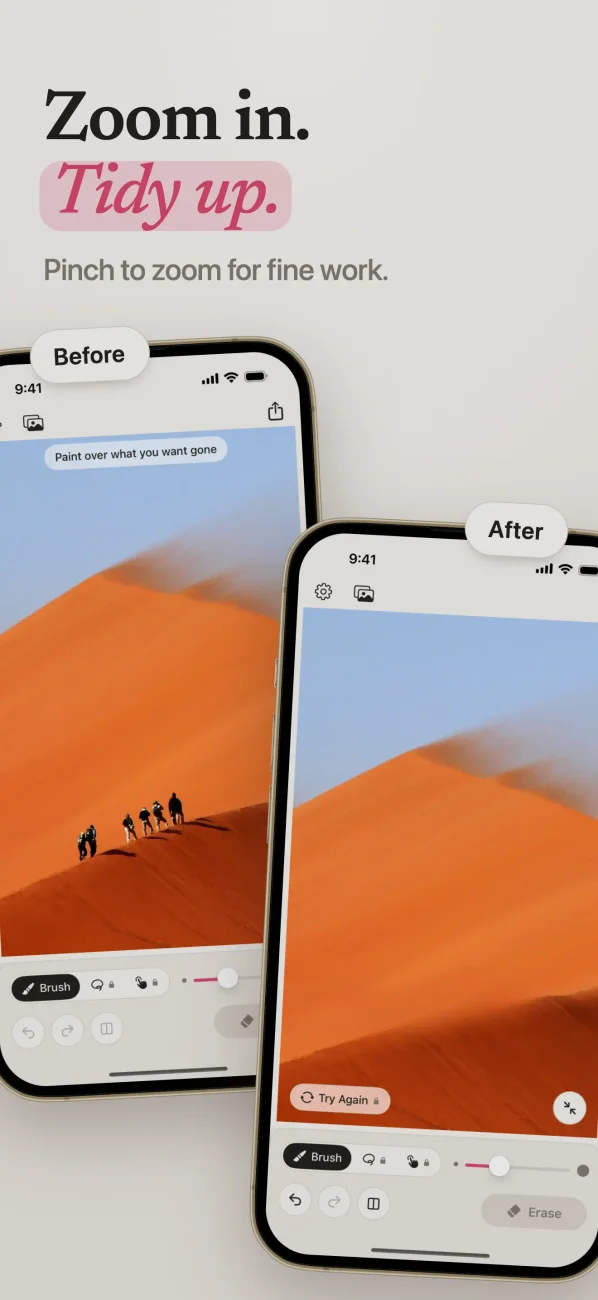
Paint over what you don't want. Tap Erase. It's gone.
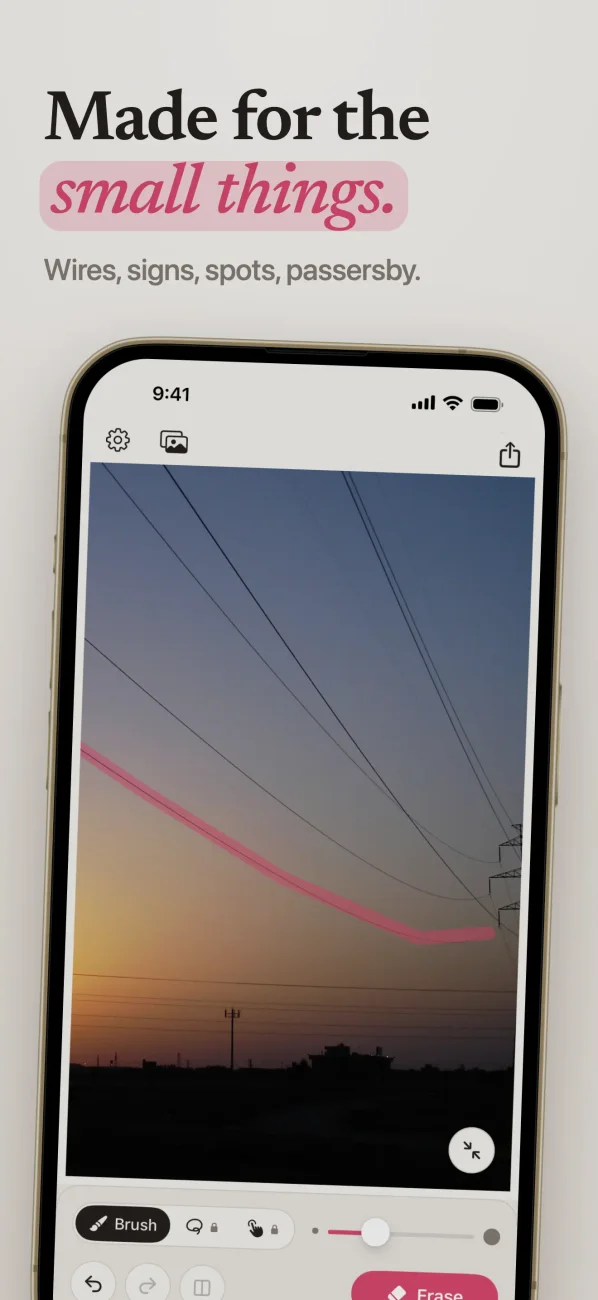
Mend removes small distractions from your photos: a stranger in the background, a sign, a wire, a stain. It fills the gap with what was probably behind it, and it does all of it on your device.
MADE FOR THE SMALL THINGS
• People in the distance
• Signs, poles, wires and bins
• Spots, stains, dust and scratches
Mend is honest about its limits. It is not made for removing something that fills a large part of the photo, and it tells you before you try.
SIMPLE BY DESIGN
• Paint with one finger, then tap Erase
• Pinch to zoom in for fine work
• Hold Compare to see the original
• Undo and redo every erase
• Erase when you lift, to clear many small things quickly
• Share, save to Photos or copy the result
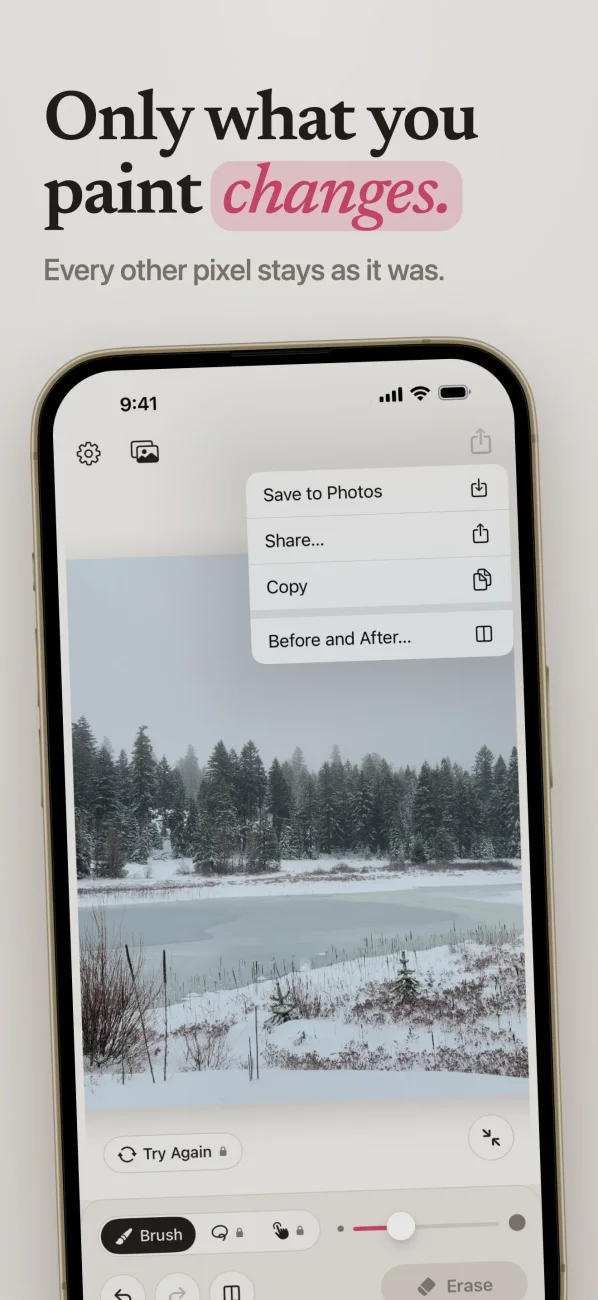
ONLY WHAT YOU PAINT CHANGES
Every pixel outside your paint stays exactly as it was. Your photo is never squashed or recompressed to fit a model.
ON YOUR DEVICE, NOTHING UPLOADED
Everything happens on your iPhone or iPad. Photos are never uploaded and there is no account. Mend keeps the photos you open in its library, on this device only, so you can pick up an edit later. Delete them whenever you like, or turn the library off in Settings. It works on any iPhone with iOS 17, with no special hardware needed.
FREE
Erasing is free and unlimited, and you always see the result first. Free saves are 3 a day, as JPEG, up to 1280 pixels. Select is free 3 times a day.
MEND PRO
• Save and share as many photos as you like
• Select: tap something and it is painted for you
• A lasso: circle it and it is gone
• Try again when a fill is not right
• Before and after pictures to share
• Export at full size, as JPEG, HEIC or PNG
One purchase unlocks Pro on iPhone, iPad and Mac.
Edit only photos you own or have permission to edit.
Mend is made by Core Arc Studio, the makers of Sweep.
Mend Pro subscriptions renew automatically until cancelled. Cancel anytime in your App Store account settings.
Terms of Use: https://www.apple.com/legal/internet-services/itunes/dev/stdeula/
Privacy Policy: https://corearcstudio.com/mend/privacy
What’s new
Version 1.3.1 · Nov 19, 2026
What's new in 1.3.1
• Small fixes and improvements.
App privacy
What Core Arc Studio LLC declares on the App Store about how this app handles data.
-
Data not collected
The developer does not collect any data from this app.
Privacy practices may vary, for example with the features you use or your age.
Information
- Seller
- Core Arc Studio LLC
- Category
- Photo & Video
- Version
- 1.3.1
- Updated
- Nov 19, 2026
- Released
- Oct 15, 2026
- Size
- 177.8 MB
- Requires
- iOS 17.0 or later
- Age rating
- 4+
- Price
- Free
- In-app purchases
- Yes
- Languages
- English, French, German, Japanese, Korean, Portuguese, Simplified Chinese, Spanish
- Copyright
- © 2026 Core Arc Studio LLC
You might also like
-
 Erasely: Remove Text in PhotosErase People, Objects & Dates
-
 Find ImagesReverse image search
-
 Cleanr: Object & People EraserRepair photos, protect details
-
 Phovio: AI Photo, Music & ArtSong, Voice & Viral Templates
-
 AI Image Editor - ArtWizzRemove background & objects
-
 Erase: Watermark Remover AIRemove People & Clutter
-
 Person Remover: OmitRemove Unwanted Objects
-
 Photo Cartoonizer AI Art MakerAnime & Manga Style Filters
-
 Photo Enhancer: Remove ObjectAI Photo Editor & Retouch
-
 Photo Erase Object RemoverRetouch People Background