
Mental Canvas Draw
Drawing in a New Dimension
Designed for iPad
Free · In-app purchases
- Age rating4+
- CategoryGraphics & Design
- DeveloperMental Canvas
- LanguagesEnglish+ 2 more
- Size43.4 MB
Links to the official App Store page
Download.org hosts no file of Mental Canvas Draw. The button opens its official App Store page, published by Mental Canvas. Listing last checked on Nov 21, 2026.
Screenshots



About
Pick up where pen and paper leave off with Mental Canvas Draw. Creatives are using Mental Canvas Draw every day to explore ideas, communicate concepts, design products and tell stories.
Infinite space for your creative freedom:
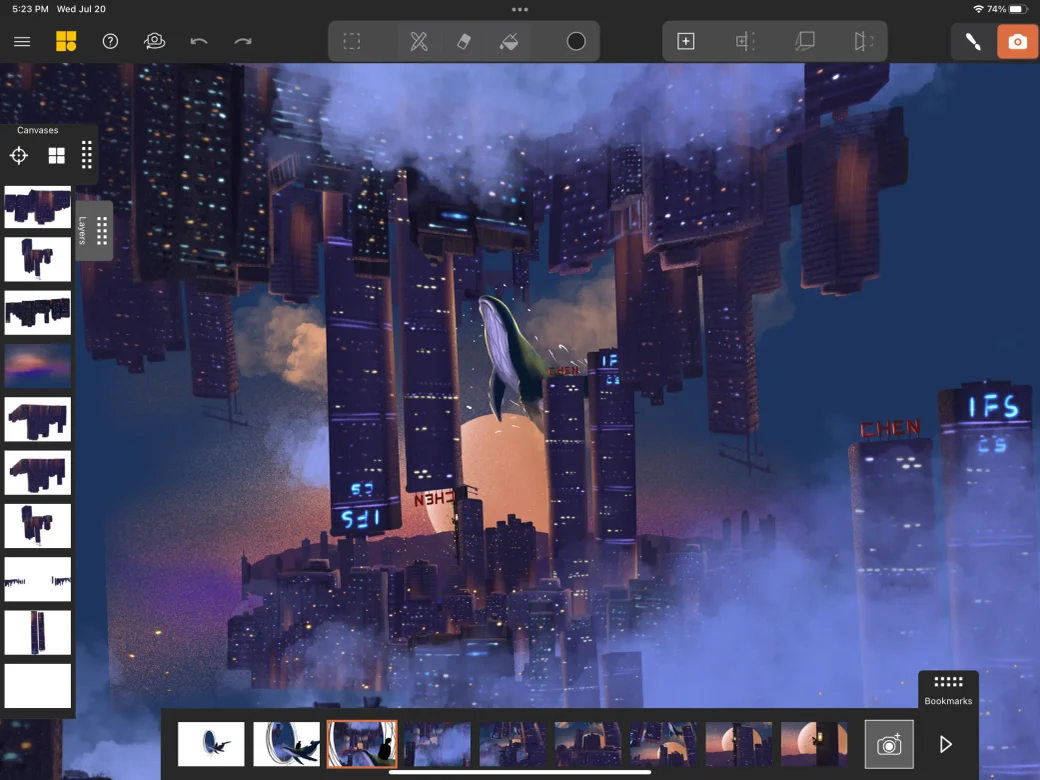
• Draw on infinite canvases arranged in space
• Freely navigate the spatial drawing to view perspectives you never could on paper
• Unlimited canvases, layers and bookmark views
Draw with the ease of pen and paper:
• Get started with templates or create scenes from scratch
• Choose from several brushes with adjustable sizes and a fill tool
• Select color swatches or custom colors
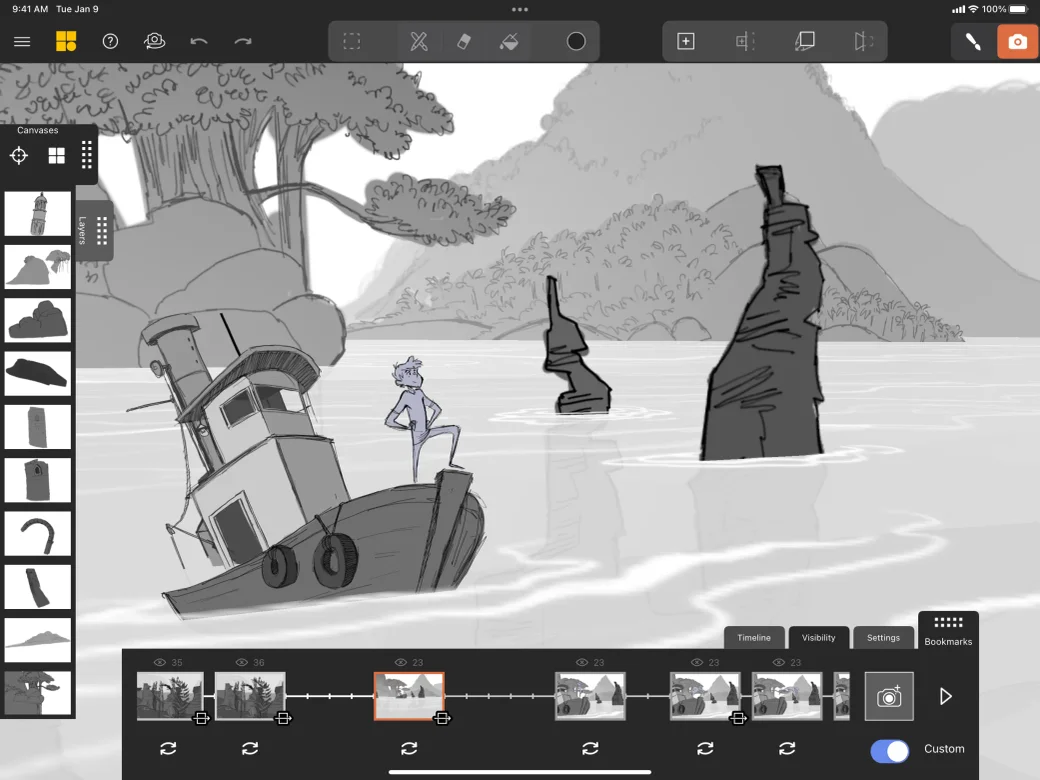
• Use layers to organize the drawings, group strokes and adjust opacity
Easy editing & image import:
• Import JPEGs and PNGs to seamlessly collage images and drawings together or create entirely image-based scenes
• Select, duplicate, edit and transform drawings and images
• Import and replace layers from your favorite drawing apps with ease
Quickly create animated flythroughs:
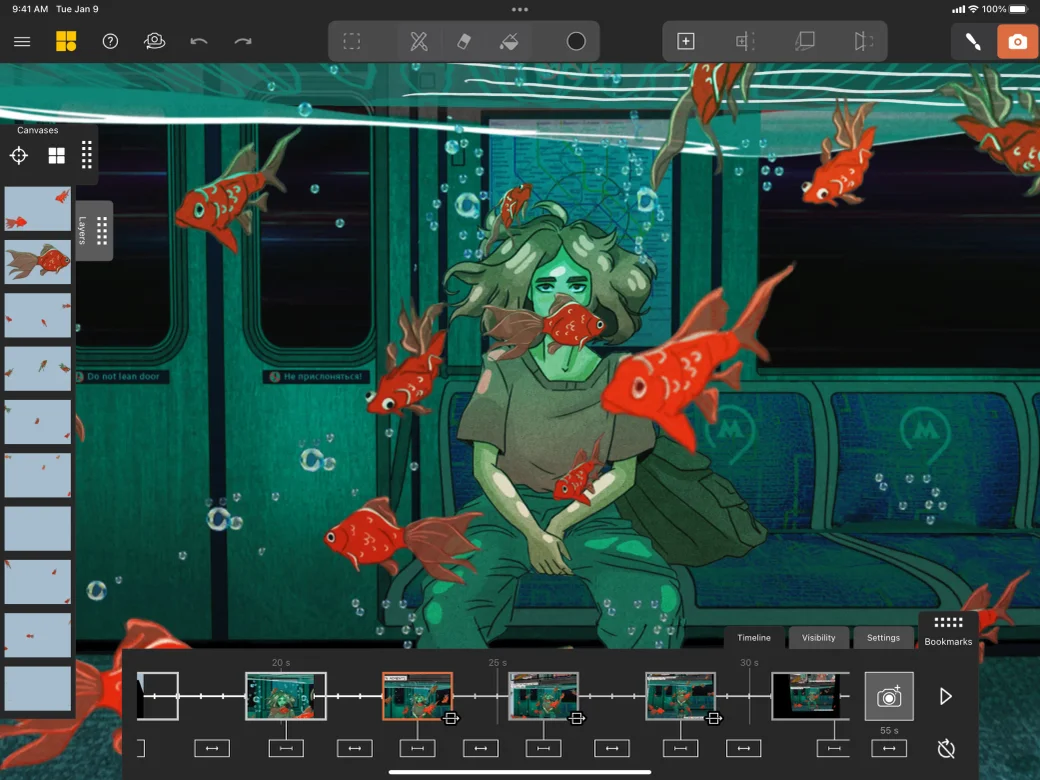
• Save bookmark views throughout the spatial drawing to create a flythrough
• Customize the flythrough animation by adjusting the timing, transitions and visibility of canvases
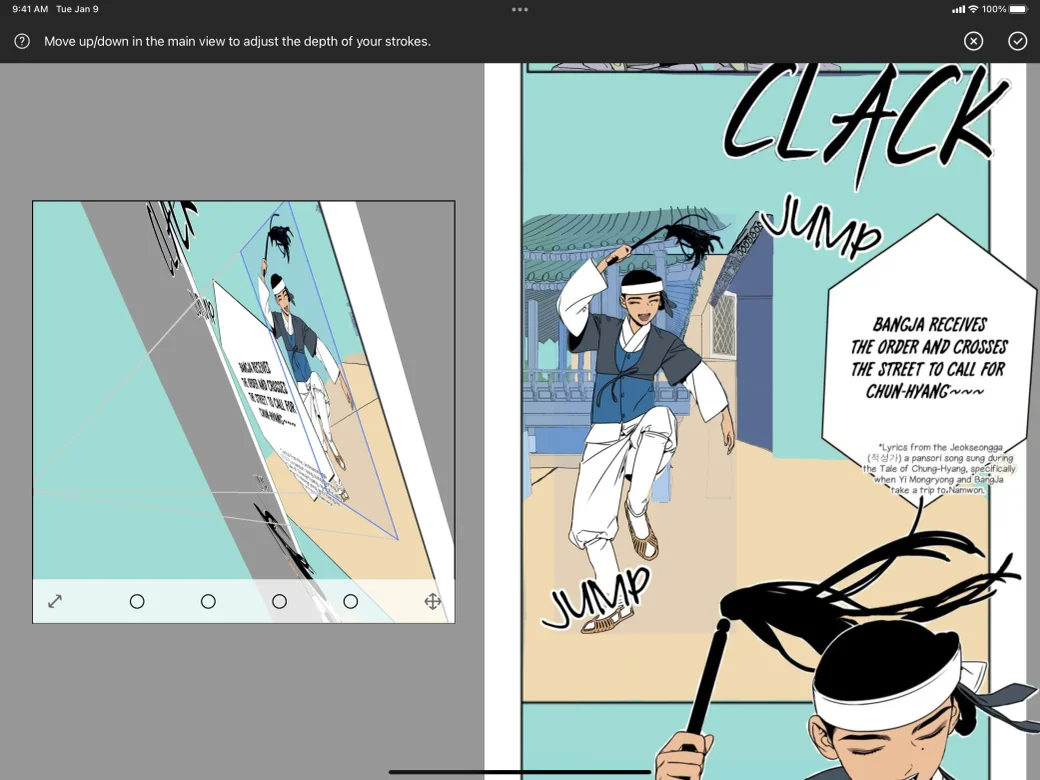
Transform and develop spatial drawings with projection:
• Seamlessly place new canvases in the scene
• Reinterpret existing strokes using novel projection tools
• Draw first, arrange strokes on canvases later
Share your creations:
• Turn your drawing into an interactive web experience, shareable across phones, desktops, and VR
• Export video of animated flythrough with your choice of aspect ratio and resolution
• Save high resolution images of bookmarks
Optimized for Apple Pencil and the Apple iPad Pro.
Mental Canvas Draw supports iPad Pro (all except 1st gen), iPad (7th gen or later), iPad Air (3rd gen or later), iPad Mini (5th gen). Please note older iPads aren’t supported.
Questions: https://www.mentalcanvas.com/faq/
Privacy Policy & Terms of Service: https://www.mentalcanvas.com/company/legal/
Follow us on Instagram and TikTok: @mental_canvas
What’s new
Version 2.0.37930 · Oct 15, 2026
Bug fixes
App privacy
What Mental Canvas declares on the App Store about how this app handles data.
-
Data linked to you
May be collected and linked to your identity.
- Location
- Contact info
- User content
- Identifiers
- Diagnostics
-
Data not linked to you
May be collected but is not linked to your identity.
- Usage data
- Diagnostics
Privacy practices may vary, for example with the features you use or your age.
Information
- Seller
- Mental Canvas, Inc.
- Category
- Graphics & Design
- Version
- 2.0.37930
- Updated
- Oct 15, 2026
- Released
- May 21, 2021
- Size
- 43.4 MB
- Requires
- iOS 16.0 or later
- Age rating
- 4+
- Price
- Free
- In-app purchases
- Yes
- Languages
- English, Korean, Simplified Chinese
- Copyright
- © 2016-2026 Mental Canvas, Inc.
You might also like
-
 Metaspace - 3D SketchbookDraw in 3D, explore in AR
-
 Callipeg: 2D Animation AppAnimate anywhere
-
 Feather: Draw in 3DSketch & paint from any angle
-
 MediBang Paletta:Drawing AppSketching, Drawing, Painting
-
 ToonSquidCreate beautiful animations
-
 Amadine: Vector Design and ArtGraphic Design Illustrator App
-
 Artstudio Pro: Draw, PaintDrawing, Painting, Sketching
-
 ZBrush - 3D Model MakerDesign, sculpt, blend & create
-
 Everzoom: Infinite Zoom & ArtDraw on an endless canvas
-
 Nomad SculptSculpt, paint and create in 3D