
Meow - Custom Widgets
Photo, Steps, Clock Widget
Designed for iPhone, iPad, iPod touch
Free · In-app purchases
- Age rating4+
- CategoryUtilities
- Developer鑫 吴
- LanguagesEnglish+ 1 more
- Size12.8 MB
Links to the official App Store page
Download.org hosts no file of Meow - Custom Widgets. The button opens its official App Store page, published by 鑫 吴. Listing last checked on Nov 12, 2026.
Screenshots



About
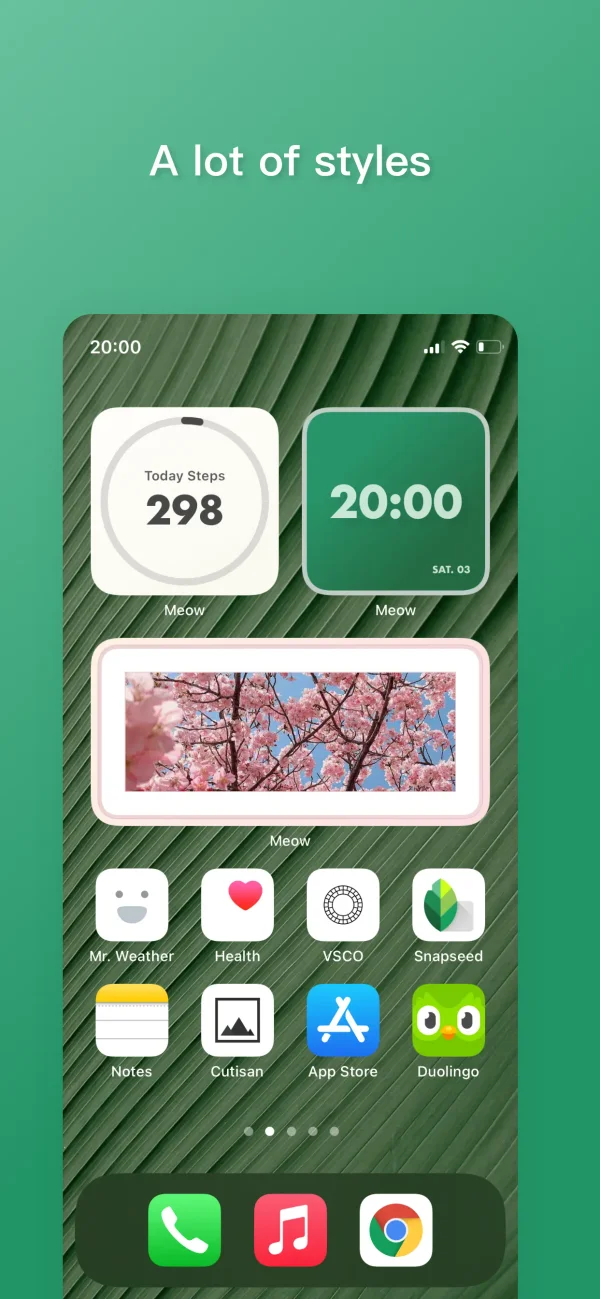
"Meow" is a lightweight, elegant and practical tool set of widget. It is only 10+ Mb in size, but it can be matched with more than 300 styles of small components.
Of course, the large number is not the point. The point is no matter how to match it. , The results are all elegant and beautiful, and you can easily get the widgets you like.
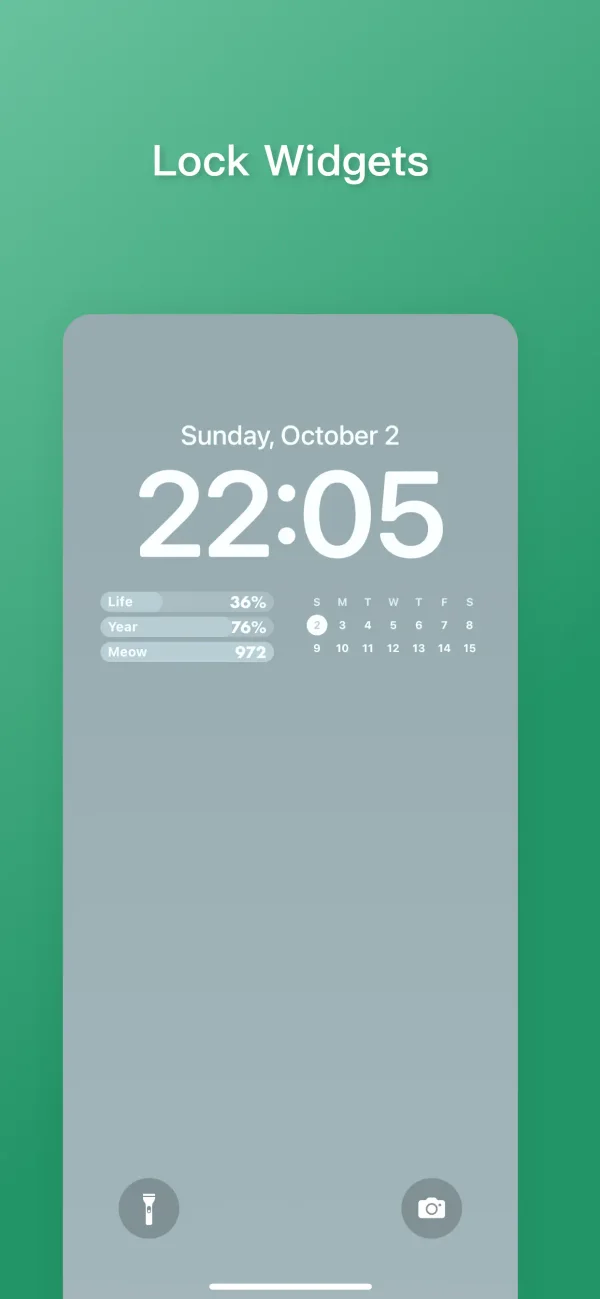
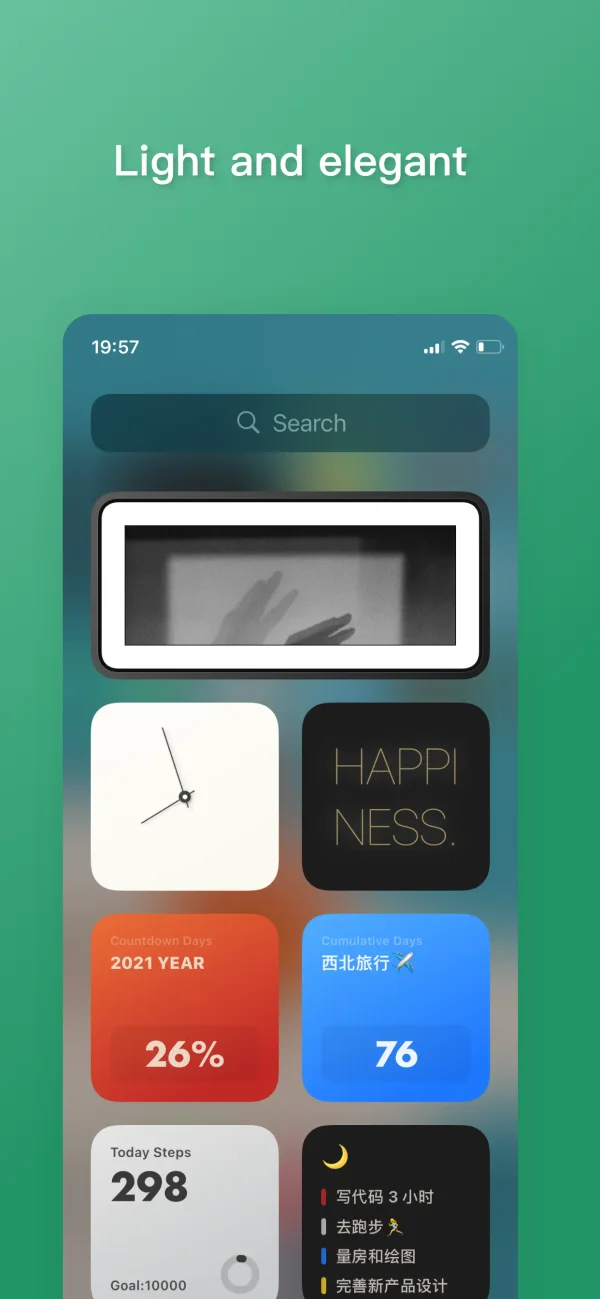
In the current version, "Meow" provides 9 widgets, which are composed of 8 desktop widgets and 1 keyboard extension. These functions are "Quote", "Time Note", "Launch" and "Task List", "Photo", "Today Steps", "Clock", "Calendar" and "Quick Phrase", these small tools are not limited to good-looking, most of them are also very useful. Even if they are separated from the desktop widgets, they have relatively complete functions in the app.
Function Quick View
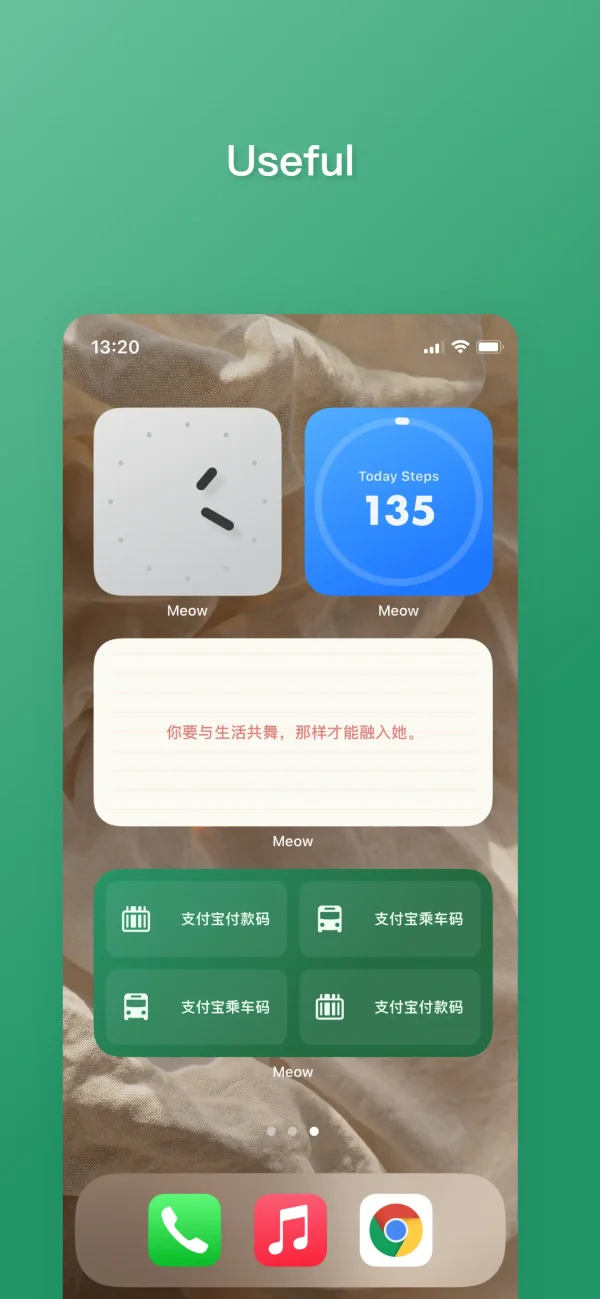
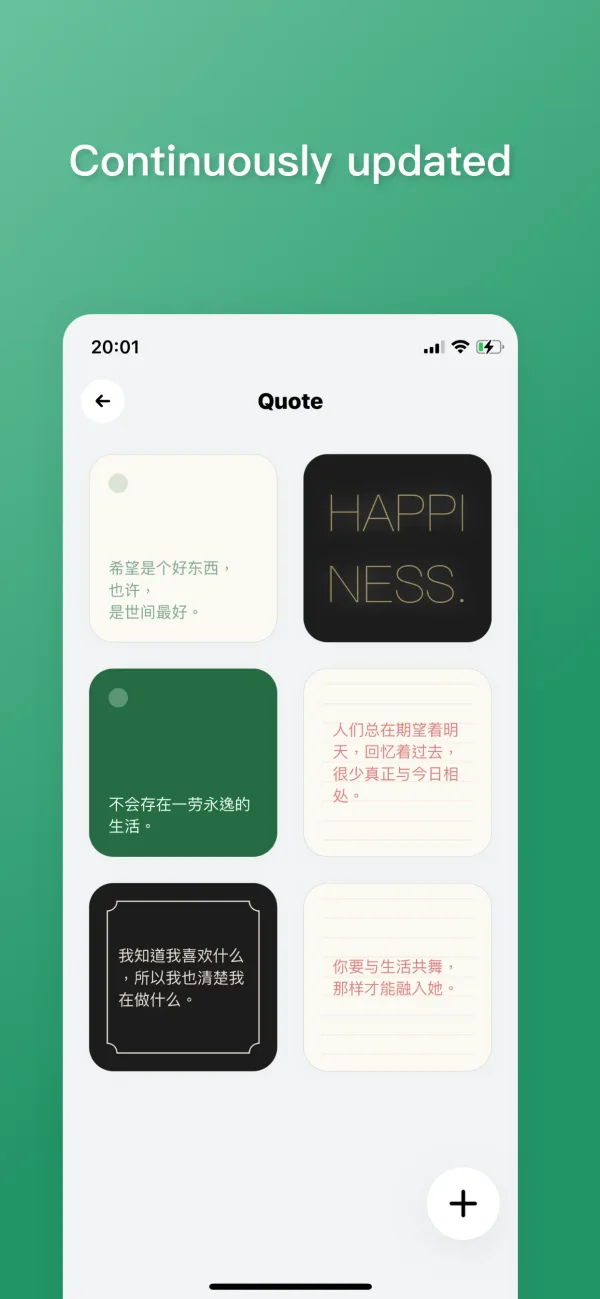
- Quote: Display a paragraph of text input on the widget, which can be used for self-excitation, motto, simple reminders, etc.; you can also choose your favorite style for different content texts.
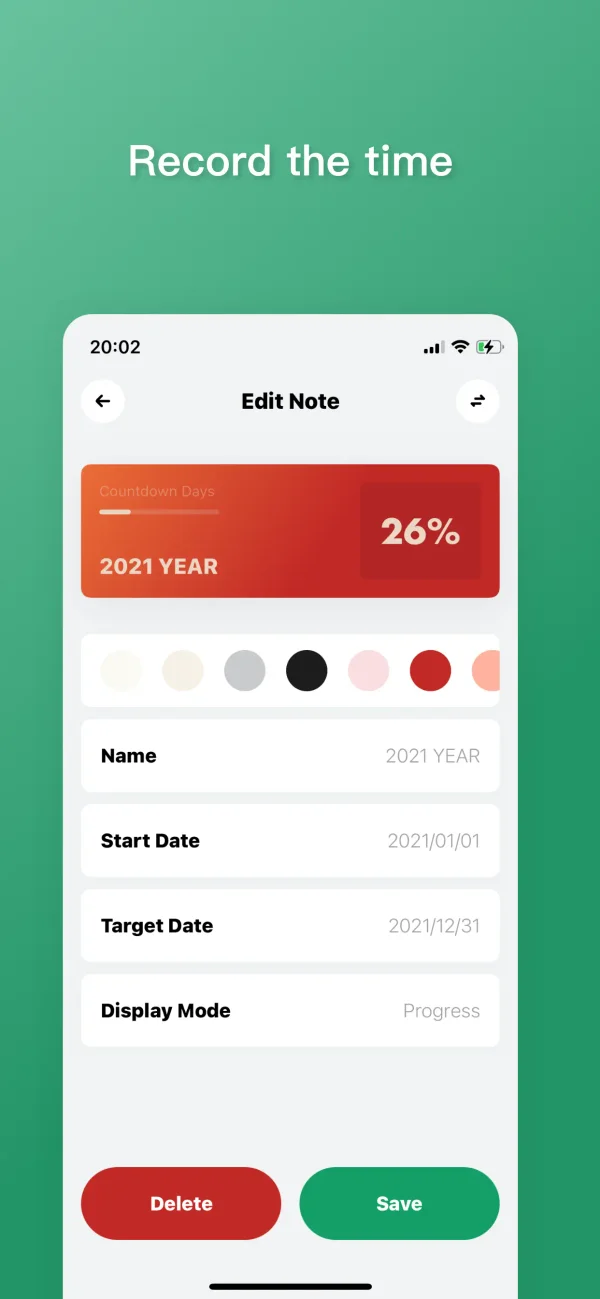
-Time Note: Almost all-round countdown day tool, supports countdown days, cumulative days, percentage progress display, cycle cycles, multi-color themes, etc.
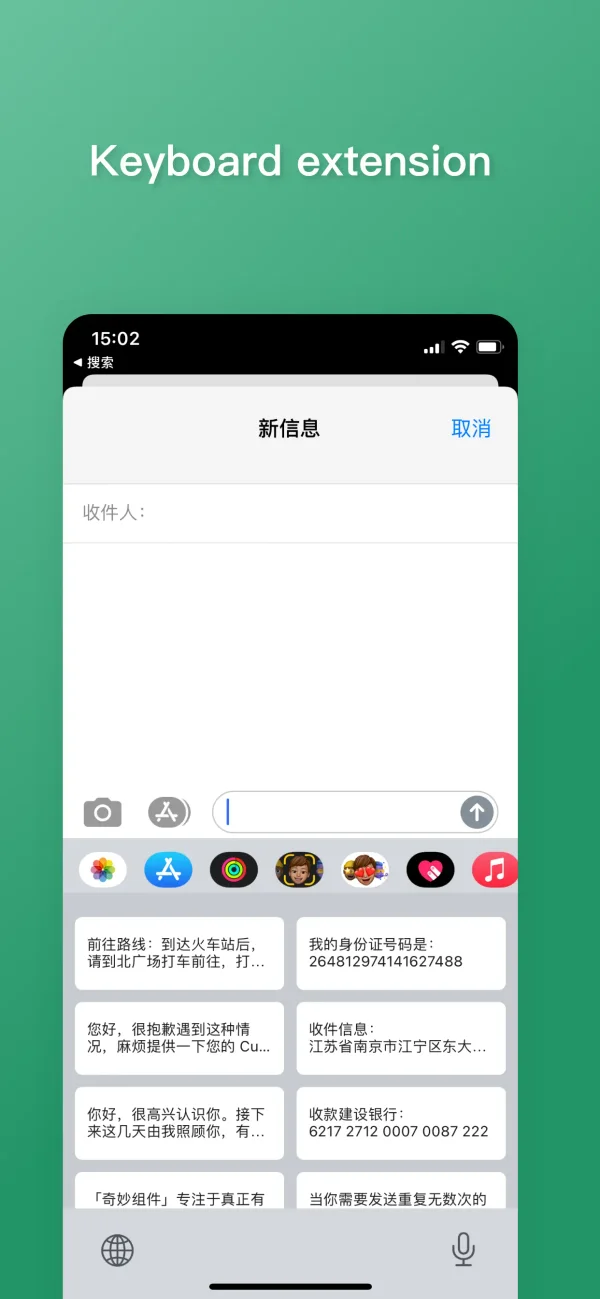
- Quick Phrase: Expand the shortcut phrases on the keyboard. The simple design fits the original interface. You can enter frequently used phrases into the app. When you need to use it, you only need to long press to switch the keyboard and quickly click to use it.
- Launch: Support custom URL Schemes launch tool, built-in dozens of unified styles and beautifully designed icons, which are efficient and beautiful.
- Task List: A concise tool that can be used alone in the app, suitable for recording some simple to-do items.
- Photo: Add your favorite photos, and select the frame style to present on the desktop; some styles provide the function of displaying the date, making this not a simple display of photos.
- Today Steps: A widget showing the daily steps, you can set your own goals, and you can also generate a static map.
- Clock: The design concept is mainly decoration, provides a number of interesting clock styles, and is continuously updated.
Privacy
Meow optionally integrates with Apple’s HealthKit API. This data is used to display your step on today steps widget.
Subscription
- Become Meow Pro to unlock all Meow features.
- Subscription membership costs $1.49 per year, with a 7-day free trial.
Payment will be made directly through your iTunes Account at confirmation of purchase. After the purchase or trial, the renewal will be carried out automatically, and the Apple iTunes account will be deducted within 24 hours before the expiration. After the deduction is successful, the subscription cycle will be extended by 1 subscription cycle. You can modify the automatic subscription settings in the system account settings. If you need to cancel the renewal, please do so at least 24 hours before the current billing period.
Privacy Policy: https://shimo.im/docs/904wG0xy2jErhOf8/
Terms of Use: https://shimo.im/docs/G2luo02rR7Y9COXx/
What’s new
Version 3.34 · Jan 31, 2025
Bug Fixes.
App privacy
What 鑫 吴 declares on the App Store about how this app handles data.
-
Data not collected
The developer does not collect any data from this app.
Privacy practices may vary, for example with the features you use or your age.
Information
- Seller
- 鑫 吴
- Category
- Utilities
- Version
- 3.34
- Updated
- Jan 31, 2025
- Released
- Feb 3, 2020
- Size
- 12.8 MB
- Requires
- iOS 15 or later
- Age rating
- 4+
- Price
- Free
- In-app purchases
- Yes
- Languages
- English, Simplified Chinese
- Copyright
- © snmq
You might also like
-
 WidgetArt:Custom WidgetBeautify your Homescreen
-
 Clip JarOrganize and share text clips
-
 Pandora - Subscription TrackerManage bills & get reminders
-
 PutApp - for app collectorsApp Collection | Organize
-
 1PS Widgets - mobile themesthemes & widgets & wallpapers
-
 Apollo-记录你的影视生活Utilities
-
 小鱼短信Utilities
-
 RSSBudEverything is RSSible
-
 魔法小组件-Magic Widgets万能桌面主题壁纸topUtilities
-
 小巧工具箱 - 常用工具合集Utilities