
- Age rating12+
- CategoryEducation
- DeveloperKEVIN NICHOLAS CHRISTENSEN
- LanguagesEnglish
- Size17.1 MB
Links to the official App Store page
Download.org hosts no file of Mercurius AI. The button opens its official App Store page, published by KEVIN NICHOLAS CHRISTENSEN. Listing last checked on Nov 27, 2026.
Screenshots

About
Mercurius AI is a tutor for understanding artificial intelligence — how it works, where it goes wrong, and how to use it without letting it think for you. It is built around verification and reflection. In Socratic chat, the default, it guides with questions instead of handing over answers.
TWO COURSES
Choose one when you start. You can switch any time, and each course keeps its own progress.
BASICS — new to AI chatbots? Start here.
Five units and 18 short lessons, one small step at a time:
• Meet AI chatbots
• Your first conversations, safely
• Getting good answers
• Everyday tasks
• Using it wisely on your own
Each idea is taught plainly. You practice by writing real messages, and the tutor does the task for real, the way any chatbot would, then points out what made it work. You learn what never to share, how to spot fake calls that sound like family and other scams that use AI, and when to ask a person instead about health, money or legal questions. A lesson is done once you've practiced and answered its check; the four safety lessons need the right answer. Every Basics lesson ends with something to try today, and you can make the words bigger.
DEEP DIVE — already use AI? Learn how it works.
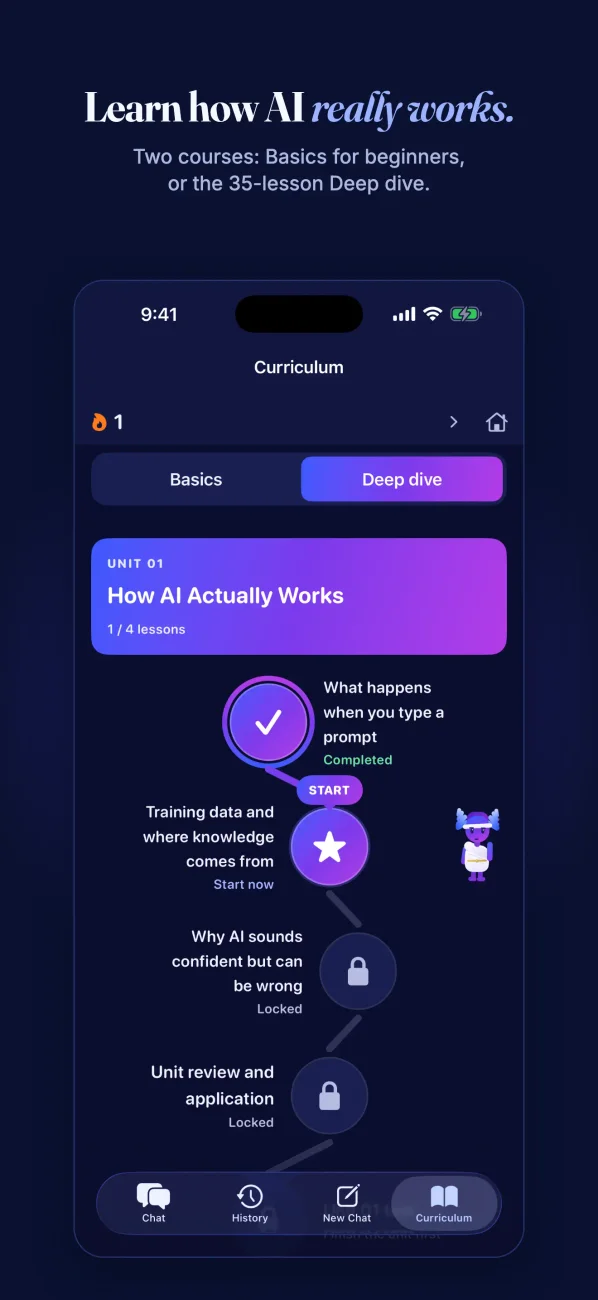
Eight units and 35 short lessons take you from "what happens when you type a prompt" to agents and what comes next:
• How AI Actually Works
• Bias & Fairness
• AI in Society
• Prompt Engineering
• Ethics & Alignment
• Spotting AI: Deepfakes & Synthetic Media
• Using AI Well
• The Frontier: Agents & What's Next
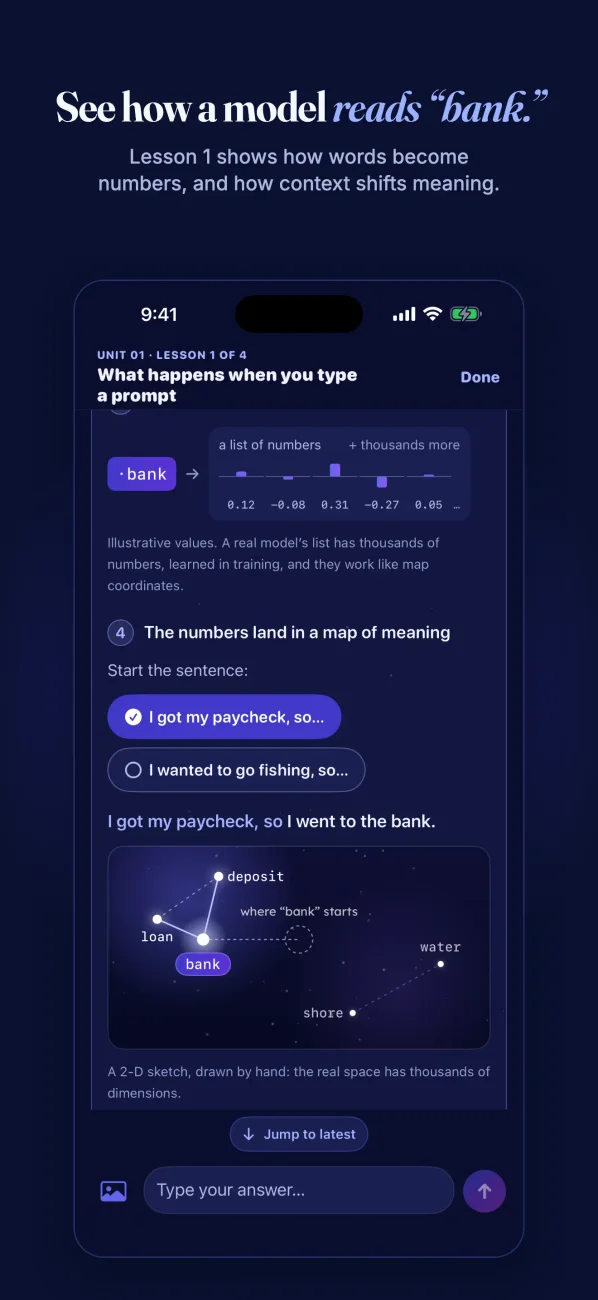
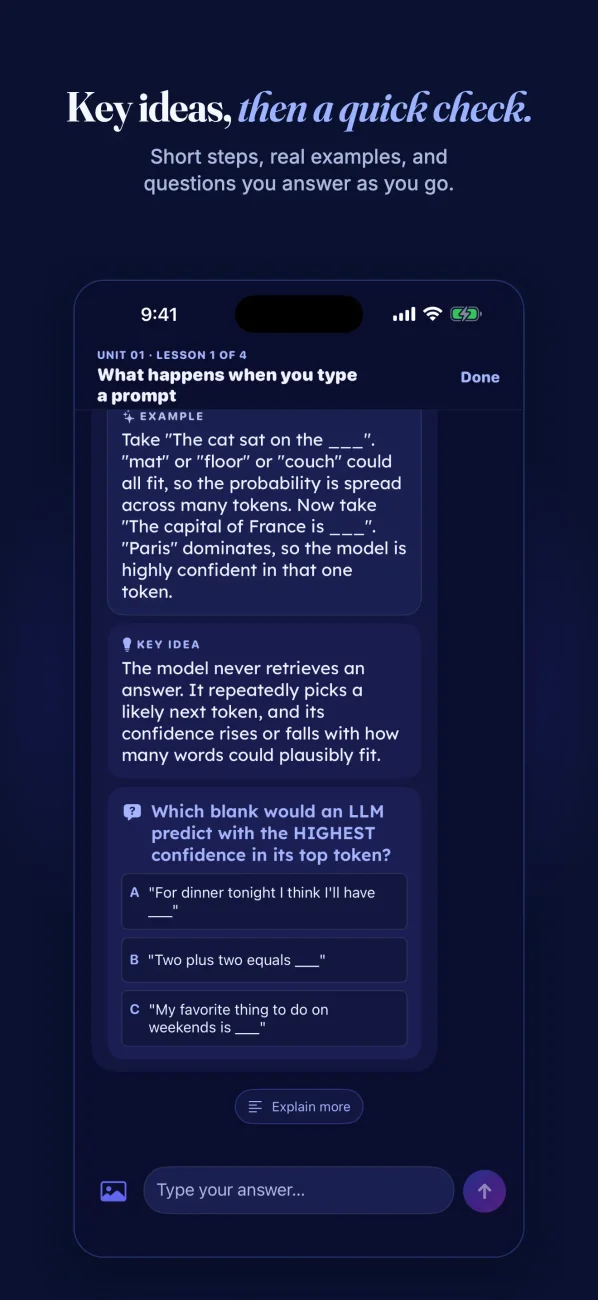
Lessons teach one idea at a time and check your understanding with a question before moving on. A Deep dive lesson is marked complete when you show you understand its objective — not when you reach the end of the text. Unit checks tie each unit together. In Lesson 1, an interactive card shows a sentence turning into tokens, then numbers, then a place on a map of meaning.
In both courses, lessons stream in short beats with KEY IDEA and EXAMPLE cards. Quick checks are multiple-choice questions you answer with a tap; some Deep dive checks ask for your own words.
THREE WAYS TO TALK
• Socratic (the default): the tutor asks questions that lead you to the idea.
• Discussion: reflect on a topic and get a scored response on your reasoning.
• Debate: take a side and argue it while the tutor argues the other side.
ALSO
• Attach a photo to a message — a screenshot, a diagram, a suspicious image — and talk it through.
• Earn a certificate: pass all eight Deep dive unit checks, or finish all 18 Basics lessons, then print it or save it as a PDF. The name you type on it is kept on the device and never sent to our server.
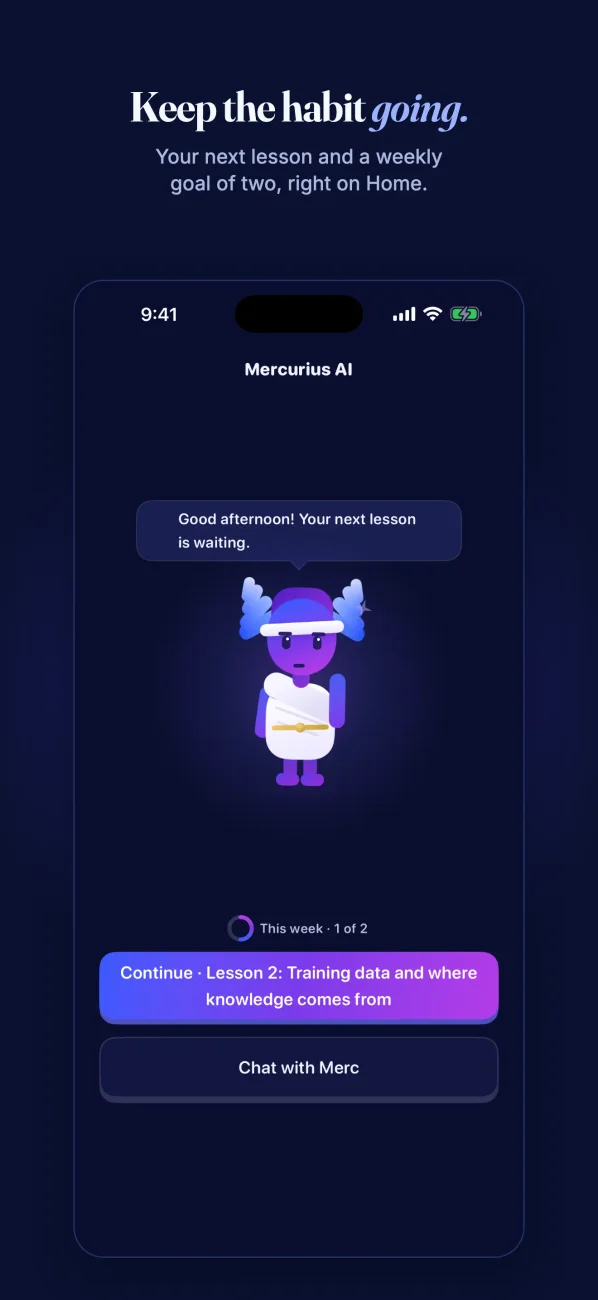
• Opt-in reminders, and a streak on the Deep dive, help you keep the habit going.
• Long-press any reply to report it.
• The tutor is not a counselor. A setup screen lists crisis lines. If our server reads a unit-check answer, or a chat you ask to be quizzed on, as a crisis, that activity stops and shows how to call or text 988 or text HOME to 741741.
HOW IT WORKS
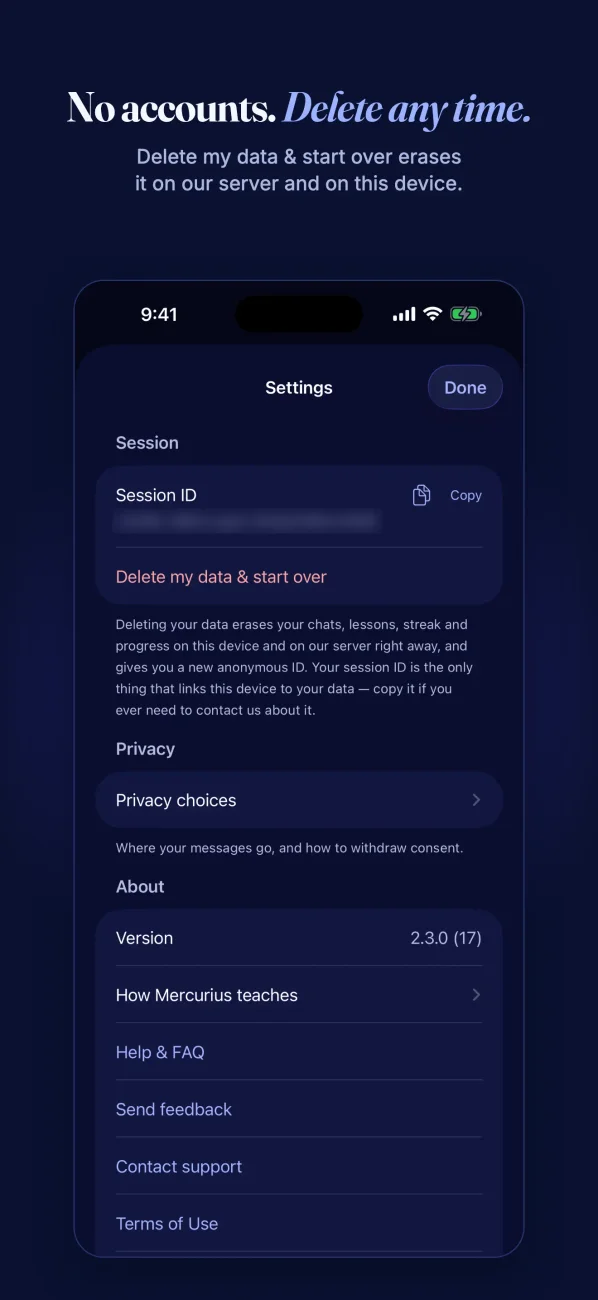
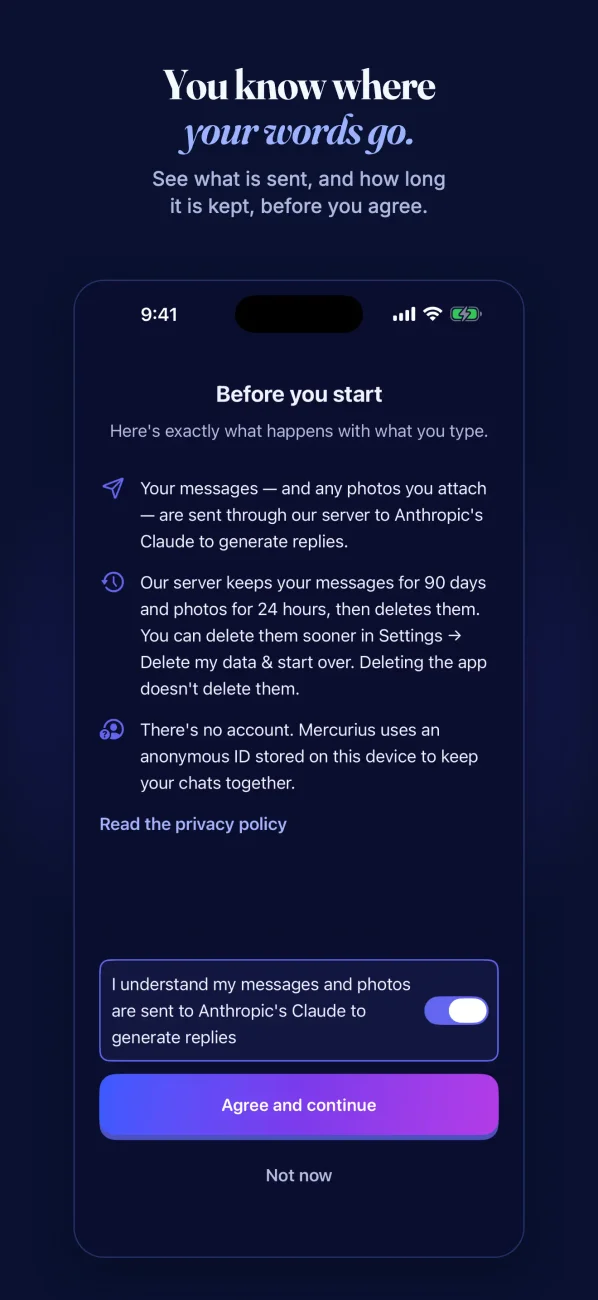
Responses are generated by Claude, Anthropic's AI model, through Mercurius's own server. Like any AI, it can be wrong — checking claims is part of the curriculum, and the app says so plainly. There are no accounts and no ads. Your session is an anonymous id. Our server keeps your messages for 90 days and photos for 24 hours, then deletes them. Deleting the app doesn't delete them, but you can delete them sooner in Settings → Delete my data & start over. The privacy policy at trymercurius.com/privacy has the details.
WHO IT'S FOR
Students 13 and up, and anyone who wants to use AI well rather than passively. The Basics course is written for anyone 13 or older who is new to AI chatbots. Mercurius AI is built by the Mayo AI Literacy Club, a student club.
What’s new
Version 2.3.1 · Nov 3, 2026
Mercurius 2.3.1 has a new icon and fixes for photos, limits and lessons.
• A new app icon: Merc's face.
• If you've used today's photo uploads, what you typed goes back into the text box, unsent, with a note saying when photos come back.
• Pressing Stop during a photo upload now leaves Retry, so you can send the photo again. A new chat started during an upload no longer shows as failed.
• On iPhone, a Deep dive lesson you return to now shows its Lock Screen card, like a new one.
• Merc's greeting on Home now updates if your progress loads late. After the last Basics lesson, it points you back to the lessons, not the chat.
• Quiz me now tells you when a chat is too short to quiz you on, instead of a vague error.
• On a unit check left open, Submit turns back on when your daily limit resets.
App privacy
What KEVIN NICHOLAS CHRISTENSEN declares on the App Store about how this app handles data.
-
Data linked to you
May be collected and linked to your identity.
- User content
- Usage data
-
Data not linked to you
May be collected but is not linked to your identity.
- User content
- Identifiers
Privacy practices may vary, for example with the features you use or your age.
Information
- Seller
- KEVIN NICHOLAS CHRISTENSEN
- Category
- Education
- Version
- 2.3.1
- Updated
- Nov 3, 2026
- Released
- Jun 15, 2026
- Size
- 17.1 MB
- Requires
- iOS 17.0 or later
- Age rating
- 12+
- Price
- Free
- Languages
- English
- Copyright
- © 2026 Mayo AI Literacy Club
You might also like
-
 PixLingoLearn languages lightning fast
-
 Forte — AI TutorTutors that know you
-
 Verses: Bible Quiz GameGrow in the Word
-
 AI Kickstart 101Your Guide to AI Tools
-
 Curio: Learn AI, Prove ItCourse, tutor and certificate
-
 UFCW 88Education
-
 NewSpeak: AI English TutorYour Personal English AI Tutor
-
 STREAM: Wellness & ResilienceEducation
-
 Kids AI World8 kid-friendly apps in one
-
 Liminal: Learn PhilosophyPhilosophy, step by step