PageStack: Merge & Split PDF
Image to PDF Converter & Scan
Designed for iPhone, iPad
Free
- Age rating4+
- CategoryBusiness
- Developerkasula rajesh
- LanguagesEnglish+ 16 more
- Size8.9 MB
Links to the official App Store page
Download.org hosts no file of PageStack: Merge & Split PDF. The button opens its official App Store page, published by kasula rajesh. Listing last checked on Nov 20, 2026.
Screenshots
About
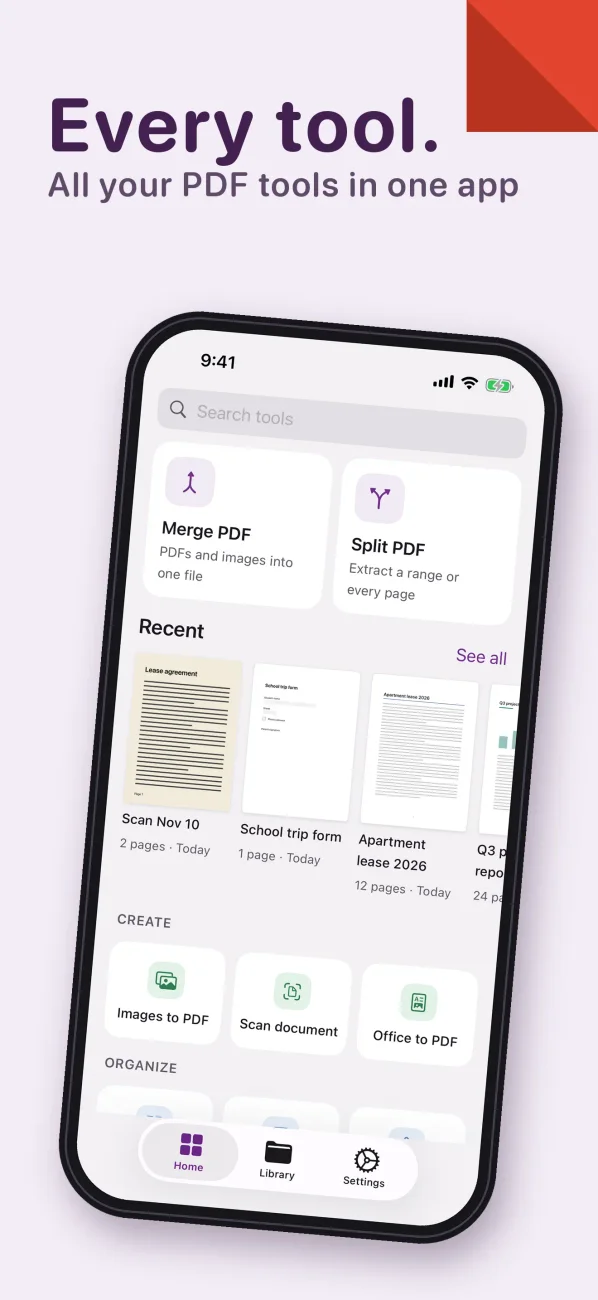
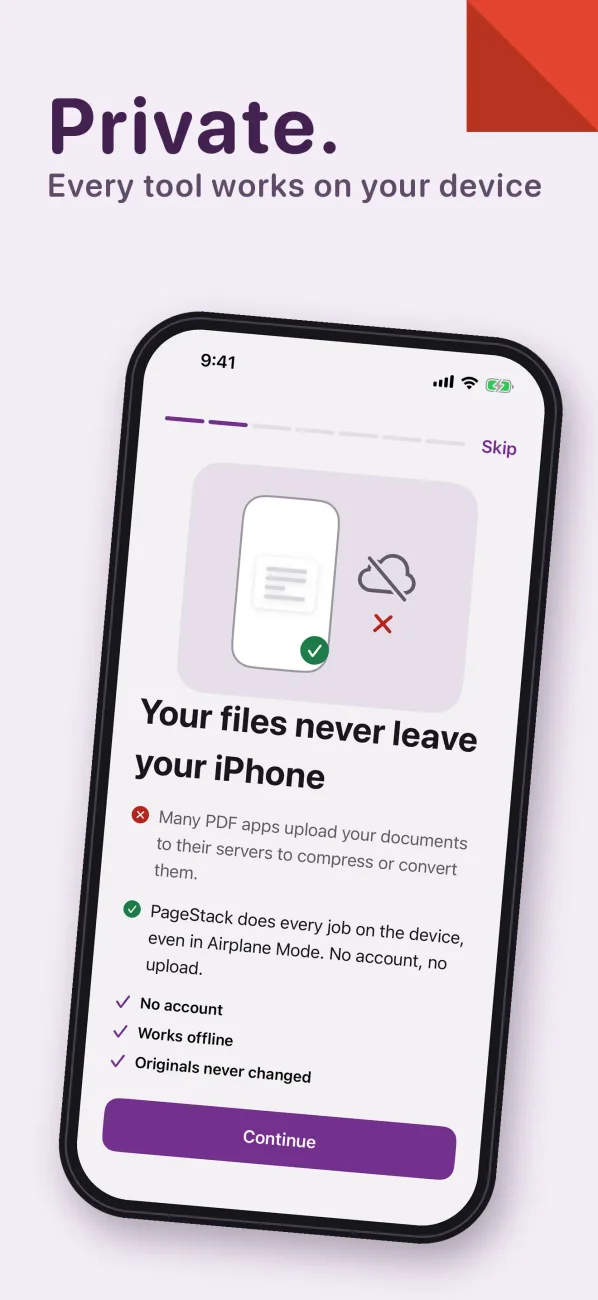
PageStack puts every PDF job in one place: merge, split, scan, turn photos into PDFs, compress, sign, fill forms, mark up and protect. All of it runs on your iPhone or iPad. Your files are never uploaded, and you don't need an account.
COMBINE AND SPLIT
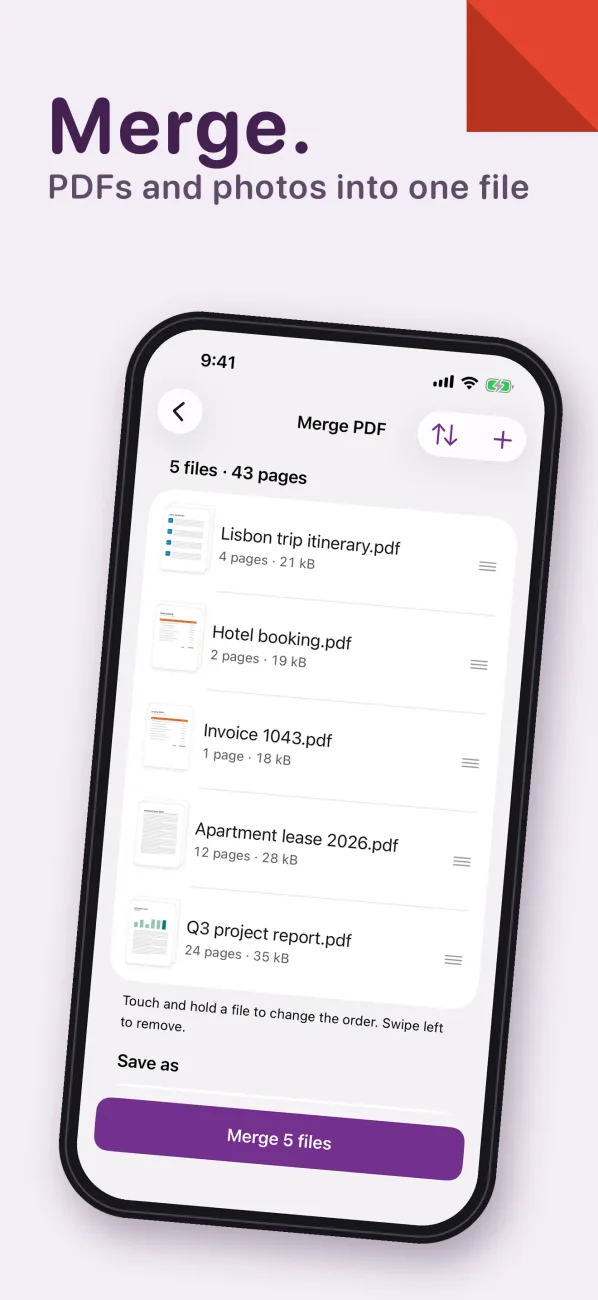
• Merge PDFs and images into one file, in the order you choose: drag to reorder or sort by name or date
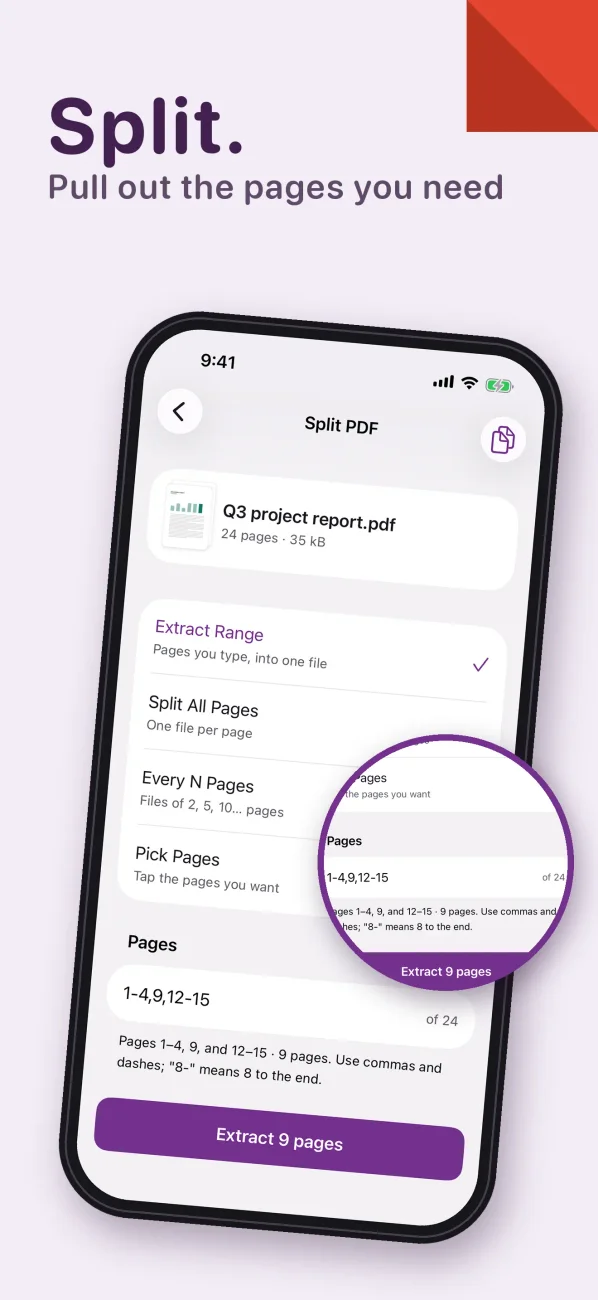
• Split a PDF by page range ("1-3, 5"), into single pages, every few pages, or by picking pages
• Merge keeps text, fonts and links as they were
ORGANIZE PAGES
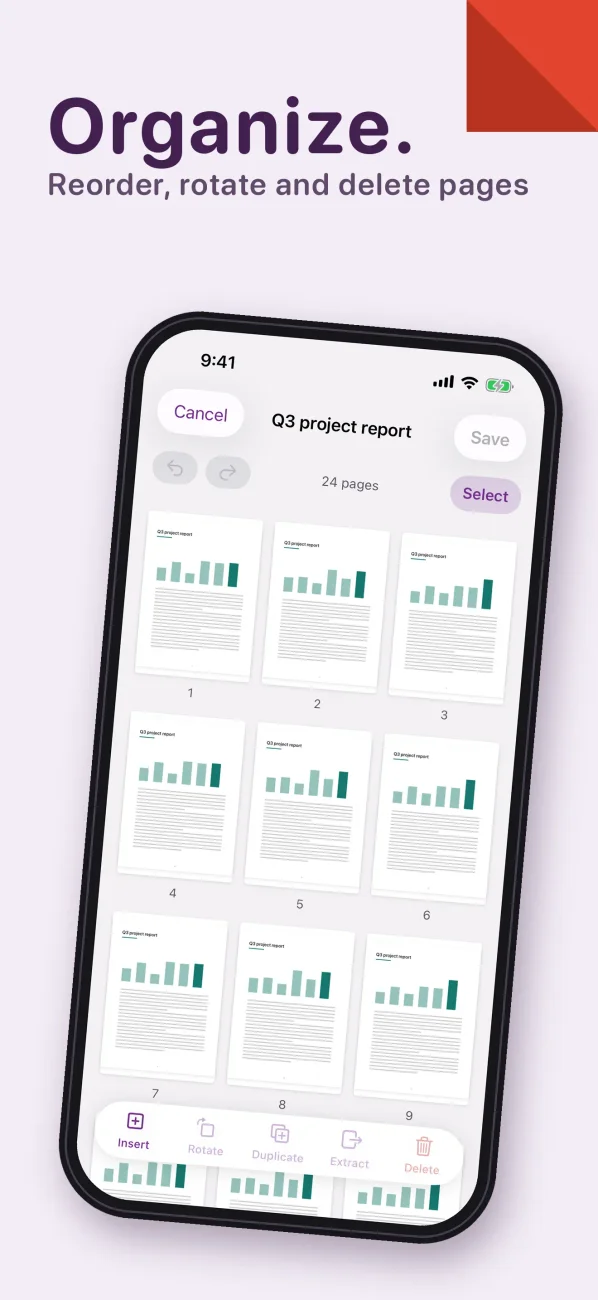
• Reorder pages by dragging, rotate, delete or duplicate them, with undo
• Insert blank pages, or pages from another PDF or from photos
• Pull selected pages out into a new file
CREATE
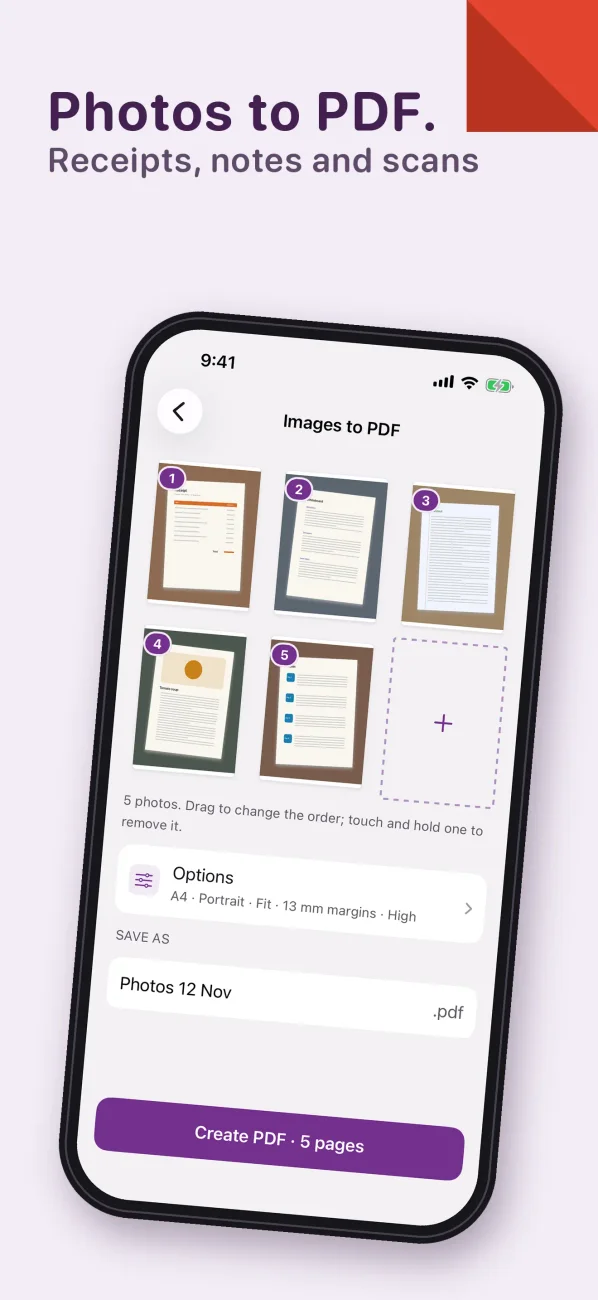
• Images to PDF: photos from your library, the camera or Files, with page size, orientation, margins and layout options
• Scan documents with automatic edge detection, many pages at once
• ID card mode puts the front and back on one page at real size; Book mode splits each spread into two pages
• Office to PDF: Word, Excel, PowerPoint, Pages, Numbers, Keynote, RTF, text and web pages
OPTIMIZE AND SHARE
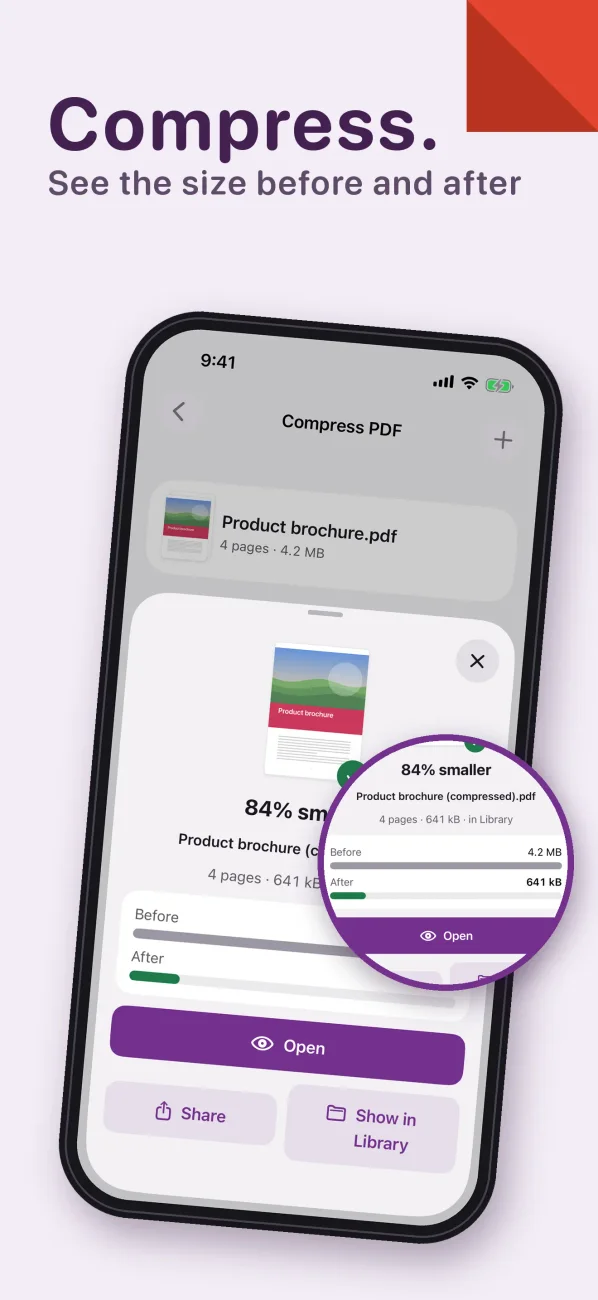
• Compress a PDF and see the size before and after
• Save pages as JPG or PNG images
• Share as a PDF, a smaller PDF, images, or a password-protected copy
SECURE
• Add a password to open a PDF, and stop others printing or copying it
• Remove a password you know
SIGN AND MARK UP
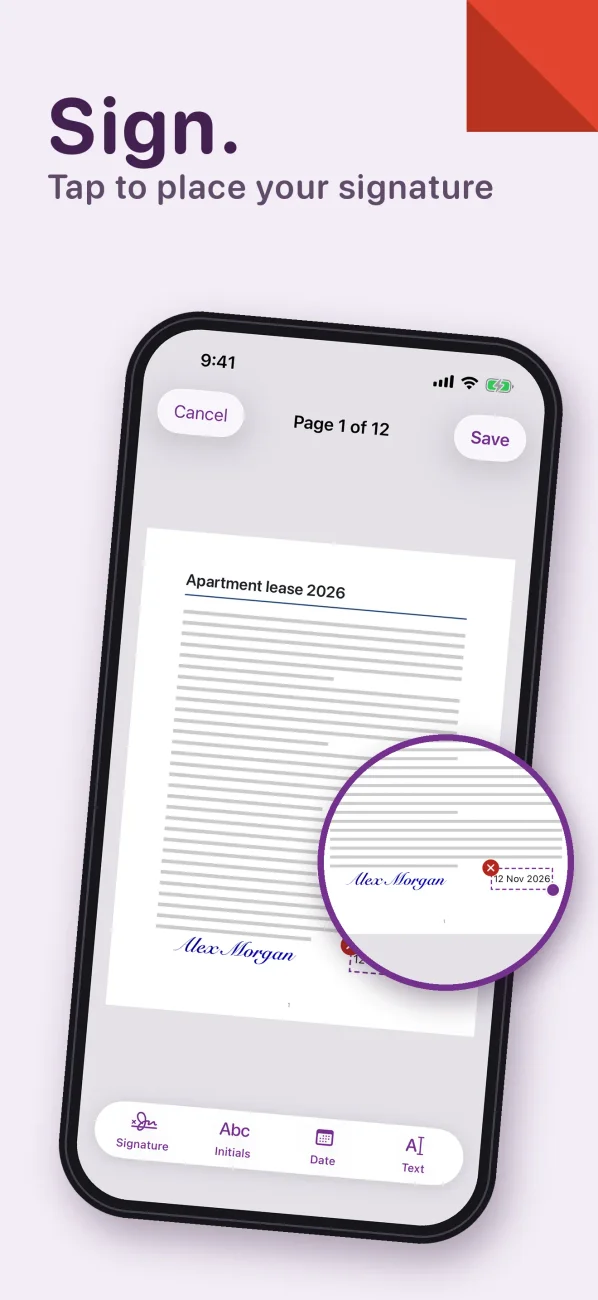
• Draw your signature or take it from a photo, then tap to place it, with the date and initials
• Fill in PDF forms
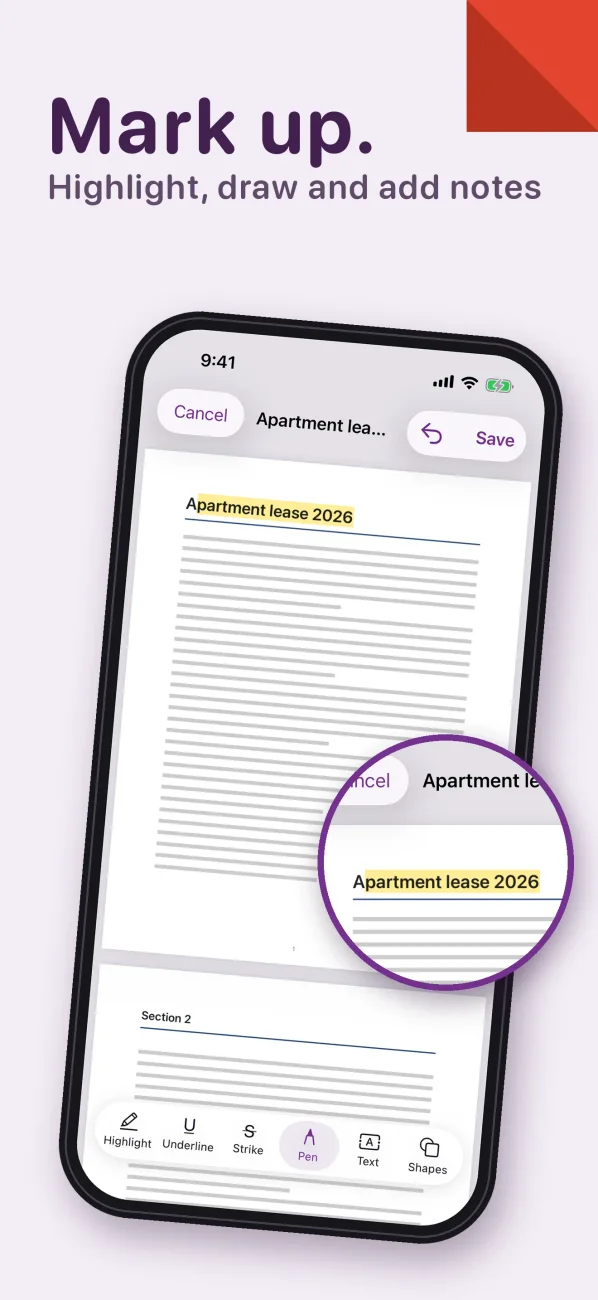
• Highlight, underline, strike through, draw, add text boxes and shapes
TEXT TOOLS
• Make scans searchable with on-device text recognition
• Copy or save all of a PDF's text
• Add page numbers and text watermarks
YOUR LIBRARY
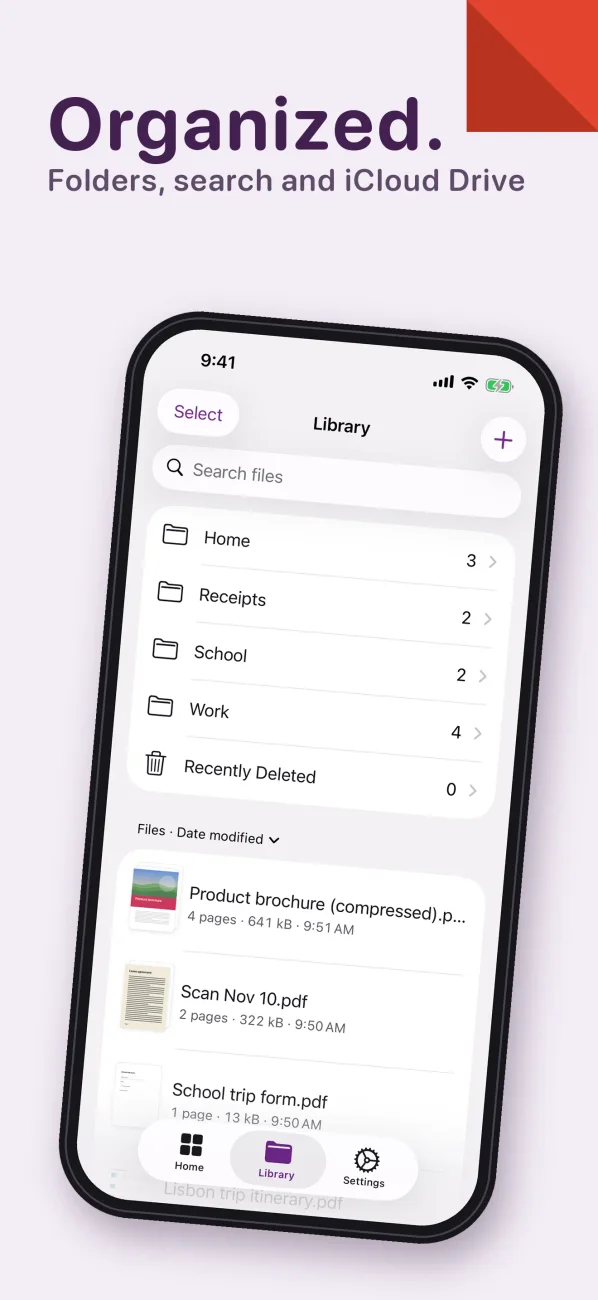
• Folders, rename, duplicate, move, sort and search; Recently Deleted keeps files for 30 days
• Files are visible in the Files app, with an optional iCloud Drive library
• A viewer with page thumbnails, search and print
• Open PDFs and images from Files, Mail or Safari straight into a tool
MADE FOR IPHONE AND IPAD
• iPad sidebar, drag and drop from other apps, and keyboard shortcuts
• Shortcuts and Siri: merge PDFs or open any tool
• Quick actions on the app icon: Scan, Merge, Images to PDF
PRIVATE BY DESIGN
Everything is processed on your device. PageStack sends only anonymous crash reports and anonymous usage counts (which tools are used, never file names or contents) to help fix problems and improve the app.
Merge & Split PDF Pro is now PageStack: everything you used is still here, with many new tools.
What’s new
Version 2.0.0 · Nov 13, 2026
Merge & Split PDF Pro is now PageStack, rebuilt from the ground up.
• Merge and Split work as before, faster, with images too
• New tools: scan, images to PDF, organize pages, compress, protect and unlock, sign, fill forms, mark up, page numbers, watermark, searchable PDFs, extract text and Office to PDF
• A library with folders, search and Recently Deleted, plus optional iCloud Drive
• Redesigned for iPhone and iPad, with Shortcuts and quick actions
• Everything stays on your device
App privacy
What kasula rajesh declares on the App Store about how this app handles data.
-
Data linked to you
May be collected and linked to your identity.
- Contact info
- User content
-
Data not linked to you
May be collected but is not linked to your identity.
- Usage data
- Diagnostics
Privacy practices may vary, for example with the features you use or your age.
Information
- Seller
- kasula rajesh
- Category
- Business
- Version
- 2.0.0
- Updated
- Nov 13, 2026
- Released
- Mar 1, 2025
- Size
- 8.9 MB
- Requires
- iOS 18.0 or later
- Age rating
- 4+
- Price
- Free
- Languages
- English, Arabic, Dutch, French, German, Indonesian, Italian, Japanese, Korean, Portuguese, Russian, Simplified Chinese + 5 more
- Copyright
- © 2026 Rajesh Kasula
You might also like
-
 AI Note Taker – Voice to TextTLQ Audio Transcriber, Summary
-
 Subscription Tracker: SubSenseBill & renewal reminders
-
 AI PDF Converter: Files to PDFWord, JPG, Scan, Merge & Sign
-
 APPNIXBusiness
-
 Doc Master: Scan & Sign PDFsDocument Scanner & PDF Signer
-
 Chat AI- AI Chatbot Assistant!Ask AI By Text, Voice , Image
-
 Shorty - AI SummarizerAn AI Summarizing App
-
 Document & QR Code ReaderBracode Scanner - Quick Scan
-
 AI Voice Clone StudioText To Speech Eleven Labs
-
 Passport Photo Booth: Photo IDPassport Booth, ID Photo Maker